When to use it
- Explainer and product videos with a narrator and B-roll
- Social ads of 15 to 60 seconds, where the client approves the picture and the words together
- Training and onboarding videos built from screen recordings
- Interview-led videos, with on-camera lines beside the cutaways
- Tutorials where viewers follow each step as you show it
How to use this template
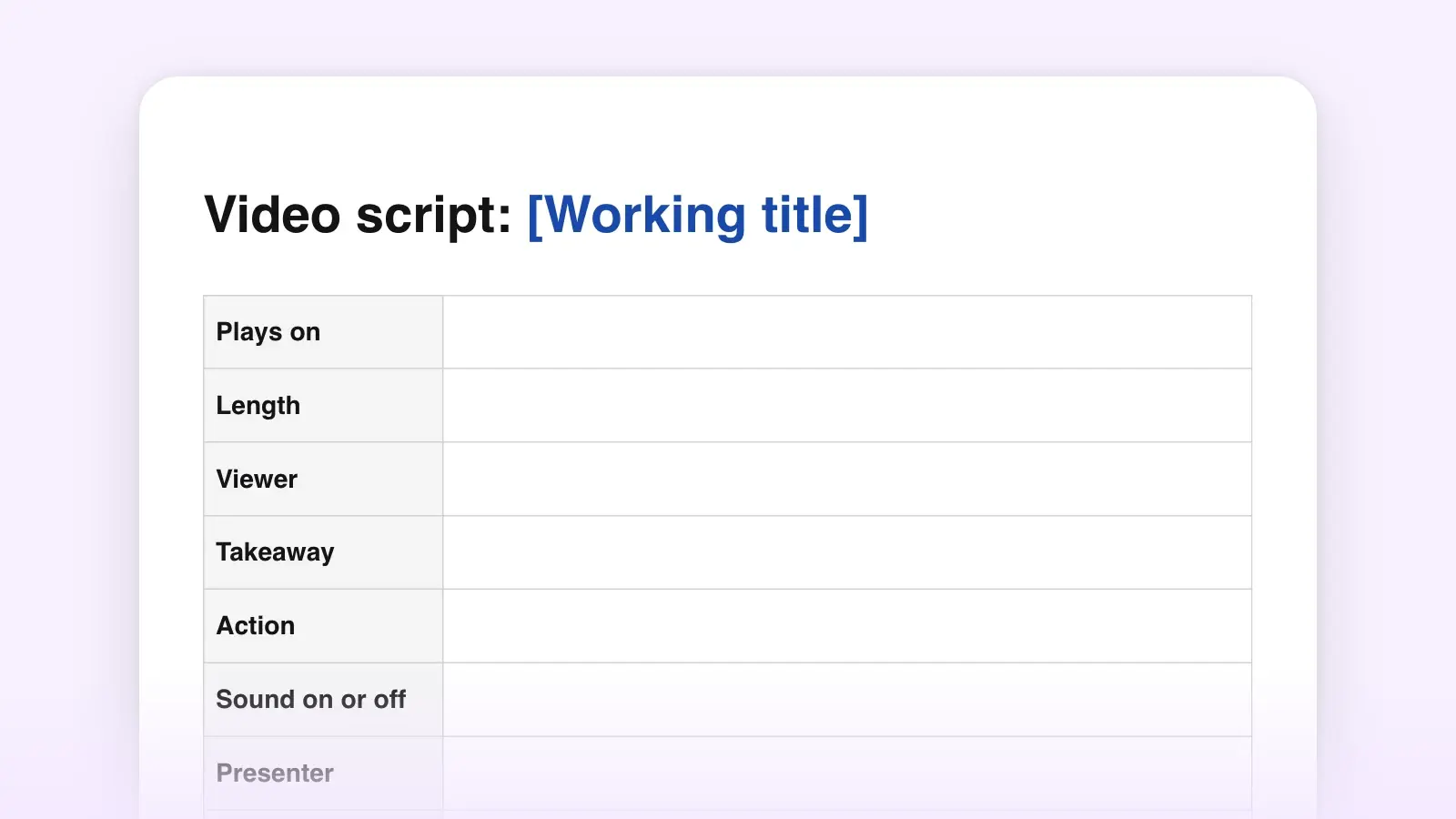
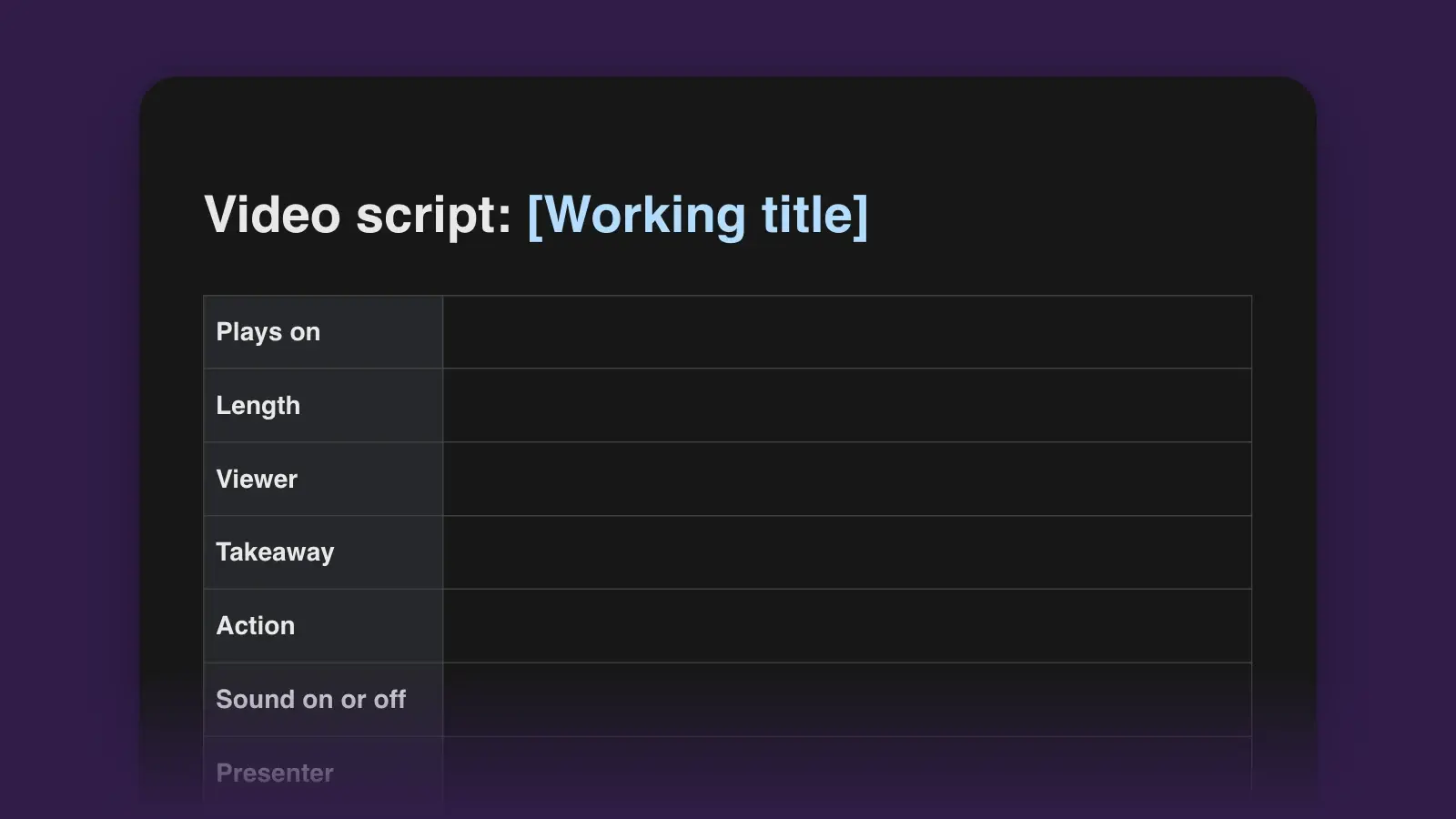
The template is the whole production document, not just the script: a brief, a beat plan with a word budget, the two-column script, and the lists the narrator and editor work from. For the full method and a longer worked example, read how to write a video script.
- Fill in the brief before you write a line
The brief settles the arguments that otherwise surface in the edit: who is watching, the one sentence they should remember, and the one thing they should do next. The takeaway works like a logline; if it needs two sentences, you have two videos. Note where it plays, too. A muted social feed needs its facts on screen; a training portal can take its time.
- Budget the beats in seconds, then in words
Give each beat a start time and a length that add up to your target. Then plan about two words of narration per second of video. That is roughly 120 words a minute, a little under the 130 to 150 that narrators speak, which leaves room for pauses and for shots with no talking. A five-second hook holds about ten words; a 20-second step, about forty.
- Write the audio column, then the video column
Draft the narration first and write it for the ear. Listeners can't reread, so the rules of readability tighten: short sentences, contractions, numbers said the way people say them. Then fill the video cell beside every line. An empty cell is footage nobody has planned, and a line that describes its own picture breaks show, don't tell. Cut it.
- Time it, then build the lists underneath
Read the audio column aloud at the narrator's pace and write the real start times into the Time column. Then copy every SUPER and lower third into the on-screen text table, every shot into the shot list (sorted by location if you are filming), and everything you need to find or license into the files checklist.
A filled-in example: a 30-second ad
Here are the script rows for a 30-second social ad for a bread class. The bakery, the teacher and the price are invented. It runs about 50 words, under the 60 the budget allows, because the first two seconds are sound only and the last two are the end card.
| Time | Video | Audio |
|---|---|---|
| Time0:00 | VideoCU hands fold dough on a floured counter. | AudioSFX: dough slapping the counter. No narration. |
| Time0:02 | VideoCU a loaf comes out of the oven, crust crackling. | AudioMUSIC: piano in, under. V.O.: You could have made this. / This Saturday, you will. |
| Time0:07 | VideoWS six people in aprons at a long table. SUPER: Sourdough 101 · Saturdays 9 to noon | AudioV.O.: Sourdough 101 at Linden Street Bakery. Three hours, six students, one teacher. |
| Time0:15 | VideoMS the teacher shapes a loaf and talks to camera. LOWER THIRD: Mara Ellis, Head Baker | AudioMARA (on camera): You'll go home with a loaf, a jar of starter, and enough practice to do it again on your own. |
| Time0:24 | VideoSUPER: $65 · Book at lindenstreet.example | AudioV.O.: Six seats a class. // Book on our website. |
| Time0:28 | VideoEND CARD logo and address. | AudioMUSIC: out. Ends 0:30. |
The hook is a sound and a picture, not the bakery's name. The price and the web address appear only on screen, where a viewer can read them twice, and the teacher's line makes the promise so the narrator doesn't have to.
Tips for the two columns
- Keep one moment per row. If an audio cell runs past three sentences, split it. Each row is a cut the editor can find, and long rows hide shots nobody has planned.
- Round numbers in the narration, exact ones on screen. “About a third” is easy to hear. “32.7%” belongs in a SUPER, where it can be read.
- Pick a column order and keep it. This template puts video on the left; some agencies and script tools put audio first. Either works if everyone reads the same layout. Switching between drafts is how a narrator ends up reading a shot description aloud.
- Spell hard names for the narrator. Worcester (WUSS-ter) costs one retake if nobody writes it down, and it is always the one in the last line.
- Keep the long cut when you make the short one. A 30-second version often wants a line back from the 60-second draft, so save the longer draft before you start cutting.
Other script templates
| Template | Use it for |
|---|---|
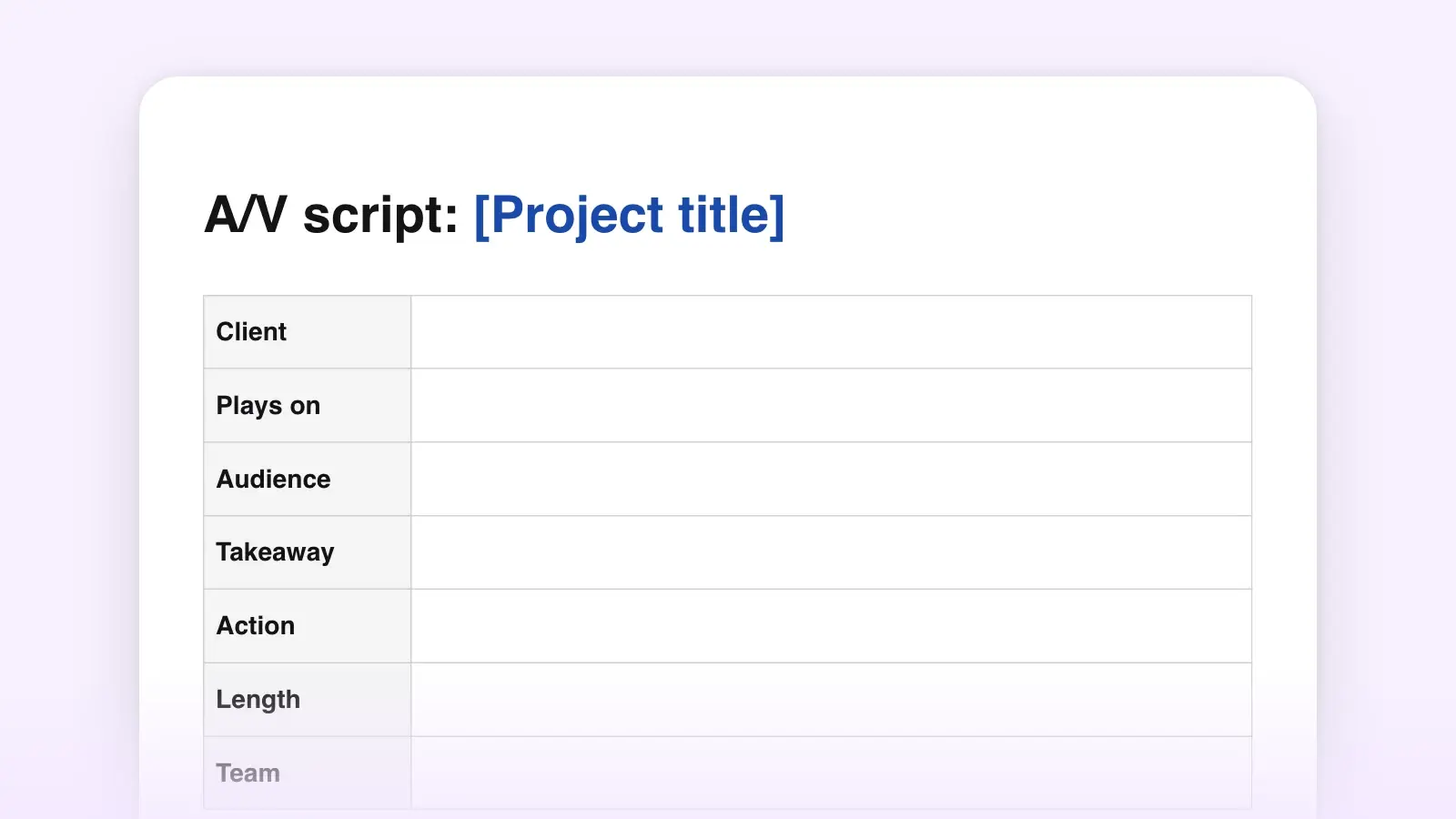
| TemplateA/V script | Use it forJust the two columns, when the brief and lists live elsewhere |
| TemplateYouTube script | Use it forChannel videos, where retention and chapters shape the outline |
| TemplateExplainer video script | Use it forProblem, how the solution works, and proof |
| TemplateCommercial script | Use it forSpots of 30 and 60 seconds |
| TemplateVoiceover script | Use it forNarration recorded on its own, with no video column |
Frequently asked questions
How many words should a video script have?
Plan about 120 words for each minute of video, or two words a second. Narrators speak at roughly 130 to 150 words a minute, and the gap leaves room for pauses and shots with no narration. Read the script aloud with a timer before recording, because the narrator's pace is the one that counts.
What do V.O., SUPER and SFX mean in a script?
V.O. is voice-over, narration heard over the picture. SUPER is text superimposed on the picture, such as a name, a date or a price. SFX is a sound effect. You will also see O.C. for a voice whose speaker is off camera, and CU, MS and WS for close-up, medium shot and wide shot.
Is a video script the same as a screenplay?
No. A screenplay is for narrative film: scene headings, action lines and character names above dialogue. Narrated video, such as explainers, ads, training and tutorials, is usually written in two columns, so the picture and the words for each moment sit side by side and can be approved together.
Can I use this template in Google Docs?
Yes. Download the Word file and open it in Google Docs or Word; the script, beat plan and shot list come through as tables. The Markdown file suits a wiki, a repository or any plain-text editor.