When to use it
- Explainer, training and corporate videos read by a narrator
- Documentaries and interview pieces cut together from sound bites
- TV, online and social ads that a client approves line by line
- Event and slideshow videos timed to a music track
How to use this template
- Set the length before you write
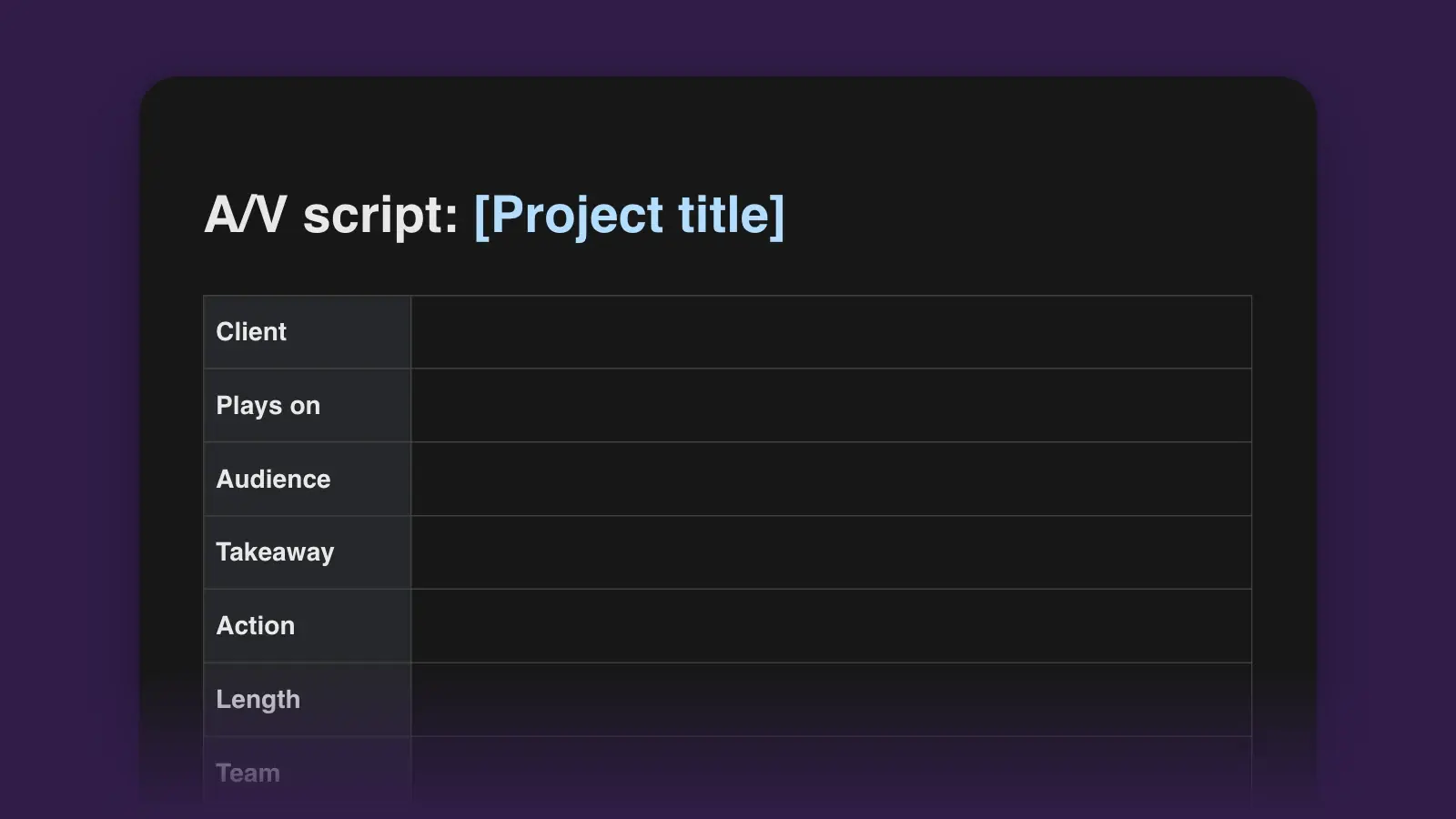
Fill in the details and the one-sentence purpose, then turn the target length into a word budget. Narration usually runs at 130 to 150 words a minute. Draft to about 120 words per finished minute, which leaves room for music and shots with no talking: a 90-second video gets about 180 words.
- Write the audio column first
Write the narration before you plan a single shot, and pick interview bites from transcripts. Copy each bite word for word with its clip and timecode in and out, so the editor finds it in seconds. Listeners can't reread, so readability matters more than on the page: one idea per sentence.
- Give every row a picture
Go down the video column: shot size, then what we see, then any on-screen text. An empty cell is footage nobody has planned. Where the picture already shows something, apply show, don't tell and cut the words that repeat it.
- Time it and fill in the time column
Read the audio aloud at the narrator's pace with a stopwatch running and write down when each row starts. Log the total in the read-through table. If it runs long, cut whole sentences; trimming a word from every line saves almost nothing.
Running time and source timecode
Two kinds of time appear in an A/V script, and mixing them up sends an editor to the wrong place. The time column is running time, counted from 0:00 in the finished video. Source timecode, written the SMPTE way as hours, minutes, seconds and frames, says where a clip sits in the raw footage.
| Kind | Looks like | Use it for |
|---|---|---|
| KindRunning time | Looks like1:05 | Use it forWhen the row starts in the finished video. This is the Time column. |
| KindSource timecode | Looks like01:12:04:10 | Use it forWhere a sound bite or shot sits in the footage: hours, minutes, seconds, frames. |
| KindDrop-frame timecode | Looks like01:12:04;10 | Use it forTimecode that keeps 29.97 fps video in step with the clock. The semicolon marks it. |
What a filled-in script looks like
The opening rows of a 90-second community video. The center and the volunteer are invented; a slash marks a short pause.
| Time | Video | Audio |
|---|---|---|
| Time0:00 | VideoCU hands unscrewing the back plate of a toaster. | AudioNAT SOUND up, two seconds. V.O.: Every second Saturday, the back room of the Elm Street Community Center fills up with broken things. |
| Time0:08 | VideoWS six tables, a line at the door. SUPER: Fix-It Saturday | AudioV.O.: Lamps, toasters, a vacuum that just stopped. / Most of them go home working. |
| Time0:15 | VideoMS Ruth at her table, the toaster open. LOWER THIRD: Ruth Okafor, volunteer | AudioRUTH (SOT, clip A014, 00:03:12:08–00:03:21:15): Nine times out of ten it's a loose wire. People can't believe it was that small. |
| Time0:25 | VideoB-ROLL: a teenager plugs in a lamp. It lights. | AudioMUSIC: piano in, under. V.O.: The fixers are volunteers. The repairs are free. / You bring the broken thing. |
Tips for a two-column script
- Start a new row when the picture changes. If one audio cell holds more than about 30 words, that is roughly 13 seconds on a single shot. Split the row or plan a cutaway.
- Put on-screen text in the script word for word. SUPERs and lower thirds then get proofread with the narration and approved in the same pass.
- Write numbers as they are said. "About a third," not "33.3%". Hard names go in the narrator notes, spelled phonetically.
For the whole process, from brief to shot list, read how to write a video script. If you only need the narration, the voiceover script template is simpler.
Frequently asked questions
Does video go in the left column or the right?
Most A/V scripts put video on the left and audio on the right, and this template does too. Some script tools put audio first. Either works if the whole team uses the same layout from first draft to last.
How is an A/V script different from a screenplay?
A screenplay runs in one column of scene headings, action and dialogue, for drama with actors. An A/V script splits the page so narration, interviews and music sit beside the pictures they play over. It suits documentaries, commercials, explainers and training videos.
How many words fit in a 30-second or 60-second script?
At about 140 words a minute, a 30-second spot holds roughly 70 spoken words and a 60-second one about 140. Draft to about 60 and 120 to leave room for pauses and music, then time your narrator, whose pace is the one that counts.
Can I add more columns?
Yes. A frame column for storyboard sketches or reference images is the usual addition. Past four or five columns the cells get too narrow to write in, so turn the page to landscape or move the extras into the footage list.