When to use it
- Tutorials and explainers, where the order of steps matters and every sentence has to earn its place
- Reviews, tests and video essays built around one question the title asks
- Sponsored videos, where the read, the spoken disclosure and their placement should be written down before the shoot
- Channels with an editor or co-host who needs to see the shots and the lines in one document
- Authors starting a channel about their books, their research or how they write
How to use this template
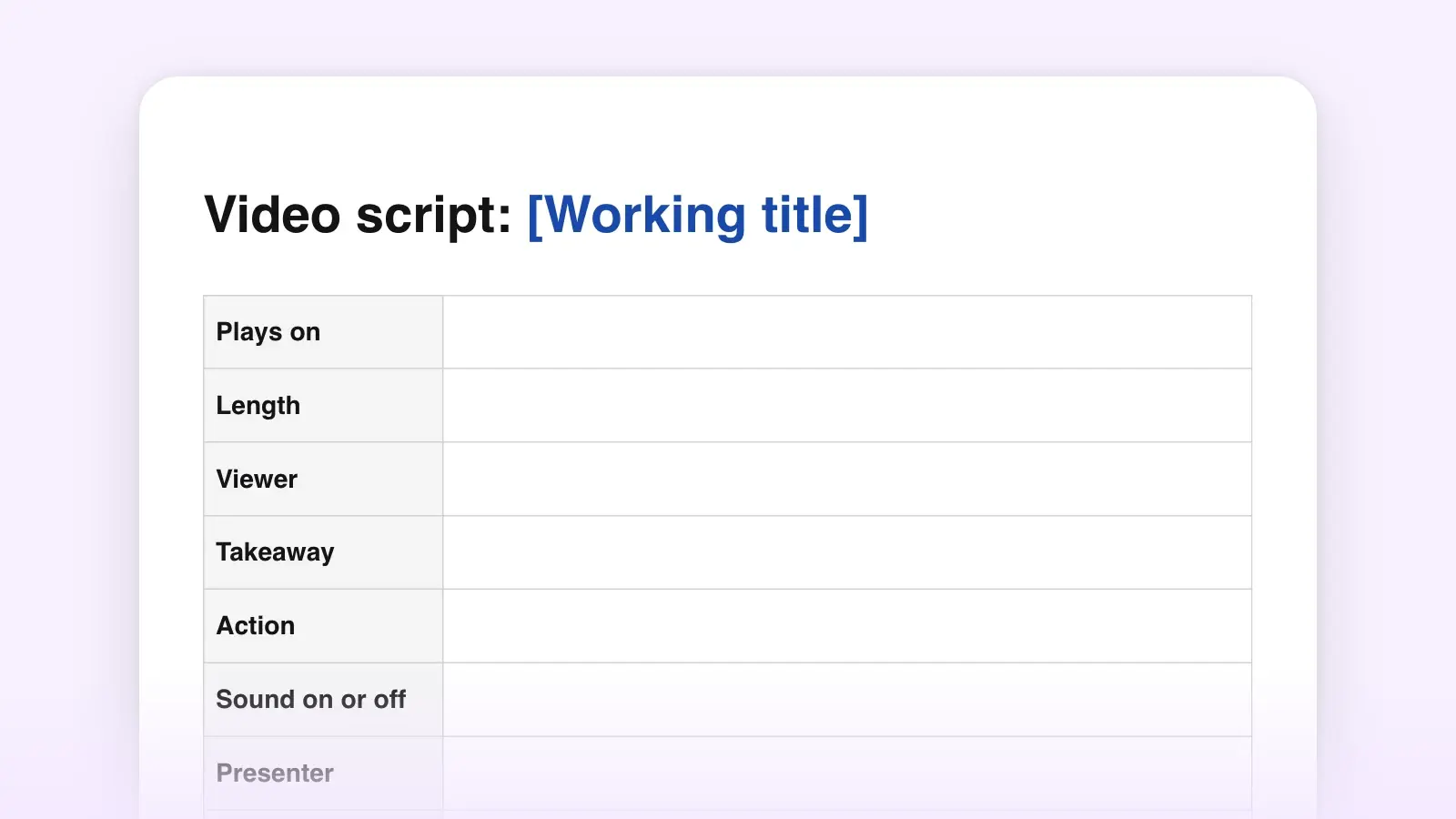
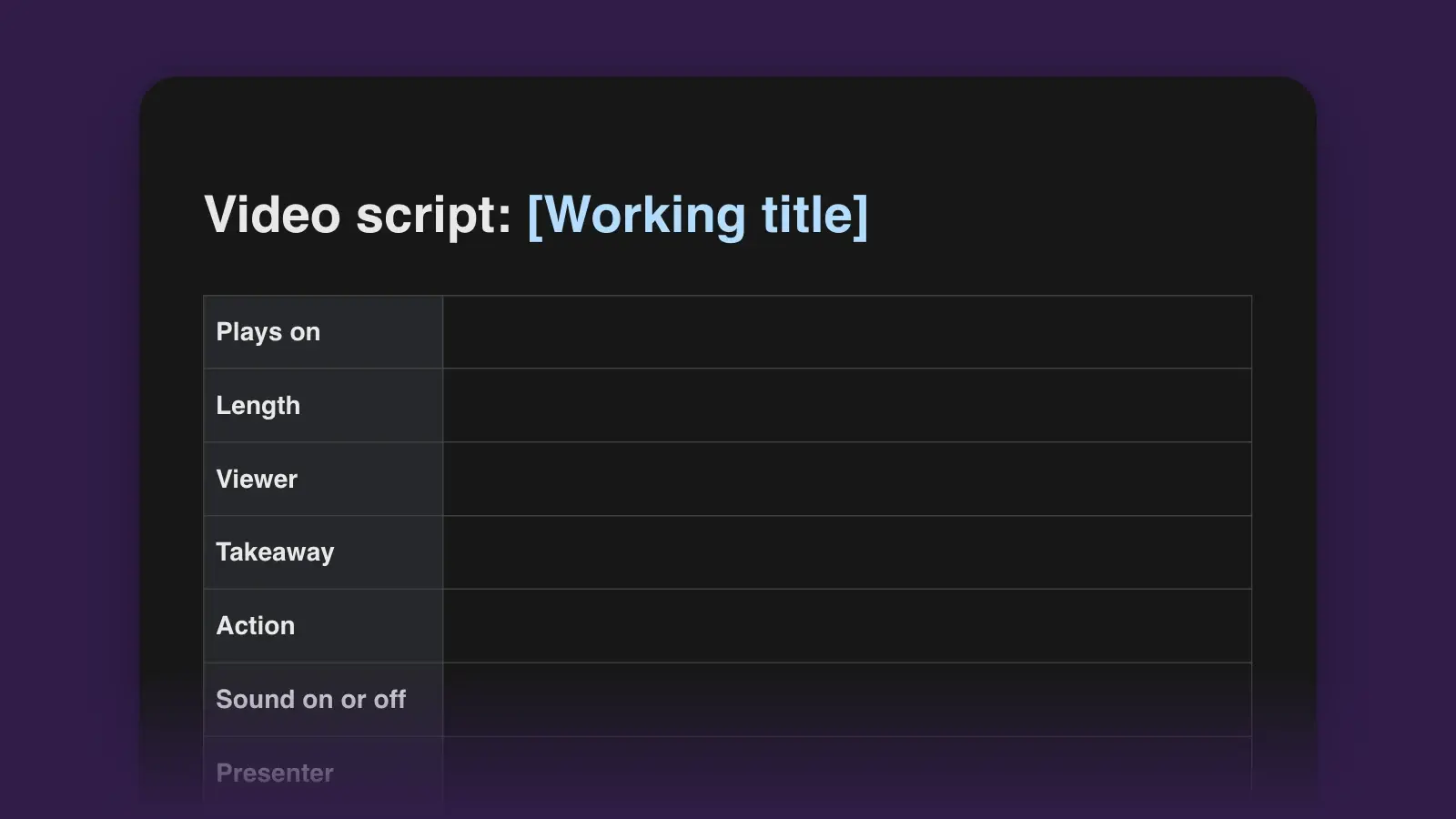
- Fill in the video plan first
Write the promise before anything else: one sentence that says what the viewer gets by the end. Think of it as the video's logline. The title and thumbnail make that promise, and the script keeps it. Then turn the target length into words. Americans speak at about 150 words a minute, the figure the National Center for Voice and Speech gives, so a 10-minute video is roughly 1,500 words. Your own read-aloud time overrules the arithmetic.
- Write the sections before the hook
List the questions a curious viewer would ask, in the order they would ask them. Those become the sections, and each one gets a line saying what it answers and what it leaves open, so the video always has a reason to keep going. Put a real payoff in section 1. YouTube's own help for the retention report says that if your strongest moments come late, move them earlier, because the audience shrinks as a video goes on.
- Fill the Visual column wherever the Audio runs long
Every row pairs what the viewer sees with what they hear. When the right column runs for a paragraph beside one talking-head shot, add a cut, B-roll, a screen recording or a number as a graphic. A number on screen lands better than a number read aloud, and a shot of the place beats a description of it: show, don't tell, applied to video.
- Write the hook last, then read everything aloud
Now you know what the video delivers, so write the opening that promises it. YouTube Studio reports the share of viewers still watching after 30 seconds, and its advice for raising that number starts with making the title and thumbnail match the video. Then read the whole script at recording pace with a timer. Rewrite any line you trip over twice. If a section runs long, cut its second example before you trim words everywhere.
What each part of the script does
The template follows the order a viewer meets the video in. Use the times below as a starting budget for a 10-minute video and move them to fit your material. Only the end-screen window is fixed by YouTube.
| Part | In a 10-minute video | Its job | Common mistake |
|---|---|---|---|
| PartHook | In a 10-minute video0:00–0:20 | Its jobConfirm the title's promise and add a stake | Common mistake“Welcome back” and a logo sting before the point |
| PartIntro | In a 10-minute video0:20–0:45 | Its jobWhy you, the context, one open loop | Common mistakeBackstory nobody asked for yet |
| PartSponsor read | In a 10-minute videoSet by the brief | Its jobThe read, with a disclosure said and shown | Common mistakeRunning it before the promise is confirmed |
| PartSections | In a 10-minute video0:45–9:15 | Its jobAnswer one question each, then hand off | Common mistakeSaving the best material for the end |
| PartPayoff and CTA | In a 10-minute video9:15–9:40 | Its jobAnswer the title, name one next video | Common mistake“That's it for today” before the call to action |
| PartEnd screen | In a 10-minute videoLast 5–20 seconds | Its jobPoint at the next video | Common mistakeStarting a new topic over it |
A cold open, where the video starts in the middle of the action and explains later, is the video version of in medias res. It slots into the hook's first row: the opening shot is the moment, and the first line tells the viewer why it matters.
A filled-in example
Here is the top of the template completed for an eight-minute test video on a channel about recording at home.
- Title: I recorded a month of videos on a $40 microphone
- Promise: By the end, you'll know whether a cheap USB mic is enough for a talking-head channel, and the three free fixes that made mine sound better.
- Viewer: New creators recording at a desk who think they need to buy gear before they start.
- Target length: 8 minutes × 150 = about 1,200 words.
| Visual | Audio |
|---|---|
| VisualBoth mics side by side on the desk | Audio“One of these microphones cost forty dollars. The other cost two hundred and fifty. You've been listening to the cheap one since the video started.” |
| VisualOn-screen text: $40, over the left mic | Audio“I used it for every video this month, and one comment noticed. But in one room of my apartment, it fell apart.” |
| VisualTalking head, tighter | Audio“So: the blind test, the room that broke it, and three fixes that cost nothing.” |
The section headings, named for what happens in each one, go into the description as chapters:
Chapters, pasted into the description
00:00 Which one is the cheap mic?
00:18 Why I tried this
00:40 The blind test
02:50 The kitchen problem
04:40 Three free fixes
07:20 Is $40 enough?
The call to action names one video and why it comes next: “In the next one I fix the kitchen for under fifty dollars. It's on screen now.” For a full script with every section written out, see how to write a YouTube script.
Turn the sections into chapters
Each section heading in the template has a chapter name and a start time, so filling in the Upload notes is mostly copying. YouTube builds chapters from timestamps in the description when three rules hold, all from its help page:
- The first timestamp is 00:00.
- There are at least three timestamps, in ascending order.
- Every chapter is at least 10 seconds long.
Name chapters for what happens in them. “The kitchen problem” tells a viewer scrubbing the progress bar where to jump; “Part 2” doesn't. The Upload notes also cover the end screen and cards. End screens can sit in the last 5 to 20 seconds of a video at least 25 seconds long, with up to four elements on a standard 16:9 video, so script an outro of up to 20 seconds. You can add up to five cards, and the best place for one is the moment you mention the video it links to.
If the video is sponsored, turn on the paid promotion setting, which adds a disclosure label at the start. In the US, the FTC's guidance for influencers says the disclosure belongs in the video itself, not only in the description, and that viewers are more likely to notice it in both audio and on screen. That is why the sponsor block starts with a line to say aloud. Rules vary by country and change, so check the current ones where you publish.
Adapting it for Shorts
Shorts can run up to three minutes for videos uploaded since October 15, 2024. At 150 words a minute, that is about 450 words, and a 45-second Short is only about 110. Keep the hook's first line, one section and the payoff. Delete the intro, the sponsor block and the other two sections, and let the first line do the intro's work. If the same idea is going out as audio, the podcast script template keeps the hook-first order without the Visual column.
Frequently asked questions
How many words is a 10-minute YouTube script?
About 1,500 words, at the 150 words a minute that is typical for American English. Tutorials with long screen demos need fewer words a minute, and fast talking-head edits with the pauses cut out need more, so time your own read-through.
What is the difference between the hook and the intro?
The hook is the opening seconds, well inside the 30-second window YouTube's retention report measures: it confirms the video is what the title promised and gives a reason to stay. The intro comes after it and covers who you are, the context and an open loop. Put the intro first and the viewer has to sit through it before learning they clicked the right video.
Can I use this template in Word or Google Docs?
Yes. Download the .docx file and open it in Word, or upload it to Google Drive and open it with Google Docs. The Visual and Audio columns are real tables, so they keep their layout. The .md file suits Notion, Obsidian or any plain-text editor.
Do I need to script every word?
Script tutorials, explainers and sponsor reads in full, because the order matters. Vlogs often sound better from a list of beats. A common middle path is to write the hook, the hand-offs between sections and the call to action word for word and speak the rest from the beats.