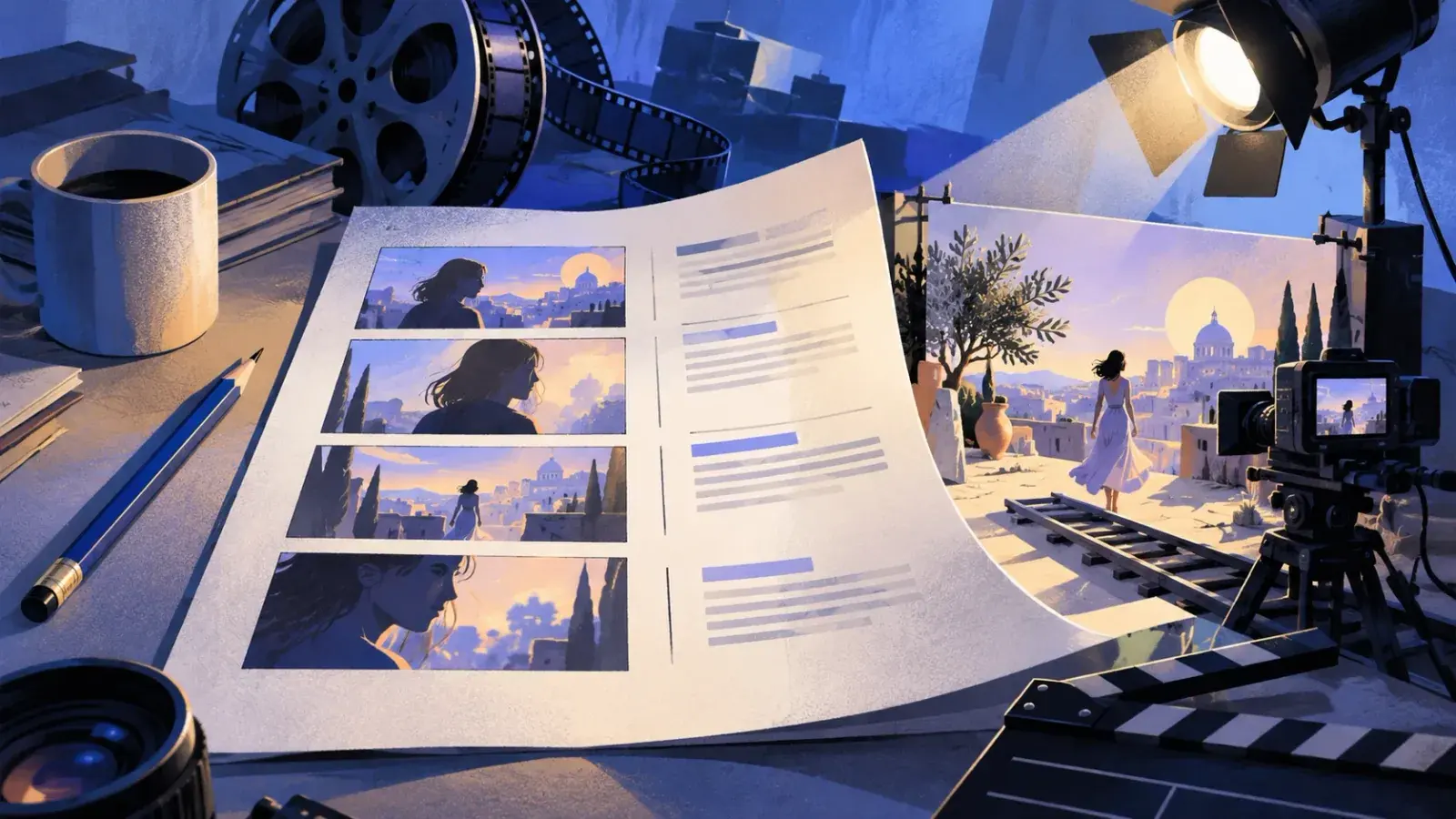
A video script is the document a video is made from: what the viewer sees on the left, what they hear on the right, one row per moment, each with a start time. To write one, settle who it is for and the one thing they should take away, outline it in timed beats from the hook to the call to action, write the narration for the ear, then give every line a picture. Narration runs at about 130 to 150 words a minute, so a one-minute video holds roughly 120 words once you leave room for shots with no talking.
The two-column script format
Most nonfiction video (explainers, tutorials, ads, training, documentaries, YouTube) is written as an A/V script: two columns, for audio and video, with one row per moment. A row is a shot or a short run of shots and the words and sounds that play over it. Video usually goes on the left and audio on the right. Some tools flip them, which matters less than keeping each row's picture and words side by side. A narrow time column at the far left shows the pacing at a glance.
The format earns its keep before the shoot. In a single column it is easy to write three paragraphs of narration with nothing to show; in two, the empty cell gives it away. The narrator reads down the right, the editor down the left, and everyone shares the row numbers. The A/V script template has the columns set up.
Shorthand you will see in each column
| Mark | Column | Means |
|---|---|---|
| MarkWS, MS, CU, ECU | ColumnVideo | MeansWide shot, medium shot, close-up, extreme close-up |
| MarkB-roll | ColumnVideo | MeansSupporting footage cut over narration or an interview |
| MarkSUPER | ColumnVideo | MeansText superimposed on the picture: a title, a date, a price |
| MarkLower third | ColumnVideo | MeansA name and job title along the bottom of the frame |
| MarkV.O. | ColumnAudio | MeansVoice-over: narration heard over the picture |
| MarkO.C. | ColumnAudio | MeansOff camera: a voice whose speaker is not in the shot |
| MarkSFX | ColumnAudio | MeansA sound effect |
| MarkMUSIC | ColumnAudio | MeansA music cue: in, up, under, out |
When to use screenplay format instead
A short film with characters, scenes and dialogue and no narrator is written as a screenplay: scene headings such as INT. KITCHEN – NIGHT, action lines, and character names above their dialogue. Commercials and social ads usually stay in two columns even when actors speak, so the client can approve the picture and the words together.
How long a video script should be
Narration guides put a natural pace at 130 to 150 words a minute. Newsreaders go faster: one study of radio news measured BBC English bulletins at an average of 168. A tutorial, where the viewer is also watching your hands, should go slower. Plan at about 140, then time your narrator, because theirs is the only pace that counts.
Then write under it. A video needs moments where nobody talks: a reveal, a result, a beat of music between sections. Wall-to-wall narration makes a video feel like a podcast with pictures.
| Video length | Narration at 130–150 wpm | First-draft target |
|---|---|---|
| Video length15 seconds | Narration at 130–150 wpmAbout 35 words | First-draft target30 words |
| Video length30 seconds | Narration at 130–150 wpm65–75 words | First-draft target60 words |
| Video length60 seconds | Narration at 130–150 wpm130–150 words | First-draft target120 words |
| Video length90 seconds | Narration at 130–150 wpm195–225 words | First-draft target180 words |
| Video length2 minutes | Narration at 130–150 wpm260–300 words | First-draft target240 words |
| Video length3 minutes | Narration at 130–150 wpm390–450 words | First-draft target360 words |
| Video length5 minutes | Narration at 130–150 wpm650–750 words | First-draft target600 words |
| Video length10 minutes | Narration at 130–150 wpm1,300–1,500 words | First-draft target1,200 words |
Pick the length from where the video will play, not from how much you have to say: as a starting point, a social ad at 15 to 30 seconds, an explainer at 60 to 90, a tutorial as long as the steps need and no longer.
Structure: hook to call to action
Short videos that hold attention tend to use the same five beats. The time budgets below are starting points. Adjust them to the content, not the content to them.
| Beat | Its job | 90-second video | 8-minute video |
|---|---|---|---|
| BeatHook | Its jobShow the problem or the payoff so the viewer stays | 90-second video0:00–0:05 | 8-minute video0:00–0:15 |
| BeatPromise | Its jobSay what they will get and why it is worth their time | 90-second video0:05–0:15 | 8-minute video0:15–0:45 |
| BeatBody | Its jobTwo to four points or steps, one per beat | 90-second video0:15–1:10 | 8-minute video0:45–7:00 |
| BeatPayoff | Its jobThe result, ideally a callback to the opening | 90-second video1:10–1:20 | 8-minute video7:00–7:30 |
| BeatCall to action | Its jobOne next step, then stop | 90-second video1:20–1:30 | 8-minute video7:30–8:00 |
The first five seconds
The hook is where viewers decide whether to stay, so it gets the most rewriting. On YouTube you can watch this happen: the retention report in YouTube Studio includes an Intro figure, the share of viewers still watching after the first 30 seconds. A greeting, a logo sting or a reminder to subscribe spends those seconds on nothing the viewer came for. Open with something they can see.
| Hook | How it opens | Example first line |
|---|---|---|
| HookThe problem in one picture | How it opensA shot of the problem and one short line | Example first line“This drill cost me eighty dollars. It has made four holes.” |
| HookThe result first | How it opensThe finished thing, then how to get there | Example first line“Twenty minutes ago, this was a bare wall and a bag of screws.” |
| HookThe answer up front | How it opensThe answer to the search, in the first line | Example first line“To stop a squeaky hinge, you need a nail, a hammer and a little petroleum jelly.” |
| HookIn the middle of the action | How it opensMid-task, with the explanation held back | Example first lineHands already sanding a chair: “The ugly part comes first.” |
| HookThe stakes | How it opensWhat the viewer loses by skipping it | Example first line“Miss one form in your first week and payroll can't pay you.” |
Starting mid-task is the screen version of in medias res. Whichever hook you use, the promise beat after it should say plainly what the video will deliver. For channel videos, the guide to writing a YouTube script goes further into retention.
The middle and the end
In the body, open each beat with a line that says where the viewer is (“Step two: the anchors.”), keep to one idea per beat, and change the picture often; even a cut to a closer frame of a talking head resets attention. In longer videos, raise a question before you answer it (“There's one tool here you won't expect.”) so there is a reason to stay through the next beat. End on the payoff, not a summary: show the result or return to the opening image, give one call to action, and stop. The logo and the thank-you, if any, go last.
How to write a video script
- Write a three-line brief
Answer three lines before anything else: who is watching, the one thing they should remember, and what they should do next. Add where it will play, since a muted feed and a training portal want different openings. If the takeaway won't fit in one sentence, you have two videos. A logline does the same job for a film.
- Outline in timed beats
Give each beat from the structure table a time budget that adds up to your target length, and one line on what it has to do. In a tutorial the body beats are the steps; in an explainer, the problem, how the solution works, and the proof.
- Write the audio column first, for the ear
Draft what will be said before you plan a shot. It is easier to find pictures for a clear argument than an argument in a pile of footage. A fast first draft: record yourself explaining it to a friend, then clean up the transcript.
Listeners can't reread, so the rules of readability tighten: one idea per sentence, contractions, numbers said the way people say them (“about a third,” “eighty dollars”), and signposts (“Two things. First…”). Spell hard names phonetically in brackets for the narrator.
- Give every line a picture
Fill the video column row by row: the shot (WS, CU, screen recording, B-roll) and any text on screen. An empty cell means footage you have not planned. Then apply show, don't tell to the narration. If the picture already shows it, cut the words and spend them on what the picture can't show: why, how much, what happens next.
- Plan for the sound being off
Some viewers will watch muted: in a feed, on a train, at a desk without headphones. Put the facts that matter in SUPERs (the name, the date, the price, the action). Captions do the rest, and the script is most of that work: YouTube Studio's auto-sync takes a pasted transcript and sets the timings for you.
- Read it aloud with a timer and cut
Read the audio column at the narrator's pace, time each row, and write the real start times in. Anything you stumble over twice gets rewritten. If it runs long, cut whole sentences rather than a word from each; a short script read well beats a long one read fast.
- Turn the script into production lists
Sort the video column by location and it becomes the shot list; the B-roll you named becomes a list to gather. On YouTube the start times also give you chapters: put timestamps in the description, the first at 0:00, at least three in all, and each chapter at least ten seconds long.
Video script example: a 75-second explainer
Here is a complete script for a short explainer: a public library announcing that it will lend tools and gadgets. The library, the people and the numbers are invented. It has about 130 words of narration and dialogue, fewer than the table allows for 75 seconds, because seven seconds go to a montage with music only and five to the end card. In the audio column, / marks a short pause and // a longer one.
| Time | Video | Audio |
|---|---|---|
| Time0:00 | VideoCU a cordless drill on a closet shelf, dust on the case. Slow push in. | AudioV.O.: This drill cost me eighty dollars. / It has made four holes. |
| Time0:06 | VideoQuick cuts, two seconds each: a ladder in a garage, a sewing machine under a cover, a tent still in its store bag. | AudioV.O.: You probably own something like it. Bought for one afternoon, kept for years. |
| Time0:12 | VideoWS the Riverside Library entrance, doors sliding open. SUPER: Library of Things | AudioMUSIC: light acoustic guitar in, under. V.O.: So the Riverside Library is going to lend them instead. |
| Time0:17 | VideoMS tracking along a shelf of labeled bins: drills, a stud finder, a carpet cleaner, a telescope. | AudioV.O.: From March 3, you can borrow more than ninety tools and gadgets with the same card you use for books. |
| Time0:26 | VideoCU a hand scans a library card at the desk. SUPER: Free · 7 days · 1 renewal | AudioV.O.: It's free. You keep each one for a week, and you can renew it once. |
| Time0:33 | VideoMS Dana at the returns desk, testing a returned drill. LOWER THIRD: Dana Ruiz, Branch Manager | AudioDANA (on camera): We check every item when it comes back. / If something breaks while you have it, just tell us. Normal wear and tear is on us. |
| Time0:44 | VideoMontage: a teenager loads a telescope into a car; a man runs the carpet cleaner over a rug; two people hang a shelf, one holding the level. | AudioMUSIC: up. No narration. |
| Time0:51 | VideoCU the drill from the opening, now with a library barcode on its case, set back on the shelf. | AudioV.O.: As for my drill, I gave it to the library. / It's been checked out six times this month. |
| Time1:00 | VideoWS people browsing the shelf. SUPER: Library of Things · Opens March 3 | AudioV.O.: The full list is on the library's website. Bring your card, borrow what you need, // and give your closet a break. |
| Time1:10 | VideoEND CARD library logo, address and hours. | AudioMUSIC: out on the logo. Ends 1:15. |
What the script does on purpose:
- It opens on a picture and a confession, not a greeting. The library is not named until 0:12, when the viewer already knows why it matters.
- No line describes the shot. The narration adds what the shelf can't show: the date, the count, the card.
- The name, price, loan period and date are on screen as SUPERs, so it works muted.
- Seven seconds have no words. Then the ending returns to the drill from the opening and asks for one thing.
A video script template to copy
Put the header at the top of the document, then build the rows from the table below, adding or removing body rows to fit your beats. The video script template has the same structure as a file you can download in Markdown or Word.
Script header
Title: [Working title]
Length: [0:00] · Plays on: [YouTube, a feed, a landing page, a training portal]
Viewer: [Who is watching and what they already know]
Takeaway: [The one sentence they should remember]
Action: [The one thing they should do next]
Narrator: [Name] · Draft: [1] · Date: [Date]| Time | Video | Audio |
|---|---|---|
| Time0:00 | Video[Opening shot: the problem or the result] | AudioV.O.: [Hook, one or two short lines] |
| Time0:05 | Video[Shot that sets the context] | AudioV.O.: [Who this is for and what they will get] |
| Time[0:15] | Video[Shot or B-roll for point 1. SUPER: label] | AudioV.O.: [Point or step 1, in spoken sentences] |
| Time[Time] | Video[Shot or B-roll for point 2] | AudioV.O.: [Point or step 2] SFX: [Sound] |
| Time[Time] | Video[Interview or presenter shot. LOWER THIRD: name, title] | Audio[NAME] (on camera): [Line] |
| Time[Time] | Video[The result, or a callback to the opening shot] | AudioV.O.: [Payoff] |
| Time[Time] | Video[SUPER: the action, a name or a web address] | AudioV.O.: [One call to action] |
| Time[Time] | Video[END CARD: logo, link] | AudioMUSIC: [Out] |
For narration recorded on its own, the voiceover script template drops the video column. For a talk delivered live with slides, see how to write a presentation script.
Mistakes that sink video scripts
The most common is writing for the page: clauses, parentheses and precise figures that a listener loses on the first pass.
Written for the ear
- It opens March 3. More than ninety things to borrow. All you need is your library card.
- That's about a third of your monthly bill.
Written for the page
- The Library of Things, launching March 3 with over ninety items, is available to all current cardholders.
- That represents 32.7% of your monthly bill (see figure).
- A greeting before the hook. “Hi everyone, welcome back” and a logo sting spend the seconds viewers use to decide. Move both to the end or cut them.
- Narration that describes the picture. “Here you can see the shelf” wastes a line the picture already delivered.
- Two takeaways. A video that teaches two things is remembered for neither. Make the second video.
- Three calls to action. Like, subscribe, visit, download. Pick the one that matters and ask once.
- Never timing it. Scripts run long. Find out at your desk, not in the edit.
Writing video scripts in Strokes
A two-column script is a table, so any editor with tables will hold one, Word and Google Docs included. In Strokes, write it as a table in a document and keep each video's brief, script and shot list in one project folder. Version history saves as you work, so the 90-second cut is still there to compare and restore after you make the 60-second one. Select a line of narration and press ⌘K to tighten it, or ask the AI Assistant to point out sentences that will be hard to say aloud. Then export to PDF or Word for the narrator and the client.
Frequently asked questions
How many words is a one-minute video script?
About 130 to 150 words if someone talks the whole time. Most scripts should aim nearer 120, which leaves a few seconds for shots without narration. Narrators vary, so read it aloud with a timer before you record.
What is the standard format for a video script?
Most nonfiction video uses a two-column A/V script: what the viewer sees in one column, what they hear in the other, one row per moment with a start time. Video usually sits on the left. Narrative short films with characters and dialogue use screenplay format instead.
Do I need a full script for a YouTube video?
For anything with an order to get right, such as a tutorial, a review or an explainer, write at least the hook, the transitions and the ending word for word. Some creators then speak from bullet points, but drafting the whole script first shows where the video drags and how long it runs.
What is the difference between a video script and a storyboard?
The script is the words plus a text description of each shot. A storyboard is a sequence of sketches or frames showing each shot. Most short videos only need the script; a storyboard helps when the visuals are complicated, as in animation or a shot-heavy ad.