When to use it
- Brand story videos for a homepage or an about page
- Product launch videos for a website, an event or a sales deck
- Customer testimonial videos built from interviews
- Recruitment and culture videos for a careers page
- Internal announcements and CEO updates for staff
A corporate video script plans every scene of a company's own video, whether it's a brand story, a product launch, a customer testimonial, a recruitment film or an internal update. For each scene it sets out what we see, what we hear, the words on screen and how long it runs. The five scripts below are complete examples for invented companies, starting with a 75-second brand story.
Brand story video script example
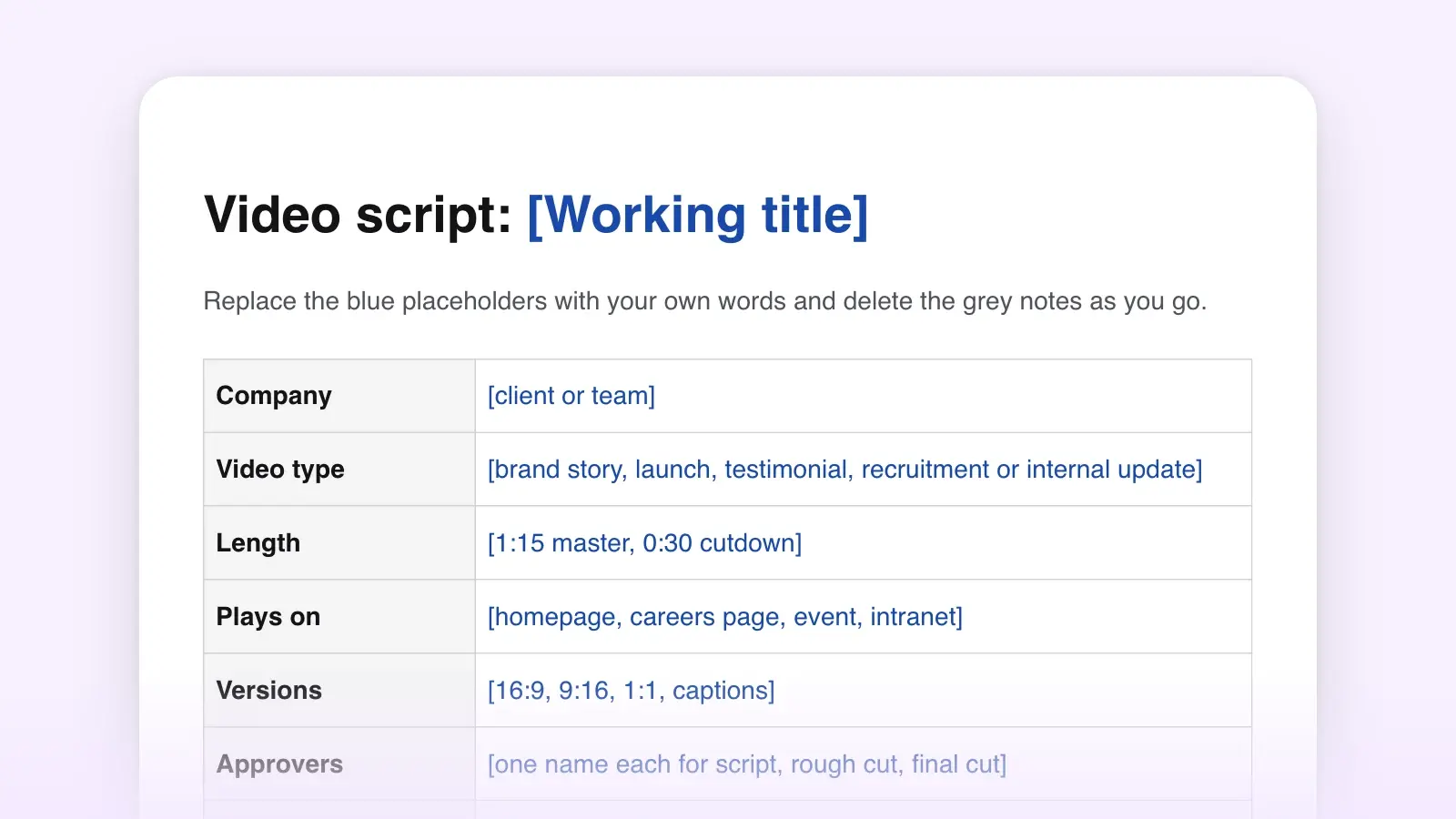
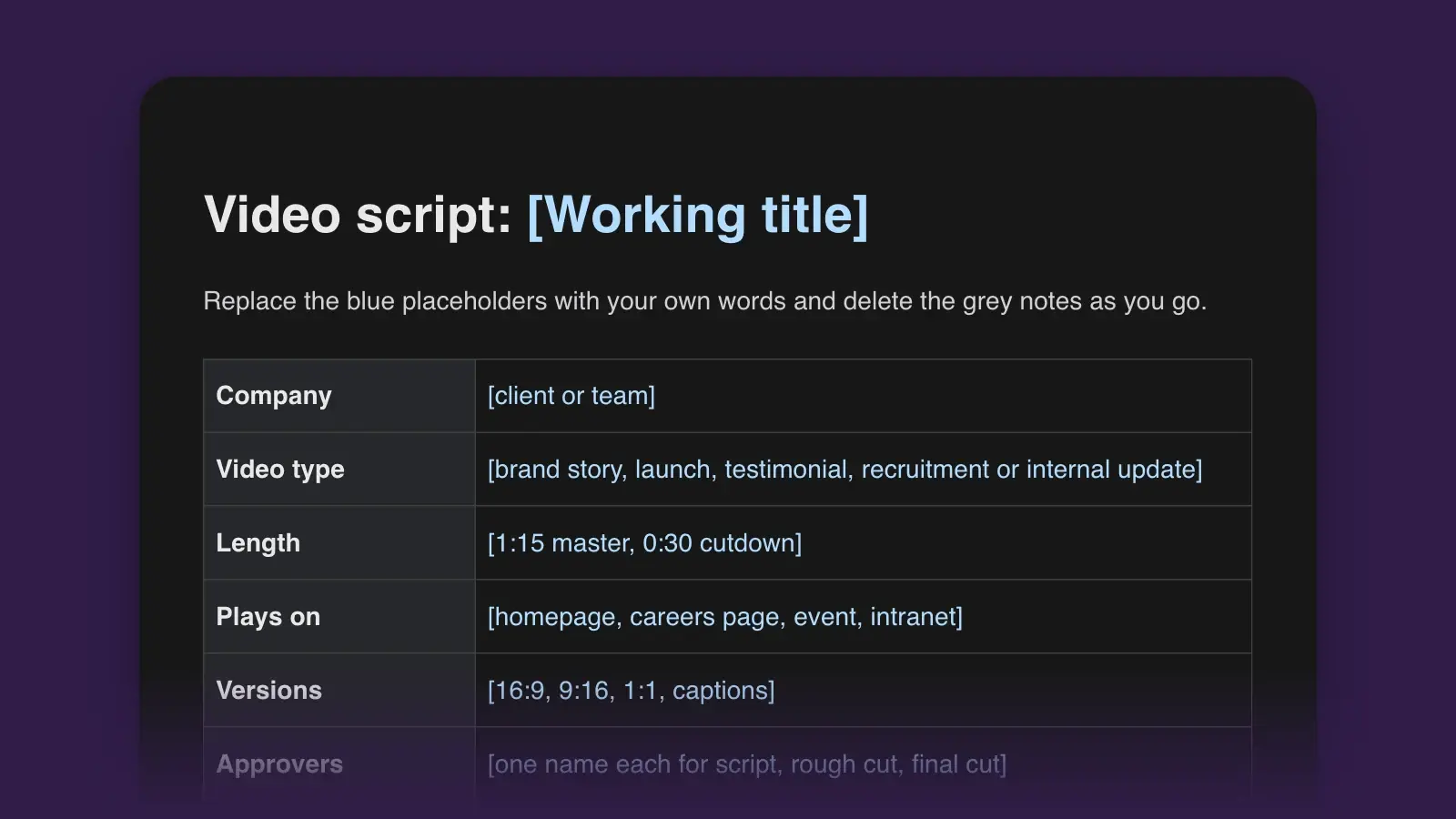
Each scene gives its start time, what we see and what we hear. In the template, every scene is one row with five columns, shown after the steps below.
0:00 · Scene 1. Before dawn. A roll-up door rises on a dark shop floor; one welding arc lights a face shield.
SFX: the door, the arc. No narration.
0:04 · Scene 2. Black-and-white photo: three men outside the same building. On screen: Carrow Steelworks, since 1946.
OWNER (V.O.): My grandfather opened this door every morning for forty years.
0:10 · Scene 3. Today. Dana walks the floor and greets a welder by name. Lower third: Dana Carrow, third-generation owner.
OWNER (V.O.): I still open it. Most of the people who walk in after me have been here longer than I've been in charge.
0:20 · Scene 4. Close-ups: a beam measured twice, chalk marks, sparks.
OWNER (V.O.): We build the steel nobody sees. Stair frames, beams, the bones inside schools and libraries in three counties.
0:32 · Scene 5. A school gym; kids play basketball. The camera tilts up to the steel trusses and finds a small stamped tag on one of them.
OWNER (V.O.): Every piece leaves here with a tag that says who welded it. If something's wrong, we know who to ask, and they want to be asked.
0:46 · Scene 6. A 19-year-old apprentice runs a practice weld while a supervisor watches.
OWNER (V.O.): It's the first thing our apprentices learn. Your name goes on it.
0:55 · Scene 7. Night. The door comes down; the building glows with the town behind it.
OWNER (V.O.): Eighty years in. Same door. Same promise.
1:05 · End card. Logo. On screen: Built to be checked · carrowsteel.example. Music out at 1:15.
The story is told by the owner, not a narrator, and it never lists services. The voice and the picture split the work: at 0:32 the owner says every piece leaves with a tag naming its welder, and the camera has just found that tag on a truss above the kids' game, so the claim arrives with its evidence on screen. The closing line pays off the opening shot of the door. The timing leaves room, too. At about two words a second, the 95 words of voice-over take under 50 of the 75 seconds; the opening sound, the gaps between lines and the ten-second end card take the rest.
How to use this template
- Fill in the brief before the first scene
Audience, the one message, what viewers should do next, where it plays and the mandatories: logo, legal lines, the web address. The one message works like a logline. If it takes two sentences, you may be making two videos.
- Outline the story in five beats
Before writing lines, write one sentence for each beat: the opening image, the tension or problem, the turn, the proof and the close. The proof is the beat most easily left vague, so decide now whether it will be a number, a customer or something filmed.
- Write scene by scene, with a duration on every row
Fill the five columns for each scene. Durations should add up to the target length, pauses and wordless shots included, and the narration should fit them at about two words per second. Wherever the picture already makes the point, cut the words. That is show, don't tell for video, and it is how a long draft gets short.
- Get the script approved, then plan the shoot
Read it aloud with a timer, send it to the people who sign off, and change it now rather than in the edit. Then build the shot list from the Visuals column and book locations and people from it.
Corporate video script format
The template uses five columns. Here is one filled-in row from the brand story, followed by the rough lengths each kind of video tends to run.
| Scene | Visuals | Audio / VO | On-screen text | Duration |
|---|---|---|---|---|
| Scene3 · The turn | VisualsOwner walks the shop floor at 6 a.m., greets a welder by name | Audio / VOOWNER (V.O.): I still open it. Most of the people who walk in after me have been here longer than I've been in charge. | On-screen textDana Carrow, third-generation owner | Duration10 s |
| Video type | Common length | Narration | Usually plays |
|---|---|---|---|
| Video typeBrand story | Common length60–90 seconds | Narration120–180 words | Usually playsHomepage, about page, events |
| Video typeProduct launch | Common length45–90 seconds | Narration90–180 words | Usually playsWebsite, launch event, sales calls |
| Video typeCustomer testimonial | Common length60–120 seconds | NarrationInterview soundbites, little or no narration | Usually playsCase study pages, sales follow-ups |
| Video typeRecruitment and culture | Common length60–90 seconds | NarrationEmployees' voices, a few lines of text | Usually playsCareers page, job ads, social |
| Video typeInternal update | Common length1–3 minutes | NarrationSpeaking pace, often 130–150 words a minute | Usually playsIntranet, all-hands, staff email |
A paid ad slot of 15, 30 or 60 seconds is a different job, with its own timing rules; use the commercial script template for it. If the video's job is to explain how a product works, the explainer video script template is built around problem, solution and proof, and step-by-step how-to videos belong in the video tutorial script template.
Product launch video script example
0:00 · Scene 1. A shoebox of crumpled receipts tipped onto a desk. A bookkeeper looks at the pile.
V.O.: Month end. Four hundred receipts. One of you.
0:06 · Scene 2. A phone photographs a receipt; the app pairs it with a card payment and a check mark appears. On screen: New · Match.
V.O.: Meet Match, new in Ledgerline. Snap a receipt or forward the email, and Match finds the payment it belongs to.
0:18 · Scene 3. Screen recording: a list of 412 receipts turns green line by line; nine stay amber.
V.O.: It matches the obvious ones on its own and flags the ones it isn't sure about. You check nine receipts instead of four hundred.
0:32 · Scene 4. The bookkeeper closes the laptop as the office clock reads 5:00.
V.O.: Your books close when the month does, not two weeks later.
0:40 · Scene 5. On screen, one line at a time: Bank feeds · Email forwarding · A full audit trail.
V.O.: Every match keeps the original receipt and who approved it, for when your accountant asks.
0:50 · End card. On screen: Included in every Ledgerline plan from June 2 · ledgerline.example/match.
V.O.: Match. Included in every Ledgerline plan. Ends 1:00.
This launch video does one job: it makes the viewer feel the problem, then shows the new thing removing it. The feature list waits until 0:40, after the result (the books close on time). The availability date and the plan it comes with are mandatories, so they get their own seconds on the end card instead of being squeezed into the narration.
Testimonial video script example
A testimonial isn't scripted copy. The other scripts on this page are words you write for someone to read; a testimonial is an edit of what a real customer said. You script the questions, record the interview, then build the video from the transcript in a paper edit: a list of the soundbites you want, in order, with the pictures to go over them. Start with these prompts, and ask the customer to put the question into the answer ("Before we switched, Saturdays were…") so each soundbite stands on its own. The interview notes template keeps the answers and timecodes in one place.
- Tell me about your business and what your day looks like.
- What did a busy day look like before you made the change?
- Was there a moment you decided something had to change?
- What did the first month with the new system feel like?
- Is there a number you watch that has moved? By how much?
- What do you do now with the time you got back?
- What would you tell another owner who isn't sure?
- Is there anything we didn't ask that you want to say?
0:00. B-roll: the inn at dawn, a hand on the front desk bell. Lower third: Ruth Abara, owner, Marlow Inn.
RUTH: Saturdays used to start at five in the morning, with me and the phone.
0:08. B-roll: a reservations binder bristling with sticky notes.
RUTH: Three booking sites and one paper diary. Twice a summer we'd sell the same room twice.
0:18. Ruth on camera.
RUTH: The night I drove a family to another hotel at eleven o'clock, that was it.
0:26. Screen recording: one calendar filling with bookings from three sites. On screen: One calendar for every booking site.
RUTH: Now everything lands in one calendar. If a room's booked on one site, it's gone from the others in a minute.
0:40. B-roll: Ruth pours coffee for guests on the porch.
RUTH: I've got my mornings back. I actually talk to guests at breakfast.
0:52. Ruth on camera. On screen: No double bookings since March.
RUTH: We haven't double-booked a room since March.
1:02. Ruth on camera.
RUTH: If you're still doing it on paper, try it for a month.
1:10. End card: Keyfront logo · keyfront.example. Ends 1:20.
The arc is the same as a written case study: the situation, the breaking point, the change, the result. The customer's own words carry it, and the one number appears both spoken and on screen. Cutting and reordering soundbites is normal, but in the US the FTC's Endorsement Guides rule out presenting an endorsement out of context or rewording it so it distorts the customer's opinion or experience (16 CFR 255.1(b), as of November 2026). Before you publish, the customer approves the cut, especially any figure they quote.
Recruitment video script example
0:00 · Scene 1. 4:50 a.m. Headlights sweep across a bus depot. Lower third: Luis, bus operator for 12 years.
LUIS (V.O.): The first bus leaves at ten past five. I like being the one who wakes the city up.
0:08 · Scene 2. Passengers board: a nurse in scrubs, two students, an older man with grocery bags.
LUIS (V.O.): Same faces every morning. You learn who needs an extra second at the door.
0:18 · Scene 3. A trainee in the driver's seat; an instructor beside her in the yard.
TRAINER (on camera): You don't need experience. We pay you while you train, and you get your commercial license here.
0:30 · Scene 4. Quick cuts: the break room, a birthday cake, a bus washed at dusk. On screen: Paid training · Health insurance from day one · Pension.
MUSIC: up.
0:38 · Scene 5. Luis hands the bus over to the afternoon operator and walks out into the sun.
LUIS (V.O.): I finish at two. The rest of the day is mine.
0:46 · End card. On screen: Now hiring bus operators · ridgewaytransit.example/careers.
LUIS (V.O.): If you like people and you like a plan, there's a seat for you. Ends 1:00.
The people who do the job speak for it. The benefits go on screen, where a job seeker can pause and read them, and the script answers the questions candidates tend to ask: do I need experience, what are the hours, what is it like.
Internal CEO update script example
0:00. Maya on camera in the office kitchen, not the boardroom. Lower third: Maya Lindqvist, CEO.
MAYA: Hi, everyone. Three things: how the quarter went, what the new team structure means for you, and where to send your questions.
0:10. B-roll of the support team; a simple chart on screen.
MAYA: First, the quarter. We shipped the scheduling release a week late, and 60 percent of customers already use it. Revenue was 4 percent under plan, mostly because two big renewals moved to October. Both have now signed.
0:27. A simple diagram: four squads, one per customer segment.
MAYA: Second, the new structure. From November 3, product and support will work in four squads, one for each kind of customer. If you're in product or support, your manager will meet you this week to walk through your squad. No roles are being cut, and pay and benefits don't change.
0:50. Back to Maya.
MAYA: I know reorganizations make people nervous, so here's the reason. Customers told us they talk to five of us to fix one problem. In a squad, they'll talk to one.
1:03. On screen: Questions → #ask-maya · Town hall, Thursday 4 p.m.
MAYA: Third, questions. Post them in the ask-maya channel, anonymously if you like, and I'll answer every one at Thursday's town hall.
1:12. Maya on camera.
MAYA: Thanks for a hard quarter. See you Thursday. Ends about 1:20.
This update is plain on purpose: it says the bad number before the good one, answers "what does this mean for me" directly and names one place for questions. The timecodes assume about 130 words a minute, a natural speaking pace with few pauses, so if Maya's read-through runs long, cut a sentence rather than ask her to hurry. Send the script to managers before it goes out, so they hear the news before their teams ask them about it.
How to brief a production team
Whether the crew is in-house or an agency, give them the approved script and a one-page brief that answers these before the shoot:
- Objective and audience. What the video must achieve, for whom, and the one message.
- Deliverables. Every length and shape: a 75-second master, a 30-second cutdown, vertical and square versions, captions, a version with no music.
- People and places. Who appears, where, on which days, and who collects the signed release forms from everyone on camera and for every location.
- Brand and mandatories. Logo files, fonts, colors, legal lines, and the exact web address for the end card.
- Music and footage. Licensed tracks only, and whether stock footage is allowed.
- Approvals and dates. Who signs off on the script, the rough cut and the final cut, and by when. One named approver per stage can save a round of edits.
For a single two-column script with no brief around it, the A/V script template is lighter, and the guide to writing a video script covers the craft in more depth.
Frequently asked questions
How long should a corporate video be?
As short as the message allows. As a rule of thumb, brand stories and recruitment videos run 60 to 90 seconds, product launches 45 to 90, customer testimonials one to two minutes and internal updates one to three. Make a shorter cutdown for social channels, and let the channel and the brief decide in the end.
How many words is a 60-second marketing video script?
Plan about two words per second, so roughly 120 words for a minute of narration. A straight read can hold more, but a marketing video needs room for music, sound and shots with no talking. Read the script aloud with a timer before the shoot, because the speaker's pace is the one that counts.
What is the difference between a corporate video and a commercial?
A commercial is made for a paid slot, usually 15, 30 or 60 seconds, with one message and fixed timing. A corporate video plays on the company's own channels, such as its website, events and intranet, so it can run longer and tell a story, introduce people or explain a change.