When to use it
- Onboarding new staff into a role with tasks they must do correctly from week one
- Teaching a new system, tool or process to a team that already knows the job
- Cross-training, so a second person can cover a task when the usual person is away
- Volunteer and seasonal training, where the trainer changes and the manual has to carry the knowledge
- Instructor-led courses that need a participant workbook with practice and checks
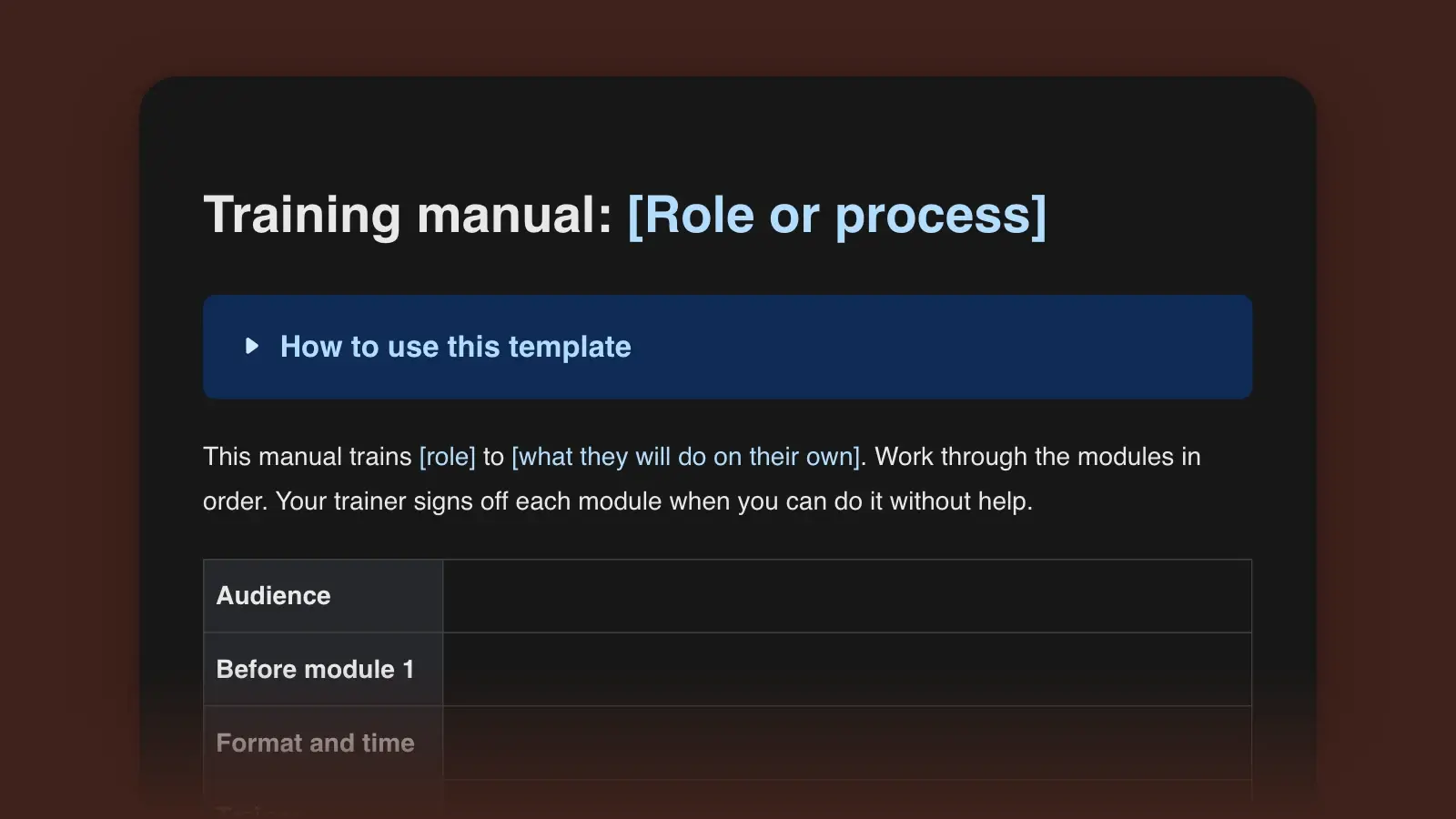
How to use this template
- List the tasks before you write a word
Write down what a trained person actually does in their first month: tasks, not topics. "Billing" is a topic. "Issue a refund on a card payment" is a task, and a trainee can be watched doing it. Each task, or a small group of related ones, becomes a module in the table. A task done once a year probably belongs in a reference section rather than in training.
- Write the objective and the assessment next
Decide how you will know a trainee can do the task before you write the steps that teach it. The objective and the assessment checklist should describe the same performance. If they don't, one of them is wrong.
- Watch an expert and break the task down
Sit beside someone who does the task well and write down each action as it happens. Every time they do something you didn't expect, ask why. The actions go in the Step column, the knacks and checks in Key point, and the answers to "why" in the last column.
- Pilot it with one new person, then revise
Give the draft to the next person who joins and stay nearby. Mark every place they hesitate, ask a question or do something the manual didn't say. Those marks are your revision list. Fix them, raise the version number and note the change at the bottom.
Why the step table has a "why" column
The three columns come from Job Instruction, part of the Training Within Industry program the US War Department ran from 1940 to 1945 to help supervisors in war plants train new workers quickly. Its job breakdown splits a task into important steps, key points and the reasons for the key points. The method then runs in four stages: prepare the learner, show the job, have the learner try it while you coach, and follow up until the coaching is no longer needed. The Practice section of each module follows the same order.
The reason column earns its space the first time something unusual happens. A step that says "Search by ISBN" gets followed until a customer arrives without one. A trainee who knows why you search by ISBN (each edition and format has its own) knows to pin down the edition before ordering, even though no step says so.
Write objectives the assessment can check
Robert Mager's format for instructional objectives has three parts: the performance (what the trainee does), the conditions (given what, using what) and the criterion (how well). Verbs like "understand," "know" and "be familiar with" fail it, because nobody can watch someone understand. Replace them with something visible: process, explain, set up, choose, diagnose, fix.
Checkable
- Given a customer's order number, issue a full refund in the register system with no errors, in under three minutes.
- Given ten sample support tickets, assign a category and priority that match the team lead's on at least nine.
- Using the house style sheet, edit a 600-word article so that a second editor finds no more than two style misses.
Vague
- Understand the refund process.
- Be familiar with ticket categories.
- Know the style guide.
Example: one module, filled in
The third module of a new-bookseller manual for an independent bookstore. The store, its system and its policies are invented. The structure is the template's.
- Objective: Given a customer who asks for a book the store doesn't have on the shelf, you will place a special order with every field of the order log complete and the edition confirmed aloud, on four of four practice requests.
- Why it matters: A wrong edition means a second order, a second wait, and a book nobody collects.
- Before you start: Logged in to the ordering screen, the special-orders log open, the deposit card from module 1 at the register.
| Step | Key point | Why |
|---|---|---|
| Step1. Search by ISBN, not title | Key pointAsk to see the customer's note or screenshot; read the last four digits back | WhyEach edition and format has its own ISBN; titles repeat |
| Step2. Check the distributor's stock status | Key pointQuote the arrival window on the screen, never a guess | Why"Next week" said casually becomes a promise |
| Step3. Confirm format and price aloud | Key point"The paperback, $18.99, about a week?" | WhyThe customer hears the choice before it is final |
| Step4. Take the deposit on the card | Key pointRead the amount from the card, not from memory | WhyPolicy changes; the card gets updated, memory doesn't |
| Step5. Log the order | Key pointName, phone, ISBN, format, quoted date, your initials | WhyWhoever calls the customer may not be you |
| Step6. If no supplier lists the book, don't order | Key pointOffer a used-copy search or the wish list instead | WhyA deposit on a book that can't arrive becomes a refund |
Practice: the trainer plays the customer with four cards: a novel with both a hardcover and a paperback in print, a request by description only ("the blue one about a lighthouse"), a title no supplier lists, and a straightforward order.
- Found or asked for the ISBN before ordering
- Confirmed format and price aloud
- Quoted the arrival window from the screen
- Completed every field in the log
- Handled the unavailable title without taking a deposit
Result: Competent when all four cards pass. Not yet: repeat the practice with new cards the next shift.
Assessments that show someone can do the job
A quiz checks what a trainee remembers. An observed task checks what they can do. For anything procedural, the observed task is the real assessment, and a few questions can cover the parts you can't stage, such as a rare exception. Write those as scenarios, not definitions: "A customer wants the book their club picked but doesn't know the author. What do you ask first?" tells you more than "What is an ISBN?"
Mark results "Competent" or "Not yet" rather than pass or fail. "Not yet" says the next step is more practice, which is the truth for most people on a first try. The sign-off record then shows who trained whom, on which version of the manual, and when.
To find out whether the training works, not just whether people finish it, use the four levels Donald Kirkpatrick set out in the late 1950s. The first two are easy to collect. The third and fourth tell you whether the manual was worth writing.
| Level | Question | Evidence |
|---|---|---|
| Level1. Reaction | QuestionDid trainees find it relevant and usable? | EvidenceTwo questions at the end: what helped, what confused you |
| Level2. Learning | QuestionCan they do it in training? | EvidenceThe module assessments and sign-offs |
| Level3. Behavior | QuestionDo they do it on the job? | EvidenceA spot check a few weeks later; the error log |
| Level4. Results | QuestionDid the problem the training targeted shrink? | EvidenceFewer redone orders, fewer escalations, faster time to working alone |
Training manual, SOP or user manual
These documents overlap, and mixing them up is how manuals end up either too thin to learn from or too long to use.
| Document | Reader | Organized by |
|---|---|---|
| DocumentTraining manual | ReaderSomeone learning a role | Organized byModules in learning order, with practice and assessment |
| DocumentSOP | ReaderSomeone already trained | Organized byOne procedure, step by step, under version control |
| DocumentUser manual | ReaderA customer using a product | Organized byProduct features and tasks |
| DocumentQuick reference | ReaderAnyone in the middle of a task | Organized byThe steps alone, on one page |
A training manual can point to an SOP instead of copying it, so the procedure lives in one place and the manual adds the practice and the reasons. If customers are the ones learning, you want a user manual. If the training is a live session, plan the hour with a workshop outline and hand this manual out as the workbook.
Keep it plain and current
- Write for the reader on day one. Short sentences and the words they will hear at work. Check the readability of anything that reads like a policy document.
- One action per step. "Open the log and enter the order" is two steps, and the second is where people slip.
- Use screenshots where the screen is confusing, not on every step. Each one goes out of date at the next software update.
- Fix the vocabulary. If "customer," "client" and "patron" mean the same person, pick one and put it in a short style guide or the glossary.
- Give it an owner and a review date. Keep earlier versions with version history, so you can see what a trainee signed off against.
Frequently asked questions
What should a training manual include?
Who it is for and what they will be able to do, a list of modules with an objective for each, the procedures with key points and reasons, practice tasks, assessments, troubleshooting, a quick reference, a glossary, a sign-off record and a revision history. The template above has all of them.
How long should a training manual be?
As long as the tasks require. A better test than page count is the module: each one should cover a task a trainee can practice and be assessed on in a single sitting. If a module needs two sittings, split it.
What is the difference between a training manual and an employee handbook?
An employee handbook sets out policies: pay, leave, conduct, benefits. A training manual teaches how to do the work of a role. Most organizations need both, and the training manual can link to the handbook rather than repeat it.
Should I download the Word or the Markdown version?
Word if the manual will be printed for a binder, emailed or attached to a course in a learning platform. Markdown if it will live in a wiki, a knowledge base or a repository. Both downloads come from the same template.