When to use it
- Appliances and consumer products that ship with printed or PDF instructions
- Devices and equipment with controls, a setup routine and regular maintenance
- Software and apps that need a task-by-task guide for end users or administrators
- Internal tools and machines that new staff must learn to operate safely
- Rewriting an outdated manual after a redesign or a new firmware or software version
How to use this template
- Name one reader and one product version
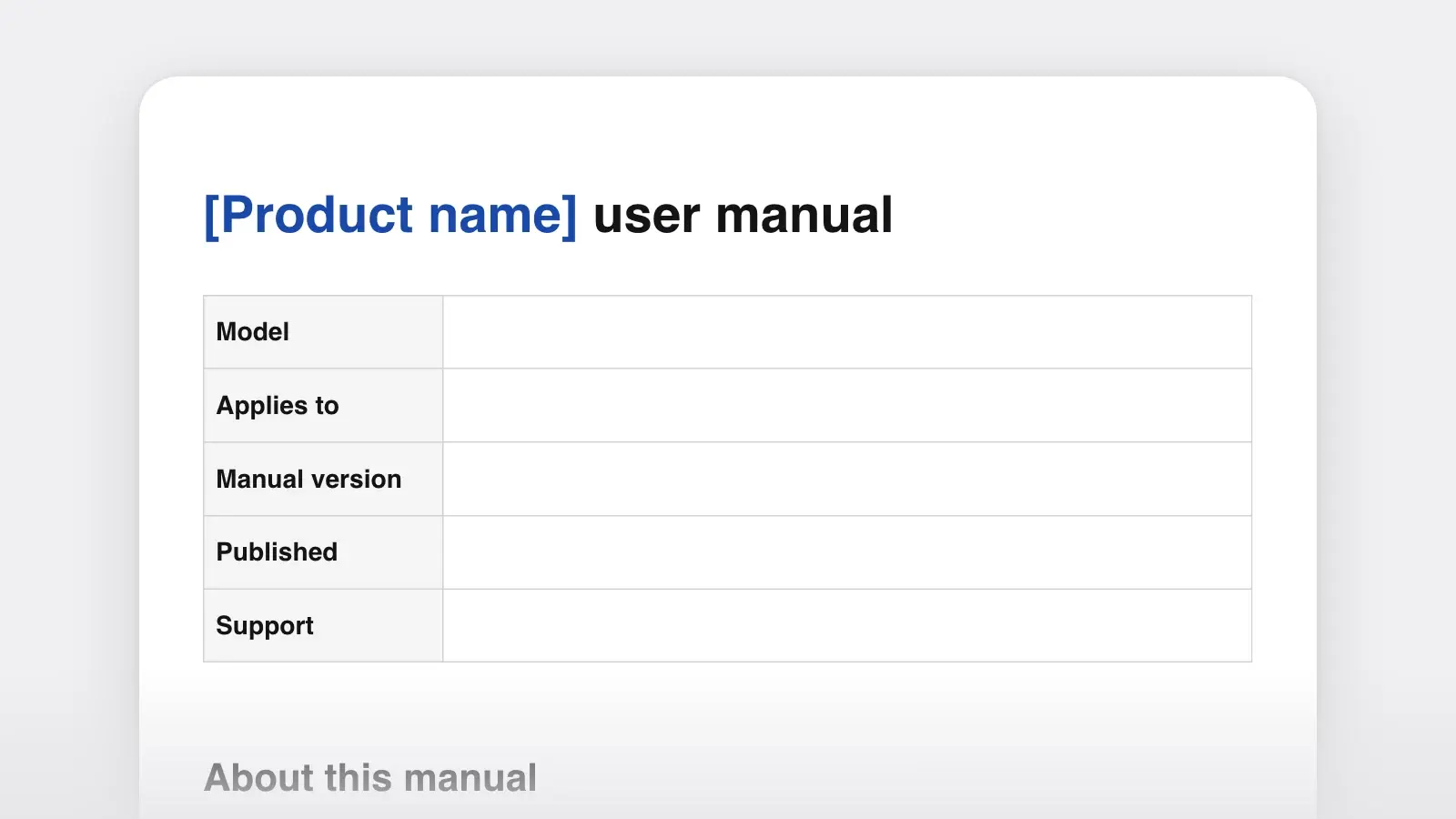
Fill in "About this manual" before anything else. A first-time owner, an installer and an administrator need different manuals, and one document written for all three explains too much to one and too little to the others. Put the exact model or software version at the top, so a reader can tell whether the manual matches what is on their desk.
- List the tasks before you write the steps
Collect everything people do with the product: setup, each control on the parts table, the questions support answers every week. Write each as a verb phrase, such as "Pair the remote" or "Export a report." Those become the headings under "Using," ordered the way a new owner meets them: first day, every day, now and then. Delete the sections that do not apply. A phone app has no "In the box" and rarely needs a maintenance table.
- Write each task with the product in front of you
Do the task as you write it down. Copy every label exactly as it appears, and after each step note what changed: a light, a sound, a new screen. Number the callouts on your drawing or screenshot to match the parts table, so "press 2" and the picture agree.
- Test it on a new user, then fill in troubleshooting
Hand the draft to someone who has never used the product and watch without helping. Where they hesitate, a step is unclear; where they get stuck, you have a troubleshooting row. Log the release in the revision history, and keep each released edition, as a dated PDF or through version history, so you can answer questions about older products.
How to write a task section
Every task has the same five parts: a heading that names the goal, one sentence on when to do it, any safety message, numbered steps, and the result. Name the goal with a verb. Readers scan the table of contents for what they want to do, so "Descale the kettle" gets found where "Descaling" or "Maintenance" does not.
- One action per step. ASD-STE100 Simplified Technical English, the controlled language written for aircraft maintenance manuals, keeps an instruction to 20 words and one instruction per sentence. You can borrow those two rules without adopting the rest.
- Say where before what. Microsoft's and Google's style guides both put the location first: "On the front panel, press Power." The reader looks in the right place before acting.
- Give the result. After any step that changes something, say what the reader should see. The result confirms the step worked and tells them where they are.
- Use one name for each part. If the button reads Start, write Start, not "the power button" in one place and "begin" in another. A short term list or style guide keeps a long manual consistent.
- Mark optional steps. Start them with "Optional:" so readers can skip them without wondering what they missed.
Descale the kettle
Descale every one to three months, or sooner if you see white deposits on the base. It takes about 25 minutes.
CAUTION: Hot liquid. The descaling solution can scald. Wait the full 15 minutes in step 4, and pour away from your body.
- Fill the kettle with water up to the MAX line.
- Add 2 tablespoons of citric acid and stir until it dissolves.
- Press Boil. The light turns blue, and the kettle switches off when the water boils.
- Leave the solution in the kettle for 15 minutes.
- Empty the kettle into the sink.
- Rinse the kettle twice with clean water.
The base is clean and shiny. If deposits remain, repeat steps 1 to 6.
Clear steps
- On the Settings screen, select Backup.
- Press and hold Pair for 3 seconds. The light blinks blue.
- Optional: Give the device a name.
Vague steps
- Go into settings, find the backup options, turn them on and pick a time.
- The pairing button should be held until pairing begins.
- You may want to name the device.
Safety messages people read
In the US, ANSI Z535.6 is the standard for safety information in product manuals and instructions. It ranks hazards with signal words, and the template's conventions list uses the same scale.
| Signal word | Use it for | Example |
|---|---|---|
| Signal wordDANGER | Use it forA hazard that will cause death or serious injury if not avoided | ExampleExposed high-voltage parts |
| Signal wordWARNING | Use it forA hazard that could cause death or serious injury | ExampleA heavy cabinet that can tip over |
| Signal wordCAUTION | Use it forA hazard that could cause minor or moderate injury | ExampleHot surfaces, pinch points |
| Signal wordNOTICE | Use it forDamage to the product, property or data, with no injury | ExampleUnplugging during an update |
Write every message in the same order: signal word, hazard, what could happen, how to avoid it. "WARNING: Tip-over hazard. The cabinet can fall and cause serious injury. Anchor it to the wall before you load the shelves." Put the message just before the step where the hazard appears, and collect every message in "Safety information" as well. Use them sparingly. A manual with a warning in every paragraph teaches readers to skip the box.
Troubleshooting that solves problems
Write the Problem column in the reader's words, describing what they see. They know the symptom ("the light blinks red"), not the cause ("dry-boil protection"). Put the most frequent problems first; your support inbox will tell you which they are. Every fix should be something the reader can do with what they own, and the last row says when to stop and contact support.
| Problem | Possible cause | What to do |
|---|---|---|
| ProblemThe kettle does not switch on | Possible causeIt is not seated on the base | What to doLift it and set it down firmly on the base |
| ProblemIt switches off before the water boils | Possible causeScale on the heating plate | What to doDescale the kettle |
| ProblemThe light blinks red | Possible causeThe kettle boiled with too little water | What to doUnplug it, let it cool for 10 minutes and fill it above MIN |
The same rules work for documents that never leave the company. For a process your own staff follow, the SOP template adds owners, checkpoints and an exceptions table.
Frequently asked questions
What should a user manual include?
Most product manuals cover who the manual is for, safety information, a product overview with named parts, setup, task-by-task instructions, care and maintenance, troubleshooting, specifications, and support and warranty details. Software manuals usually drop the parts and maintenance sections and add screenshots.
What is the difference between a user manual and a quick start guide?
A quick start guide covers only what it takes to get the product working the first time, often on a single sheet. The user manual covers everything after that. Write the manual first, then lift its setup section into the quick start guide so the two never disagree.
Is there a user manual template for Word or Google Docs?
Yes. Download the .docx above. It opens in Word with real headings and tables, so Word can build a table of contents from it, and Google Docs opens .docx files too. The .md download is the same document for a help center, a wiki or a repository.
Should a user manual have pictures?
Use a picture wherever the reader has to find something: a labeled drawing for the parts table, a screenshot of a busy screen. Number the callouts in the picture and use the same numbers in the text. A picture never replaces a step; the step still needs words.