When to use it
- Recurring operations such as month-end close, backups, releases and equipment checks
- Onboarding, so a new hire can do the task in their first week without asking
- Handoffs, when a task moves from one person or team to another
- Compliance and audits, where a process must exist in writing and carry a revision history
- Support and incident response, where the steps must be right under pressure
How to use this template
- Name the outcome, then draw the boundary
Write the purpose as the result the procedure produces, not the activity: "Every refund is issued within one business day," not "This document describes the refund process." Then set the scope tightly. Say which team, system or site it applies to, and name what it does not cover, so nobody follows the wrong procedure with confidence.
- Walk the procedure once and write down what you did
Do the task yourself, slowly, and record each action as you take it. The order you actually do things in is the order the steps should go in. Note what you looked at to know a step had worked; that becomes its checkpoint. Anything you had to fetch, open or log in to goes under materials and prerequisites.
- Fill the exceptions table from real failures
Ask the people who do this task what goes wrong. Every answer is a row: the condition, what to do about it, and who to contact. "Stop and ask" is a valid instruction. An SOP that pretends nothing fails gets abandoned the first time something does.
- Set an owner and a review date
One person owns the document. Put their name at the top, pick a review date, and log every change in the revision history with a reason. In Strokes, version history keeps each saved state of the file, so the table says why a change was made and the history shows exactly what changed.
How to write steps people can follow
A step is one action by one person, written as an instruction. Start with the verb, name the thing it acts on, and stop. "Export the report as PDF" is a step. "The report should then be exported, usually as a PDF, though some teams prefer a spreadsheet" is a paragraph with a step hidden in it.
- One action per step. If a step contains "and," it is probably two steps. Two actions on one line means a reader can finish the first and forget the second.
- End with a checkpoint. Tell the reader what they should see once the step has worked: a confirmation message, a green status, a file in a folder. Checkpoints turn a list into a procedure that catches its own mistakes.
- Use the names on the screen. If the button says Finalize, write Finalize, not "complete the form." Readability matters more here than almost anywhere, because the reader is doing something else while they read.
- Put conditions first. "If the total is over the limit, go to Exceptions" belongs at the start of the step, not after the action it should have prevented.
- Say who, when it changes. Most procedures are followed by one person, so the subject is "you." When a step passes to someone else, say so in the step itself.
- Use one word for each thing. Pick the term your style guide prefers and keep to it. An SOP that calls the same thing a ticket, a case and a request reads like three procedures.
Test the SOP with someone new
The author is the worst judge of a procedure, because the author fills every gap from memory. Hand the draft to someone who has never done the task and watch them follow it without helping. Every time they pause, ask a question or do something the document did not say, mark that step. Those marks are the edit list.
A step that needed explaining is missing a detail or a checkpoint. A step they skipped was either unnecessary or unclear about why it matters. A question of "which one?" means a name is ambiguous. Fix the document, not the reader, then run the test again with a second person before you issue version 1.0.
Repeat the test when the procedure changes and whenever the review date comes around. Tools get renamed, screens move, and the person who knew the workaround leaves. A dated revision history is how a reader knows the version in front of them is the current one.
Frequently asked questions
What is the standard SOP format?
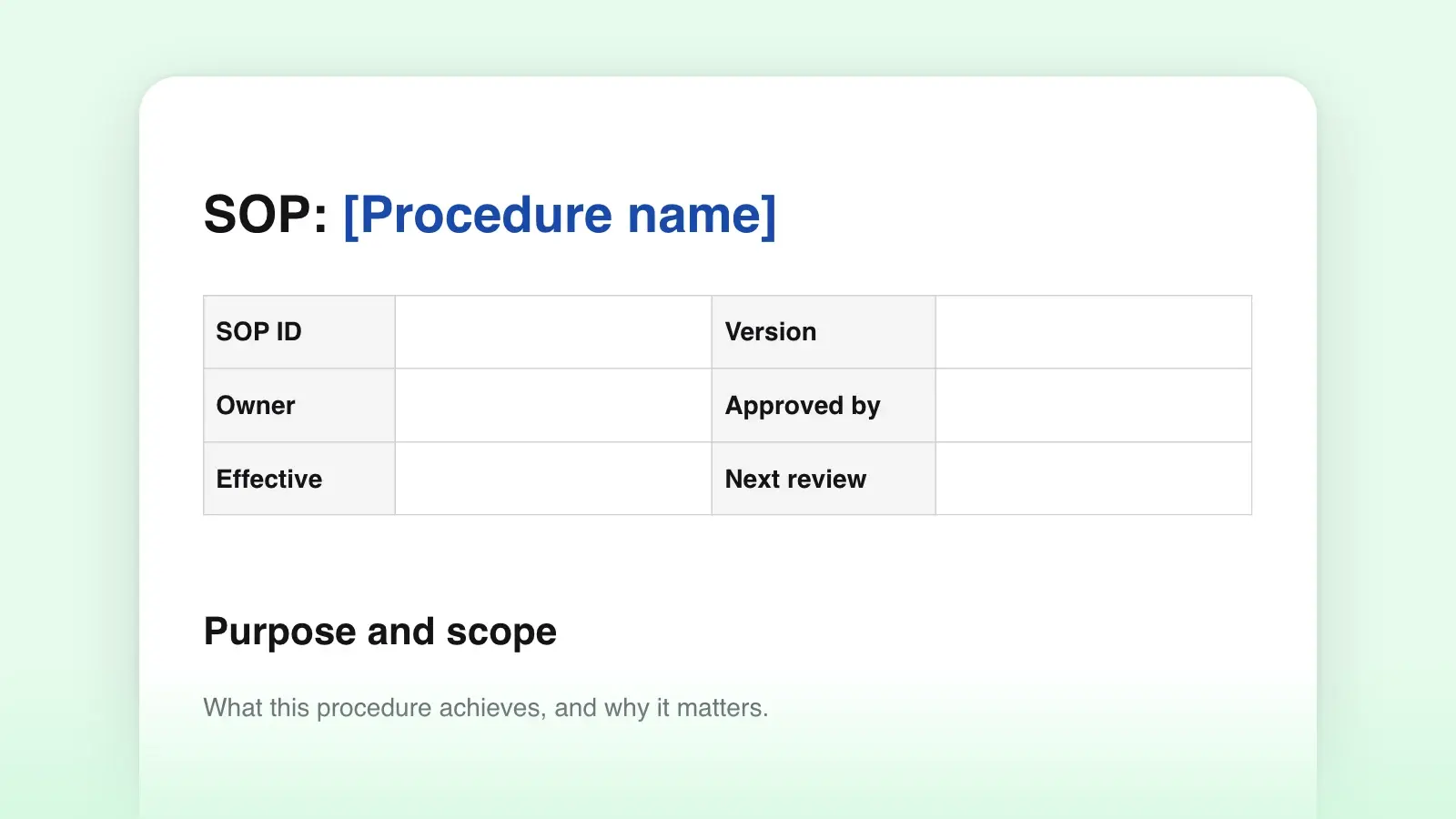
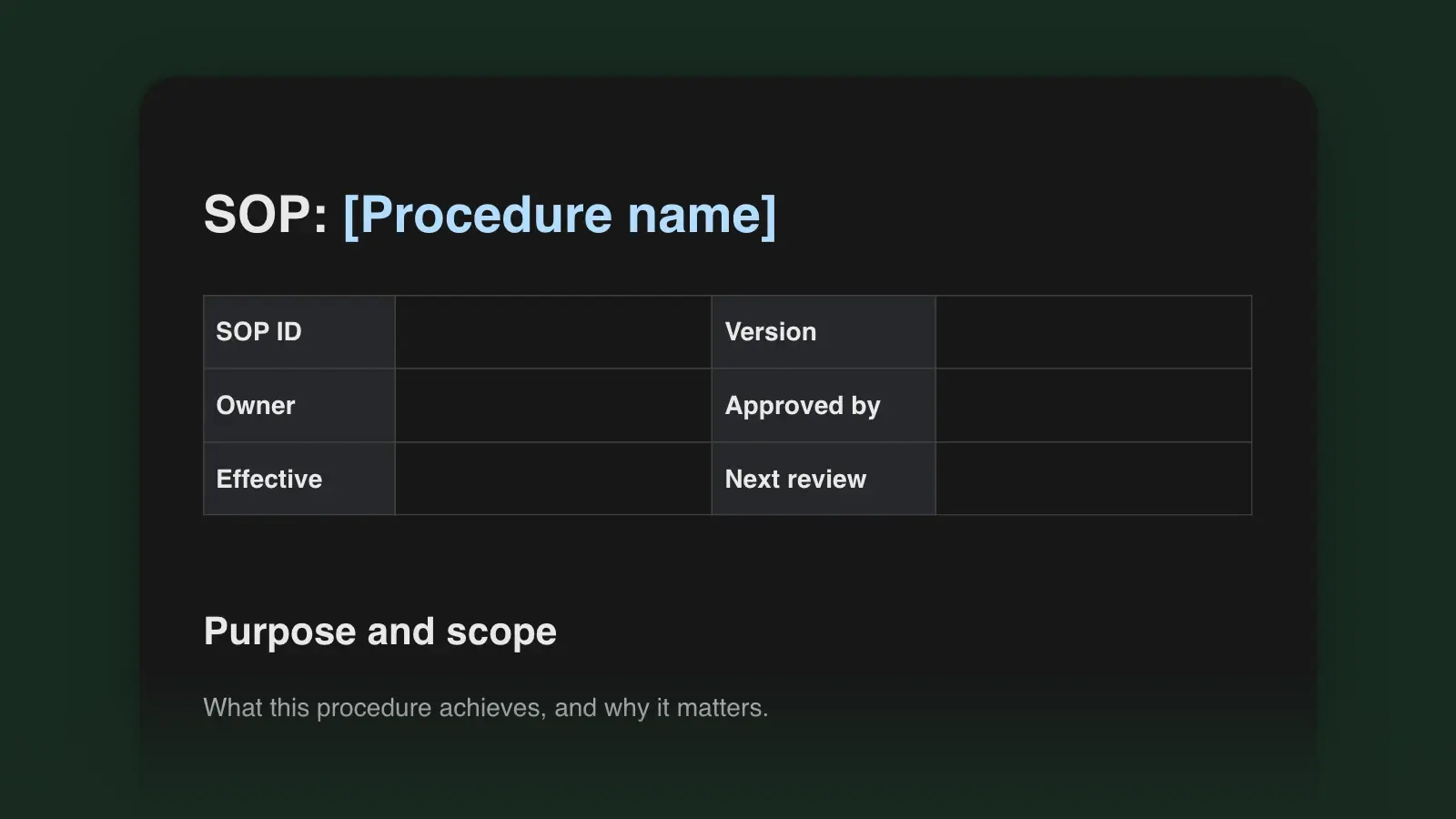
Most SOPs follow the sections in this template: an ID, owner and effective date at the top, then purpose and scope, roles, definitions, materials, the numbered procedure, exceptions and a revision history. Regulated industries add approval signatures. Keep the structure and add a signature line if you need one.
Is there an SOP template for Word?
Yes. Download the .docx above. It opens in Word with real headings, the tables and the numbered procedure, and the bracketed placeholders are highlighted so you can see what is left to fill. The .md file is the same document for wikis, repositories and plain-text editors.
How long should an SOP be?
As long as the procedure and no longer. Ten to twenty steps fit on one or two pages. Past thirty, the task is probably several procedures. Split them, give each its own SOP and link between them.
How is an SOP different from a decision record?
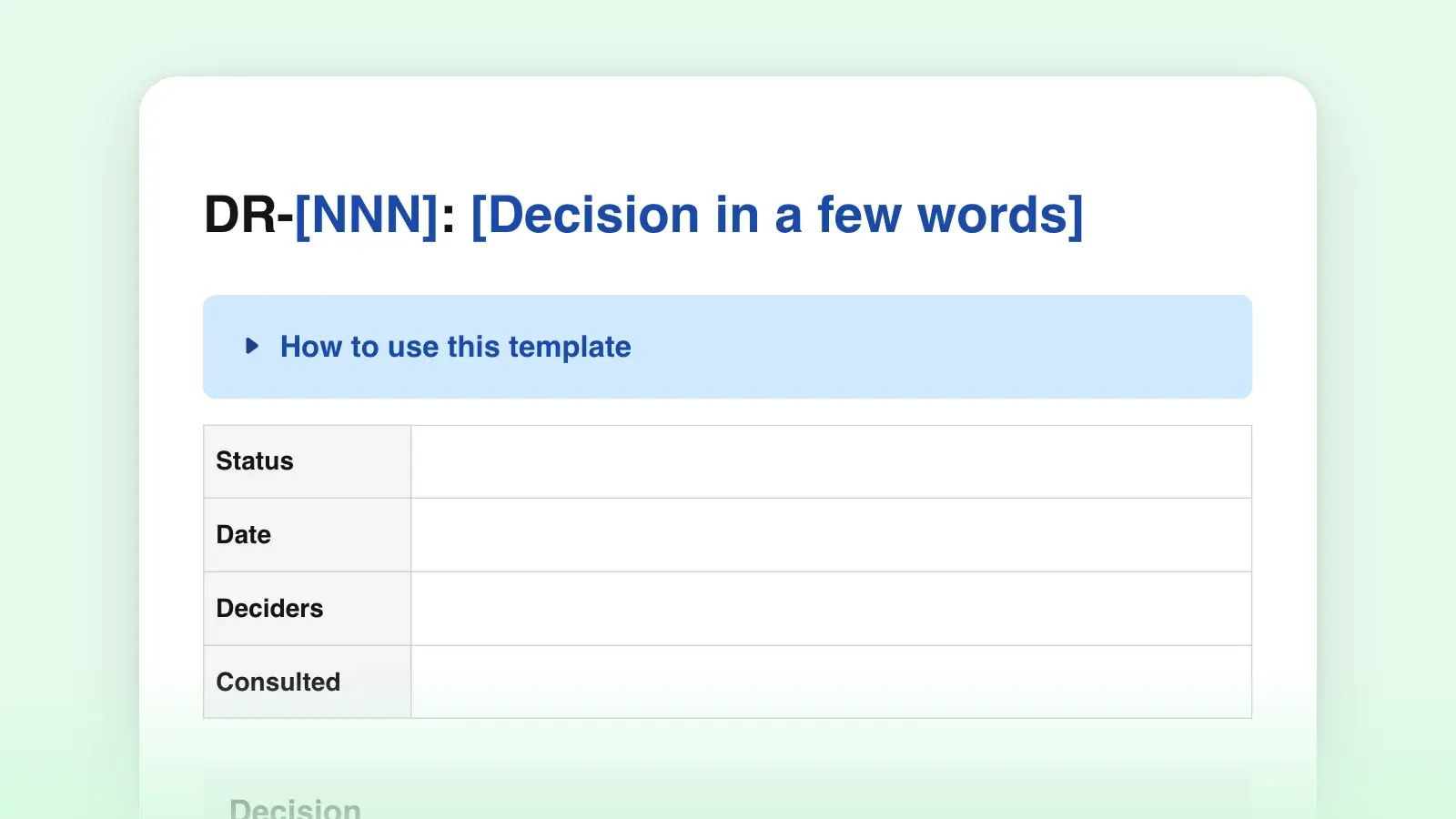
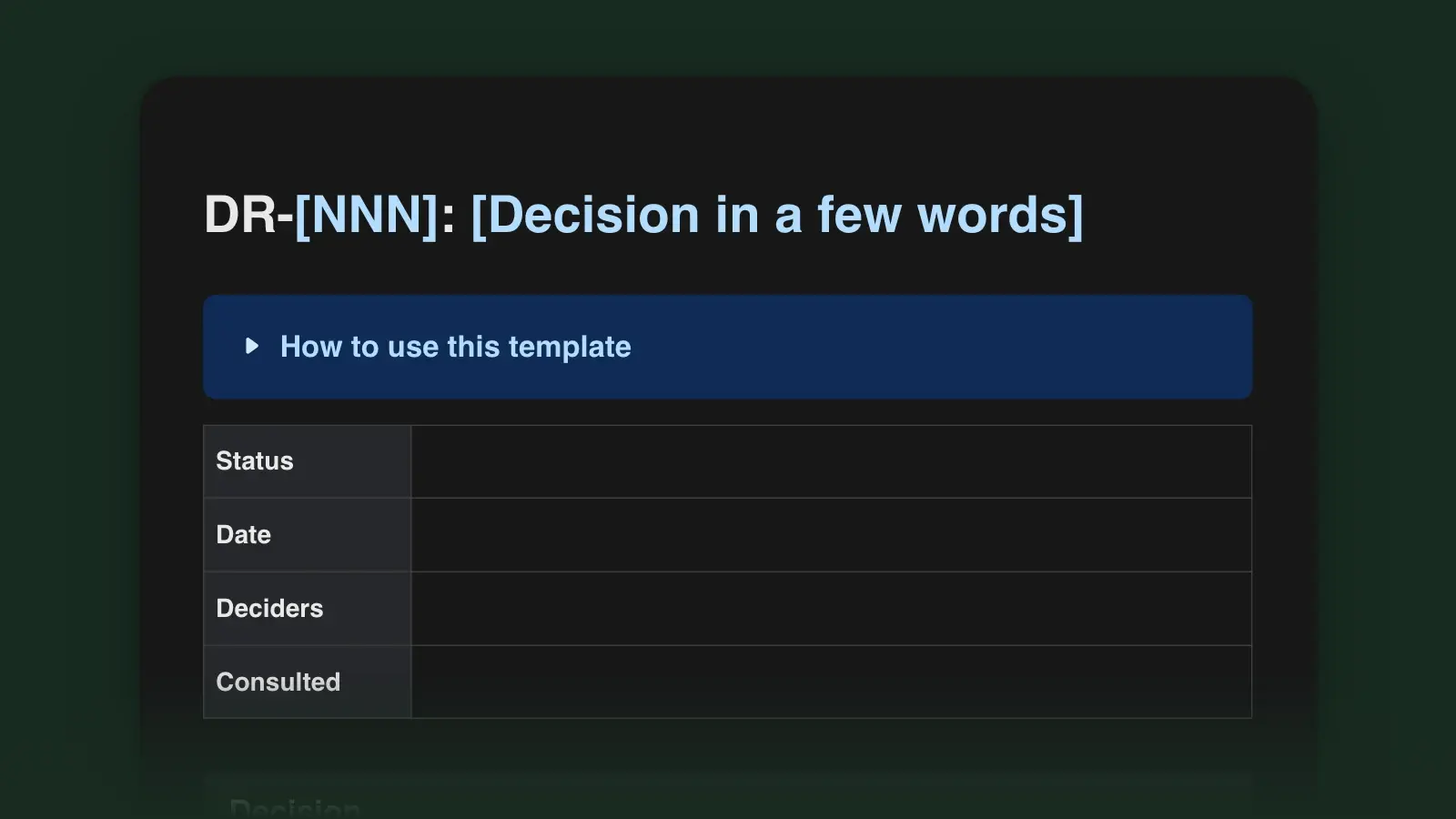
An SOP says how to do something that repeats. A decision record says why something was decided once. When a decision changes a procedure, update the SOP, add a row to its revision history and link the decision record from it.