When to use it
- Documenting an internal service, API or data pipeline so a new engineer can run it without a guide
- Handing a system over to another team, a client or a contractor
- An open-source tool or library that has outgrown its README
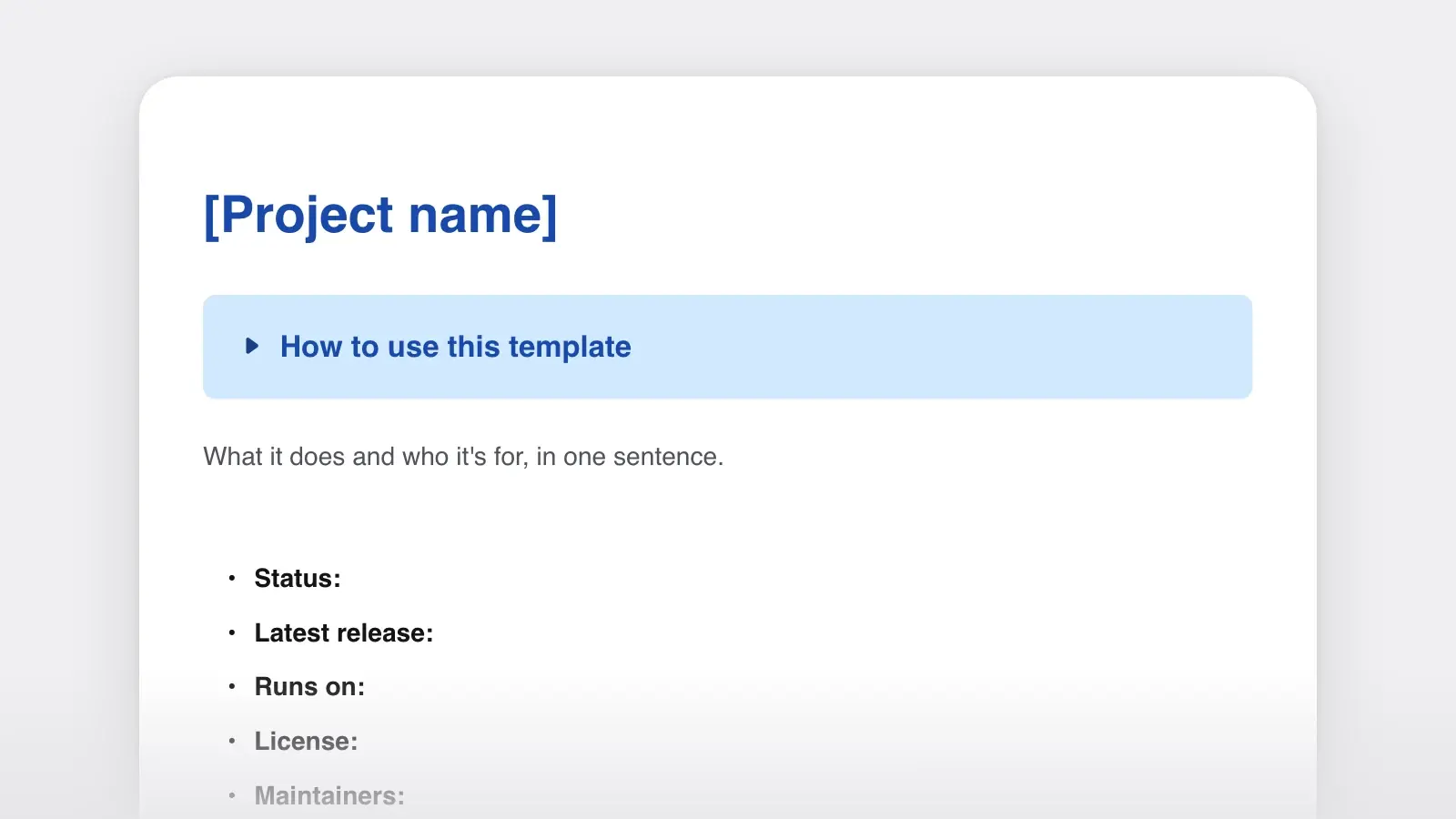
- Integrations, hardware and IT systems that need setup steps and a fix-it table in one place
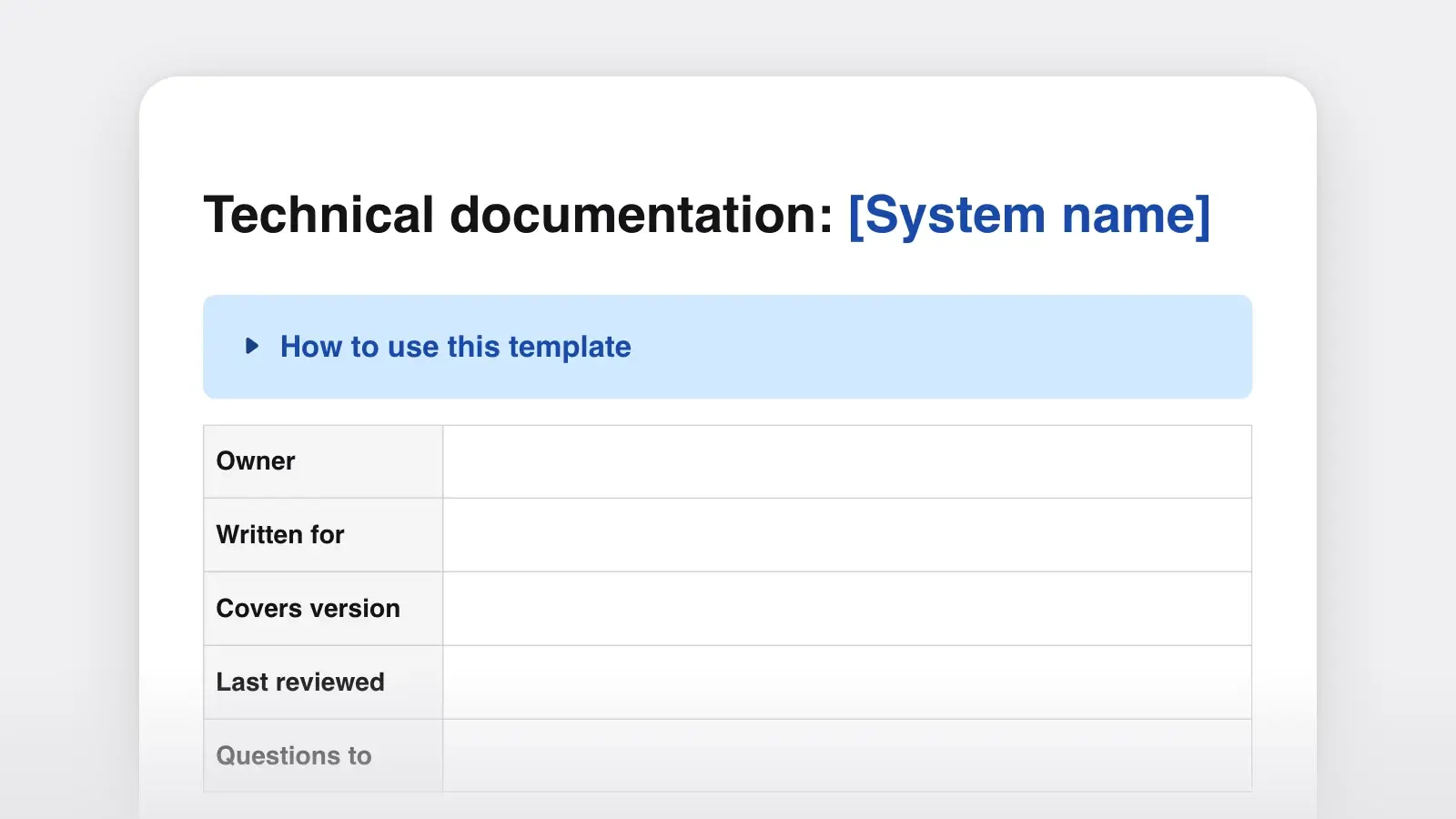
How to use this template
- Pick the reader and draw the boundary
Decide who opens this first: an engineer new to the team, an operator, a partner integrating with your API. Then write the Overview's "It does not…" sentence before anything else. The boundary decides what belongs in every later section.
- Write setup on a clean machine
Follow your own steps on a fresh laptop, container or test account and type each command into the document as you run it. Anything you find already installed is a prerequisite you would have forgotten. Better still, watch someone new follow the steps and say nothing; every place they stop is a gap.
- Copy the reference from the source
Take setting names, defaults and error codes from the code or the config file, not from memory. If the API reference is generated from the code, link to it instead of retyping it, so there is only one version to keep right.
- Fill troubleshooting from real problems, then date it
Read back through recent support tickets, chat threads and incident notes. Each question that came up twice becomes a row. Put the owner and the review date at the top, so a reader can tell at a glance whether the page is current.
What each section must answer
Every section exists to answer one question a reader brings to it. If you cannot tell whether a section is finished, check it against the last column.
| Section | The reader's question | Done when |
|---|---|---|
| SectionOverview | The reader's questionWhat is this, and is it what I need? | Done whenA newcomer can say what it does and what it does not do |
| SectionArchitecture | The reader's questionHow do the parts fit together? | Done whenEvery box in the diagram is in the component table, and the reverse |
| SectionSetup | The reader's questionHow do I get it running? | Done whenSomeone new reaches the check step without asking you anything |
| SectionUsage | The reader's questionHow do I do the thing I came for? | Done whenThe most common tasks each have numbered steps and an expected result |
| SectionReference | The reader's questionWhat exactly does this setting or error mean? | Done whenEvery name matches the code, and nothing is described twice |
| SectionTroubleshooting | The reader's questionWhy is it broken, and how do I fix it? | Done whenEach row starts from what the reader sees, word for word |
A filled-in example
Here is how three sections read once they are filled in, for a small made-up service. Notice that the setup step ends with what you should see, and that each troubleshooting row starts from the exact text in the logs.
Overview. Courier sends the shop's transactional email: order confirmations, shipping updates and password resets. Other services put a message on the queue; Courier fills in the email template and hands it to the email provider. It does not send marketing email; that goes through the newsletter tool.
Setup, step 4. Check that it works: run make smoke. You should see sent 1 message to sandbox within ten seconds.
Troubleshooting.
TEMPLATE_NOT_FOUND order_shippedin the logs. Cause: the template was renamed and the sender still uses the old name. Fix: rename it back, or update thetemplatefield in the sending service.- Emails arrive hours late. Cause: the queue backed up during a provider outage. Fix: check the queue depth on the dashboard, then follow "Drain the queue" in the Courier runbook.
Writing it so people can use it
- End every step with a result. "You should see…" tells the reader the step worked before they build the next one on top of it.
- Put the condition before the instruction. "On Windows, run…" rather than "Run… if you are on Windows." The reader who is not on Windows can skip the line without reading it, and Google's developer documentation style guide gives the same advice.
- Copy error messages exactly. Readers search for the text on their screen. A paraphrase never matches.
- Put anything typed in code font. Commands, file paths, setting names and values, so they can be copied without guessing where a word ends.
- Keep the diagram to two levels. The C4 model describes four levels of architecture diagram; the first two, the system in its context and the containers inside it, are what this document needs. Component and code diagrams go stale fastest.
- Use one voice throughout. Second person, present tense, active verbs. If a team writes the docs, agree on it in a short style guide.
When one document becomes several
A single document works until a section grows past a few screens. The Diátaxis documentation framework names four kinds: tutorials for learning by doing, how-to guides for getting a task done, reference for looking things up, and explanation for understanding why. This template already contains all four. Setup works as a tutorial, Usage and Troubleshooting are how-to guides, Reference is reference, and Overview and Architecture are explanation. Split along those lines, and keep this page as the front door that links to the rest.
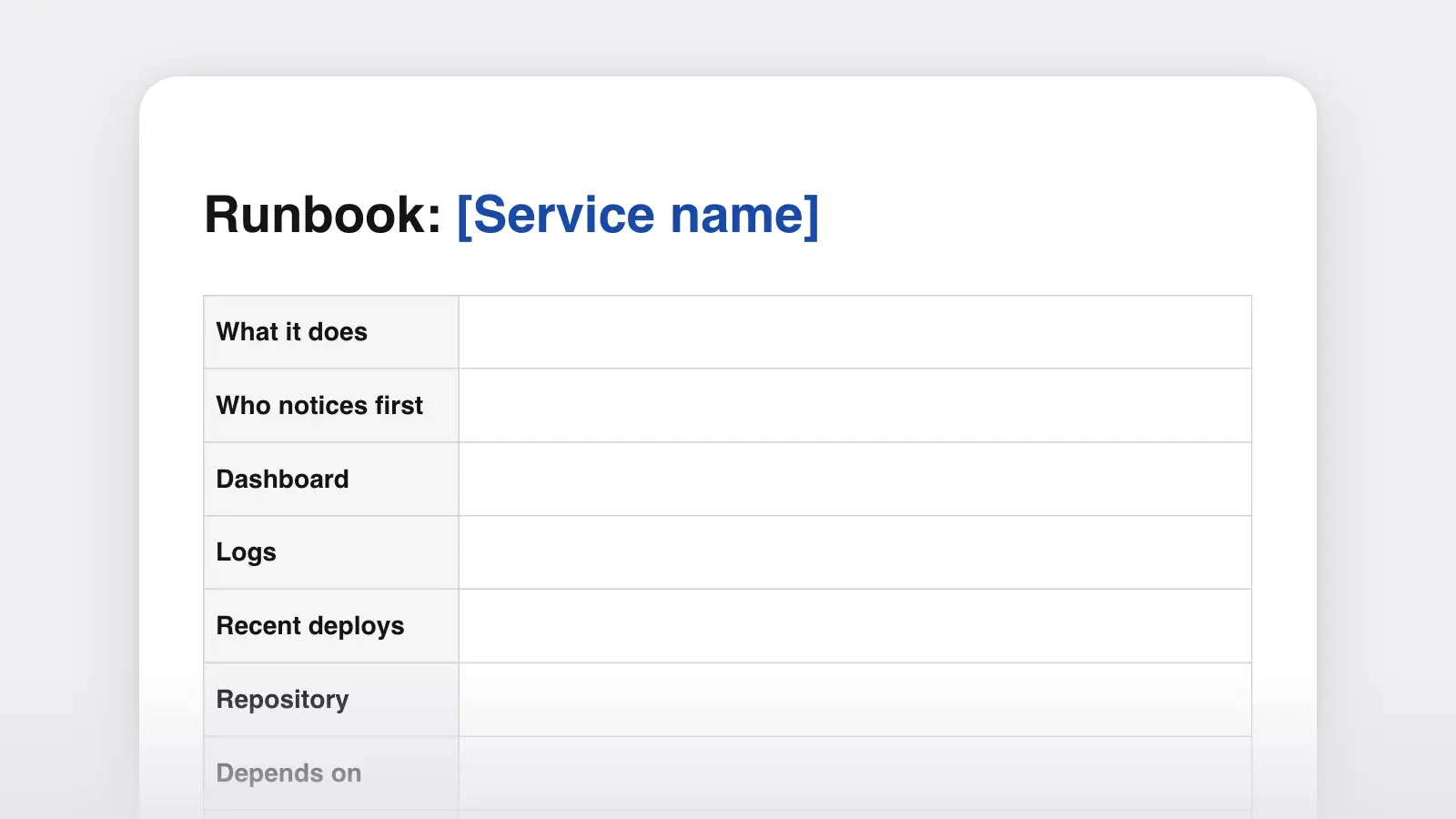
Some neighbors have their own templates. A repository needs a README (see the software documentation template), on-call staff need a runbook, a system that is not built yet needs a design document, and people who only use the product need a user manual. Link them from the Overview rather than copying them in.
Frequently asked questions
What is the difference between technical documentation and a user manual?
Technical documentation explains how a system is built, set up and kept running; its readers build, operate or integrate it. A user manual explains how to use the product to get work done; its readers never need to see the architecture. Many products need both, written separately.
How long should technical documentation be?
Long enough that someone new can set the system up and do the common tasks without asking anyone. For a small service that is often a few pages. When a single section grows past a few screens, move it into its own document and link to it.
Should I write it in Markdown or Word?
Markdown if the documentation lives next to the code: in the repository, reviewed with each change and published by a docs site. Word if it is a deliverable, such as a handover to a client or a document that needs sign-off. The template downloads in both formats with the same structure.
How do I keep documentation from going out of date?
Give it an owner and a review date, and update the documentation in the same change as the code it describes. Treat a question that the documentation should have answered as a bug in the documentation, and fix it the day it comes up.