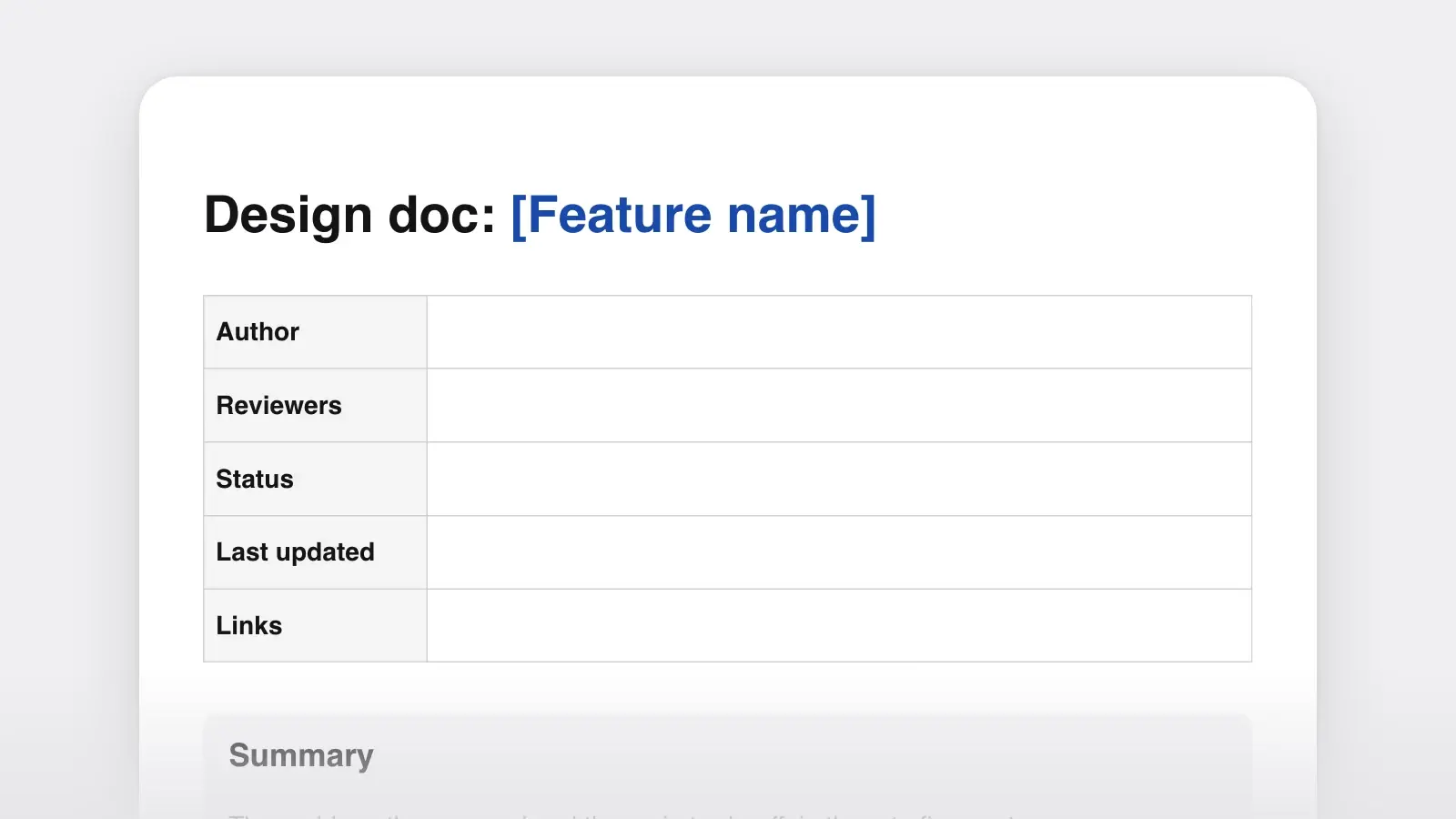
When to use it
- A new service, API or data model that other teams will build on
- A change with real trade-offs, where two or more designs could each work
- A migration or rewrite where the rollout and the way back matter as much as the code
- Work that spans teams, or that people will later ask about: why was it built this way?
- A mini design doc of one to three pages for a smaller change that still needs a second pair of eyes
How to use this template
- Write the summary, context and goals first
Get the problem and the goals right before you draw a single box, and show that first page to one person who knows the system. If they disagree with a goal, nothing in the design section matters yet. This is also the moment to decide whether you need a full design doc or a mini one.
- Describe the design at the level of decisions
Explain the shape of the solution and the choices that give it that shape: which component owns what, where the data lives, what happens when something fails. Leave out what any engineer on the team would do anyway. Sketch the interfaces that matter instead of pasting every field, and link to a prototype rather than writing code into the doc.
- Argue the alternatives fairly
Write each rejected option the way its strongest supporter would, and include "do nothing". Malte Ubl, describing design docs at Google in a 2020 essay, calls this one of the most important sections. Experienced reviewers go straight to it to see whether the option they had in mind was taken seriously.
- Send it for review with a date, then keep it current
Name each reviewer for a reason (security, the team that owns the database, the client developers) and give them a deadline. Review early, while changing the design is still cheap. After approval, update the doc when implementation overturns a decision, set the status to Implemented when the work ships, and link the doc from the code it describes.
What goes in each section
Every section answers one question a reviewer will ask. If a section does not answer its question, the review meeting will.
| Section | The question it answers | Common mistake |
|---|---|---|
| SectionSummary | The question it answersWhat are we being asked to approve? | Common mistakeBurying the proposal under background |
| SectionContext and scope | The question it answersWhy now, and what is in bounds? | Common mistakeWriting product requirements here instead of linking the PRD |
| SectionGoals and non-goals | The question it answersHow will we know it worked? | Common mistakeNon-goals that only restate goals in the negative |
| SectionProposed design | The question it answersHow does it work, and why this shape? | Common mistakePasting code or full schemas |
| SectionAPIs and data | The question it answersWhat changes for callers and for storage? | Common mistakeListing every field instead of the contract |
| SectionAlternatives considered | The question it answersWhat else could work, and why not? | Common mistakeStraw men nobody would choose |
| SectionCross-cutting concerns | The question it answersIs it secure, private, observable and affordable? | Common mistakeWriting "N/A" without a reason |
| SectionRisks and open questions | The question it answersWhat might break, and what is still unknown? | Common mistakeHiding unknowns so the doc looks finished |
| SectionRollout plan | The question it answersHow does it reach users, and how do we undo it? | Common mistakeNo rollback, or a rollback nobody has tried |
Design doc example
Here is a mini design doc written with the template, shortened for this page. The company, people and numbers are invented, but the problem is a common one: a nightly batch job that has outgrown its window.
Summary. Payment reminders are sent by one cron job that starts at 02:00 UTC and works through every overdue invoice in a single pass. We propose to replace it with a scheduler that queues one job per reminder for 09:00 in the customer's time zone, and a pool of workers that send them. The trade-off: more moving parts in exchange for reminders that arrive on time, are retried when they fail and survive a crash without resending the batch.
Context and scope. Two years ago the job sent about 6,000 reminders a night. It now sends 41,000 and runs for three hours, so customers in Asia get their reminders in the afternoon. When the job crashes partway, which happened four times last quarter, the rerun starts from the top and sends the first half again. Support has logged 212 tickets about duplicate reminders since July. This doc covers the sending pipeline only. Reminder rules and email content stay as they are.
- Goal: every reminder is sent within 15 minutes of 09:00 local time.
- Goal: a crash or a retry resends at most the one email in flight, never a batch.
- Goal: a failed send is retried three times, then raises an alert.
- Non-goal: changing when reminders fall due. Product owns those rules and is revising them in a separate project.
- Non-goal: SMS reminders. The queue would make them easier later, but this design does not add them.
- Every five minutes, a scheduler finds reminders due in the next window and inserts one row each into a jobs table in the existing Postgres database. A unique key on invoice ID plus reminder type makes a second insert for the same reminder fail harmlessly.
- Workers claim jobs with
SELECT … FOR UPDATE SKIP LOCKED, so two workers never take the same row. - A worker hands the email to our existing email provider and marks the job sent.
- A failed send is recorded and retried with a growing delay. After the third failure the job is marked failed and the on-call engineer is paged.
| Alternative | What it has going for it | Why we did not choose it |
|---|---|---|
| AlternativeKeep the cron job, one run per region | What it has going for itSmallest change; fixes the time-zone problem | Why we did not choose itA crash still means a rerun from the top, so duplicates remain |
| AlternativeA hosted message queue service | What it has going for itBuilt for this; scales far past our volume | Why we did not choose itNew infrastructure to run, monitor and pay for, and we would still need the unique key |
| AlternativeJobs table in Postgres (chosen) | What it has going for itNo new infrastructure; jobs sit beside the invoices and can be written in the same transaction | Why we did not choose itMore load on the main database (see Risks) |
| AlternativeDo nothing | What it has going for itNo work | Why we did not choose itRun time grows with every new customer; the job will not finish before European mornings by spring |
- Risk: a worker can crash after the provider accepts an email but before the job is marked sent, and the retry sends it again. We accept this: it needs a crash in a window of milliseconds, and we will count duplicates in phase 1 to check.
- Risk: extra writes on the primary database. At 41,000 jobs a day the load is small. If it shows up on the database dashboards, the jobs table moves to its own database.
- Phase 1: shadow mode for one week. The queue logs what it would send while the cron job keeps sending, and we compare the two lists daily.
- Phase 2: queue sends for 10 percent of accounts for one week.
- Phase 3: all accounts. The cron job is deleted after two quiet weeks. Rollback until then is one flag that hands sending back to the cron job.
What makes it work: the summary states the trade-off in its last sentence, so a reviewer knows what they are weighing. The context uses numbers and incidents rather than adjectives. Each non-goal is something a reader might reasonably expect, and the chosen option's weakness is admitted in the alternatives table and followed up under Risks. The rollout starts with a phase that changes nothing for customers, and the way back is one switch.
Goals versus non-goals
A non-goal is a reasonable goal you have decided not to pursue, not the opposite of a goal. "The system should not lose data" is not a non-goal, since nobody was going to propose losing data. Good non-goals stop scope creep in review, because they answer the question "will it also do X?" before anyone asks it.
Real non-goals
- Changing the reminder rules (product owns them; separate project)
- SMS reminders (possible later on the same queue)
- Migrating old reminder logs into the new table
- Redesigning the reminder emails (content stays as it is)
Goals in disguise
- The new system should not be slow
- Not losing reminders
- Avoiding bugs
How long a design doc should be
Ubl's essay puts larger projects at roughly 10 to 20 pages and suggests a "mini design doc" of one to three pages for smaller, incremental changes. Past 20 pages, split the problem and write a doc for each part. Under a page, ask whether you need one at all: if there is only one sensible way to build the thing and no trade-off to weigh, the doc turns into an implementation manual, and a ticket with a short description serves better.
Length should follow the decisions, not the effort. A two-week project that changes a public API deserves a careful doc, while a three-month project that follows a pattern the team has used ten times may need two pages. If you are not sure the work should happen at all, write a one-pager first and save the design doc for after the yes.
Design doc, RFC, PRD or ADR
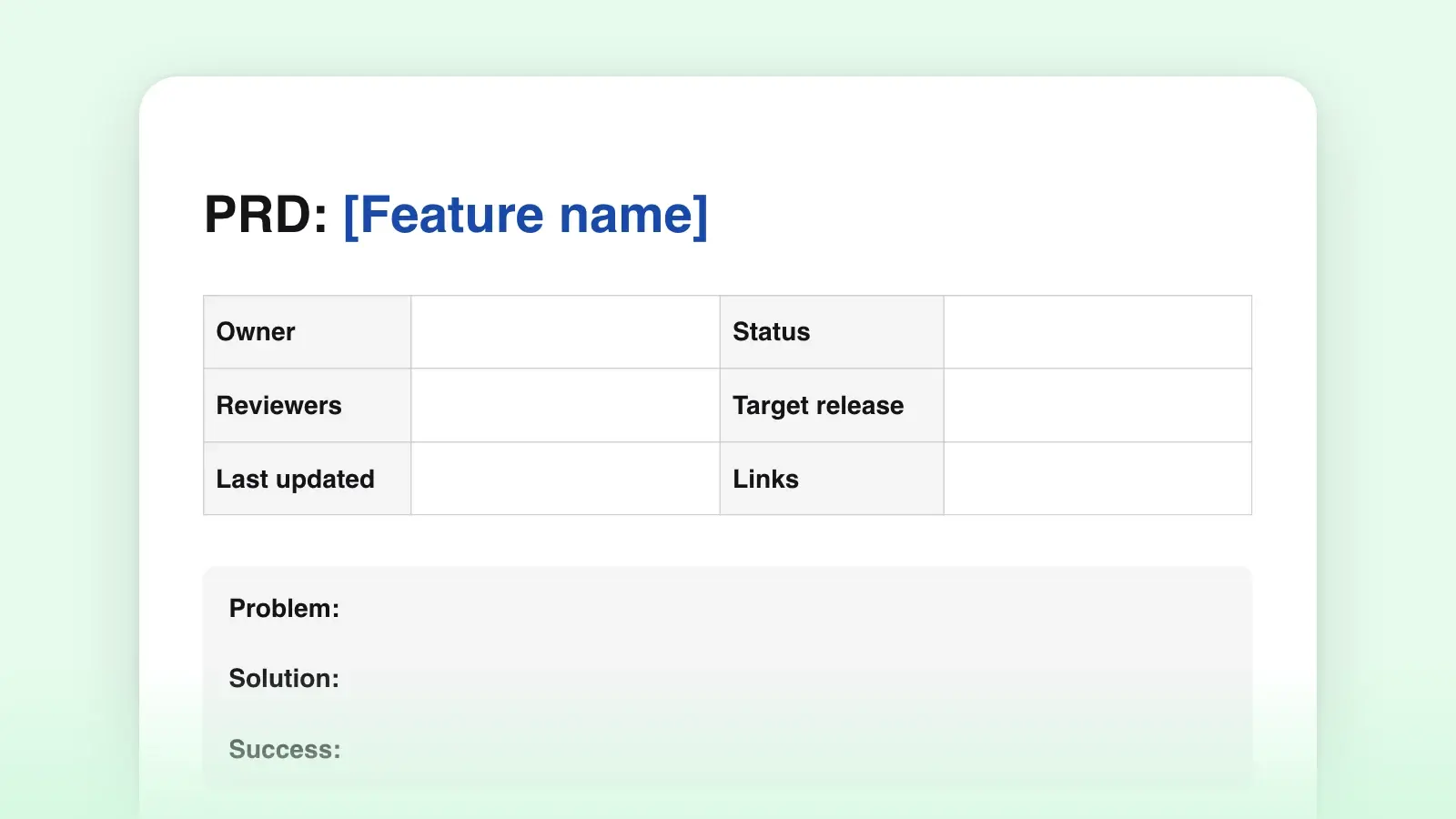
The names overlap, and companies use them differently. In a 2022 survey of company templates, Gergely Orosz of The Pragmatic Engineer found Google calling the document a design doc, while Uber, Sourcegraph and HashiCorp call theirs RFCs (requests for comments). Oxide Computer writes RFDs, requests for discussion, kept as numbered files in a Git repository. Rust's public RFC template has sections for drawbacks, rationale and alternatives, prior art and unresolved questions. Under the different names the core is the same: the problem, the proposal, what else was considered and what is still open.
| Document | What it answers | When it is written |
|---|---|---|
| DocumentPRD | What it answersWhat to build, for whom, and why | When it is writtenBefore design starts |
| DocumentDesign doc | What it answersHow to build it, and why this way | When it is writtenBefore most of the code |
| DocumentRFC or RFD | What it answersThe same as a design doc, framed as a request for comments | When it is writtenBefore building, often for changes across teams |
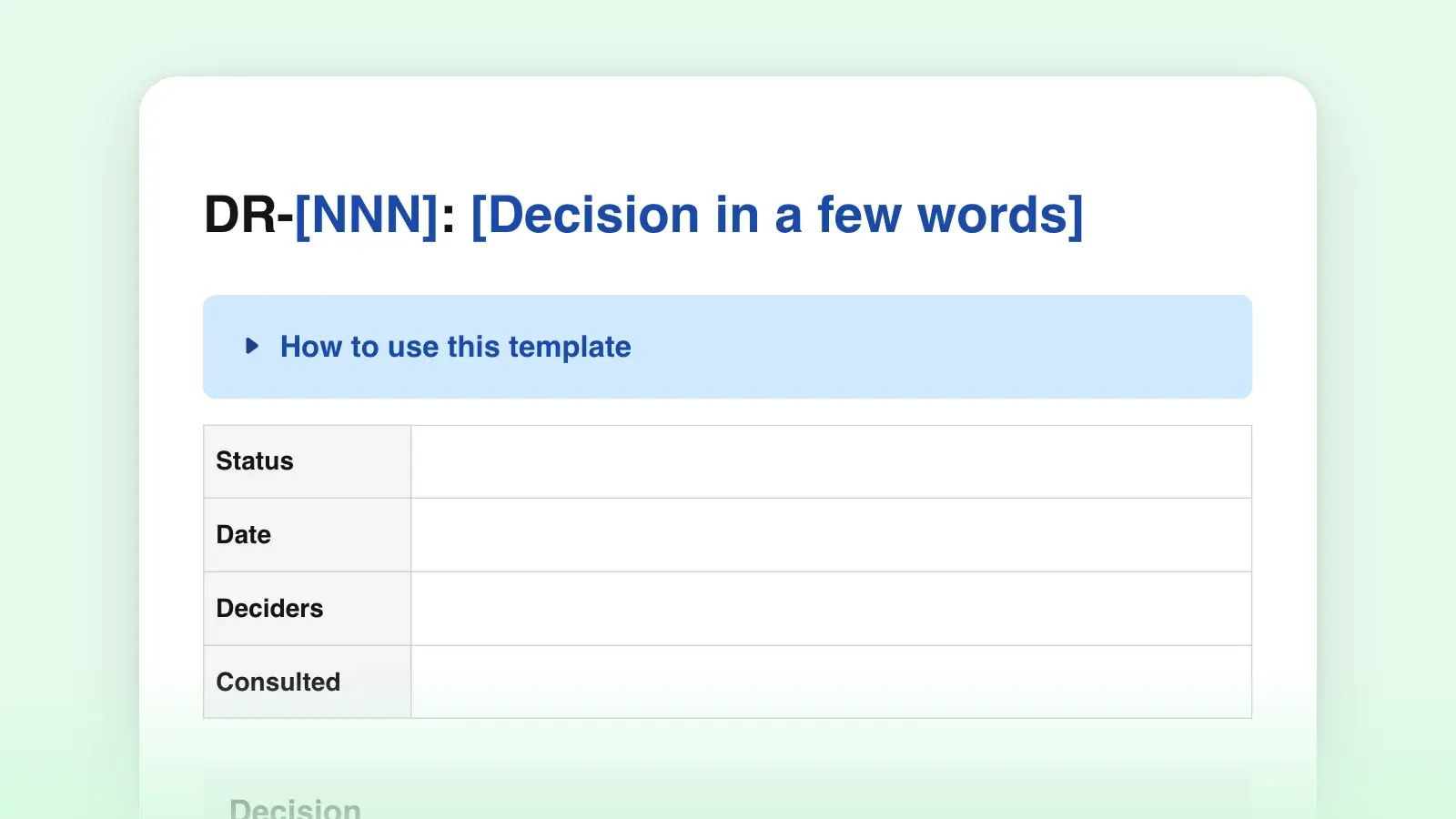
| DocumentADR | What it answersOne decision, its context and consequences | When it is writtenWhen the decision is made |
| DocumentSDD (IEEE 1016) | What it answersA full design description in a fixed format | When it is writtenWhen a contract or regulator requires it |
In practice they chain together. A product requirements document says what the product must do, the design doc proposes how, and each significant choice the design doc settles can be filed as a decision record so it survives after the doc goes stale. The formal ancestor, IEEE 1016-2009 "Software Design Descriptions", has been listed by IEEE as inactive since 2020. If a contract asks for an SDD in that format, follow the contract. Otherwise, the lighter structure above is the one the companies in Orosz's survey use.
Markdown or Word
Download the .md if design docs live in your repository, for example as docs/design/0012-payment-reminders.md, reviewed in a pull request like code. GitHub renders Mermaid diagrams written in a fenced code block in Markdown files, so the context diagram can live as text next to the code it describes. Download the .docx if your team reviews in Word or Google Docs with comments in the margin.
Either file opens in Strokes, where code blocks get syntax highlighting and version history keeps each revision of the doc. When someone asks what changed since approval, preview the approved version and see the differences marked. Share a link with reviewers, or export a PDF for a design review meeting.
Frequently asked questions
What is the difference between a design doc and a technical spec?
Many teams use the two names for the same thing. Where they differ, a spec describes what the finished system does in full detail (every endpoint, field and error), while a design doc argues for an approach and records the trade-offs before the work starts. A design doc can link to a spec for the detail.
Who should review a design doc?
The engineers who will build it, at least one experienced engineer from outside the team, and the owners of every system the design touches. Add a security or privacy reviewer when the design handles personal data or credentials. Name each reviewer for a reason and give everyone the same deadline.
Should a design doc include code?
Rarely. Pseudo-code earns its place when the algorithm is new or subtle. Otherwise describe the interfaces and the data, and link to a prototype. Code in a design doc is the first part to go out of date.
Do I update the design doc after it is approved?
Yes, whenever implementation changes a decision. Edit the doc, note what changed and why, and set the status to Implemented when the work ships. A doc that describes a system that no longer exists misleads the next person who reads it.