When to use it
- On-call rotations, so whoever is paged can respond without the service's author
- One response entry per alert, linked from the alert in your monitoring tool
- Routine operations such as deploys, rollbacks, restarts and restores from backup
- Handing a service to a new team or onboarding a new on-call engineer
- Reliability and disaster recovery reviews that need the procedures in writing
How to use this template
- Start from the alerts
List every alert that can page someone for this service and give each one an entry under Alerts, named exactly as it shows up on the phone. Google's SRE workbook states the rule plainly: each alert should have a matching entry. An alert without one is an alert nobody has decided how to handle.
- Write for someone who has never seen the service
Picture the reader: paged at 3 a.m., on call for six services, and the author of none of them. Give them the exact command, the dashboard link and what normal looks like. "Check the database" is not a step. A query with an expected result is.
- Link the runbook from the alert
Put the runbook's URL, or the anchor of the alert's entry, in the alert itself so the page and the instructions arrive together. In Prometheus setups this is usually a
runbook_urlannotation; the kube-prometheus project's alert rules carry one on every alert. - Have someone else follow it
Before you call it done, ask a teammate who does not know the service to run one procedure in staging while you watch without helping. Every place they stop, guess or ask "which one?" is a gap in the document.
What a good alert entry looks like
The Alerts section does most of the work in a runbook, and it is where vague writing costs the most. Here is one entry filled in for a fictional checkout service.
OrdersApiHigh5xxRate
What it means: more than 2% of requests to orders-api returned a 5xx error for 5 minutes. Impact: customers see an error at checkout and no order is created. Severity: SEV2; SEV1 if the error rate is above 20% or checkout is fully down.
- Open the Orders dashboard, panel "Errors by route." If one route accounts for most errors, post its name in #inc-orders.
- Check the deploy log. If a deploy finished in the last 30 minutes, roll it back:
kubectl rollout undo deployment/orders-api -n shop. Verify: error rate under 1% within 5 minutes. - No recent deploy: open the payment provider's status page. If they report an outage, turn on the flag
orders.defer-paymentso orders queue instead of failing, and tell #support. - Still above 2% after 15 minutes: page the Orders lead through the escalation policy and keep posting what you try.
Look at the order. It stops the damage before it explains anything: rolling back a recent deploy is cheap and reversible, so it comes before any hunt for a root cause. Every step ends with what you should see, and the last one says when to stop trying alone. On severity, PagerDuty's public incident response guide gives a rule worth copying: if you are unsure between two levels, treat it as the higher one and settle it in the postmortem.
A step anyone can follow
- Run SELECT count(*) FROM pg_stat_activity; on orders-db-primary. Normal is under 200.
- If the last deploy finished under 30 minutes ago, roll it back (see Roll back a deploy).
- Not fixed in 15 minutes: page the Orders lead.
A step that needs its author
- Check the database.
- Consider a rollback if appropriate.
- Escalate if needed.
Put numbers in the escalation table too. "Escalate if it takes too long" means something different at 3 a.m. Google's Site Reliability Engineering book gives typical on-call response targets of 5 minutes for user-facing services and 30 minutes for less time-critical ones. Set your acknowledge and escalate times from targets like these and write them in.
Runbook, playbook or SOP
Teams use these words loosely. Google's SRE books call per-alert instructions a playbook, while PagerDuty uses playbook for the wider response to an incident, which can call on several runbooks. Scope is the useful difference:
| Document | Answers | Covers |
|---|---|---|
| DocumentRunbook | AnswersHow do I operate and fix this service? | CoversOne service: alerts, routine tasks, recovery |
| DocumentPlaybook | AnswersHow do we respond to this kind of incident? | CoversRoles, communication, which runbooks to use |
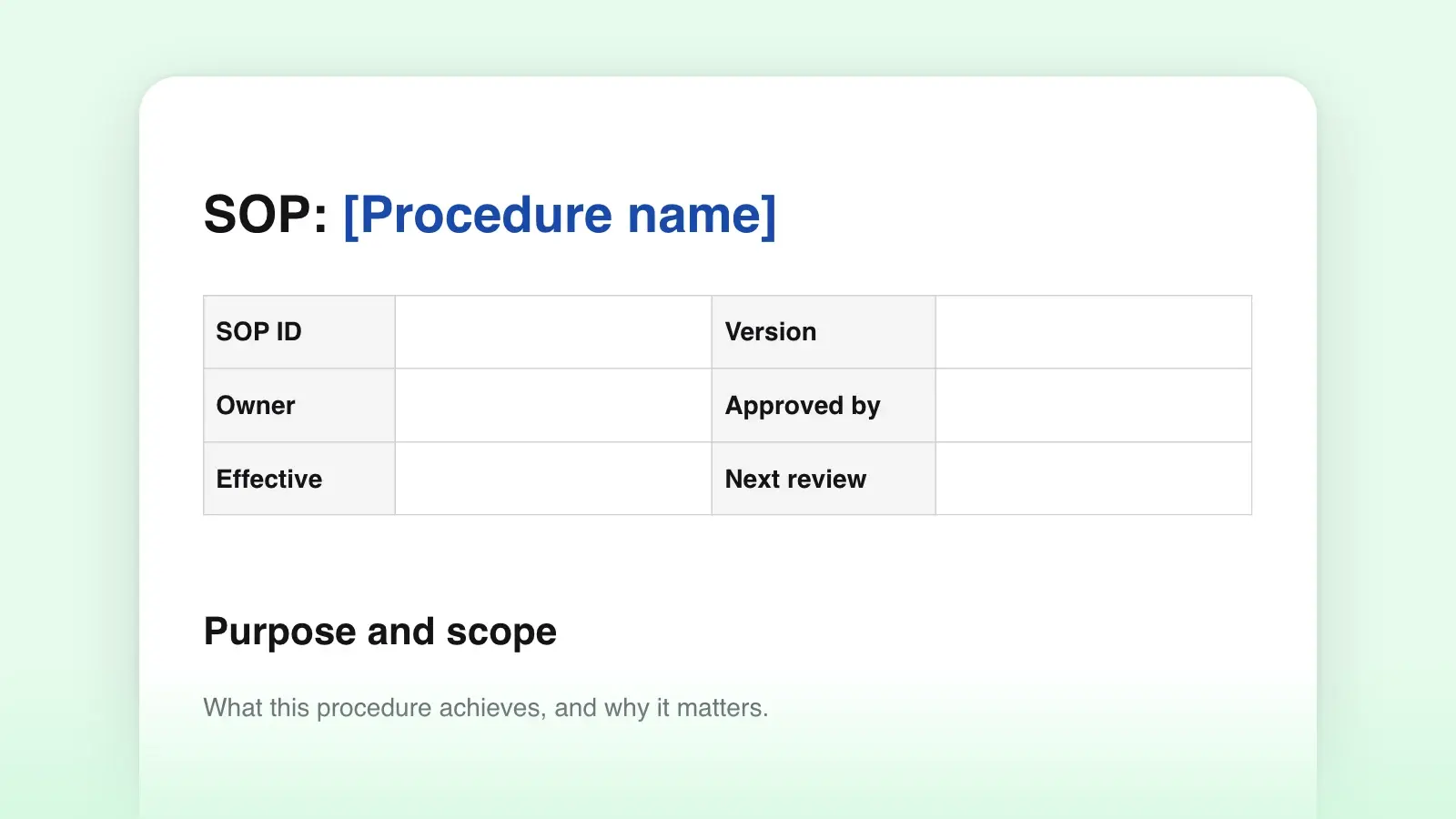
| DocumentSOP | AnswersHow is this routine task done every time? | CoversOne repeatable task, often with sign-off |
| DocumentPostmortem | AnswersWhat happened, and what will change? | CoversOne incident, written afterwards |
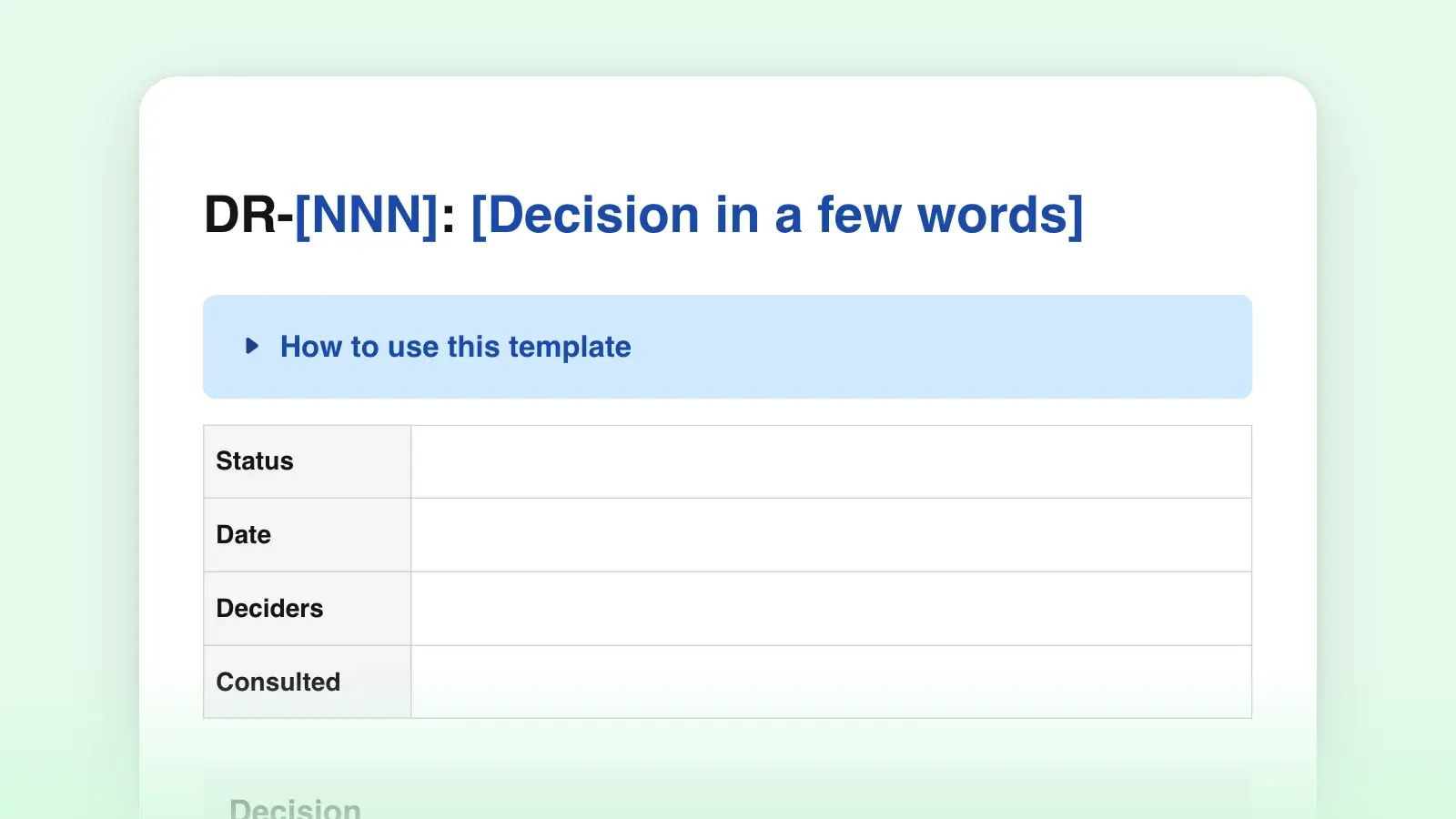
For a routine task that is not tied to one system, such as a monthly access review, the standard operating procedure template fits better. When an incident changes how the service is built, write the reasoning in a decision record and link it from the runbook.
Keep it current
A runbook goes stale as fast as the system it describes. The SRE workbook makes the same point and asks on-call engineers to update the entry whenever its alert fires. It is the cheapest habit there is: you already have the document open and you know exactly which step was wrong.
- Date every review. The "Last reviewed" line tells the reader at 3 a.m. whether to trust what is in front of them.
- Delete entries for deleted alerts. Stale entries teach people to skim, and skimming is how step 3 gets missed.
- Script the entries that never change. If an entry is a fixed list of commands run the same way every time, automate it. The runbook then says when to run the script and how to tell it worked.
- Keep a copy that opens during an outage. A runbook in a wiki that runs on the same infrastructure fails exactly when you need it. Keep a Markdown copy in the service's repository, where changes get reviewed with the code, and one on the on-call laptop.
Frequently asked questions
What is a runbook?
A runbook is a written set of instructions for operating one system: what each alert means, how to diagnose and fix it, how to roll back or restore, and whom to call. Runbooks can be manual (a person follows every step), semi-automated (some steps are scripts) or fully automated.
What should a runbook include?
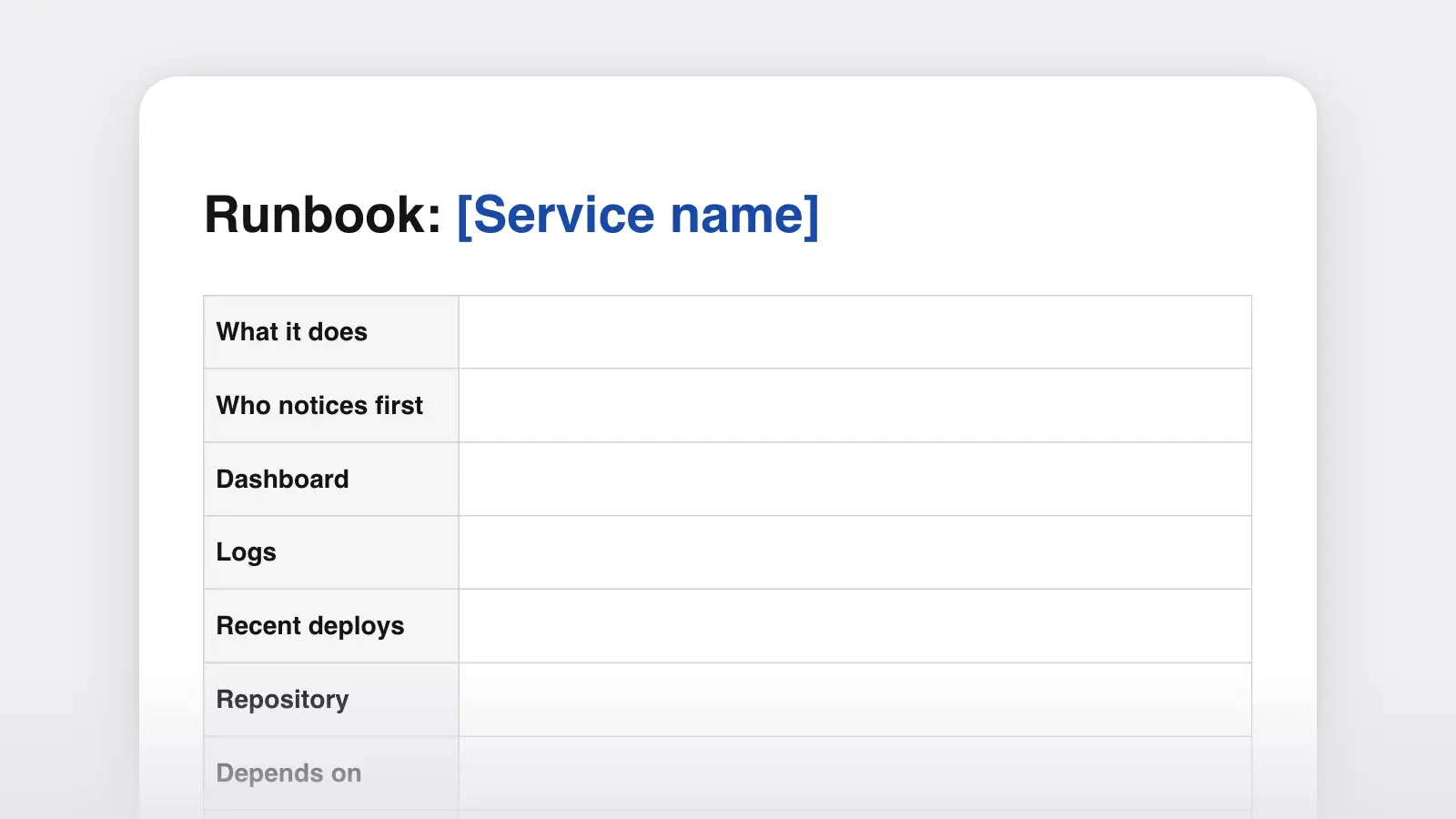
At minimum: a service overview with owners and links, the access the responder needs, one entry per alert with impact, severity and numbered steps, common procedures such as rollback, an escalation table and a review date. Larger runbooks add deployment, backup and restore, and disaster recovery sections.
Do runbooks make incidents shorter?
Google's Site Reliability Engineering book reports that recording best practices ahead of time produced roughly a threefold improvement in mean time to repair (MTTR) compared with improvising. The gain comes from removing decisions under pressure: the responder follows steps instead of inventing them.
Should I download the Markdown or the Word version?
Download the .md if the runbook will live in a repository or a wiki that renders Markdown, which is the usual home for runbooks because changes are reviewed with the code. Download the .docx if your team reviews and approves operational documents in Word.