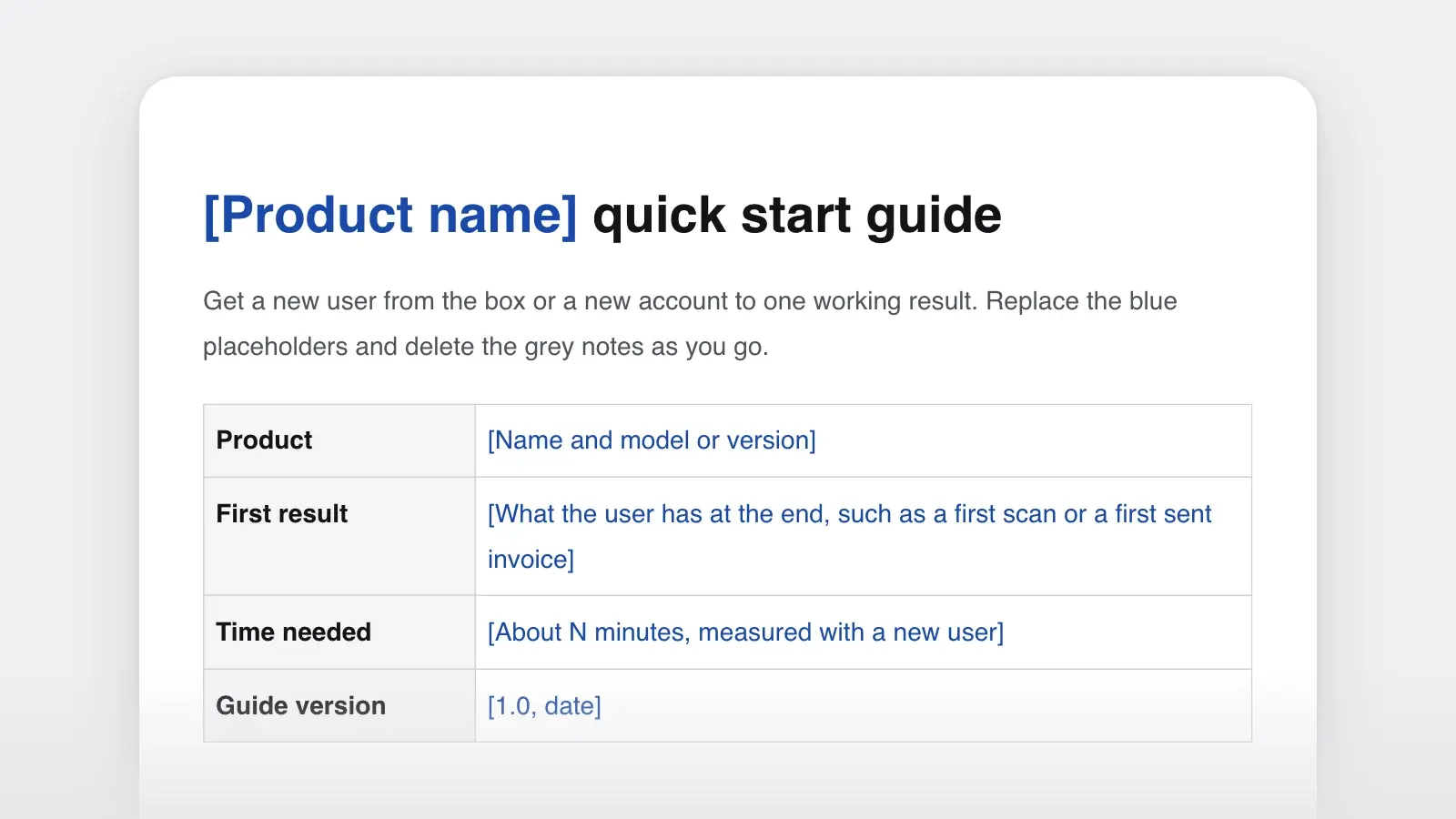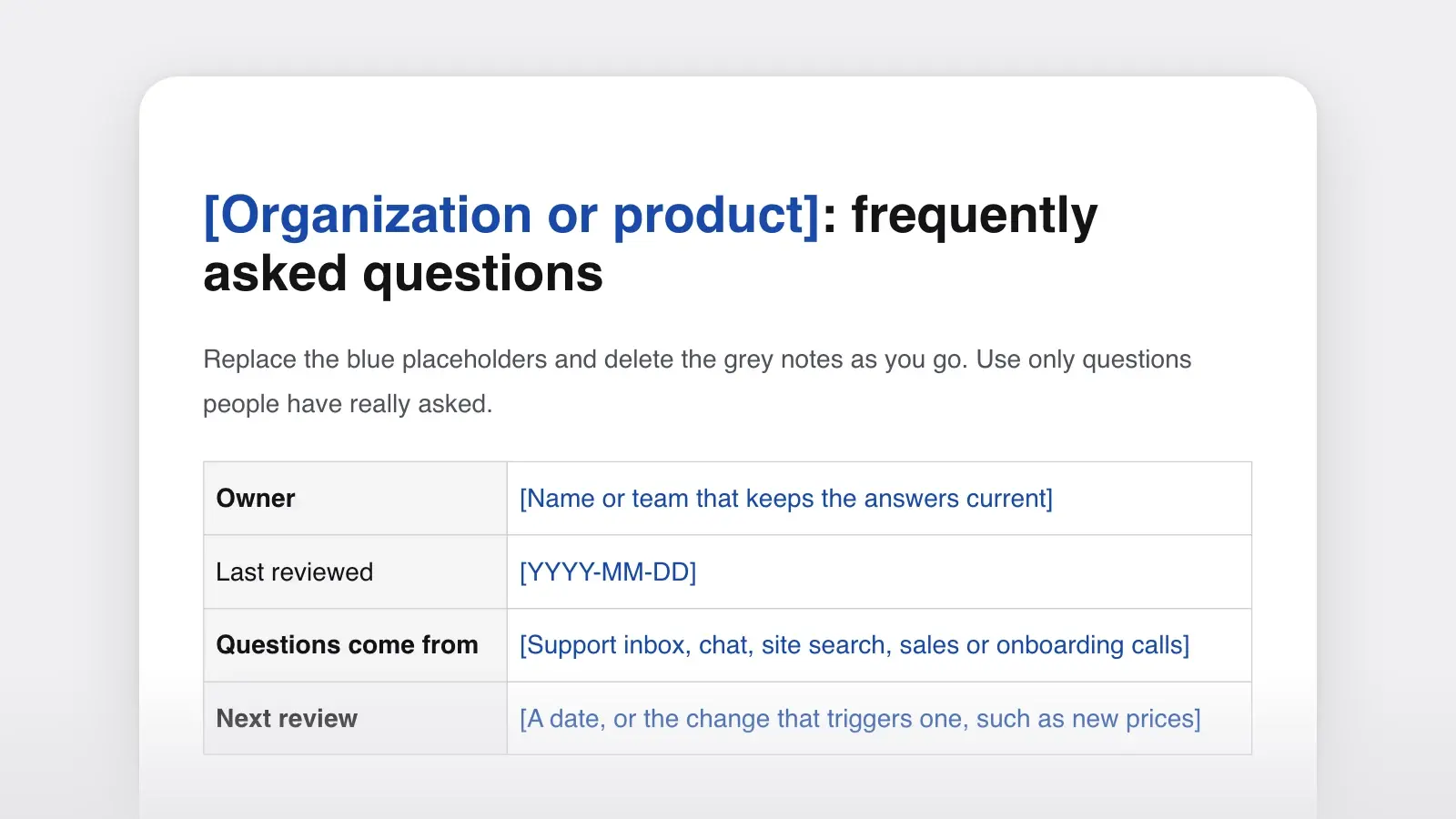
When to use it
- Help-center articles that take a customer through one task in a product
- Internal guides for jobs people do now and then, such as rotating a key or closing a project
- A set of task pages for a docs site, all built the same way
- An FAQ answer that has grown into numbered steps
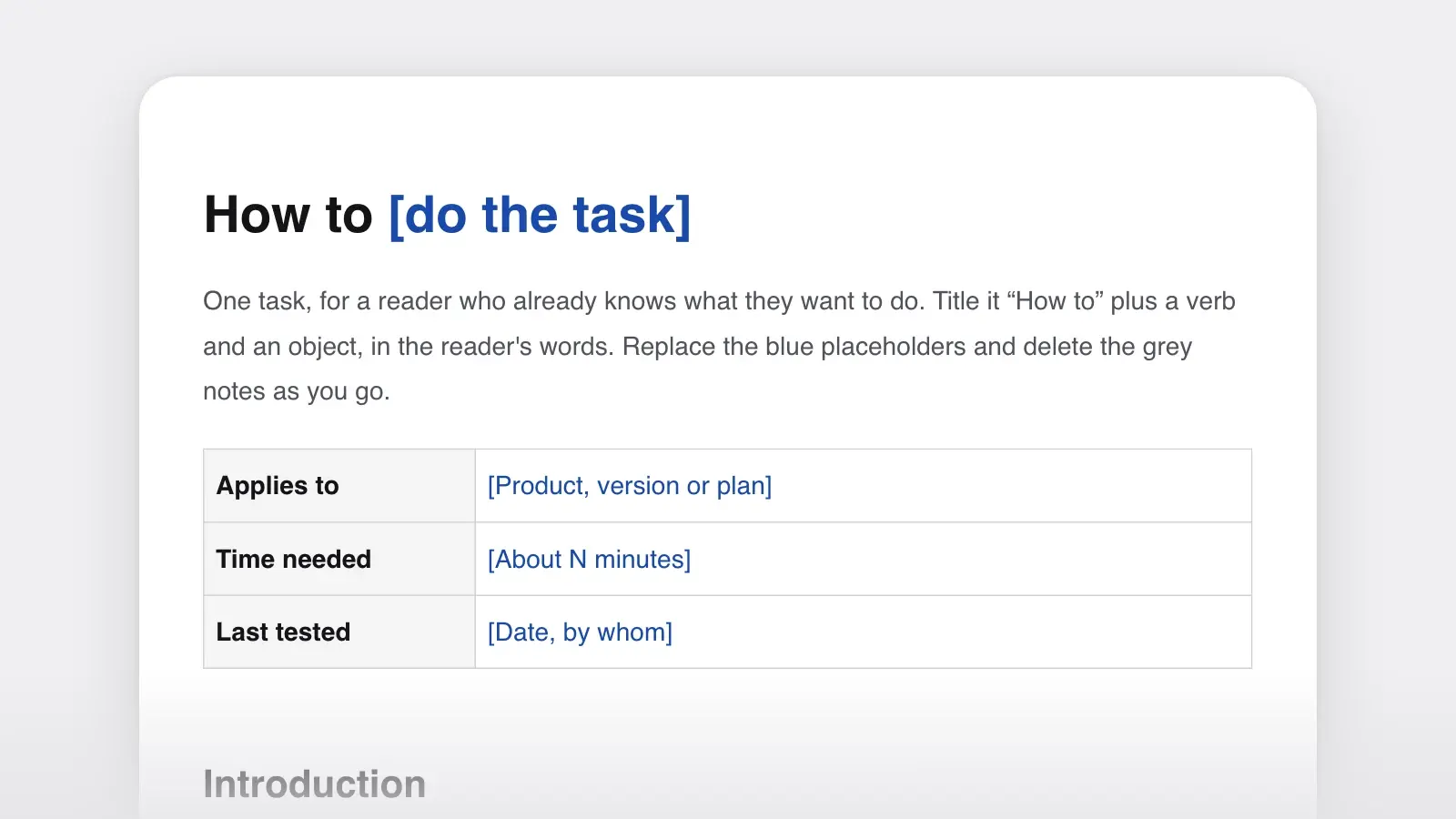
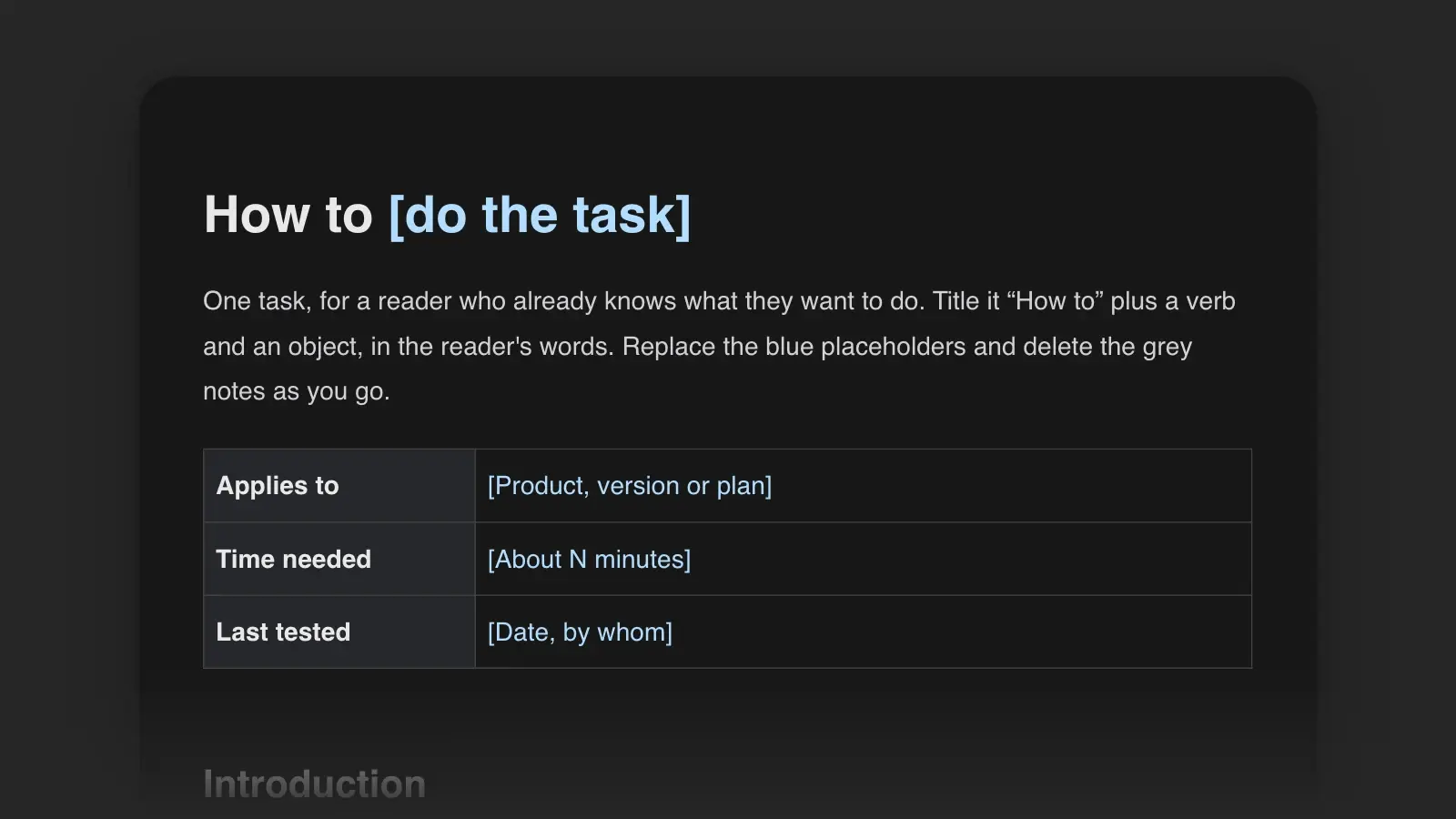
A how-to guide is a page of steps that takes a reader through one task to a stated result, such as “How to replace an episode's audio file” or “How to book a room for a visitor”. It is written for someone who already knows what they want to do, so it doesn't teach the ideas behind the task or list every option. This template gives you its parts in order: a task title, when to use the guide, what you need before you begin, numbered steps with results, how to tell it worked and what to do if it didn't.
The filled-in example below separates the three parts readers rely on: what to have before you begin, the numbered actions, and a final check that the task worked. The rules for steps and the comparison with tutorials and SOPs come after it.
How-to guide example
The template filled in for Castwell, an invented podcast host. Support hears about this task whenever a mistake slips into a published episode.
Replace the audio when you need to fix a published episode, for example to cut a mistake or improve the sound. The episode keeps its title, its page and its download count.
Before you begin
- You need the Owner or Editor role on the show.
- Export the new audio as MP3 or M4A, under 500 MB.
- Note the episode's current length. You'll check it at the end.
To replace the audio, follow these steps:
- In Episodes, select the episode.
- Select Edit, then the Audio tab.
- Select Replace audio. A file browser opens.
- Choose the new file. A bar shows the upload's progress.
- If the episode has chapter markers, select Review chapters, then drag any marker that no longer lines up with its section.
- Select Save. The status changes to Processing, then to Published, usually within two minutes.
Result. Open the episode page. It shows the new length, not the one you noted, and plays the new audio. Listening apps get the new file the next time they check your feed; people who already downloaded the old file keep it.
If it doesn't work. “Unsupported file type”: export the audio again as MP3 or M4A. Still Processing after 30 minutes: select Retry, and if that fails, contact support with the episode ID from the address bar.
Related: How to edit chapter markers · How to unpublish an episode
Why it works. The introduction answers the worry that makes people hesitate: will I lose my downloads? The three parts do separate jobs. Before you begin holds everything the reader must have in hand, including a number to note. The steps are actions only, one verb each where the screen allows, and each ends where the screen changes. The result is a check the reader can make: the new length, compared with the one they noted. The chapter branch opens with its condition, so readers without markers skip it at a glance, and the failures are quoted the way they appear on screen.
How to use this template
- Title it with the task
Write “How to” plus a verb and an object, in the reader's words: “How to export hours for payroll”, not “Payroll exports”. The Diátaxis documentation framework ranks titles the same way: a how-to title beats a gerund, and a gerund beats a bare noun. In a set of guides, keep every title in one pattern and record it in your style guide.
- Write the start and the finish first
Fill in Before you begin (permissions, versions, files, settings) and Result (what is true when the task is done) before the steps. The steps are only what gets the reader from one to the other.
- Do the task and write as you go
Work through the task on a real account or device and write each step as you take it: where, then the action, then what the reader sees. If you find yourself explaining why, move the explanation to a concept page and link it.
- Turn every fork into an if
Real tasks branch: another plan, an older version, a file already in use. Put each condition at the start of its step: “If the episode has chapter markers, …”. Diátaxis recommends these conditional imperatives. When the branches outgrow the steps, write two guides.
- Test it on someone who knows the product
The reader of a how-to guide is competent, so test it on a competent user who hasn't done this task. Mark every pause and wrong turn, fix them, and put the date you last tested it at the top.
The parts of a how-to guide
| Part | What to write | Rule of thumb |
|---|---|---|
| PartTitle | What to write“How to” + verb + object | Rule of thumbThe reader's words, not the team's |
| PartIntroduction | What to writeWhen you'd do this, and what you'll have at the end | Rule of thumbOne or two sentences |
| PartBefore you begin | What to writePermissions, versions, files, settings, time needed | Rule of thumbOnly what the reader must have or check |
| PartSteps | What to writeNumbered actions: location, action, result | Rule of thumbOne action per step, as few steps as the task allows |
| PartResult | What to writeHow the reader can tell the task worked | Rule of thumbSomething they can see or check |
| PartIf it doesn't work | What to writeThe likely failures, each with a fix | Rule of thumbStart from what the reader sees, quoted exactly |
| PartRelated tasks | What to writeWhat readers usually do next, and the concept page | Rule of thumbTwo or three links |
Leave a part out rather than pad it: a two-step task needs no troubleshooting. Diátaxis states the priority plainly: “practical usability is more helpful than completeness.”
More how-to guide examples
The same parts work away from a screen.
A physical task
Replace the filter when the filter light turns red, or every six months. You need a new H300 filter. It takes about five minutes.
WARNING: Unplug the purifier before you open it. The fan can start while the cover is off.
- Unplug the purifier and turn it upside down on a towel.
- Turn the base cover counterclockwise until the arrow points to the open lock, then lift it off.
- Pull the old filter out by its tab and put it in a plastic bag.
- Unwrap the new filter and push it in, tab side down, until it sits flat.
- Refit the cover and turn it clockwise until it clicks.
- Plug the purifier in and hold Filter for three seconds. The filter light turns off.
An office task
Use this when someone from outside the company is coming to a meeting. Reception needs the booking by 4 p.m. the day before.
- In the calendar, create the meeting and add Room 4 (Large) as a guest.
- In the description, write the visitor's full name, company and arrival time.
- Add reception@example.com as a guest. Reception replies with a badge number within one working day.
- Send the visitor the badge number and the directions from Visiting us on the intranet.
Result. The room shows as accepted, and the visitor is on reception's list for the day.
The purifier guide puts its warning before step 1, where it can still prevent the hazard, and its last step resets the light, which is both the final action and the proof the task is done. The office guide states the unwritten rule, the 4 p.m. deadline, in its first sentence, because internal guides often fail on what everyone is assumed to know.
Rules for writing the steps
Google's developer documentation style guide and the Microsoft Writing Style Guide agree on most of what makes steps easy to follow:
- Introduce the steps with a full sentence. “To replace the audio, follow these steps:” Google warns against a partial sentence that the numbered steps complete.
- Say where before what. Both guides put the location of an action before the action: “In Episodes, select the episode.”
- Put the condition first. Google's guide says to mention the circumstance or goal before the instruction, so readers can skip what doesn't apply to them.
- One action per step, within reason. Both guides allow combining small actions; Microsoft adds that they should happen in the same place on the screen.
- Action first, result second. Google's guide says to state the action first and the result second.
- Mark optional steps. Start them with “Optional:”, as Google's guide recommends.
- Letter the sub-steps. Google labels sub-steps with lowercase letters and the level below with lowercase Roman numerals.
- Keep it short. Microsoft advises trying to fit all the steps on the same screen; Google, using as few steps as possible.
Steps that follow the rules
- In Episodes, select the episode, then select Edit.
- If the episode has chapter markers, select Review chapters.
- Optional: In Show notes, add a line for your listeners.
Steps that make the reader work
- Now find the episode you'd like to change and open it up for editing.
- Select Review chapters (only needed if you used chapter markers).
- You can also add a note if you like.
“Use this template” opens the guide in Strokes as a document you can edit and export. Before you publish, attach the guide to a chat with the Strokes Assistant and ask it to read the steps as someone who knows the product but has never done this task, and to list every step that assumes something the page doesn't say.
How-to guide vs tutorial and SOP
| Document | Reader | Job | Example title |
|---|---|---|---|
| DocumentHow-to guide | ReaderKnows what they want to do | JobGet one task done | Example titleHow to replace an episode's audio file |
| DocumentTutorial | ReaderNew, and wants to learn | JobLearn by doing a project | Example titleMake your first episode |
| DocumentQuick start guide | ReaderBrand new | JobReach a first result | Example titleSet up your show and publish a trailer |
| DocumentSOP | ReaderAn employee doing routine work | JobDo a recurring task the same way every time | Example titlePublish the weekly episode |
| DocumentFAQ answer | ReaderHas a question | JobAnswer it in a line or two | Example titleCan I replace an episode's audio? |
Diátaxis treats how-to guides and tutorials as wholly distinct, because their readers need different things: one wants to learn, the other wants to finish. A docs set needs both, and the docs map in the product documentation template shows where each sits. Start new users with a quick start guide, write recurring staff procedures as an SOP, and when the same question keeps arriving, give it an FAQ entry that links to the how-to guide.
Frequently asked questions
What is the difference between a how-to guide and a tutorial?
A tutorial teaches: it takes a beginner through a project so they learn by doing, and it makes every choice for them. A how-to guide helps someone who already knows what they want to do get one task done. The Diátaxis documentation framework treats them as two separate kinds of documentation for that reason.
How long should a how-to guide be?
As long as the task and no longer. Microsoft's style guide suggests trying to fit all the steps of a procedure on one screen, and Google's says to use as few steps as possible. If a guide grows past about ten steps, look for a natural break and split it into two guides that link to each other.
Is it how-to guide or how to guide?
Use the hyphen. Merriam-Webster lists how-to, hyphenated, as an adjective meaning giving practical instruction and advice, and as a noun, so in running text you write a how-to guide. Titles are different: How to replace a filter has no hyphen, because there how to simply starts the sentence.
Should a how-to guide have screenshots?
Use one where the reader has to find something on a busy screen, and skip the rest. A screenshot shouldn't replace the words of a step: readers search the text, screen-reader users rely on it, and every image has to be retaken when the interface changes. A cropped image of the area that matters ages better than a full screen.