When to use it
- Planning a new unit from your standards before you write the daily lessons
- Rebuilding an old unit that has turned into a string of activities
- Sharing a unit with a co-teacher, a department team or an instructional coach
- Handing a unit to a student teacher or a long-term substitute
- Planning a homeschool or after-school course one unit at a time
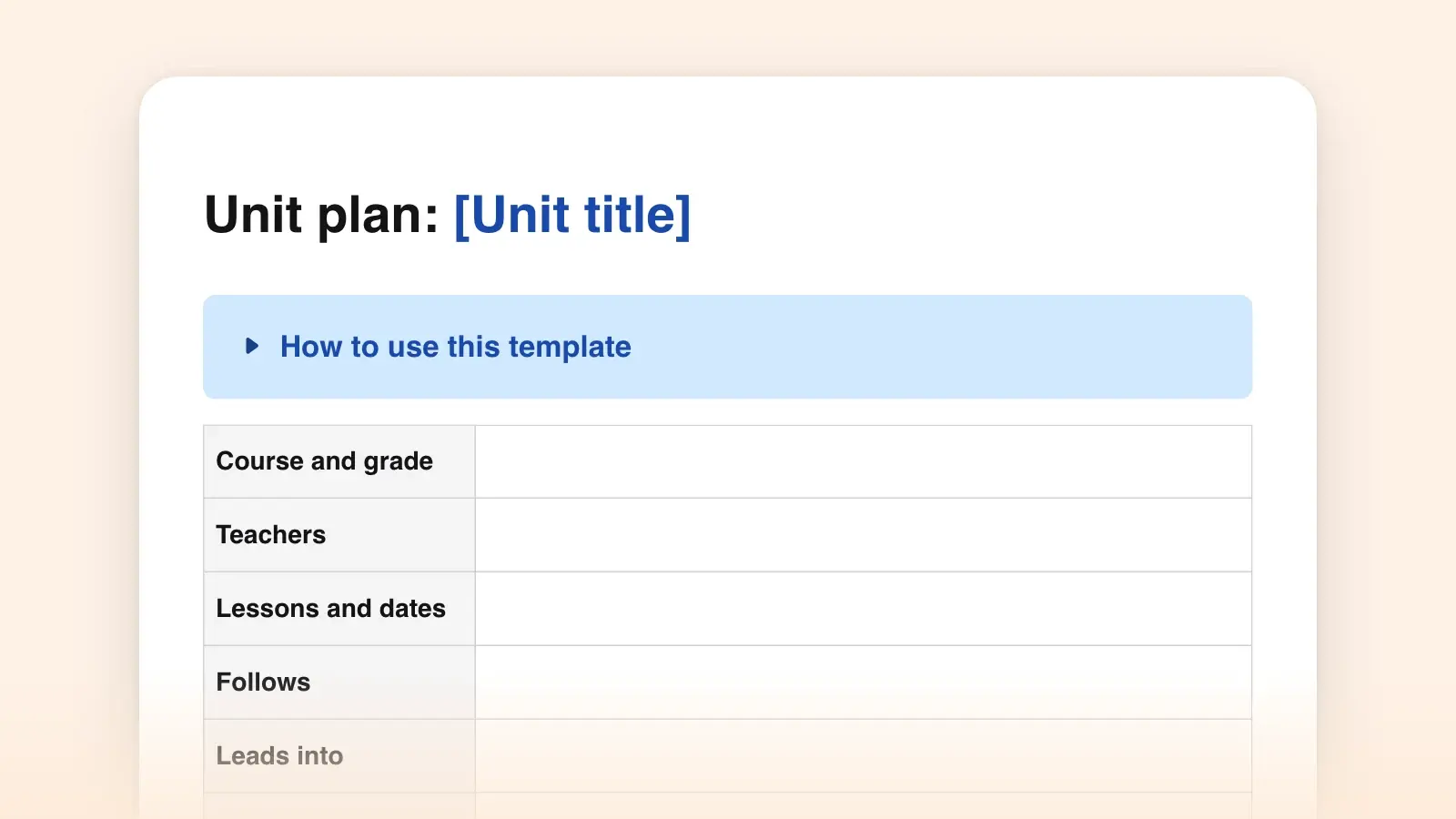
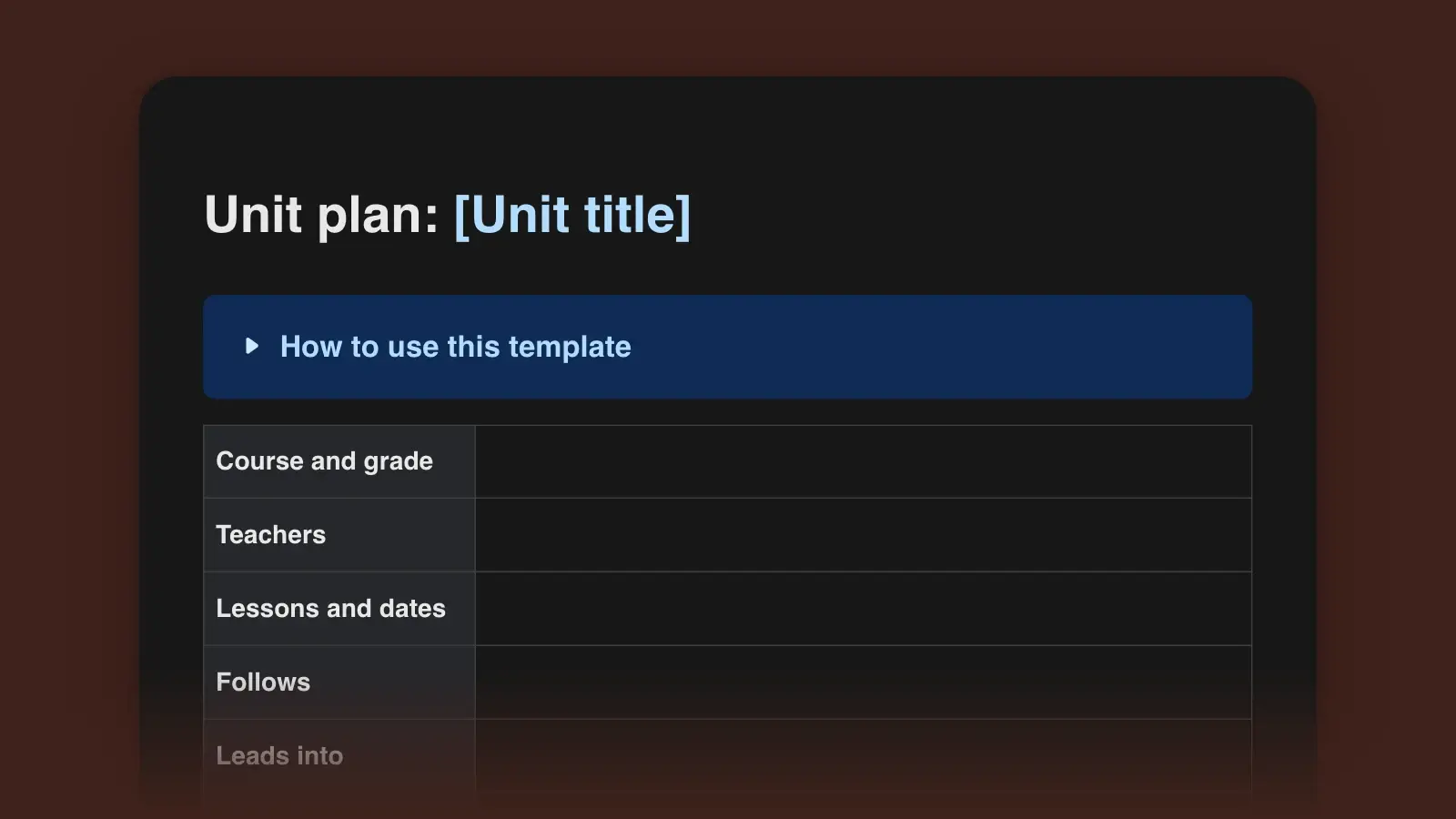
How to use this template
The template follows the three stages of backward design from Grant Wiggins and Jay McTighe's Understanding by Design (ASCD, 1998; expanded second edition 2005): desired results, then evidence, then the learning plan. Most unit plans start with activities and work forward. This one starts with what students should be able to do when the unit is over, and works back to the lessons.
- Start with the end of the unit
Copy two to four standards from your curriculum, code and wording included. Then write the transfer goal: what students should be able to do with this learning later, without you, in a situation the unit never showed them. Add one or two understandings, written as full sentences that start "students will understand that", and two essential questions. The knowledge and skills list is the toolkit: the terms, facts and moves students need along the way.
- Decide how you will know, before you plan a lesson
Design the performance task next. It should put students in a new situation, with a role, an audience and a product, and the rubric criteria should come straight from Stage 1. Wiggins and McTighe list six ways understanding shows: students can explain, interpret, apply, take another perspective, empathize and assess themselves. A task needs only one or two of them. Then fill in the other evidence: the pre-assessment, quizzes, exit tickets and draft conferences that tell you along the way who is on track.
- Sequence the lessons backward from the task
List everything students need to succeed at the task, then put it in order. Mark each lesson A (acquire knowledge and skills), M (make meaning of a big idea) or T (transfer), the coding the authors suggest. A column of nothing but A is a lecture series. Put a check before every big step, so you find gaps while there is still time to fix them, and leave a flex day for the assembly nobody told you about.
- Run the alignment check, then write the daily plans
Tick the checklist at the end of the template. If a standard is never assessed, add evidence or drop the standard. Then write the daily plans with the lesson plan template, and fill in "After the unit" in the week you finish, while you still remember which lesson ran twenty minutes long.
Unit plan example
Here is the template filled in for an invented eighth-grade English unit on argument writing. The standard codes are from the Common Core. Use the codes and wording your state or district uses.
Make the Case · 15 lessons over three weeks · Unit 3 of 8, after the memoir unit and before research writing
Transfer goal: Students will be able to build a written case for a position they hold, for a reader who does not agree with them yet.
Standards: W.8.1, write arguments to support claims with clear reasons and relevant evidence. RI.8.8, evaluate the argument and specific claims in a text.
- Understanding: A claim persuades only when the reader can see how the evidence supports it.
- Understanding: Answering the other side makes an argument stronger, not weaker.
- Essential questions: What makes you change your mind? When is evidence good enough?
- Know and be able to: claim, reason, evidence, counterclaim, rebuttal; judge whether a source is credible; write a counterclaim paragraph.
Performance task: Write an op-ed of about 600 words for the school newsletter, arguing for one change at school, such as a later start time or a new elective. The audience is the principal and parents. Criteria: claim, evidence, counterclaim and rebuttal, formal style.
Other evidence: a day-one quick write on a time someone changed your mind; an exit ticket sorting reasons from evidence (lesson 4); a short quiz (lesson 8); peer review with the rubric (lesson 11); a self-assessment (lesson 14).
- Hook: vote on a school rule, read two short op-eds about it, vote again. Quick write. (M)
- Lessons 2–3: annotate claims, reasons and evidence in a model op-ed. (A)
- Lesson 4: rank five sources on one topic by credibility. (A)
- Lessons 5–6: find the weak link in a published op-ed. (M)
- Lesson 7: choose topics and plan research. Flex time. (T)
- Lesson 8: quiz, then counterclaims and rebuttals. (A)
- Lessons 9–11: draft with conferences; peer review. (T, M)
- Lessons 12–13: revise for transitions and formal style. (A, T)
- Lessons 14–15: self-assess, edit, read aloud and submit. (M, T)
Differentiation: a shorter model op-ed at a lower readability level, sentence frames for the counterclaim paragraph, and a second audience (the school board) for students who finish early.
For model texts to put in front of the class, the op-ed examples and argumentative essay examples come with notes on what each one does well.
Essential questions that work
An essential question has no single right answer and comes back across the unit. The ASCD summary of the framework puts it plainly: these questions are meant to be revisited over time, not answered by the end of one class. A question with a correct answer belongs in the Know list instead.
Essential questions
- What makes you change your mind?
- When is an estimate better than an exact answer?
- How do we know about things we cannot see?
- Who decides what counts as fair?
Knowledge questions
- What is a counterclaim?
- What is the formula for the area of a circle?
- What are the parts of a cell?
- What are the three branches of government?
Two essential questions per unit is plenty. Post them on day one, return to them in the middle, and ask them again in the final reflection. A student's answer to the same question in lesson 1 and lesson 15 is some of the best evidence a unit can produce.
Performance task ideas by subject
A good task has a real audience and a product someone outside the classroom could use. These pairs show the shape. Adapt the grade level and the standards to yours.
| Subject | Transfer goal | Performance task |
|---|---|---|
| SubjectMath, ratios | Transfer goalUse rates to make a fair comparison | Performance taskCompare three phone plans for a family and recommend one in a short memo |
| SubjectScience, ecosystems | Transfer goalExplain a change in an ecosystem with evidence | Performance taskWrite a field report for the town council on algae in a local pond |
| SubjectHistory | Transfer goalWeigh sources that disagree before concluding | Performance taskCurate a museum panel on a local event from two conflicting accounts |
| SubjectHealth and PE | Transfer goalPlan a habit change and track it | Performance taskDesign a four-week training plan for a classmate's goal |
Unit plan vs. lesson plan
A unit plan holds the goals, the assessments and the order of lessons. A lesson plan holds one class period. Wiggins and McTighe advise against planning lessons in isolation from the unit, because understandings and essential questions are too big for a single lesson. Above both sits the course document.
| Document | Covers | Answers |
|---|---|---|
| DocumentSyllabus or course outline | CoversA semester or a year | AnswersWhat is taught, in what order, and how it is graded |
| DocumentUnit plan | CoversA few weeks, one big topic | AnswersWhat students should understand and do, and how you will know |
| DocumentLesson plan | CoversOne class period | AnswersWhat happens today, step by step |
For the course level, start from the syllabus template. Download this unit plan as a .docx to share with your department or upload to Google Drive, or as Markdown if you keep plans in a notes app.
Common unit planning mistakes
- Starting with activities. Wiggins and McTighe call activity-oriented and coverage-oriented planning the "twin sins". A great lab or a great novel is a resource, not a goal.
- A task that only checks recall. If students could pass the performance task by memorizing the slides, it is a test, and the transfer goal goes unassessed.
- Skipping the pre-assessment. Ten minutes on day one can save three days of teaching what half the class already knows.
- No slack. Testing windows, assemblies and fire drills will take lessons. A sequence with no flex days ends with a rushed task.
- Writing the plan once. The notes under "After the unit" are what make next year's version better than this one.
Frequently asked questions
How long should a unit plan be?
Long enough that a colleague could teach from it, which usually means a few pages. The goals, the assessments and the sequence belong in the unit plan. The minute-by-minute detail belongs in the lesson plans.
How many lessons should a unit have?
As many as the goals need. Your school's pacing guide often sets the window. Within it, count backward from the performance task and leave flex days for reteaching, testing days and interruptions.
Do I have to use Understanding by Design?
No. The three stages are a useful order of work, but if your school or district requires its own template, keep its headings and use this one as a checklist for what to think through. Many districts require specific fields, so check yours first.
Can I use this template in Google Docs?
Yes. Download the Word file, upload it to Google Drive and open it with Google Docs. The headings and tables come across, and the placeholders in square brackets are ready to replace.