When to use it
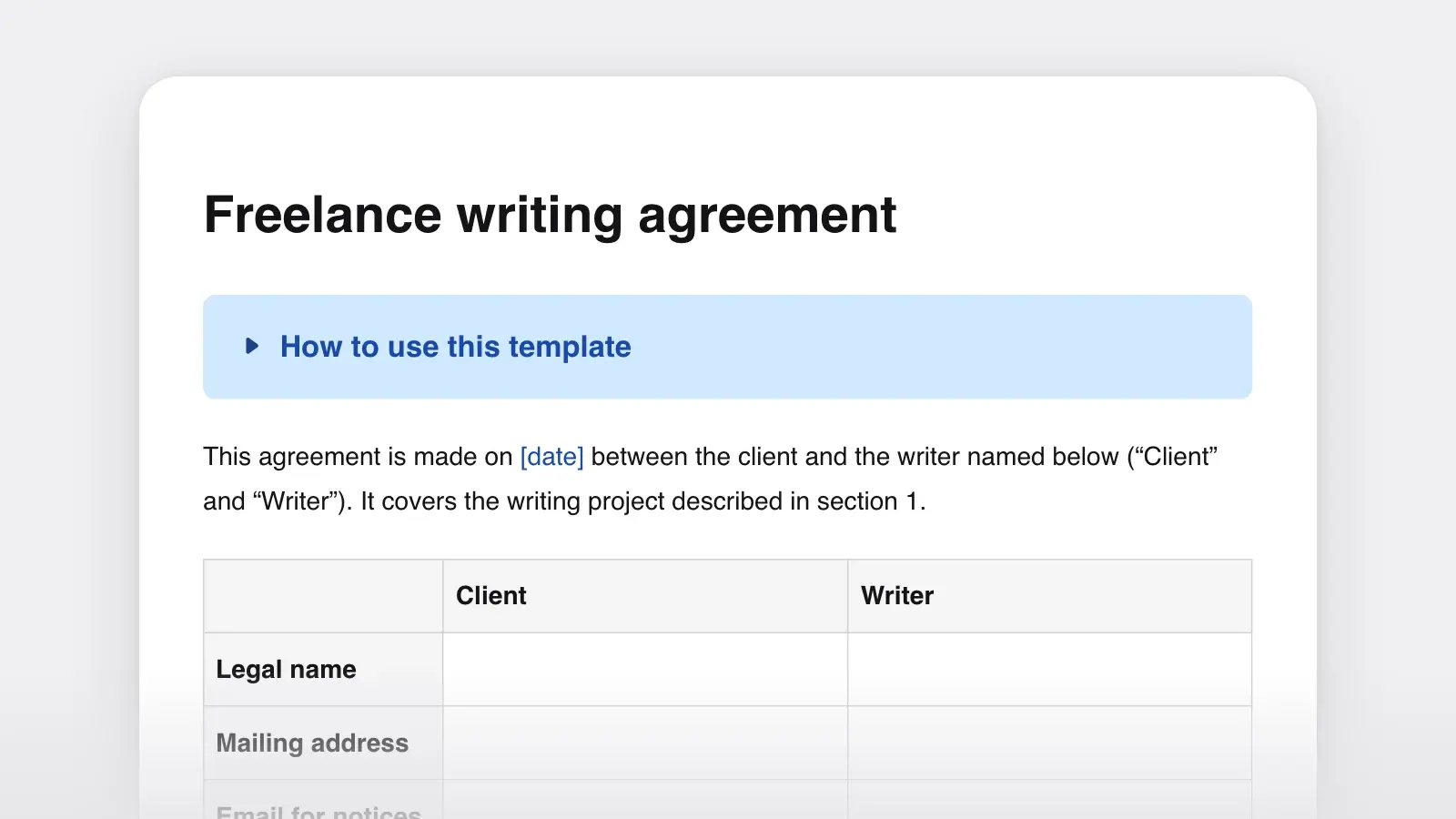
- Freelance writing, editing or design work, agreed before you start and kept beside the contract
- Describing the work inside a contract, proposal or statement of work that holds the fees and legal terms
- Pinning down exactly what a fixed price covers, and what it does not
- Handing part of a project to a subcontractor or a colleague with clear edges
- Resetting a project that has drifted: write down what is now in and out, and get it approved
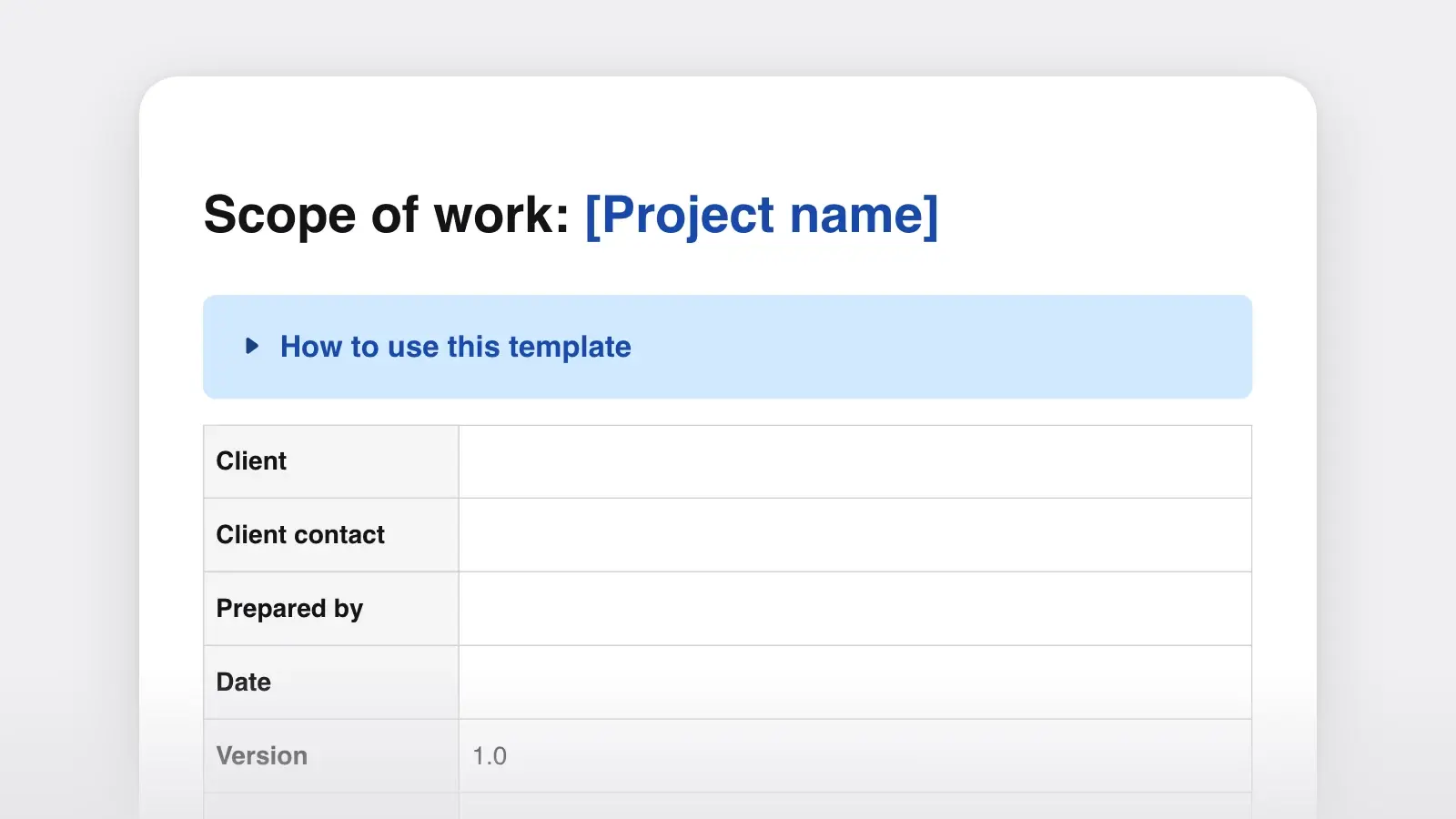
How to use this template
- Write the objective first
Two or three sentences on what the work is for. It looks like a formality, but it is the test you will apply to every request that arrives later. A new page that serves the objective is a fair change to price. One that does not is a different project.
- Put a number on every line
Five pages, not "website copy." Two rounds of revisions, not "revisions." Three interviews of 45 minutes, not "research." Numbers turn a later disagreement into arithmetic that both sides can check.
- Write the out-of-scope list from the client's side
Read your in-scope list as the client would and note every "and you'll also…?" that comes to mind: images, uploading, proofreading after layout, a second read. Those go under Out of scope, in plain words, before anyone has a reason to be annoyed.
- Attach it, approve it, keep the copy
Fees and legal terms live in another document, such as a freelance writing contract. Name that document on the "Part of" line. Get approval in writing, a signature or an email that says "approved," and keep a PDF of the version that was approved.
Scope of work vs statement of work
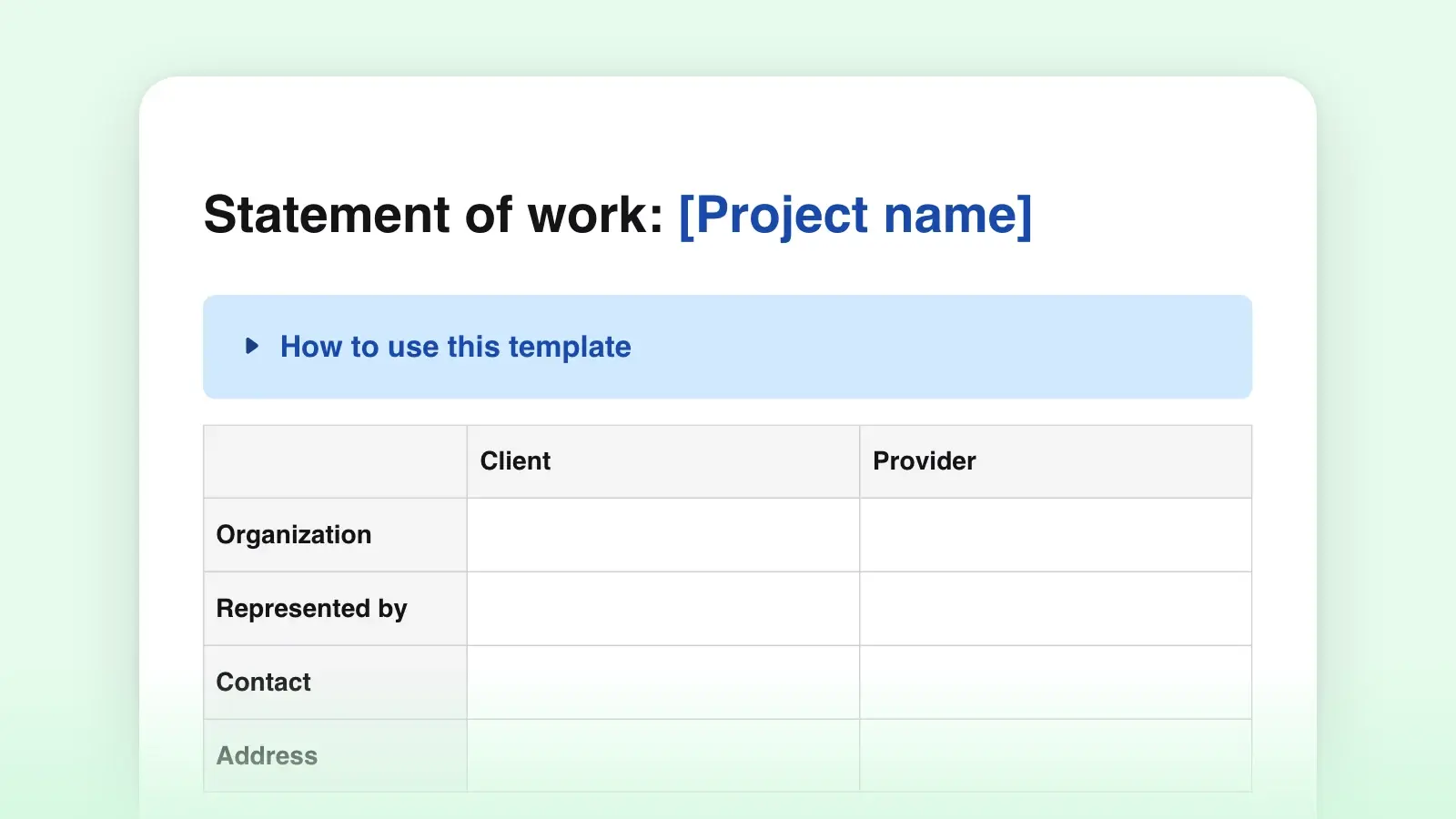
A scope of work describes the work: what will be produced, through which tasks, and where the job stops. A statement of work is the larger project document. It usually contains a scope section and adds the commercial side: fees, a payment schedule and signatures, often under a master services agreement that holds the legal terms. Both get shortened to "SOW," so when a client asks for "the SOW," ask whether they expect prices in it.
| Scope of work | Statement of work | |
|---|---|---|
| Answers | Scope of workWhat work, and where it stops | Statement of workWhat work, by when, for how much, on what terms |
| Contains | Scope of workObjective, deliverables, tasks, exclusions, client inputs, acceptance, changes | Statement of workAll of that, plus fees, a payment schedule and signatures |
| Money | Scope of workNone, or a pointer to where fees are set | Statement of workFees and when they are paid |
| Used | Scope of workOn its own before pricing, or attached to a contract, proposal or SOW | Statement of workSigned as a contract, alone or under a master services agreement |
Use this template when the money is settled elsewhere, or when you want to agree on the work before you price it. If you need scope, fees and signatures in one document, start from the statement of work template and paste this content into its Scope section. If the client has not said yes to the project yet, a project proposal comes first.
Scope lines that hold up
Specific
- Copy for five pages: Home, About, Services, Pricing, Contact
- Two rounds of revisions per page; a round is one set of comments
- Developmental edit: an editorial letter and margin comments, no line edits
- Up to three 45-minute interviews with people the client names
Open-ended
- Website copy
- Revisions as needed
- Edit the manuscript
- Research as required
Open-ended lines are rarely dishonest. They are written before anyone has thought about the edges. "Edit the manuscript" could mean developmental editing, line editing or copyediting, and those take different amounts of time and cost different amounts of money. Name the kind of work, and say what the client will hold in their hands at the end.
A filled-in example
A freelance editor's scope for a memoir, written as plain paragraphs. In the template, each paragraph goes under its own heading.
Objective. Maren Holt has a complete second draft of her memoir, The Salt Year, and plans to query agents in the spring. Jonah Pell will read the whole manuscript and tell her what to change in structure, pacing and voice, so that the next draft is the one she submits.
Deliverables. D1: an editorial letter of about ten pages. D2: margin comments in the manuscript file. Both due March 14. D3: one 60-minute video call within two weeks of delivery.
In scope. One full read of the 84,000-word draft. Comments on chapter order, pacing, the shape of the story and the places where a reader may lose the thread. Follow-up questions by email until March 31.
Out of scope. Line editing, copyediting and proofreading. A second read of the revised draft. Feedback on the query letter or synopsis. Checking facts, quotations or permissions.
Client responsibilities. The draft arrives as a single .docx by February 7. If it arrives later, D1 and D2 move by the same number of days.
Part of. The editing agreement dated January 20, which sets the fee and the payment dates.
The out-of-scope list does the most work here. An author hiring an editor for the first time may expect the letter, the line edits and a second look at the revision, all for one fee. Writing that down now costs one line. Finding it out in March costs a conversation neither side wants.
When the client asks for more
Scope disputes rarely start with a big demand. They start with a reasonable "could you also…" in an email. Do it free once and its price is zero for the rest of the project. Refuse flatly and you lose goodwill. The middle path is to point at the approved scope and offer the change, with its cost, in the same message.
Happy to write the FAQ page. It isn't in the scope we approved on March 3, which covers the five main pages, so here is what it changes: one more page, final delivery moves from April 10 to April 14, and the fee goes up by the per-page rate in our contract. If that works, reply "approved" and I'll add it to the change log and get started.
Log every change, including the ones you agree to do for nothing, and write "no charge" in the cost column. The document then matches the work, and nobody has to rely on memory at the final invoice.
Frequently asked questions
Is a scope of work legally binding?
It can be, especially once it is signed or attached to a signed contract. How it is treated depends on its wording, the documents it belongs to and local law. This template is not legal advice; have a lawyer review any contract before you sign it.
Should a scope of work include the price?
It can, but many people keep the price in the contract, proposal or statement of work and point to it from the scope. That way the scope can be revised without reopening the fee each time. If you want scope, fees and signatures in one document, use a statement of work instead.
Who writes the scope of work?
Whoever knows best how the work breaks down, which in freelance work is usually the freelancer. The client should then read it line by line, say what is missing and approve it in writing.
How detailed should a scope of work be?
Detailed enough that a third person could read a new request and say whether it is in scope. For a small freelance job that is often a page or two. If technical specifications run long, put them in an appendix and refer to it.