When to use it
- A new open-source library or command-line tool before its first public release
- A web app or internal service a colleague has to run on their own machine
- A research dataset or analysis code going into a repository
- A documentation, writing or book project kept in version control
- Rewriting an old README that no longer matches the project
A README is the file at the top of a project folder that tells a newcomer what the project is, how to install or open it, how to use it and where to go next. On code hosting sites such as GitHub and GitLab it is the project's front page. The Markdown template below is ready to copy. If you are documenting research data, start from the plain-text dataset example further down instead, because data READMEs follow a different format.
For a section-by-section walk through the classic README format, with one full example for a command-line tool, see the software documentation template. This page is about range: what changes from one kind of project to the next, and what never does.
Copy-paste README template
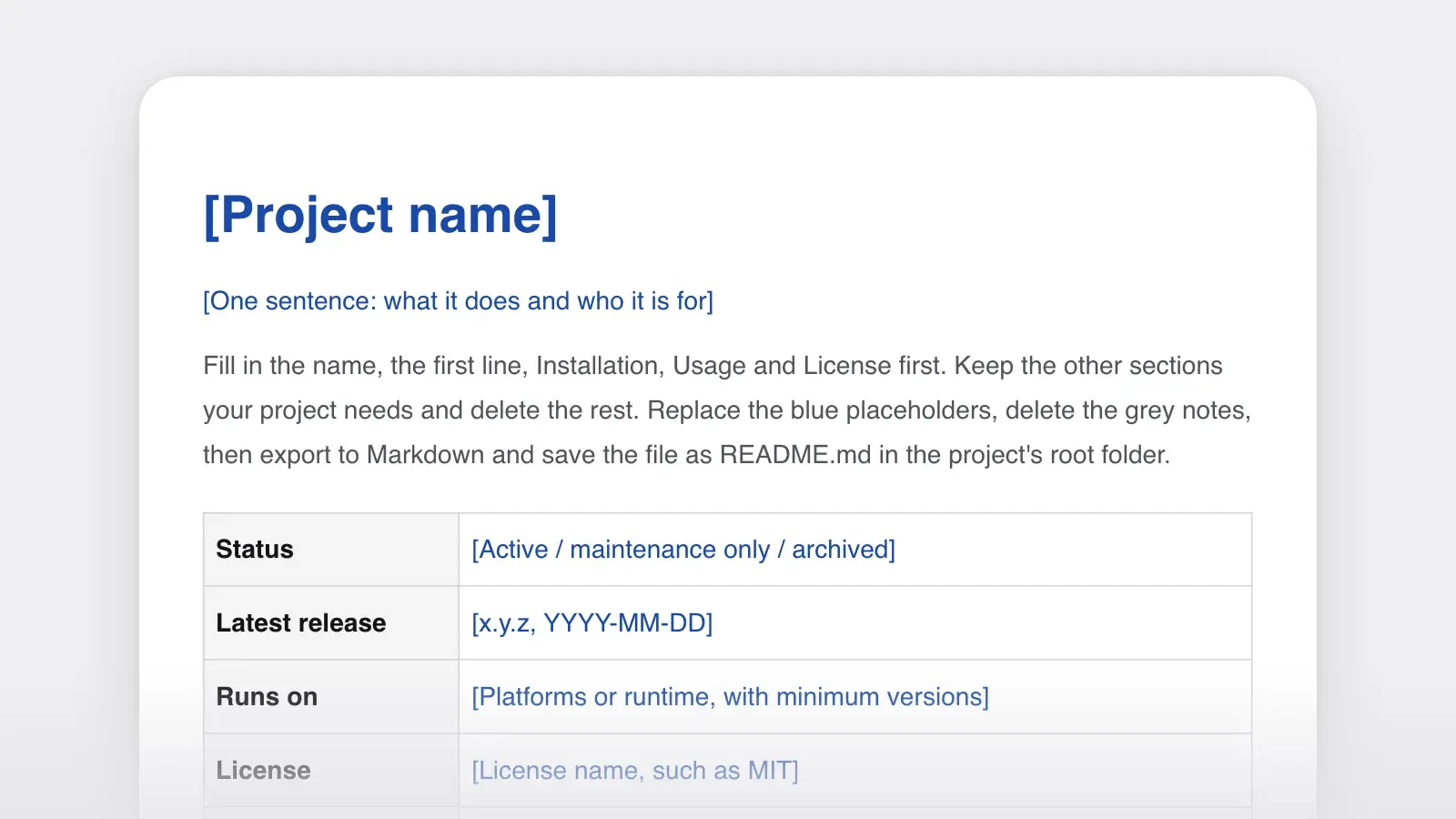
Copy it into a file named README.md in the root of the project. Fill in five parts before anything else: the name, the one-sentence description, Installation, Usage and License. Together they say what the project is, how to run it and whether people may use it. Keep the other sections your project needs and delete the rest; the table further down says which ones each kind of project usually keeps.
README.md template
<!-- Fill these in first: the name, the one-sentence description,
Installation, Usage and License. The other sections can wait. -->

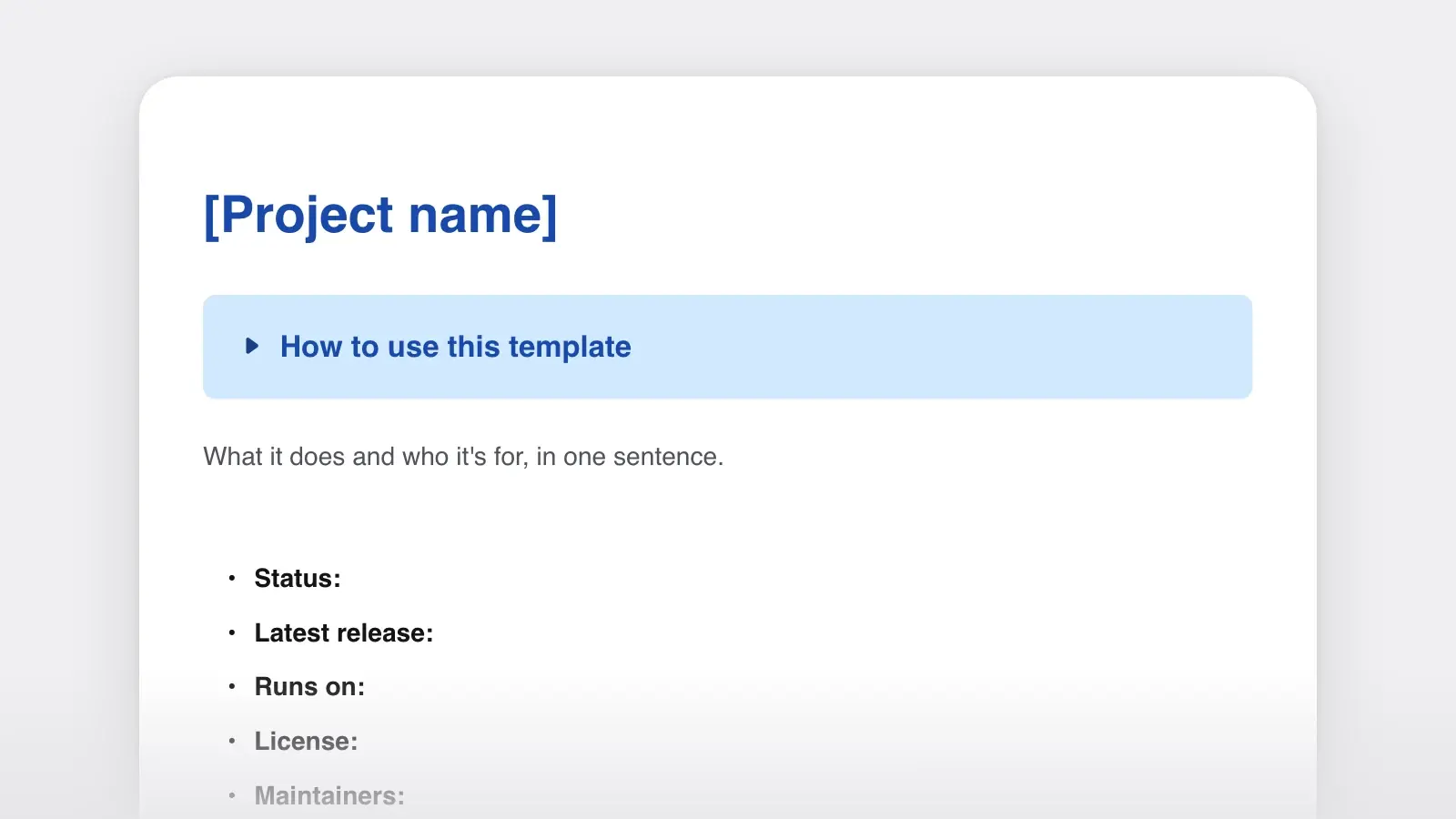
# Project name

One sentence: what it does and who it is for.

<!-- Optional: up to three badges (build, latest version, license). -->

## Status

Active | Maintenance only | Archived. Latest release: x.y.z (YYYY-MM-DD).

## Features

- What it does, as something a user would notice
- A second thing it does
- What it does not do

## Requirements

- Platform or runtime, with the minimum version
- Accounts, keys or services it needs

## Installation

```sh
command-to-install
command-to-check-it-worked
```

What success looks like: the second command prints ...

## Usage

```sh
the-smallest-command-that-does-something-useful
```

What the reader should see.

## Configuration

| Setting | Default | What it does |
| --- | --- | --- |
| NAME | value | One line |

## Documentation

- [Tutorial](docs/tutorial.md)
- [How-to guides](docs/how-to/)
- [Reference](docs/reference.md)
- [Changelog](CHANGELOG.md)

## Getting help

Where to ask questions, how to report a bug, and how to report a
security problem privately.

## Contributing

How to set up a development copy and run the tests.
Details in [CONTRIBUTING.md](CONTRIBUTING.md).

## License

MIT © 2026 Your Name. Full text in [LICENSE](LICENSE).
How to use this template
- Write the first line before anything else
One sentence: what the project does and who it is for. If it won't come, the project's scope may not be settled yet. Reuse the same sentence as the repository description so the two never disagree.
- Choose the sections for your kind of project
A dataset needs methods and a variable list; a web app needs environment variables; an internal service needs an owner and an on-call channel. Use the table below, and delete every heading you don't fill in.
- Paste commands you have just run
Run the install and usage steps on a clean machine or a fresh container, then copy the commands from the terminal. Under each one, say what success looks like.
- Save it where people will look
For code,
README.mdin the root folder. For a dataset, many university data services recommend a plain textREADME.txt, with one file per folder or per data file when the dataset is large.
Which sections each project needs
| Project | Must have | Often add | Usually skip |
|---|---|---|---|
| ProjectLibrary | Must haveInstall, one short usage example, link to the API reference, license | Often addSupported versions, contributing | Usually skipScreenshots |
| ProjectCommand-line tool | Must haveInstall, usage with options, exit codes | Often addConfig file, sample output | Usually skipArchitecture |
| ProjectWeb app | Must haveWhat it is, local setup, environment variables, test command | Often addScreenshot, deployment notes | Usually skipFull API docs (link instead) |
| ProjectInternal service | Must haveOwner and on-call channel, what it does and doesn't, run locally, deploy, runbook link | Often addDashboards, dependencies, data kept | Usually skipBadges, contributing rules for outsiders |
| ProjectResearch data | Must haveGeneral information, license and citation, file overview, methods, variables | Often addRelated publications, funding | Usually skipInstallation (unless there is code) |
| ProjectDocs or writing project | Must haveWhat it is, folder layout, how to preview, how to propose a change, license | Often addStyle rules, contacts | Usually skipBadges |
The six examples that follow are invented projects, so their package names and commands won't work as written. Copy the structure, then paste commands you have run yourself.
README example: open-source library
A library's reader wants to know in one screen whether it solves their problem, how to install it and what calling it looks like. Everything else can be a link.
README.md (a fictional Python library)
# tidyquotes

Turns straight quotes into typographic quotes in Markdown and HTML,
without touching code blocks.

## Install

```sh
pip install tidyquotes
```

Requires Python 3.10 or later.

## Usage

```python
from tidyquotes import tidy

tidy('She said "it\'s fine" and left.')
# 'She said “it’s fine” and left.'
```

| Option | Default | What it does |
| --- | --- | --- |
| style | "en-US" | "en-US" or "en-GB" quote order |
| skip_code | True | Leaves inline code and code blocks alone |

## Documentation

Full API reference: [docs/reference.md](docs/reference.md)

## Contributing

`pip install -e ".[dev]"` then `pytest`. See CONTRIBUTING.md.

## License

MIT
Why it works. The first line names the job and the one thing it won't break (code blocks). The usage example shows input and output together, so the reader sees the result without installing anything. The options table holds only the two settings people change; the rest lives in the reference.
README example: command-line tool
For a command-line tool, the usage section is the README. Show a real command, its real output and every option in a table.
README.md (a fictional command-line tool)
# chapterstat

Prints word counts per chapter for a folder of Markdown files.

## Install

```sh
npm install --global chapterstat
```

## Usage

```sh
chapterstat ./manuscript --sort words
```

```text
03-the-harbor.md     4,112
01-arrival.md        3,870
02-the-letter.md     2,945
total               10,927 words in 3 chapters
```

| Option | What it does |
| --- | --- |
| --sort <key> | Sort by words or by name (default: name) |
| --goal <n> | Shows progress toward a total word goal |
| --json | Prints JSON instead of a table |

Exit codes: 0 success, 1 no Markdown files found, 2 bad option.

Settings can also live in `chapterstat.json` in the folder you run it in.
Why it works. The sample output tells the reader what they will get before they install it. Exit codes are listed because people run tools like this in scripts and continuous integration, where the code matters more than the message. The longer version of a CLI README, with requirements, configuration and help sections, is the filled-in example on the software documentation template.
README example: web app
A web app's README is mostly for the next developer: how to get it running on their machine without asking anyone.
README.md (a fictional web app)
# reading-circle
A small web app for a book club: members propose books, vote,
and see what the club reads next.

## Run it locally
Requires Node.js 20+ and PostgreSQL 16.
```sh
git clone https://example.com/reading-circle.git
cd reading-circle
cp .env.example .env # then fill in the values below
npm install
npm run db:migrate
npm run dev
```
Open http://localhost:3000 and sign in with the seeded user
(admin@example.com / see .env.example).
## Environment variables
| Name | Required | What it is |
| --- | --- | --- |
| DATABASE_URL | yes | PostgreSQL connection string |
| SESSION_SECRET | yes | Any long random string |
| MAIL_API_KEY | no | Sends vote reminders; leave empty to log emails instead |
Never commit .env. Only .env.example belongs in the repository.
## Tests
`npm test` runs the unit tests; `npm run e2e` runs the browser tests.
## Deploying
Merges to main deploy to staging. See docs/deploy.md for production.Why it works. The setup is one block a developer can paste top to bottom. Every environment variable says whether it is required, and the optional one explains what happens without it. The README says plainly that .env stays out of the repository, and the screenshot shows the main screen so a newcomer knows what they are building.
README example: internal service
Inside a company, the most important line in a README is who owns the service. The reader is often a colleague from another team, or the person on call at night.
README.md (a fictional internal service)
# invoice-mailer

Sends invoice and receipt emails for the billing system.
Owner: Billing team · Chat: #billing · On-call: billing rotation

## What it does, and what it doesn't

- Reads invoice events from the billing queue and emails the PDF
- Retries failed sends for 24 hours, then raises an alert
- Does not create invoices or change amounts (that is billing-core)

## Run locally

```sh
docker compose up
make seed-invoice    # puts one test invoice on the local queue
```

You should see "sent invoice INV-TEST-1 to sandbox" in the logs.

## Deploy

Merging to main deploys to staging. Production deploys need an
approval in the pipeline from someone on the billing rotation.

## Operating it

- Dashboard: Billing / invoice-mailer
- Alerts and what to do about each: docs/runbook.md
- Data: stores no customer data; logs are kept 30 days

## Dependencies

billing-core (events), the email provider, the PDF renderer.
Why it works. Owner, chat channel and on-call rotation come before anything technical. “What it doesn't do” stops people from filing bugs against the wrong service. The README points to the runbook for alerts instead of copying it, and it says what data the service keeps, which is the first question in any security review.
README example: research data
Data READMEs follow a different tradition: plain text, capitalized section headings and enough detail for a stranger to reuse the data years later. This example follows the README template that Queen's University Library publishes for research data, with five sections: general information, sharing and access, a data and file overview, methodological information and data-specific information.
README.txt (a fictional dataset)
README for: Bird counts at three city parks, 2024-2025
Last updated: 2026-03-02

GENERAL INFORMATION
1. Title: Bird counts at three city parks, 2024-2025
2. Principal investigator: Dr. Lena Ortiz, Department of Biology,
   [University], lena.ortiz@example.edu
3. Dates of collection: 2024-04-01 to 2025-03-31
4. Location: Northgate, Riverside and Elm Street parks
5. Funding: [Funder, grant number]

SHARING AND ACCESS
1. License: CC BY 4.0
2. Recommended citation: Ortiz, L. (2026). Bird counts at three
   city parks, 2024-2025 [Data set]. [Repository, DOI].

DATA AND FILE OVERVIEW
1. counts.csv   one row per species per count (created 2025-04-10)
2. surveys.csv  one row per visit: date, park, observer, weather
                (created 2025-04-10)
3. species.csv  species codes and common names (created 2025-04-08)
counts.csv joins surveys.csv on survey_id and species.csv on species_code.

METHODOLOGICAL INFORMATION
1. Collection: 10-minute point counts at 6 fixed points per park,
   twice a month, within 3 hours of sunrise.
2. Processing: entered from paper forms, checked by a second person;
   cleaning scripts in /code (R 4.4).
3. Quality checks: any count over 50 for one species was checked
   against the field notes.

DATA-SPECIFIC INFORMATION FOR: counts.csv
1. Number of variables: 5
2. Number of rows: 4,812
3. Variables:
   survey_id     joins to surveys.csv
   point         count point, 1-6
   species_code  four-letter code, see species.csv
   count         number of birds seen or heard
   detection     S = seen, H = heard, B = both
4. Missing data: NA = not recorded
Why it works. Dates use one format (YYYY-MM-DD) throughout. The file overview explains how the three files join, which is the first thing someone reusing the data needs. Methods are specific enough to repeat the survey, and every variable has a plain meaning, including the codes for missing values. The Queen's guide marks its recommended minimum for reuse: the title, the investigator's contact details, the collection dates, the license, a short description and creation date for each file, the methods and the variable list. It also advises a plain text file rather than a Word document. For a dataset with many files, repeat the data-specific section for each one.
README example: docs or writing project
Handbooks, documentation sites and even books are often kept as a folder of Markdown files in version control. Their README is for contributors: where things are, how to see the result and how a change gets in.
README.md (a fictional newsroom handbook)
# Newsroom handbook

The style rules, procedures and checklists our newsroom works by.
Read it online at handbook.example.org.

## What's here

```text
style/         spelling, numbers, titles, corrections policy
procedures/    one file per procedure, e.g. publishing.md
checklists/    short lists to keep open while you work
templates/     interview notes, correction notice, pitch
```

## Preview your changes

```sh
npm install
npm run preview
```

Open http://localhost:8080. Pages rebuild when you save.

## How to propose a change

1. Make a branch and edit the Markdown file.
2. Follow style/house-style.md, especially the numbers section.
3. Open a pull request. One editor approves before it merges.

## License

Text: CC BY 4.0. Build scripts: MIT.

## Contact

Standards editor: standards@example.org
Why it works. The folder map does the job an architecture diagram does for code. The change process is three steps and names who approves. And the license line separates the text from the scripts, because they are often licensed differently. If the handbook has a house style, link it, or write a short style guide and put it in the style/ folder.
Badges, screenshots and extras
- Badges: a few, each with a job. Each should answer a question a user actually has: does the build pass, what is the latest version, what is the license. Services such as Shields.io make badge images; a row of fifteen is decoration, and stale badges make a project look abandoned.
- Screenshots for anything with a screen. One image of the main view beats a paragraph of description. Keep the image in the repository, link it with a relative path and give it alt text.
- A demo GIF only if it is short. A few seconds of the tool in use can help a command-line project. Anything longer belongs in a tutorial.
- A docs folder before a long README. When the README grows past a few screens, move tutorials, guides and reference into their own pages and link them. The product documentation template maps out the whole set.
Common README mistakes
- No first line. The README opens with a logo, a history of the project or a list of badges, and the reader still doesn't know what it does.
- Hidden prerequisites. The install steps assume a tool, a version or an account the page never mentions.
- Commands from memory. A flag was renamed two releases ago and the quick start no longer runs.
- Real secrets in examples. API keys, passwords or connection strings pasted into a README or a committed
.env. Use placeholders and an.env.example. - Old screenshots. The interface changed and the picture didn't, so the README now describes a different product.
- No license line. Without one, people who would use or contribute to the project can't tell whether they are allowed to.
- No status. An archived project looks the same as a living one until someone files an issue that nobody will read.
“Use this template” opens the README in Strokes as a document you can edit and export to Markdown, or to plain text for a dataset's README.txt. Before you publish, attach the README to a chat with the Strokes Assistant and ask it to read the installation and usage sections as a newcomer would and list every step that depends on something the page never mentions.
Frequently asked questions
What should a README include?
At minimum, the project name, a one-sentence description, how to install or open it, a short usage example and the license. Most READMEs add the status, requirements, configuration, links to fuller documentation, how to get help and how to contribute. A dataset README adds methods, file descriptions and a list of variables.
Should a README be Markdown or plain text?
For code, Markdown: README.md renders as formatted text on GitHub, GitLab and package registries. For research data, many repositories and university data services recommend a plain text README.txt, which any computer can open decades from now. Either way, keep it readable as raw text.
Can a project have more than one README?
Yes. A project usually has one README at the root, and larger projects add READMEs in subfolders: one per package in a repository with several packages, or one per folder or data file in a large dataset. The root README should link to the others.