When to use it
- Planning a quarter of blog posts for a company, a client or your own site
- Running a weekly or monthly newsletter without a scramble before every send
- Giving the writers and editors on a small team one schedule of deadlines and statuses
- Lining up seasonal stories, launches and events months before they happen
- Turning a long list of ideas into the few pieces you will actually publish
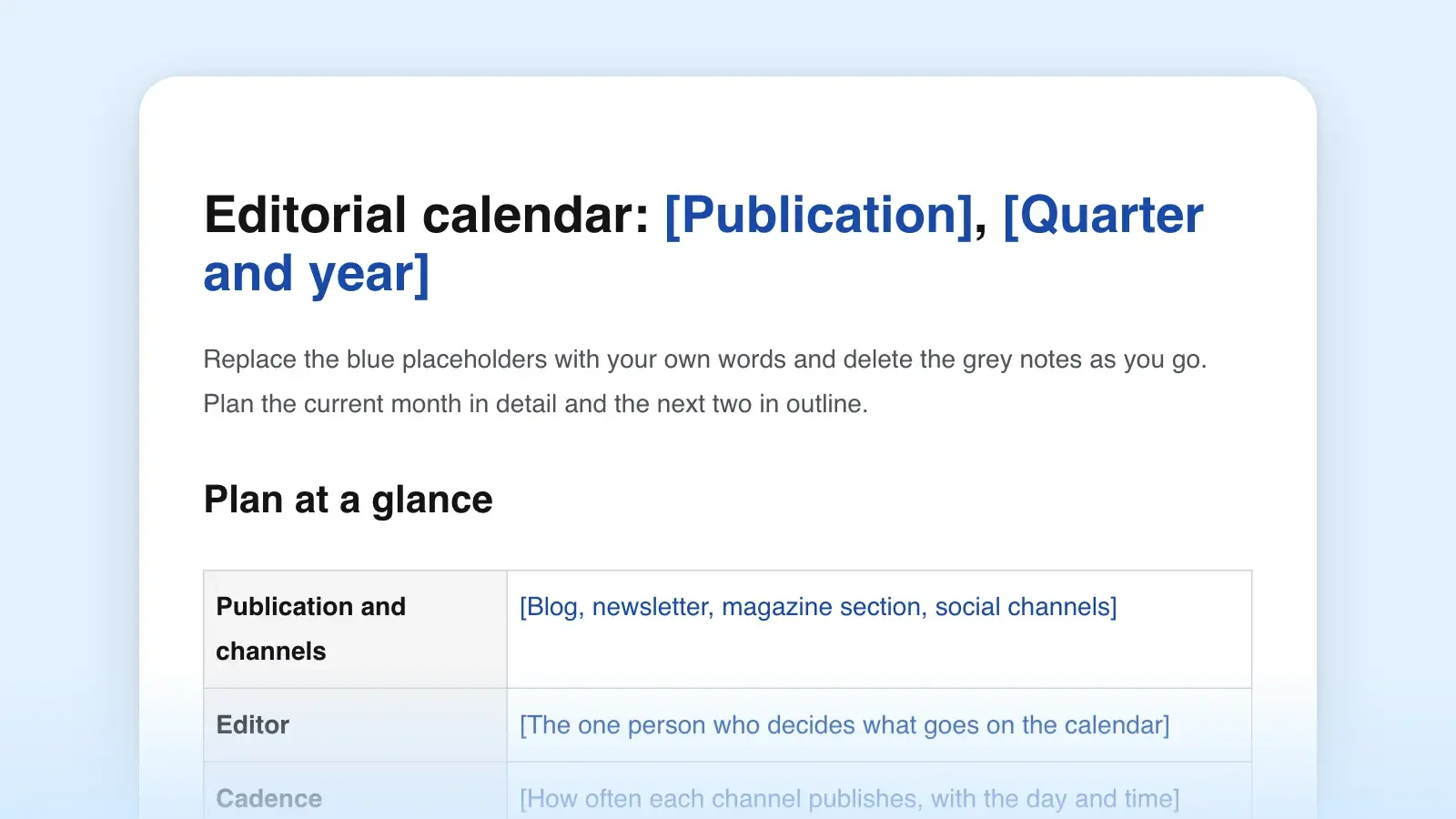
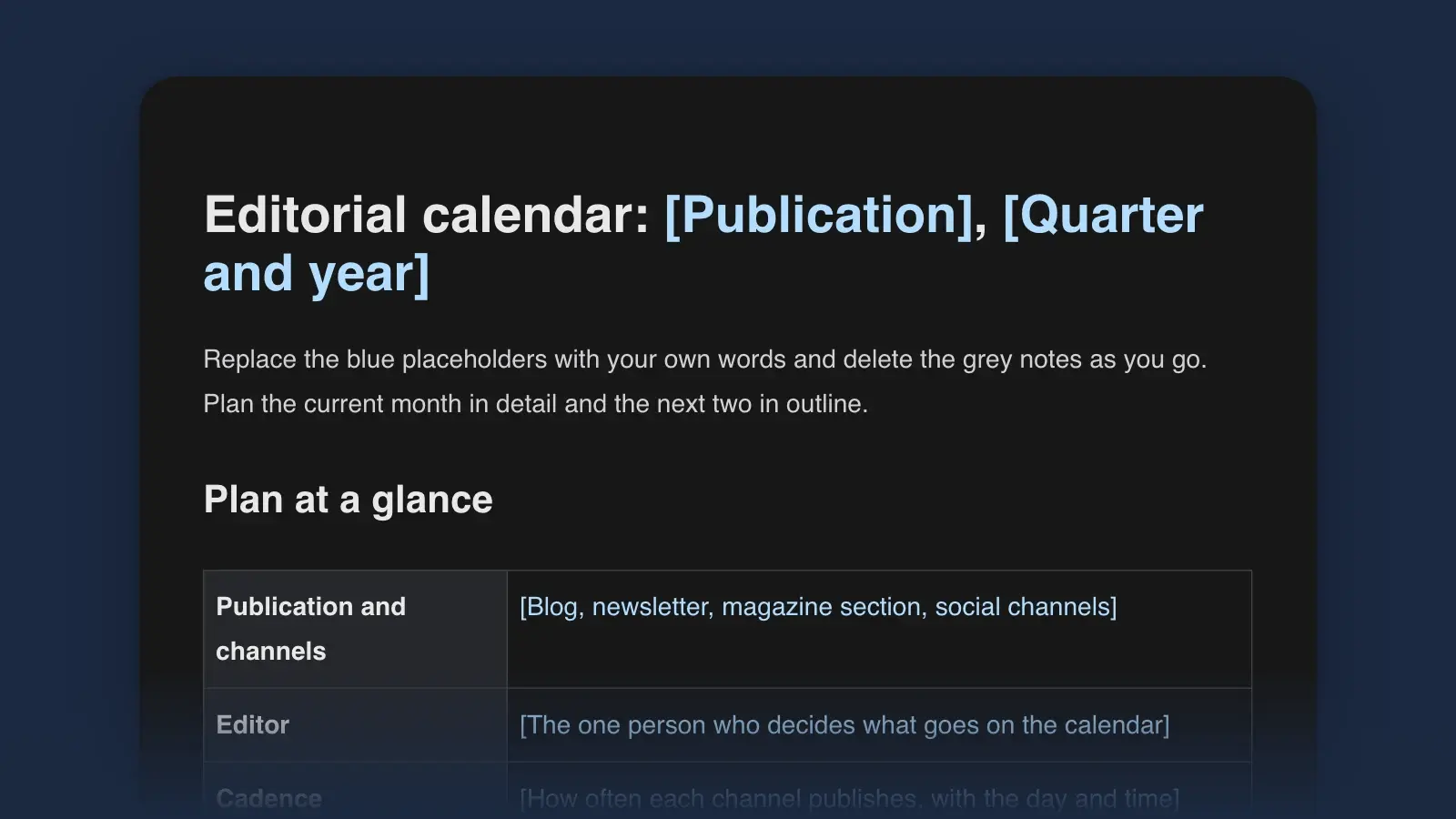
An editorial calendar is a schedule of what you will publish, when, where and who is responsible for each piece. This template keeps it in one document with two halves: a quarter plan (the plan at a glance, two or three goals, a theme for each month and the dates that can't move) and a table for each month with publish dates, deadlines and statuses, plus a backlog of ideas. It fits a blog, a newsletter, a magazine section or a client's content plan. A filled-in sample comes first, then the instructions.
Editorial calendar example: a sample month
This is the calendar of an invented garden supply shop that publishes a blog post every Thursday and a newsletter every Tuesday, with one freelance feature a month. The quarter plan is set once, at the start of the quarter. The month table below it turns the plan into dated pieces and changes every week.
Publication. Thistle & Trowel Garden Supply, Asheville, North Carolina: the blog, one post every Thursday, and The Potting Bench, a newsletter every Tuesday at 6 a.m.
Editor. Mara Okafor, marketing lead. Writers: Mara, Dev Patel (staff horticulturist) and one freelance feature writer. Approver: Ruth Hollis, owner.
Goals. 1. Fill the 40 seats at the tomato workshop by March 13 and bring 300 visitors to the open house on March 27. 2. Grow the newsletter from 4,200 to 5,000 subscribers by March 31. 3. Bring 1,500 visits from search to the seedling and tomato guides in March.
Themes. January: planning the garden. February: starting seeds indoors. March: planting out.
Key dates. Sat., Mar. 6: seed swap, promote from Feb. 23. Sat., Mar. 13: tomato workshop, promote from Feb. 16. Sat., Mar. 27: spring open house, promote from Mar. 9.
March in detail, as of Friday, Feb. 26. One row per piece, with the goal it serves.
| Publish | Working title | Format | Writer | Draft due | Status | Goal |
|---|---|---|---|---|---|---|
| PublishTue., Mar. 2 | Working titleSeed swap Saturday, and what to sow this week | FormatNewsletter #112 | WriterMara | Draft dueFeb. 26 | StatusScheduled | Goal2 |
| PublishThu., Mar. 4 | Working titleHow to harden off seedlings without losing half of them | FormatHow-to post | WriterDev | Draft dueFeb. 23 | StatusIn edit | Goal3 |
| PublishTue., Mar. 9 | Working titleTomato workshop: six seats left | FormatNewsletter #113 | WriterMara | Draft dueMar. 5 | StatusDrafting | Goal1 |
| PublishThu., Mar. 11 | Working titleTwelve tomatoes for a short mountain season | FormatList post | WriterDev | Draft dueMar. 2 | StatusDrafting | Goal3 |
| PublishTue., Mar. 16 | Working titleWhat 300 gardeners swapped, and open house news | FormatNewsletter #114 | WriterMara | Draft dueMar. 12 | StatusAssigned | Goal2 |
| PublishThu., Mar. 18 | Working titleForty years behind the seed counter | FormatFeature | WriterFreelance | Draft dueMar. 4 | StatusAssigned | Goal2 |
| PublishTue., Mar. 23 | Working titleOpen house Saturday: the full schedule | FormatNewsletter #115 | WriterMara | Draft dueMar. 19 | StatusAssigned | Goal1 |
| PublishThu., Mar. 25 | Working titleWhat 500 customer soil tests show | FormatOriginal research | WriterDev | Draft dueMar. 15 | StatusAssigned | Goal3 |
| PublishTue., Mar. 30 | Working titleYour April planting list | FormatNewsletter #116 | WriterMara | Draft dueMar. 26 | StatusAssigned | Goal2 |
Why it works. Every row names a goal, so the weak spot is visible in February: goal 1, the two events, rests on two newsletter issues and nothing on the blog. Drafts are due at least four days before publication, and the freelance feature has the longest lead time, two weeks, because it depends on interviews. The statuses are honest: on Feb. 26 only the first newsletter is scheduled, and the late-March issues are assigned but not started, which is fine for weekly issues built from the month's news.
One piece, from pitch to scheduled
The month table catches each piece at one moment. Here is the whole path of the Mar. 4 how-to post, as its Status cell recorded it. At every step one person has the piece and one decision is open.
| Date | Status | Who has it | Next decision |
|---|---|---|---|
| DateThu., Jan. 28 | StatusIdea | Who has itDev | Next decisionMara: which goal does it serve? Goal 3, so it gets Thu., Mar. 4 |
| DateMon., Feb. 1 | StatusAssigned | Who has itDev | Next decisionDev: draft by Tue., Feb. 23, with photos of three seedling trays |
| DateTue., Feb. 23 | StatusIn edit | Who has itMara | Next decisionMara: notes by Thu., Feb. 25. Keep the cold-frame section or cut it? |
| DateMon., Mar. 1 | StatusScheduled | Who has itMara | Next decisionNone left: Ruth approved the final draft, and it publishes Thu., Mar. 4, at 7 a.m. |
A row in your own calendar with no name or no open decision beside it is the one to ask about at the next planning meeting.
How to use this template
- Start with a cadence you can keep
Fill in Plan at a glance first, and be honest in the Cadence row. Orbit Media's 2026 survey of 1,042 content marketers put the average time to write one blog post at 3 hours and 20 minutes. Add the time you need for editing, images and publishing, multiply by the pieces you plan each month, and compare the total with the hours you really have. If it doesn't fit, pick the slower schedule: readers can rely on a newsletter that arrives every two weeks without fail more easily than on a weekly one that skips every third week.
- Write the goals and themes before any titles
Two or three goals are enough, each with a number and a date: “Fill 40 workshop seats by March 13,” not “build awareness.” A theme gives each month a focus, so the pieces you pick pull in the same direction. Every row in the calendar names the goal it serves, and the Goal column shows at a glance when one is missing.
- Mark the dates that can't move
Fill in Key dates next: launches, events, holidays, the start of the busy season in your trade, and any date readers will search around. Give each one a lead time. A post that promotes a March event goes out in February, and a pitch for a print magazine's holiday issue goes out months before the holiday. Trade magazines often publish their own editorial calendar in their media kit, so advertisers and publicists can see what each issue will cover.
- Plan backward from each publish date
For every row, work back from the publish date to the draft deadline. One workable rule for a weekly post: the draft is due a week before publication, the edit two days later, and the piece is scheduled the day before it goes out. Write each date in full. “Next week” means nothing a month from now.
- Fill one month in detail and two in outline
The current month gets every column. The next two get dates and working titles, with writers where you know them. Anything that doesn't fit yet goes to the Ideas backlog, with the reader and the question it answers, not just a topic.
- Review it every week
Run the checklist at the end of the template before each planning meeting. In each Status cell, keep who has the piece and the next decision current. When a piece slips, move it to a new date instead of deleting it, and note the reason: “Moved from Mar. 11, waiting on photos.” After a quarter, those notes show which kinds of pieces tend to run late.
What goes in each section
| Section | What it holds | Example |
|---|---|---|
| SectionPlan at a glance | What it holdsPublication and channels, editor, cadence, readers, date last reviewed | Example“Blog every Thursday, newsletter every Tuesday at 6 a.m.” |
| SectionGoals | What it holdsTwo or three results, each with a number and a date | Example“Grow the newsletter from 4,200 to 5,000 subscribers by March 31” |
| SectionThemes | What it holdsOne focus per month and why it fits that month | Example“March: planting out, because that's when customers ask about frost” |
| SectionKey dates | What it holdsDates that can't move, what you'll publish for each, and the lead time | Example“Sat., Mar. 13: tomato workshop. Promote from Feb. 16” |
| SectionMonth tables | What it holdsOne row per piece: publish date, working title, format and channel, writer, draft due, status, goal | Example“Thu., Mar. 11 · Twelve tomatoes for a short mountain season · List post · Dev · Mar. 2 · Drafting · 3” |
| SectionIdeas backlog | What it holdsIdeas without a date yet, each with its reader and question | Example“Why seedlings go leggy, for first-time seed starters” |
| SectionStatuses | What it holdsWhat each status means, so everyone uses them the same way | Example“In edit: the editor has the draft and owes notes” |
| SectionPeople | What it holdsWho writes, edits and approves, and how to reach them | Example“Approver: Ruth Hollis, owner, by email, replies within a day” |
| SectionWeekly review | What it holdsA checklist to run before each planning meeting | Example“Every piece due this week has a writer and a draft date” |
Two columns do more work than they seem to. Goal turns the calendar from a list of things to write into a plan: a piece that serves no goal is often a favor to someone, or a sign the goals are missing something. Status only helps if everyone means the same thing by it, which is why the template defines each one. Seven are enough for most teams: Idea, Assigned, Drafting, In edit, Scheduled, Published and Held. Decide whether In edit includes the copy edit or only the first read, and write it down.
Editorial calendar vs content calendar
The two names are often used for the same document. When teams do separate them, the editorial calendar plans the pieces that need writing and editing, such as articles, newsletter issues, reports and videos, while the content calendar (or social media calendar) schedules everything that goes out on each channel, including the posts that promote those pieces. A small team can keep both here, with one row per piece and the channel in the Format column. A newsroom's calendar is a third kind: it tracks scheduled events, such as budget votes, trials and anniversaries, so reporters can prepare before the day.
Editorial calendar samples by format
The month table works for most publishing. These variations change the columns for five common jobs.
Blog editorial calendar
A blog calendar can also track the phrase each post should be found for and when old posts need updating. Add a column for the target phrase and give each refresh a row of its own. For pieces to fill it, start with these blog post ideas; plan each one with the blog post outline template.
| Publish | Working title | Target phrase | Type | Writer | Status |
|---|---|---|---|---|---|
| PublishThu., Apr. 1 | Working titleWhen to plant tomatoes in the mountains | Target phrasewhen to plant tomatoes | TypeGuide | WriterDev | StatusDrafting |
| PublishThu., Apr. 8 | Working titleRaised-bed soil guide, updated for this year | Target phraseraised bed soil mix | TypeRefresh | WriterMara | StatusAssigned |
Newsletter content calendar
Plan a newsletter by issue. Each row is one send: the send time, the issue number, the lead item, two to four secondary items under the same labels every time, and one ask. The guide on how to write a newsletter covers what goes in each part.
| Send | Issue | Lead item | Also in this issue | The ask |
|---|---|---|---|---|
| SendTue., Mar. 9, 6 a.m. | Issue#113 | Lead itemTomato workshop: six seats left | Also in this issueSeed swap photos · Ask Dev · This week in the greenhouse | The askBook a seat |
Magazine editorial calendar
A magazine plans by issue and further ahead. The columns follow production: the theme, the story, the writer, the filing date, the close and the date the issue reaches readers. Seasonal stories are assigned long before the season, so read each outlet's guidelines for lead times before you pitch an article.
| Issue | Theme | Story | Writer | Files | Close | On sale |
|---|---|---|---|---|---|---|
| IssueMay | ThemeMountain gardens | StoryThe seed library in a former bank vault | WriterJ. Whitcomb | FilesFeb. 12 | CloseMar. 5 | On saleApr. 20 |
Social media content calendar
A social calendar schedules posts per channel, usually several for each article. Keep it as a second table below each month, with the channel, the copy, the image and the piece it promotes. Length limits and formats differ by platform and change often, so check each platform's own help pages before you write to a limit.
| Date | Channel | Post | Image | Promotes |
|---|---|---|---|---|
| DateThu., Mar. 11 | ChannelInstagram | PostTwelve tomatoes for a short season, and the one that survived last June's hail | ImagePhoto of the trial bed | PromotesList post, Mar. 11 |
A freelance writer's calendar
If you write for several outlets or clients, the calendar is also your pipeline: one row per pitch or assignment, with the editor, the dates, the fee and the status. Plan each assigned story with the article outline template.
| Outlet | Story | Editor | Pitched | Due | Fee | Status |
|---|---|---|---|---|---|---|
| OutletThe Smoky Gap Review | StoryThe seed library in a bank vault | EditorOwen Castellano | PitchedNov. 18 | DueFeb. 12 | Fee$900 | StatusAssigned |
Tips for a calendar you'll keep
- Keep two finished pieces in reserve. They cover the week a writer is sick or a launch slips.
- Put one name on every row. A row owned by “the team” tends to be owned by nobody.
- Mix timely and evergreen pieces. Pieces tied to a date need firm deadlines. Evergreen ones can move to fill a gap.
- Schedule updates as pieces. An old post that still brings in readers deserves a row when its facts go stale.
- Keep ideas out of the month tables. An idea gets a date when it has a writer and an angle. Until then it lives in the backlog.
- Don't plan more than a quarter in detail. Beyond that, plans usually change too much to be worth the columns. A content brief for each assigned piece is a better use of the time.
“Use this template” opens the calendar in Strokes as a document you can edit and export. Before each planning meeting, ask the Strokes Assistant to review it against the weekly checklist; it points out what's inconsistent, such as a goal with no piece behind it this month or a writer with three deadlines in one week.
Frequently asked questions
How far ahead should you plan an editorial calendar?
Plan the current month in detail and the next two in outline, then review the plan weekly. Seasonal pieces and events need more lead time: a post that promotes a March event goes out in February, and print magazines assign seasonal stories months before the season. Detailed plans more than a quarter ahead rarely survive unchanged.
Who should own an editorial calendar?
One person, usually the editor or the marketing lead, who decides what goes on it and when a piece moves. Writers keep the statuses of their own rows current, but only the owner adds, drops or reschedules pieces. When two people can move the same piece, it's easy to end up with two dates for it and nobody sure which one is real.
Can I use a spreadsheet as an editorial calendar?
Yes, and many teams do. A spreadsheet is good at sorting and filtering by writer or status. A document is better for everything around the table: goals, themes, status definitions and notes on why pieces moved. This template is a document with tables, so the plan and the reasoning behind it stay together in one place.