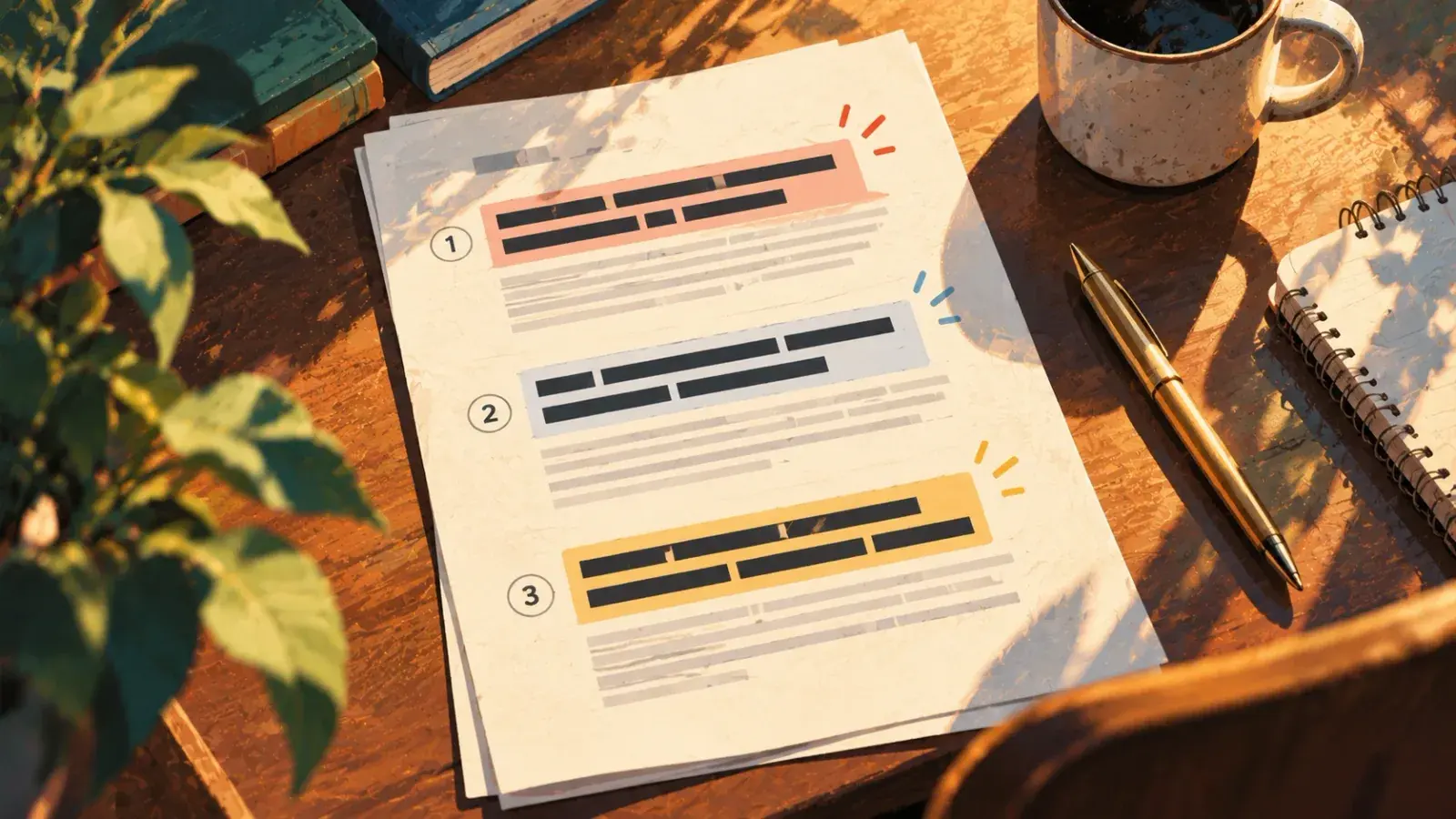
To write a newsletter people open, promise one kind of reader one specific thing, pick a format you can repeat, and send it on a schedule you can keep. Each issue then needs a subject line that names what is inside, preview text that adds to it, the most important item first, a few short extras, one clear ask, and a footer with an unsubscribe link. Write it as a letter to one reader, cut it by a third, and send it on the same day every time. A full sample issue and a set of before-and-after subject lines are below.
Decide the promise and the format
Write a one-sentence promise
Before the first issue, write the sentence you would put on the signup page. It has four parts: how often, who it is for, what they get, and what that does for them.
The promise
Every [cadence], [who it's for] get [what you send] so they can [what it gives them].Three versions of it, for three very different newsletters:
- Every Sunday, people writing their first novel get one revision technique and one question to ask of their draft, so the week's writing has a direction.
- Twice a month, readers of my mystery series get a note from the desk, one book I loved and any news before it goes anywhere else.
- Every Friday, the parents of Room 12 get what we learned, what's coming and what to send in on Monday, in a two-minute read.
The promise tells a stranger whether to subscribe. It tells you what to leave out, which is where most of the hard decisions are. And it gives you a test for every issue: does this deliver what the signup page said it would?
Then picture one person who fits it, and write each issue to them. "You" in a newsletter should mean a single reader, not an audience. That reader settles questions of tone of voice faster than any style rule: you would not open a letter to a friend with "Welcome back to another exciting edition."
Pick a format you can repeat
Readers come back for a shape they recognize. Choose one of these, give its sections fixed names, and keep them in the same order every issue.
| Format | Each issue holds | Good for | The hard part |
|---|---|---|---|
| FormatLetter | Each issue holdsOne essay or story in your own voice | Good forAuthors, essayists, coaches | The hard partHaving something to say every time |
| FormatRoundup | Each issue holdsA handful of links, each with a line on why it matters | Good forCurators, researchers, specialists | The hard partAdding a view, not just links |
| FormatBriefing | Each issue holdsThe news in your field, summarized and ranked | Good forIndustry and local news | The hard partSpeed and accuracy on deadline |
| FormatLesson | Each issue holdsOne technique, worked through with an example | Good forTeachers, consultants, craft writers | The hard partKeeping a backlog of topics |
| FormatAuthor update | Each issue holdsWriting news, a book you loved, dates, a small extra | Good forNovelists and memoirists | The hard partLong stretches with no news |
| FormatTeam or class update | Each issue holdsWhat happened, what's next, what to do | Good forCompanies, schools, clubs | The hard partBeing read, not skimmed |
Hybrids work once the base is steady: a letter with three links at the bottom is a familiar shape for writers' newsletters.
The anatomy of an issue
Whatever the format, every issue has the same parts. In the order a reader meets them:
- From name. The name in the inbox. Use your own, or your name with the newsletter's ("Maren Holt, Second Draft"), and keep it the same every issue so readers learn to recognize it.
- Subject line. What is inside, specifically. More on this below.
- Preview text. The line most inboxes show after the subject. Leave it empty and the email app pulls the first text it finds, which is often "View this email in your browser."
- Opening. One or two sentences on what this issue is about.
- Lead item. The reason the issue exists, placed first. As in a news story built on the inverted pyramid, what matters most goes where everyone sees it, including the people who stop reading early.
- Secondary items. Two to four short pieces under the same labels each time.
- One ask. Reply, forward, preorder, register. Pick one.
- Sign-off and footer. Your name, then the unsubscribe link and a postal address.
Here is all of it in one short issue.
From: Maren Holt, Second Draft
Subject: Why I cut chapter 9 (and the one line I kept)
Preview: Plus one question for your own draft, and a reading on November 5
Hi,
Last week I cut chapter 9 of the new book. All of it. It was the chapter I most enjoyed writing, and the one my editor kept circling: a long flashback explaining why Ruth won't go back to the lake house. The explanation was good. It was also the reason the middle of the book stopped moving.
I kept one line, Ruth's sister telling her, "You always leave before the ice goes out." It now sits in chapter 4, and it does what nine pages of backstory did without asking anyone to wait.
One thing to try. Find the chapter in your draft you would defend hardest. Write down what it explains. Then ask whether the reader could work that out alone.
Dates. I'm reading the first chapter of the new book at the Alder Street Library on Thursday, November 5, at 7 p.m. Bring your hardest question about revision.
Your turn. Hit reply and tell me which scene you'd fight to keep. I read every reply.
Maren
You're getting this because you signed up at my website. Unsubscribe · [Postal address]
Notice what it leaves out: no paragraph of greeting, no list of everything that happened this month, and one question at the end instead of four links asking for money. The lead is a story with a lesson inside it, which is the promise of a writer's newsletter kept in a two-minute read.
Write subject lines that get opened
A subject line has one job: tell the right reader what is inside, specifically enough that they want it now. Clever comes second. A reader scanning a full inbox decides in a glance, and "October update" gives them nothing to decide with. The rules that make a good headline apply here, with less room.
Mailchimp's guidance is no more than 9 words and 60 characters, and inboxes cut long lines at different points, especially on phones, so put the words that matter first. Write the subject line last, once the issue exists, and write five versions before you pick one.
| Weak | Stronger | Why it works |
|---|---|---|
| WeakNewsletter #42 | StrongerWhy I cut chapter 9 (and the one line I kept) | Why it worksNames what's inside |
| WeakOctober update | StrongerReading dates in Portland and Tacoma | Why it worksLeads with the news |
| WeakSome writing tips | StrongerThree ways to fix a sagging middle | Why it worksPromises a specific payoff |
| WeakBig news!!! | StrongerMy second novel has a release date | Why it worksSays the news instead of shouting it |
| WeakYou won't believe this | StrongerThe query letter that finally worked | Why it worksCuriosity without the bait |
| WeakThis week's links | StrongerSeven links on revision, one worth printing | Why it worksSays what the roundup is about |
Treat the preview text as the second half of the subject line, never a repeat of it. Litmus, an email testing company, suggests keeping it under 90 characters with the important part first, because different apps show different amounts. If your email platform has a preview field, fill it in every time.
Keep both honest. A subject line that oversells gets one open and teaches readers to ignore the next ten, and for commercial email in the US, the CAN-SPAM Act forbids subject lines that mislead about the message's content.
Write a body people finish
Open with the point
The first two sentences are what many readers see before they decide to keep going. Say what this issue is about. A one-word greeting is fine; a paragraph about how busy the month has been is where readers leave.
Make it easy to skim without turning it into a list
Keep paragraphs short, one idea each. Give recurring sections bold labels ("One thing to try", "Dates") so returning readers can jump to the part they like. Write link text that says where it goes, such as "the agent's submission page", never "here". In a roundup, every link gets a sentence on why it is worth the click; a list of bare links is a bookmarks folder. Short sentences and plain words do more for readability than any layout.
Ask for one thing
Choose the single action you want: a reply, a forward to one friend, a preorder, a registration. Put it once, near the end, and also near the top if it has a deadline. Three asks compete with each other. A question readers can answer by hitting reply is the easiest ask of all, and the answers tell you more about your readers than any dashboard.
Plain or designed
A plain, letter-style email reads like correspondence; a designed template with a masthead and images reads like a publication. Both work. Heavy templates carry one practical risk: Gmail clips messages larger than about 102 KB (images not counted) behind a "View entire message" link, and the clipped part can include your unsubscribe link.
Choose a cadence you can keep
Consistency matters more than frequency. A monthly issue that arrives on the first Tuesday, every month, beats a weekly one that skips every third week: readers learn when to expect you, and you learn how long an issue really takes.
| Cadence | Suits | Watch for |
|---|---|---|
| CadenceWeekly | SuitsLetters, briefings, roundups in fast-moving fields | Watch forBurnout. Keep two issues in reserve. |
| CadenceEvery two weeks | SuitsLessons and essays that need research | Watch forReaders losing track. Fix the day. |
| CadenceMonthly | SuitsAuthor updates, team and school news | Watch forIssues swelling to cover everything. Cap the sections. |
| CadenceIrregular | SuitsLaunch lists and announcements | Watch forReaders forgetting they signed up. |
To choose, time yourself writing one complete issue, multiply by the number of issues in a year, and compare that with the hours you actually have. Then pick the slower option. State the cadence on the signup page, send on the same day each time, and if you need a break, send two lines saying when you will be back rather than going quiet.
Write each issue, step by step
- Keep a running file between issues
Drop ideas, links, quotes and half-sentences into one document for the next issue as they come up. Writing day goes faster when you start with material instead of a blank page.
- Start from the same skeleton
Copy your fixed structure into a new document, so the recurring sections are there before you write a word.
Issue skeleton
Subject: [the specific thing inside] Preview: [what the subject leaves out] [One or two sentences: what this issue is about] ## [Lead item] [The reason this issue exists] ## [Recurring section] [A short item] ## [Recurring section] [A short item] [The one ask] [Sign-off] - Draft the lead item in one sitting
Write the main piece straight through without editing. It is the only part that needs a run-up; the secondary items are short by design and can be written in any order.
- Cut a third
Read the draft as the reader and cut what doesn't serve the promise: the throat-clearing opening, the second example, the paragraph explaining why you are explaining. Then read it at phone width, where long paragraphs look twice as long.
- Write the subject line and preview text last
Now that you know what is inside, write five subject lines, choose the most specific, and write preview text that adds something the subject line doesn't say.
- Test it, then send on schedule
Send a test to yourself, open it on your phone, click every link and check the From name. Then send it at your usual time.
Mistakes that cost readers
- Burying the lead. Personal news, apologies for lateness and housekeeping go after the main item, if at all.
- Disappearing for months. People forget they signed up, and some of them hit "Report spam". Gmail asks senders of more than 5,000 messages a day to keep their reported spam rate below 0.3%, and recommends staying under 0.1%.
- Judging issues by open rate. Since 2021, Apple Mail has offered Mail Privacy Protection, which keeps senders from knowing when a reader opens an email, so open counts no longer tell you reliably who read. Watch clicks on the links that matter, replies, forwards and unsubscribes per issue.
- Skipping the footer. Every issue needs a working unsubscribe link. Most newsletter platforms add one automatically; check that yours does, and that the postal address is right.
Drafting issues in Strokes
An email platform's editor is a poor place to keep notes, a skeleton and an archive. In Strokes, keep a project per newsletter: the running file, the skeleton, and one document per issue, so your archive is a folder of files on your own machine. Select a loose paragraph and press ⌘K to ask for a tighter version. Open the AI Assistant beside the draft, add your promise document to the chat, and ask whether this issue keeps it, or ask for five subject lines that name what is inside. In Agent mode the Assistant can read your past issues and list the topics you have already covered.
If you cut too much, version history has the longer draft. When the issue is ready, share a link with a second reader, then copy it into your email platform, or export it as HTML or Markdown if your platform imports either.
Frequently asked questions
How long should a newsletter be?
As long as the promise needs and no longer. A roundup should be readable in a few minutes; a letter can run longer if every paragraph earns its place. If an issue takes more than one sitting to read, it is probably two issues. Keep the length roughly consistent so readers know what they are opening.
How often should I send a newsletter?
Pick the slowest cadence that fits your promise and that you could keep for a year: weekly for news and roundups, every two weeks or monthly for essays, lessons and author updates. Send on the same day each time.
What should I write in my first issue?
Say who you are in a sentence, restate the promise, and say when the next issue arrives. Then deliver a real issue rather than an introduction, so new readers see what they signed up for. End with one easy question they can answer by replying.
How long should a newsletter subject line be?
Mailchimp recommends no more than 9 words and 60 characters. Inboxes cut long lines at different points, especially on phones, so put the specific words first and let the end of the line be the part that can be lost.
Do I need a newsletter platform, or can I use regular email?
For anything beyond a handful of friends, use a platform. It handles signups, unsubscribe links, the address footer and delivery to large lists, which a personal mailbox is not built for. Write the issue wherever you write best, then paste it in.