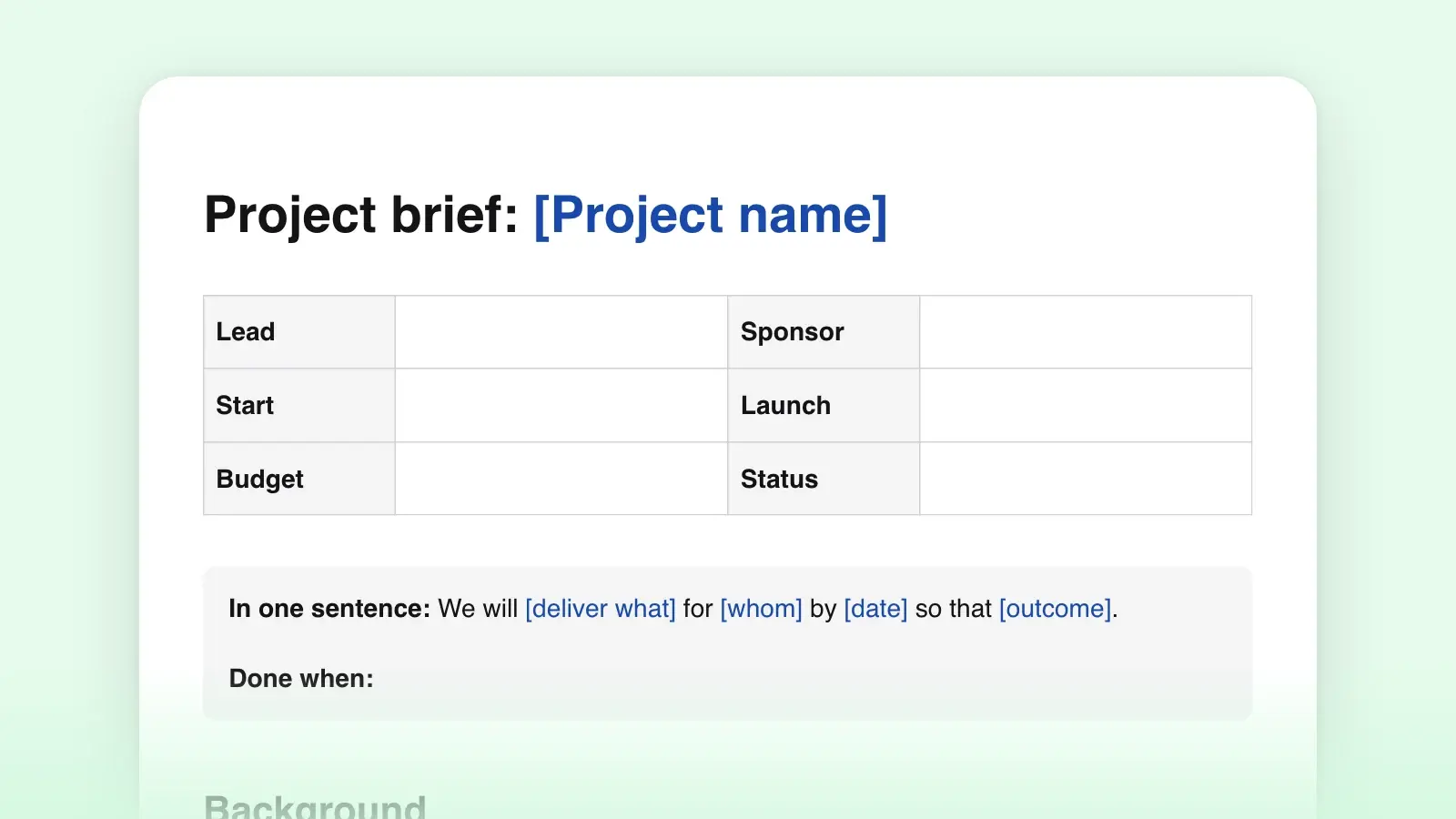
When to use it
- Kicking off a project where several people need the same picture of the goals and the scope
- Briefing an agency, a freelancer or a contractor before they quote or start work
- Getting a sponsor to sign off on scope and success measures before budget is committed
- Replacing a long planning deck with two pages the team will read
- Writing a creative brief for a campaign, a website or a piece of content, with a message and tone section added
How to use this template
- Write the goals before anything else
Write two or three goals (the next section shows what a good one looks like), then fill the measures table while they are fresh: what you will count, what it is today, what it should be, and by when.
- Draw the line around the work
Scope is where a brief earns its keep. List what is in, then list what is out, and say why. The out-of-scope list is the one people come back to in month three, when someone asks for "just one more thing." Add the audience here too: who the result is for and what they need from it.
- Add the people, the dates and the risks
Three or four milestones are enough; a brief is not a plan. Name one sponsor and one lead. Under risks, list the two or three things that could sink the project and who is watching each. Open questions are the honest part: what you do not know yet, with a name and a date for the answer.
- Get it read, then get it agreed
Send the brief to the sponsor and the team, ask for objections by a date, and when the sponsor signs off, record the date next to their name under Team. From then on the brief is the reference the team checks against.
What a good goal looks like
Most weak briefs fail in the goals section: they list the work instead of the outcome, or list so many outcomes that nothing has been decided. "Launch a new pricing page" is a deliverable; "fewer questions to sales about pricing" is a goal. Three goals is plenty, each one a sentence the sponsor would repeat without looking it up.
Goals that work
- Describe a change: fewer tickets, faster onboarding, more renewals
- Have a measure and a date waiting in the next section
- Can be missed; if nothing would count as failure, it is not a goal
- Fit in one sentence, with one subject
Goals that do not
- Name a deliverable: "ship the page," "run the campaign"
- Stack several wishes into one line joined by "and"
- Use words nobody can measure: improve, modernize, engage
- Depend on something outside the team's control
Tips for a brief people read
- Write the background last. Once the goals and scope are settled, the background almost writes itself, and it stays short because you know what it needs to justify.
- Use the names your team already uses. The brief is often the first document a new contributor reads, so it sets the vocabulary. If there is a style guide for product names and terms, follow it here.
- One owner per risk and per question. A risk that everyone watches is a risk nobody watches.
- Keep it to two pages. If the brief grows into a plan or a specification, move that detail into its own document and link to it.
Word, Markdown or a link?
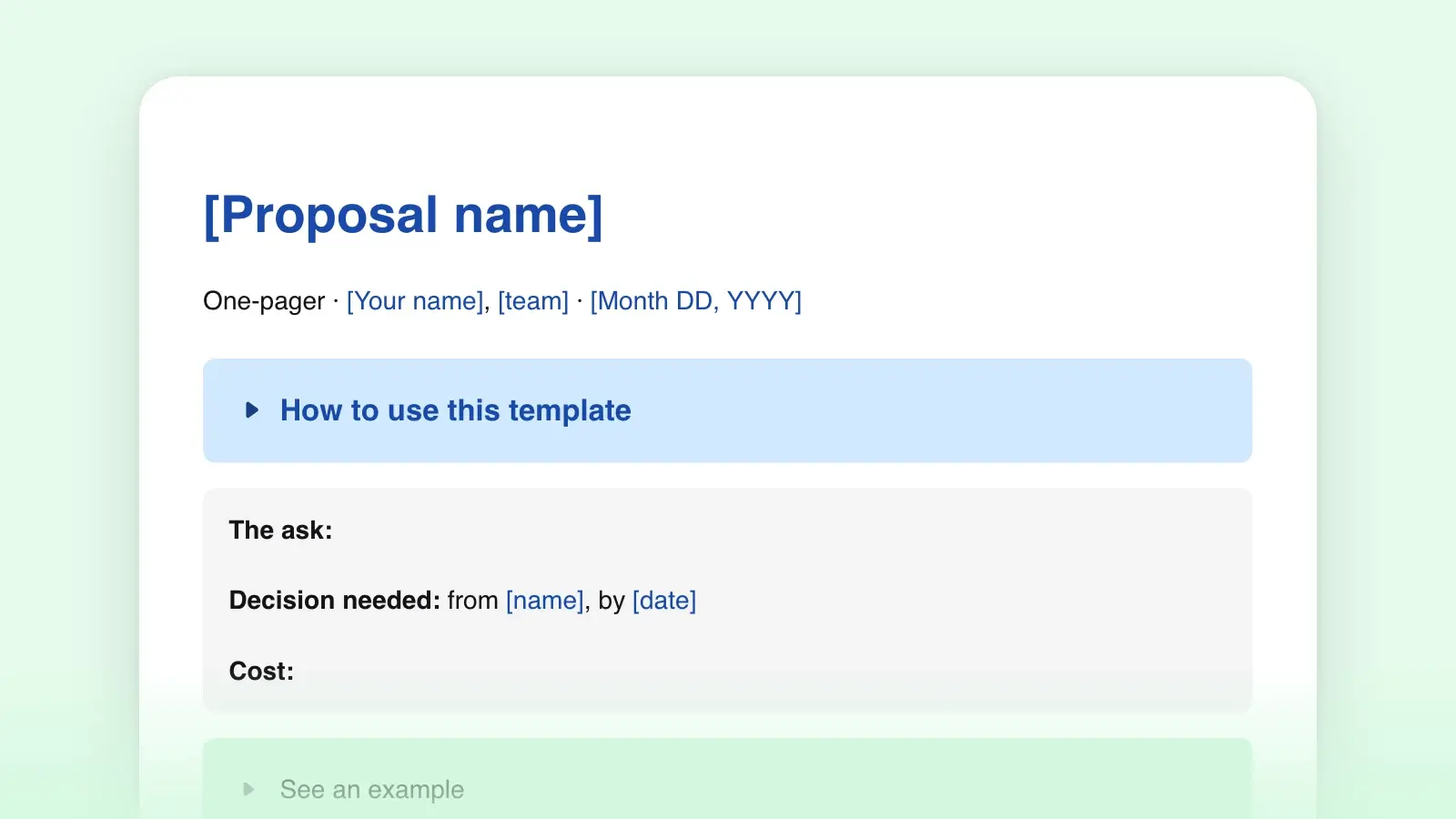
Download the .docx when the brief goes to a client or an agency that works in Word; it opens with real headings and tables. Download the .md when the brief lives next to the work, in a repository, a wiki or a notes folder. Both come from the same template above. If the team works in Strokes, share the brief to the web instead: one link to the document, the file stays on your machine, and the link is a window into it. If you need something shorter for an executive audience, the one-pager template covers the same ground in a single page.
Frequently asked questions
What is the difference between a project brief and a creative brief?
A creative brief is a project brief for creative work: a campaign, a design, a piece of content. It keeps the same bones, with background, goals, audience, scope and timeline, and adds the message, the tone and the formats of the deliverables. Use this template and add a Message and tone section after Audience.
How long should a project brief be?
One page is ideal and two is the limit. Past that, people skim, and a brief only works if everyone has actually read it. Cut detail before you cut sections: three milestones beat a paragraph per phase, and two risks with owners beat a page of caveats.
Who writes the project brief?
The person who will lead the work, with input from the sponsor. Writing it is how the lead finds out what nobody has decided yet; the open-questions list is the useful output of that discovery.
When should the brief be updated?
Whenever a goal, the scope or a date changes. A stale brief is worse than none, because people keep quoting it. Keep the previous version so the change is visible.