When to use it
- Pitching a project, a hire or a budget line to someone who decides in minutes
- An executive summary that stands in for a long proposal or report
- Internal proposals that need a yes or no from leadership rather than a discussion
- A product or feature pitch circulated before a planning meeting
- Briefing a partner or a board member before a call
How to use this template
- Write the ask first
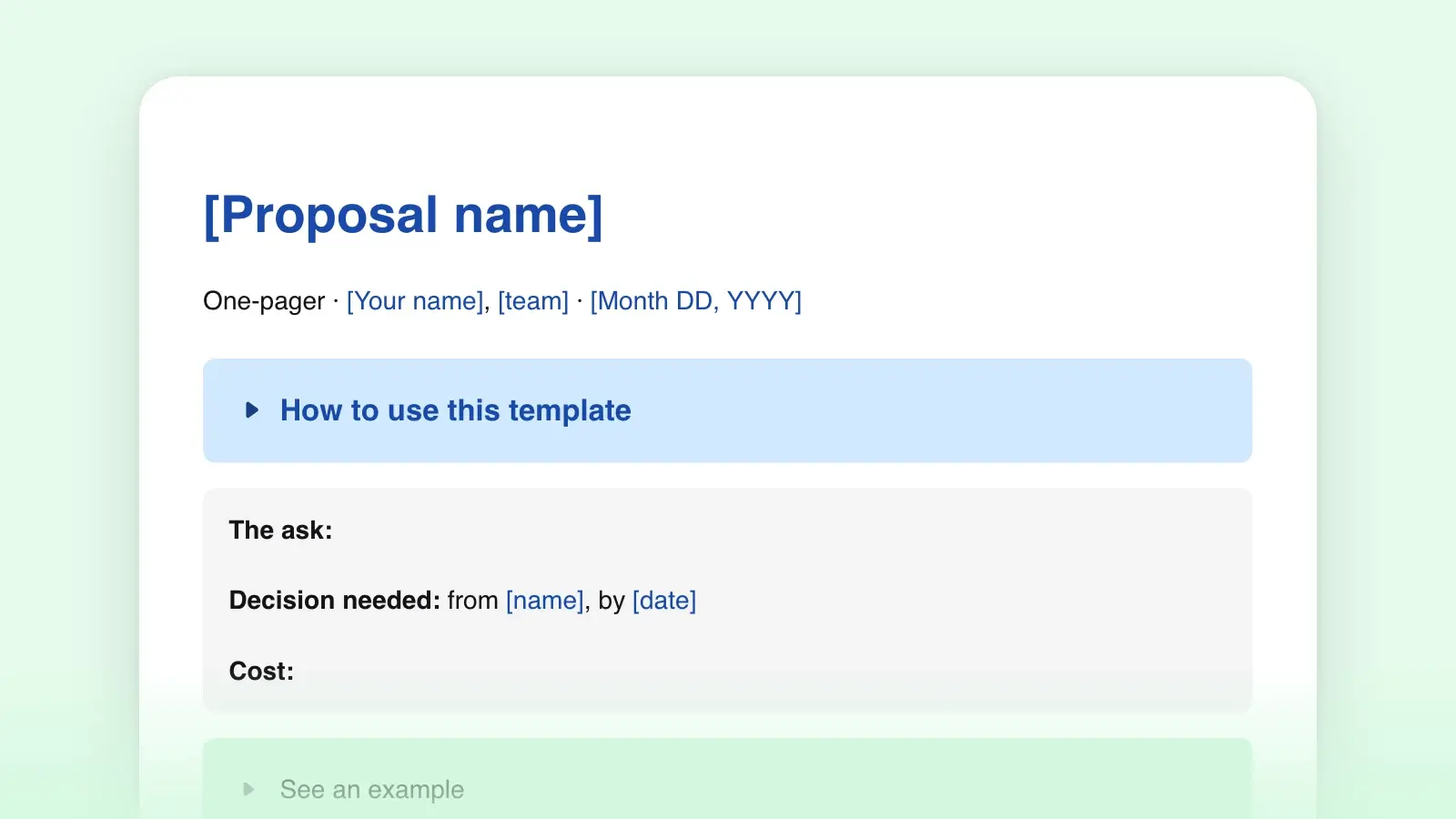
Put the sentence you want the reader to agree with at the top, before the problem. "Approve two engineers for six weeks to replace the billing export" is an ask. "Billing export: a proposal" is a title. Everything below the first line exists to earn a yes to it.
- Draft the five sections without counting
Problem, proposal, why now, cost, ask. Write each one as long as it needs to be the first time through. It is easier to cut a paragraph you have written than to find the one sentence you have not. In Strokes, drafting in pageless mode keeps the page break out of sight until you are ready for it.
- Cut to one page
Switch to page view and look at where the text ends. Then cut in this order: adjectives, then sentences that repeat a point, then whole paragraphs that support the case rather than make it. Supporting material moves to an appendix or a linked document; the one-pager points to it in a line.
- Name the decision and the date
End with who needs to decide, what they are deciding and when you need the answer. A one-pager without a deadline is a reading suggestion.
What to leave out
- The history. How the problem came to be is a different document. State what is true today.
- Every option you considered. Name the obvious alternative in one line and say why not. The rest can wait for the question.
- Caveats on every number. Give the estimate and your confidence in one phrase ("about six weeks, assuming the API is stable"), not a paragraph of hedging.
- Jargon and acronyms. The person who decides is often the person furthest from the work. Plain words do more for readability than a smaller font ever will.
- Anything that needs a legend. A chart that takes a minute to read costs more than the sentence it replaces.
Executive summary or one-pager?
An executive summary condenses a document that already exists: it is summarization with the long version attached. A one-pager is the whole argument; there may be nothing behind it but the work. The structure is the same, which is why this template serves as both. If you are summarizing a longer proposal, write the one-pager fresh rather than cutting the original down, then check that every number in it matches the long version.
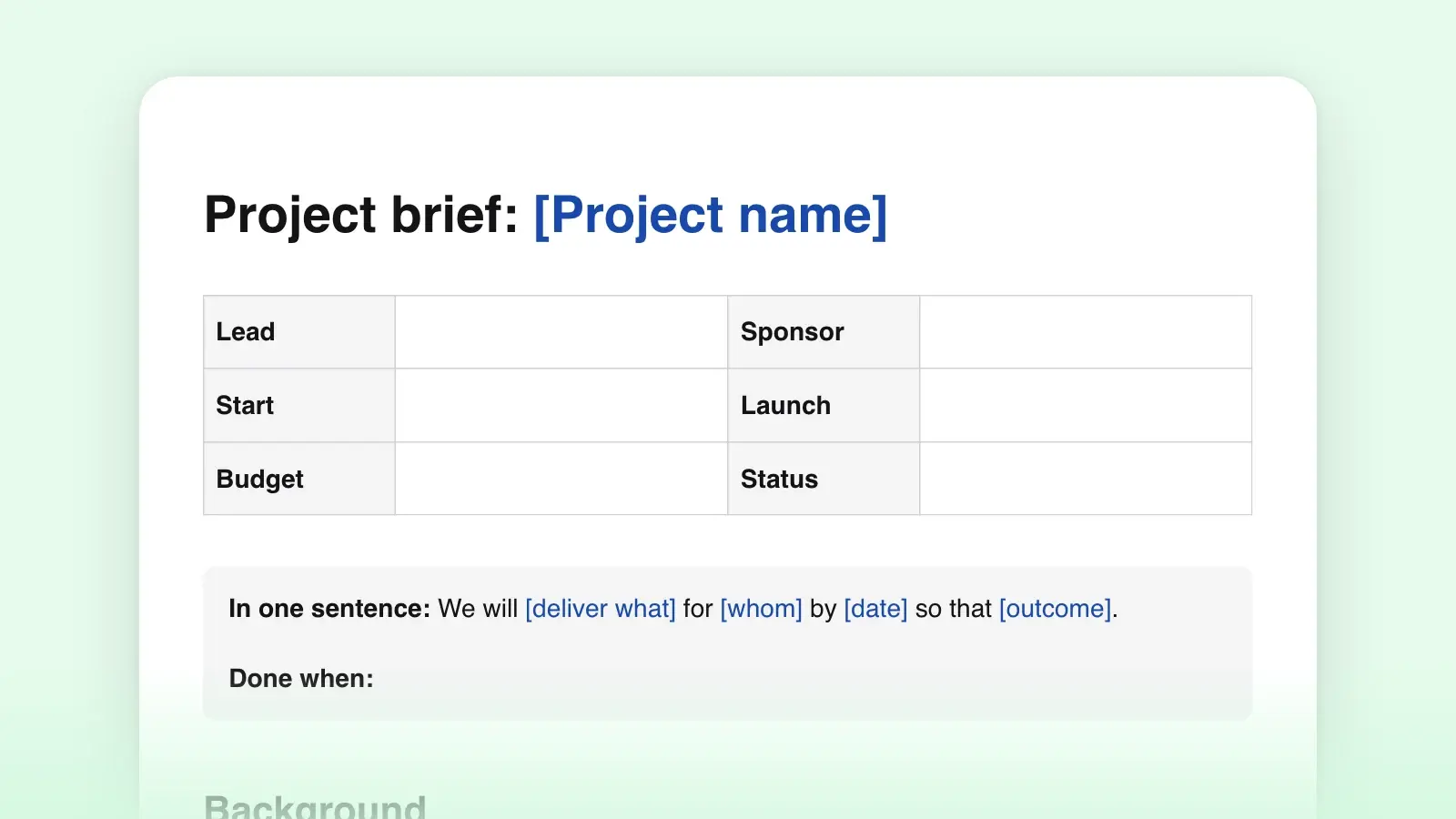
If what you are proposing is a project with a team, a timeline and risks, the project brief is the longer form, and the one-pager can be its first page. For a report that runs to many pages, structure the long document first; the summary almost writes itself from the section headings.
Frequently asked questions
How many words fit on one page?
About 400 to 500 at a normal font size with the margins left alone, including the headings and the table. If you find yourself shrinking the font or the margins to fit, cut text instead. A dense page reads as a long one.
Can I use this as a one-page proposal template?
Yes. A proposal is a one-pager with a price on it. Keep the cost table and the ask, and make sure the proposal section says what will be different afterwards, not only what you will do.
Does the Word version keep the formatting?
Yes. The .docx opens with real headings, the cost table and the checklist, and the placeholders in square brackets are highlighted so you can see what is left to fill in.
What if it still will not fit?
Then it is probably two cases. Split them into two one-pagers, each with its own ask, or accept that this one needs a brief. A one-pager that spills onto a second page loses the thing that made it worth reading.