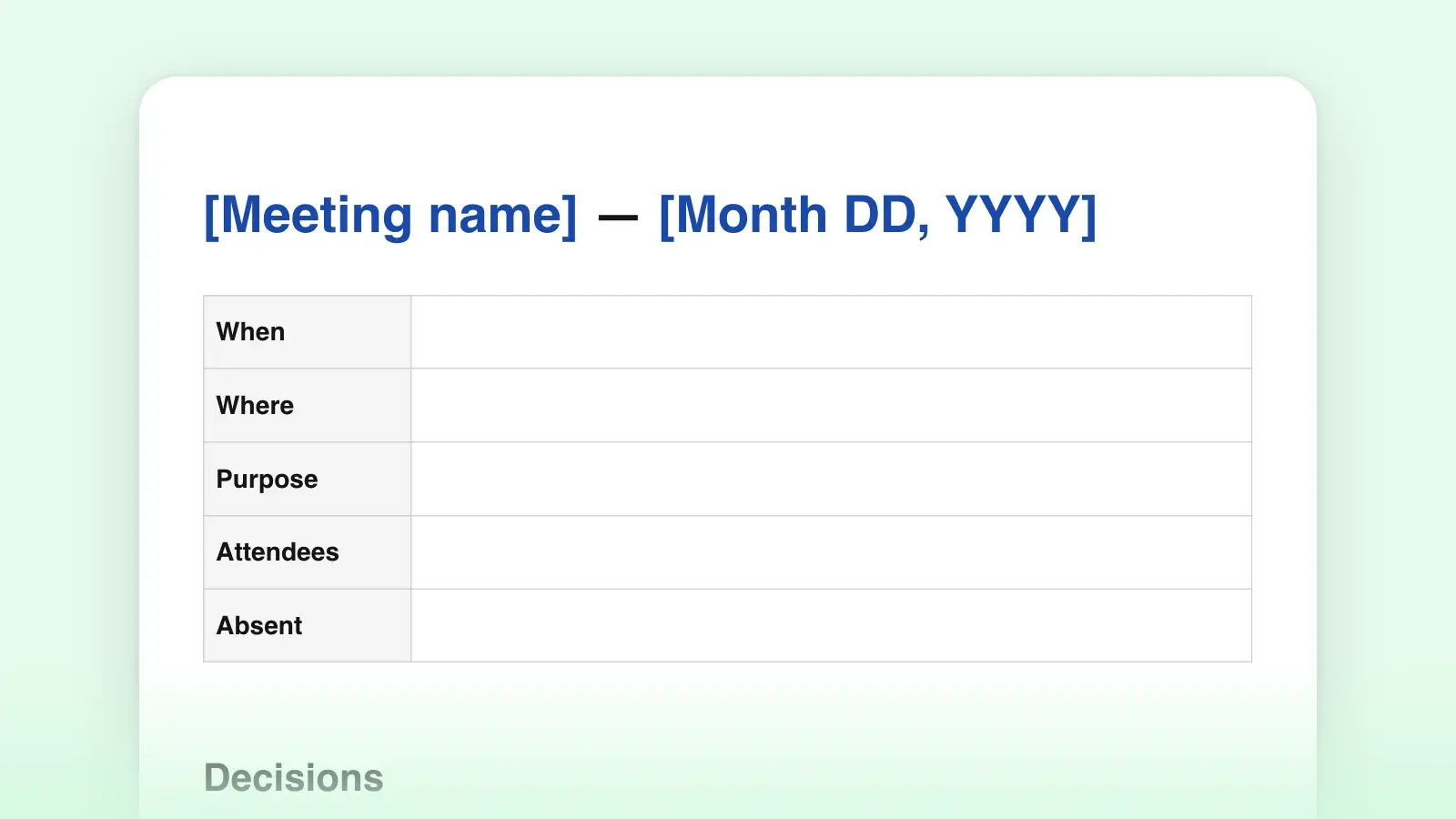
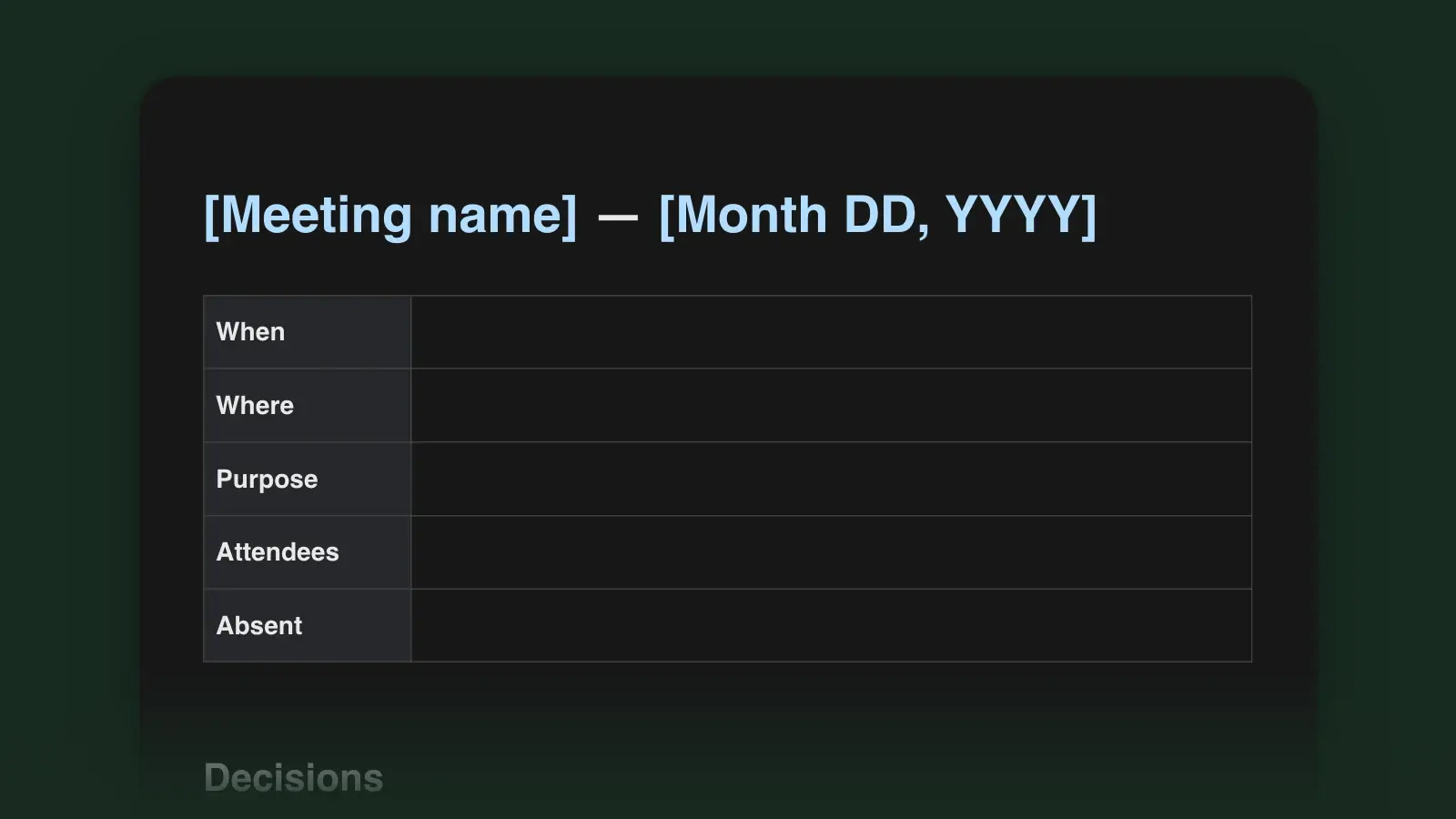
When to use it
- Weekly team meetings and stand-ups that need a written trail
- Client calls where decisions and next steps must be confirmed in writing
- Project check-ins with action items owned by different people
- One-on-ones, with the agenda and decisions kept in one running document
How to use this template
- Fill in the details before the meeting
Send the agenda with owners and time boxes attached. A written agenda gives the meeting a finish line, and people arrive prepared for the items that are theirs.
- Capture decisions and actions as they happen
Write the Decisions and Action items sections during the meeting, not afterwards. Read each action back to its owner before moving on: "So you will send the draft by Thursday?"
- Share the notes the same day
Notes sent the same day get read; notes sent next week get archived. Export to Word for people outside your tools, or share a link from Strokes so everyone sees the same document.
Tips for better meeting notes
- Record outcomes, not conversation. Nobody rereads a transcript. Three clear decisions beat three pages of who said what.
- Keep a parking lot. Good ideas that are off topic go there, so the meeting stays on course without losing them.
- Use the same document for recurring meetings. Add the newest meeting at the top. The history of decisions becomes searchable, and last week's open actions are right there for review.
What good action items look like
Every action needs one owner and one date. An owner means someone answers for it, so "the team will look into it" is not an action item; a date gives the next meeting something to check.
Clear
- Send the revised budget to finance — Priya — Oct 20
- Book the offsite venue — Sam — Oct 17
Vague
- Look into the budget — team
- Venue TBD
Markdown or Word: which to download
Download the .docx if the notes go to people who work in Word or Google Docs; it opens with proper headings and a real table. Download the .md if your notes live in a wiki, a repository or a note-taking app, or to open in any plain-text editor. Both come from the same template above, and converting between the two later is routine.
Frequently asked questions
Is this a meeting minutes template too?
Yes. Minutes are formal meeting notes: the same structure with attendees, decisions and actions recorded for the record. For formal minutes, add a line noting who approved them and when.
How long should meeting notes be?
One page for most meetings. If the discussion section runs long, it usually means outcomes have not been separated from conversation. Keep the detail in the discussion and the outcomes short and visible.
Can I edit the template?
Yes. Delete sections you never use, such as the parking lot, and add ones you do, such as a metrics table for weekly reviews. Save your version as the starting point for next time.
Should I record the meeting instead of taking notes?
A recording keeps every word, but nobody replays an hour to find one decision. Take notes for the outcomes, and keep the recording, if you have one, as a backup.