· Version 1.1.4
Editor defaults and version history
Set up the editor the way you like it once — for every document. And go back to any earlier version of your document.
Hey there!
This week’s update is about two things: spending less time setting up the editor, and never losing a good draft.
Editor defaults
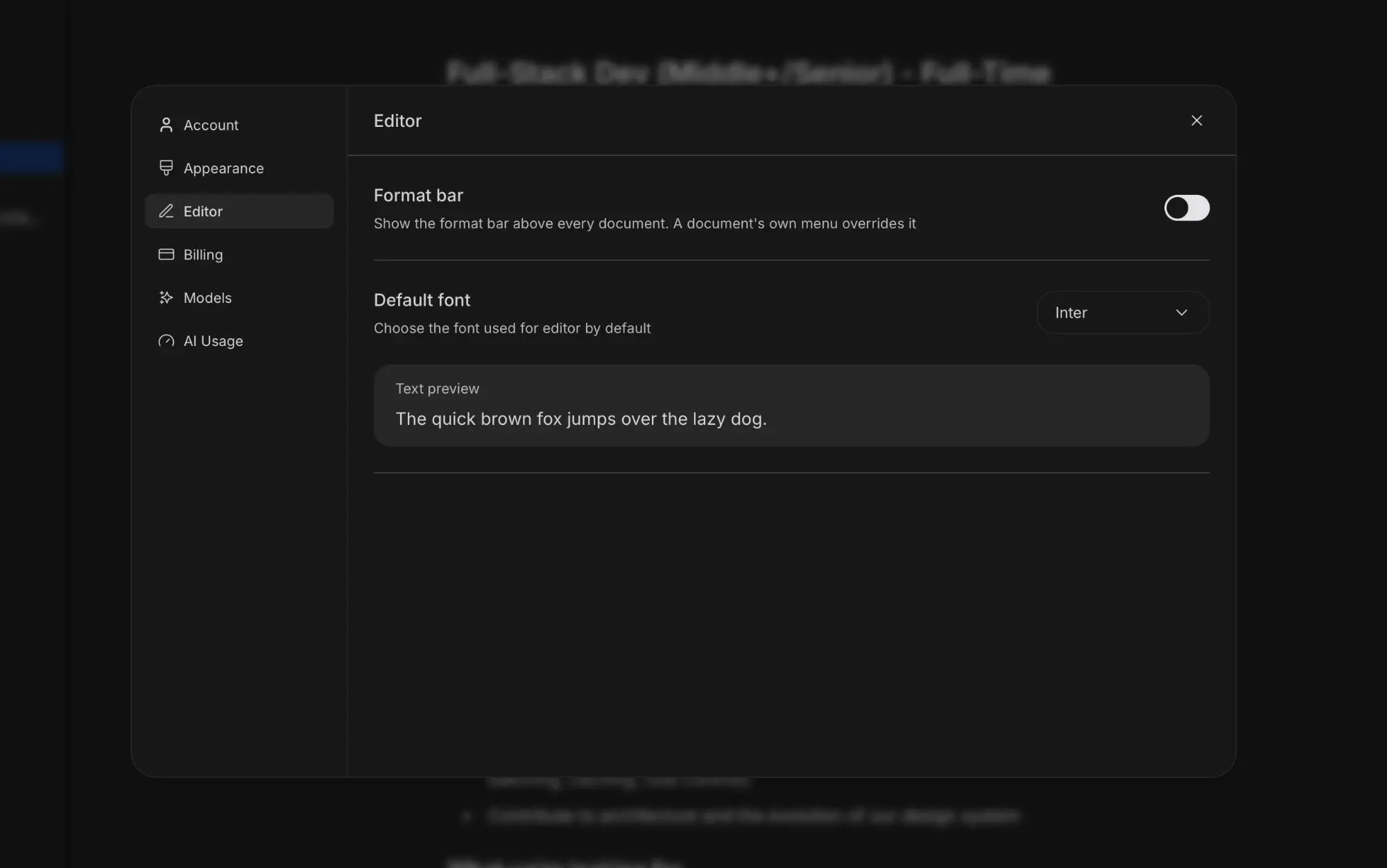
Settings now has an Editor section. Choose whether the format bar shows above every document and which font the editor uses by default, with a live text preview.
Need something different for one document? Its own menu still has the Format bar toggle, and it overrides the default.
Version history
Strokes now keeps versions of your documents as you write. Open the document menu and choose Version history to see them all in a side panel, from the current version back to the very first one.
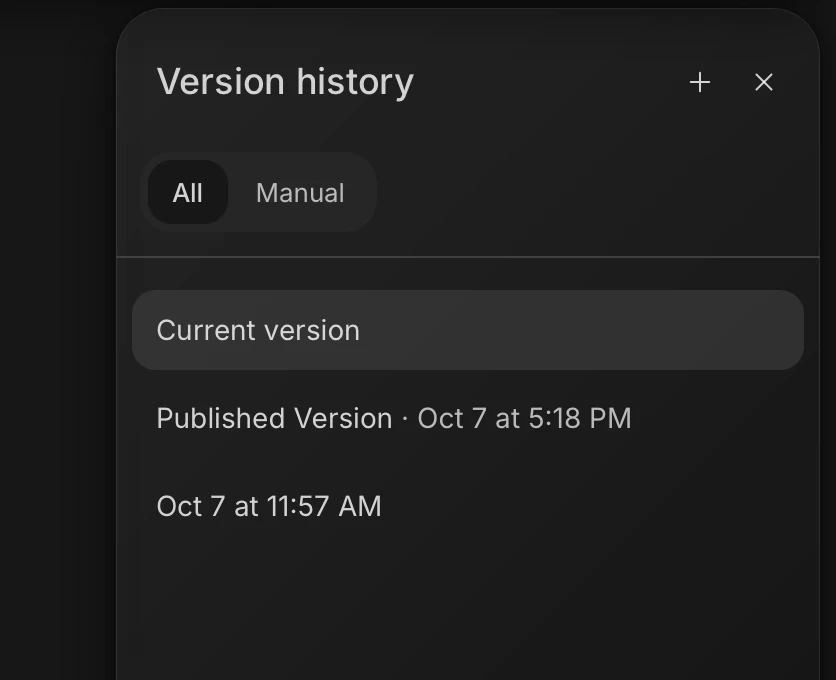
Pick any version to preview it with the changes marked — what was added and what was removed. If you like it more than what you have now, restore it in one click.
Versions are saved automatically, but you can also save one yourself with the + button before a big rewrite. Switch to Manual to see only the versions you saved.
As always, I’d be glad to hear your feedback. Cheers, Vagan