When to use it
- Project updates sent to a sponsor or steering group every Friday
- Team leads reporting to a manager who reads a stack of these each week
- Client-facing status updates on a retainer or fixed-scope engagement
- Personal weekly reviews that feed a monthly or quarterly report
How to use this template
- Write the summary last, and put it first
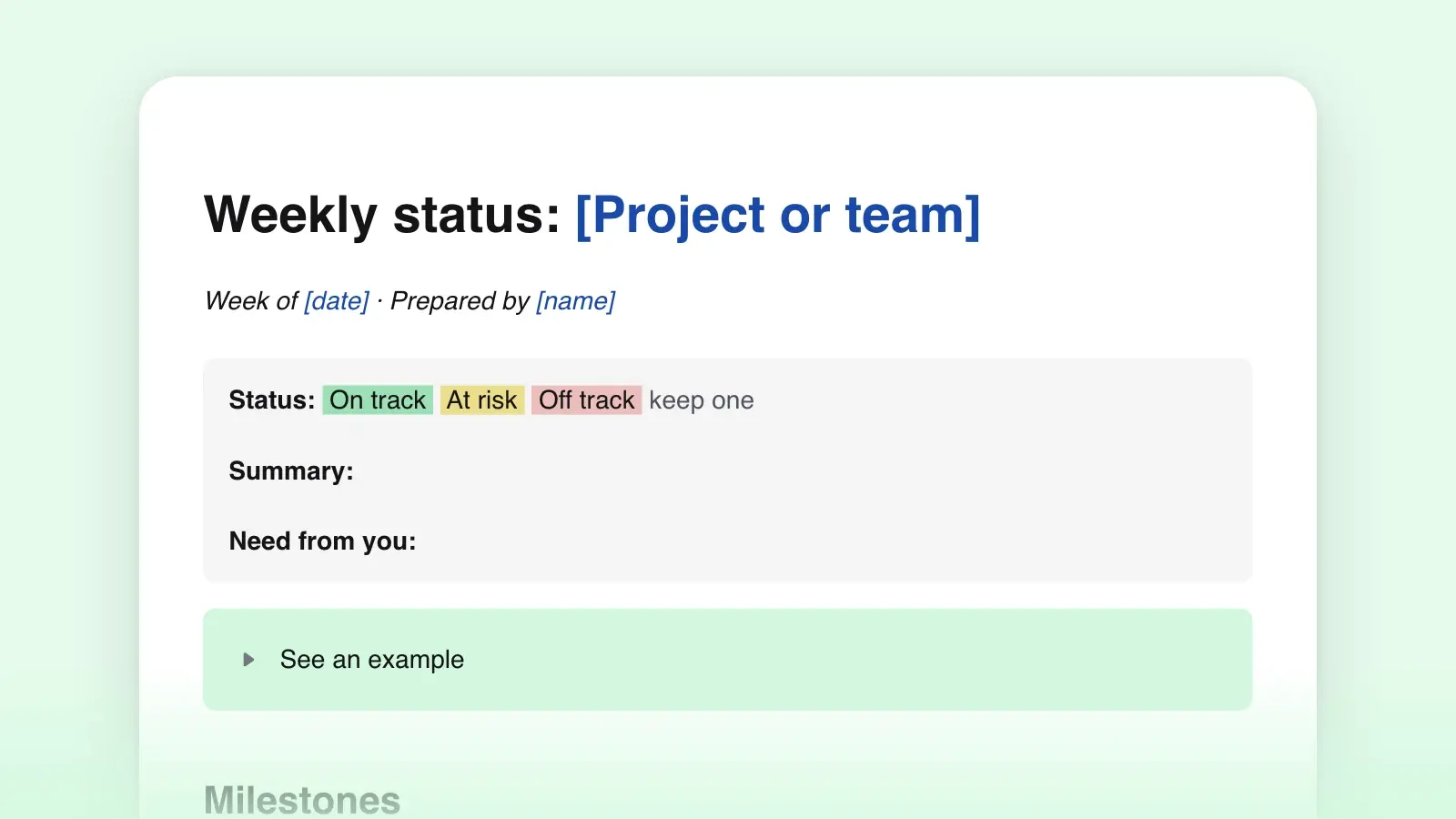
Fill in the sections below first, then write two or three sentences at the top: where things stand, the one thing that changed, and whether you need anything. Set the status line to on track, at risk or off track, and mean it. Most readers stop after the summary, so it has to work on its own.
- Pull progress and plans from last week's report
Last week's "Plans for next week" is this week's checklist. Go through it line by line: done, moved or dropped, with a reason. Then list what comes next, each item with an owner and a date. A report that shows the plan next to the result builds trust faster than any amount of narrative.
- Fill the risks table honestly
A risk with no owner and no next step is a complaint. Each row needs the impact in plain words, the person who holds it and the next concrete action. Blockers you cannot clear yourself go under Asks, addressed to the person who can.
- Send at the same time every week
Pick a day and an hour and keep them. A report that arrives every Friday at four becomes a habit for the reader too; an irregular one gets skimmed or missed. If nothing changed, say so in one line and send it anyway.
Keep it to one screen
The person who asked for a weekly update is usually reading a stack of them. Write for the reader who skims: the report should answer "are we fine?" in the first line and "what do you need from me?" without scrolling.
- Lead with the news. The status and the biggest change go in the first sentence. Background, context and history go in a linked document, not in the report.
- Numbers over adjectives. "Good progress" tells the reader nothing; "four of six screens shipped" does. The metrics table exists so that trends are visible without a paragraph.
- One line per item. If a bullet needs a second sentence, it is probably two bullets, or it belongs under Risks.
- Keep the headings stable. The same six sections in the same order every week let the reader find the risks without hunting. Drop a section only when it has been empty for a month.
- Check the readability. Short sentences, plain words, no internal jargon the sponsor will not know. If an acronym needs explaining, spell it out or cut it.
Markdown or Word?
Download the .docx if the report goes to a sponsor or client who works in Word or Outlook; the tables arrive as real tables and the headings keep their styles. Download the .md if your reports live in a repository, a wiki or a notes app, where plain text keeps the whole history searchable and each week's changes easy to compare. Both files come from the template above, and converting between the two later is routine.
Frequently asked questions
How long should a weekly status report be?
One screen. If the reader has to scroll to find the risks or the asks, it is too long. Move detail into a linked document and keep the report as the index of what matters this week.
Is a status report the same as a project status update?
Close enough. A status update is usually shorter and goes to a wider group; a status report is the written weekly version with metrics and risks. This template works as either: drop the metrics and asks for a quick update.
What goes in the metrics table if nothing changed?
The same numbers as last week, with the target beside them. A flat line is information too: it tells the reader a metric is stuck, and the risks table should say why.
Who should write the report?
The person accountable for the work. Others can supply the facts, and an AI assistant can draft the prose from your notes, but the status call and the asks are a judgment, and the reader should know whose it is.