When to use it
- A release or major feature that needs agreed scope, owners and exit criteria before testing starts
- Client or regulated projects where testing has to be planned, approved and traced back to requirements
- User acceptance testing with business staff who need to know what to test, where and by when
- Handing testing over to a new QA lead, an outside test vendor or a team in another time zone
- A one-page plan for a sprint or a small change, when the full template would be overkill
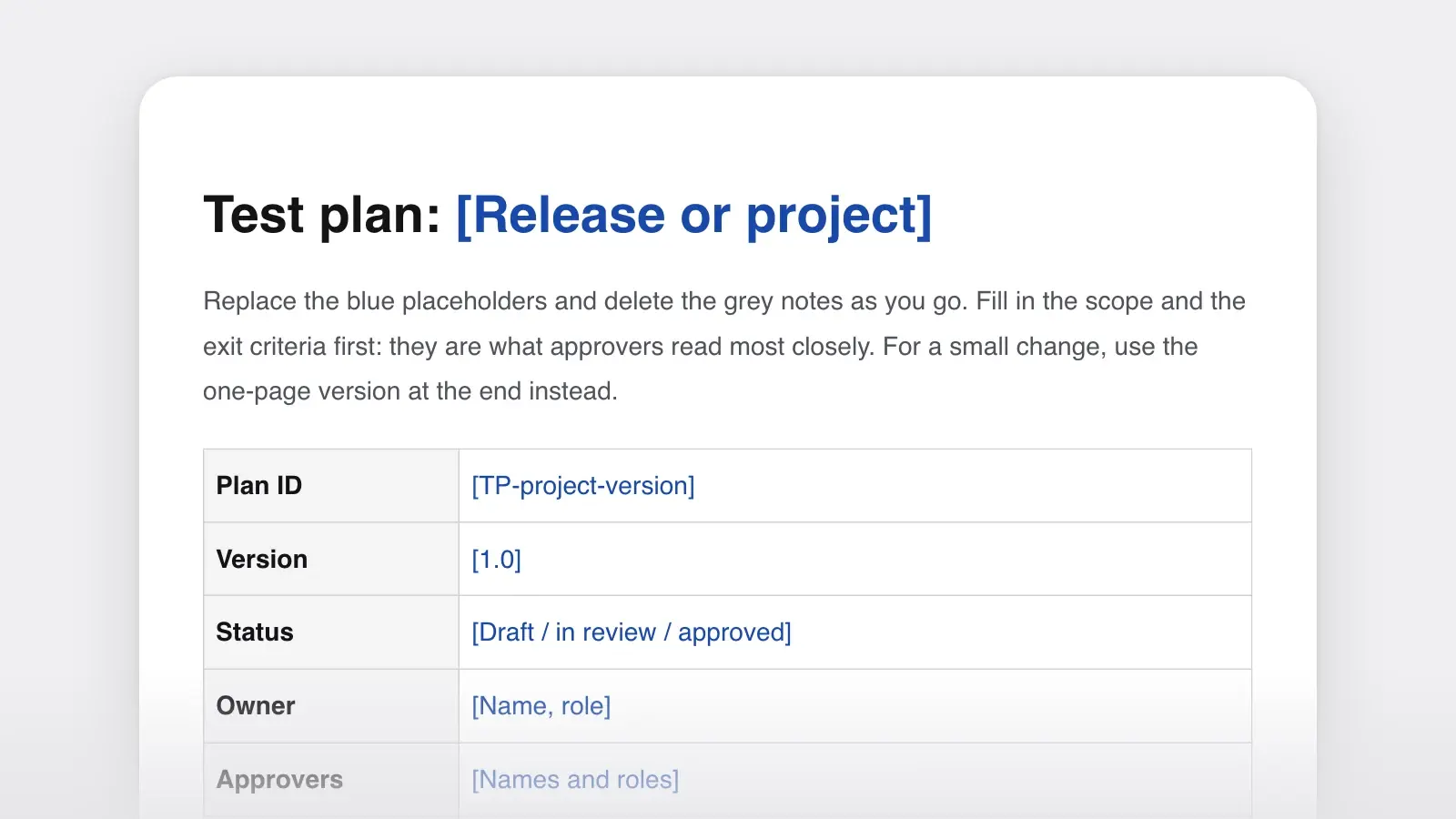
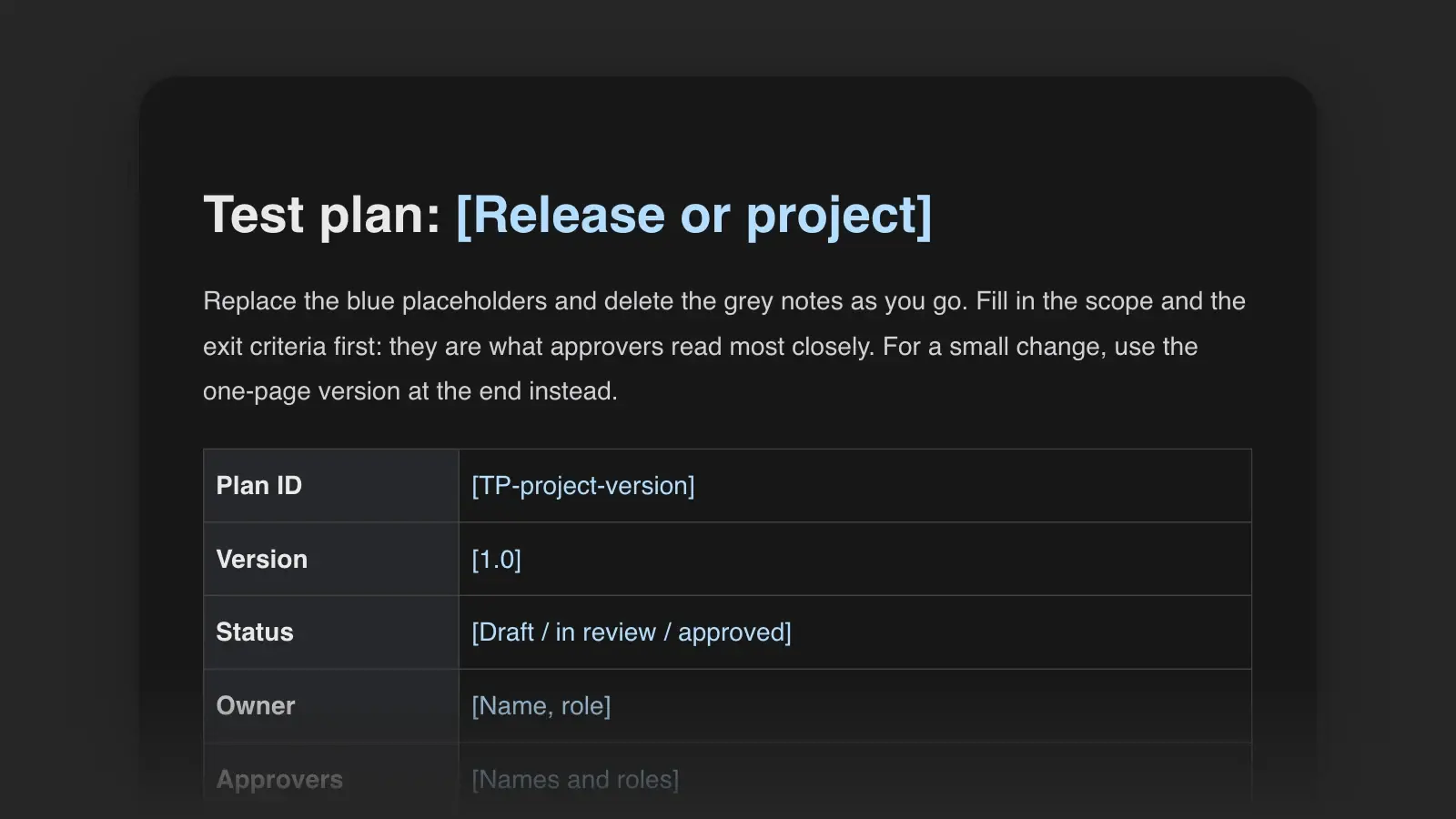
A test plan is a document that sets out how a release or project will be tested: what is in and out of scope, which kinds of testing will be done and by whom, in which environments and on what schedule, and which results allow the release to go ahead. This test plan template has those sections ready to fill in, and the first thing below is a filled-in plan for a web app release. For a sprint or a small change, the one-page version further down may be all you need.
A test plan covers one release or project. A test strategy sets out how a team or product is tested in general, and a test case checks one thing; the plan applies the strategy and links to the cases.
Test plan example
Here is the template filled in for Billfold, an invented invoicing web app for small businesses. Version 4.2 adds recurring invoices: a customer can be billed automatically every week, month or year.
Plan details. TP-BF-4.2 · Version 1.1 · Approved · Owner: Maya Chen, QA lead · Approvers: Tomás Ruiz, product manager; Priya Natarajan, engineering manager · Requirements: PRD-118.
Introduction. Billfold 4.2 lets users schedule recurring invoices. Testing must show that each invoice is created on the right date, for the right amount, for the right customer, and that one-off invoices behave exactly as before.
Scope. In: creating, editing, pausing and deleting a schedule; weekly, monthly and yearly dates; amounts with tax and discounts; reminder emails; the schedule API. Out: the mobile apps, which show recurring invoices read-only and have no code changes in 4.2; payment processing, unchanged and covered by its own regression suite; load testing, because volumes stay within the limits tested for 4.0.
Approach. Automated regression on every build. Scripted cases for the scheduler, built from the risk table below. Two 90-minute exploratory sessions on editing and pausing. The new screens checked against WCAG 2.2 level AA with a keyboard and a screen reader. User acceptance testing by three support staff, using real customer requests.
Entry criteria. Build 4.2.0-rc1 on staging; smoke test passes; 40 test customers in four time zones; test cases reviewed by the product manager.
Exit criteria. Every high-risk case passed; at least 95% of planned cases run; no open severity 1 or 2 defects; every open severity 3 defect has a fix date or is accepted in writing by the product manager; acceptance testing signed off.
Suspension and resumption. Pause if sign-in or invoice creation fails on staging. Resume when a new build passes the smoke test.
Environments and data. Staging, with production data anonymized on 26 January; current Chrome, Edge, Firefox and Safari; a test inbox that catches every email the system sends.
Schedule. System testing 2–13 February · Acceptance testing 16–18 February · Go/no-go 19 February · Release 24 February.
Defects. Severity 1 (wrong amounts or lost data, no workaround) to 4 (cosmetic). Triage daily at 10:00 with the QA lead, a developer and the product manager.
Risks. If the payment sandbox is down for more than half a day, use recorded responses and retest those steps at the end. Only one tester knows the tax rules well, so a second tester pairs with her in week one.
| Feature | If it fails | Risk | How it is tested |
|---|---|---|---|
| FeatureMonthly invoice dates | If it failsA customer is billed on the wrong day, or twice | RiskHigh | How it is testedEvery schedule type; the 29th, 30th and 31st; 29 February 2028; customers a day ahead of the server's time zone |
| FeatureAmounts with tax and discounts | If it failsWrong money on a legal document | RiskHigh | How it is testedAutomated checks for every tax rule, plus 20 invoices recalculated by hand |
| FeaturePausing and editing | If it failsInvoices go out after a customer cancels | RiskHigh | How it is testedScripted cases and an exploratory session |
| FeatureReminder emails | If it failsA late or confusing reminder | RiskMedium | How it is testedEach email checked in three email clients |
| FeatureNew settings screen | If it failsLayout problems | RiskLow | How it is testedExploratory session and the accessibility check |
Why it works. The introduction turns “test recurring invoices” into three things that can be checked: date, amount and customer. Every exclusion has a reason, so nobody assumes the mobile apps were tested. The exit criteria are numbers and even say who decides about defects that won't be fixed. And the risk table explains why month-end dates get a dozen cases while the settings screen gets one session.
How to use this template
- Start from the changes and the risks
List what the release changes, from the requirements document or the tickets. Next to each item, write what would happen if it broke: wrong money, lost data, a blocked workflow or a cosmetic glitch. High-risk items get the deepest testing and go first.
- Draw the scope in two lists
One list for what will be tested and one for what won't, with a reason for every line in the second. Ask approvers to read the out-of-scope list closely; later surprises often start there.
- Write entry and exit criteria as numbers
“No open severity 1 or 2 defects, every high-risk case passed, 95% of planned cases run” can be checked. “Quality is acceptable” can't. Entry criteria work the same way: the build is on staging and the smoke test passes.
- Give every line an owner
Environments, test data, each kind of testing, defect triage and sign-off each need a name. Test data is easy to forget, and without it the first days of testing can go to building accounts and records.
- Get it signed, then keep it current
Record who approved which version before testing starts. When the scope changes, change the plan, note what changed and why, and tell the approvers.
What goes in each section
| Section | What to write |
|---|---|
| SectionPlan details | What to writeID, version, status, owner, approvers and a link to the requirements |
| SectionIntroduction | What to writeWhat the release is, and what testing must show |
| SectionScope | What to writeWhat will be tested; what won't, with a reason for each |
| SectionApproach | What to writeThe kinds of testing, how each is done, by whom and with which tools |
| SectionEntry criteria | What to writeWhat must be true before testing starts |
| SectionExit criteria | What to writeWhat must be true to stop testing and release |
| SectionSuspension and resumption | What to writeWhen testing pauses, and what restarts it |
| SectionEnvironments and data | What to writeWhere tests run, browsers and devices, test accounts and records |
| SectionRoles | What to writeWho tests, triages, fixes and signs off |
| SectionSchedule | What to writeMilestones with dates |
| SectionDefects | What to writeThe severity scale, the triage routine and where defects are logged |
| SectionRisks and contingencies | What to writeWhat could derail testing, and the fallback for each |
| SectionDeliverables | What to writeWhat testing produces: test cases, status notes, a summary report |
| SectionApprovals and history | What to writeWho approved which version, and what changed since |
One-page test plan for small changes
For a sprint, a hotfix or a small feature, the full template is overhead. These six lines keep what matters and fit at the top of a ticket:
What changes. Invoice emails get a “Pay now” button that opens the payment page with the amount filled in.
What could go wrong. The button opens the wrong invoice, or shows the full amount after a partial payment.
What we'll test. The button in our customers' five most-used email clients; paid, unpaid and partly paid invoices; a link older than 30 days.
What we won't. The payment page, which is unchanged.
Done when. Every case passes on staging and no severity 1 or 2 defect is open.
Who. Tested by Sam Ortiz; approved by Tomás Ruiz.
Choose the full template when the change carries real risk, such as money, data or security; when it depends on another team, system or vendor; or when several people have to coordinate testing, triage and sign-off. A one-pager that keeps growing is a reason to check those three, but its length alone doesn't decide it.
Test plan vs test strategy
Each of these documents answers a different question:
| Document | Answers | Covers | Lasts |
|---|---|---|---|
| DocumentTest strategy | AnswersHow do we test, in general? | CoversLevels, tools, automation and environments for a product or organization | LastsYears, revised now and then |
| DocumentTest plan | AnswersHow will we test this release? | CoversScope, approach, criteria, schedule and owners | LastsOne release or project |
| DocumentTest case | AnswersDoes this one thing work? | CoversPreconditions, steps and the expected result | LastsReused from release to release |
| DocumentTest summary report | AnswersWhat happened, and can we ship? | CoversResults against the exit criteria, open defects, a recommendation | LastsWritten once, at the end |
Large projects sometimes split the plan too: a master plan for the project and a shorter one for each level of testing, such as system testing and acceptance testing. The test cases themselves live in a test management tool or a spreadsheet, and the plan links to them. Here is one from the Billfold plan. Its last line ties it back to the plan's scope and to the release decision:
Title. A monthly schedule set to the 31st creates an invoice on the last day of a 30-day month. Priority: High. Requirement: PRD-118, R4.
Preconditions. Test customer Harbor Florists has a monthly schedule starting 31 March: $120 plus 8% tax. The staging clock reads 29 April.
- Set the staging clock to 30 April, 00:05.
- Run the scheduler job.
- Open Invoices and filter by Harbor Florists.
Expected result. One new invoice dated 30 April, for $129.60, with the status Sent. No invoice is created on 1 May.
Traces to. TP-BF-4.2 scope (monthly dates) and the High-risk row “Monthly invoice dates”. The exit criteria require every high-risk case to pass, so a failure here blocks the go/no-go on 19 February.
IEEE 829 and ISO/IEC/IEEE 29119-3
Two standards come up whenever test plans are discussed. IEEE 829-2008, the IEEE Standard for Software and System Test Documentation, replaced the 1998 edition. IEEE now marks it as superseded and lists the ISO/IEC/IEEE 29119 series, whose first parts appeared in 2013, as its replacement. Part 3 of that series, Test documentation, covers documents like this one. As of November 2026, its current edition is ISO/IEC/IEEE 29119-3:2021, which “specifies software test documentation templates that can be used for any organization, project or testing activity.”
This template doesn't claim to conform to either. If a contract or an auditor asks for conformance, work from the standard's own text and map these sections onto it.
Tips for a readable test plan
- Put scope and exit criteria on page one. Approvers tend to read those two closely and skim the rest.
- Say why something isn't tested. Without a reason, “not tested” reads like an oversight. With one, it is a decision someone can challenge in time.
- Link instead of copying. Point to the requirements, the test cases and the environment notes. A plan that pastes them in goes out of date quickly.
- Include the documentation. If the release changes a screen, the help pages and the release notes that describe it are in scope. Following each documented procedure on the test build checks that the docs and the product agree.
“Use this template” opens the plan in Strokes as a document you can edit and export, with the scope and risk tables and the criteria lists in place. Before you send it for approval, attach the requirements to a chat with the Strokes Assistant and ask which requirements the plan doesn't cover and which exit criteria can't be checked.
Frequently asked questions
What is the difference between a test plan and a test strategy?
A test strategy describes how a product or organization approaches testing in general: levels, tools, automation and environments. A test plan applies that approach to one release or project, with its own scope, schedule, owners and exit criteria. Teams without a written strategy put a short approach section in each plan.
Who writes a test plan?
Usually the QA lead or test manager. On teams without dedicated testers, a developer, the product manager or a technical writer drafts it. The product manager and the engineering lead should review it either way, because they own the scope and the decision to release.
Is IEEE 829 still used?
IEEE marks IEEE 829-2008 as superseded and lists the ISO/IEC/IEEE 29119 series as its replacement. Part 3 of that series covers test documentation, and its current edition, as of November 2026, was published in 2021. Many teams follow neither and write lighter plans like this template; follow a standard when a contract or regulator requires it.