When to use it
- A new feature that engineering, design and support must agree on before work starts
- A launch where sales and marketing need to know what is in scope and what is not
- A small team replacing long specs with a short, ranked list of requirements
- Turning a messy feature request into something a team can estimate and build
How to use this template
- Start with the problem, not the solution
Write the Problem section first and keep the solution out of it. If you cannot state the problem in three sentences, the requirements below will drift. List the people affected underneath; they become your user stories later.
- Rank every requirement
One requirement per row, each with a priority. Must means the release cannot ship without it. Should means it matters but has a workaround. Could is for things worth doing if time allows. A PRD where everything is a Must is a wish list; a release that can actually ship has only a few.
- Keep it short
One or two pages. Engineers read it to estimate, designers to sketch, support to prepare answers, and none of them want twelve pages. Cut background that lives elsewhere and link to it instead.
- Review with the team, then freeze the Musts
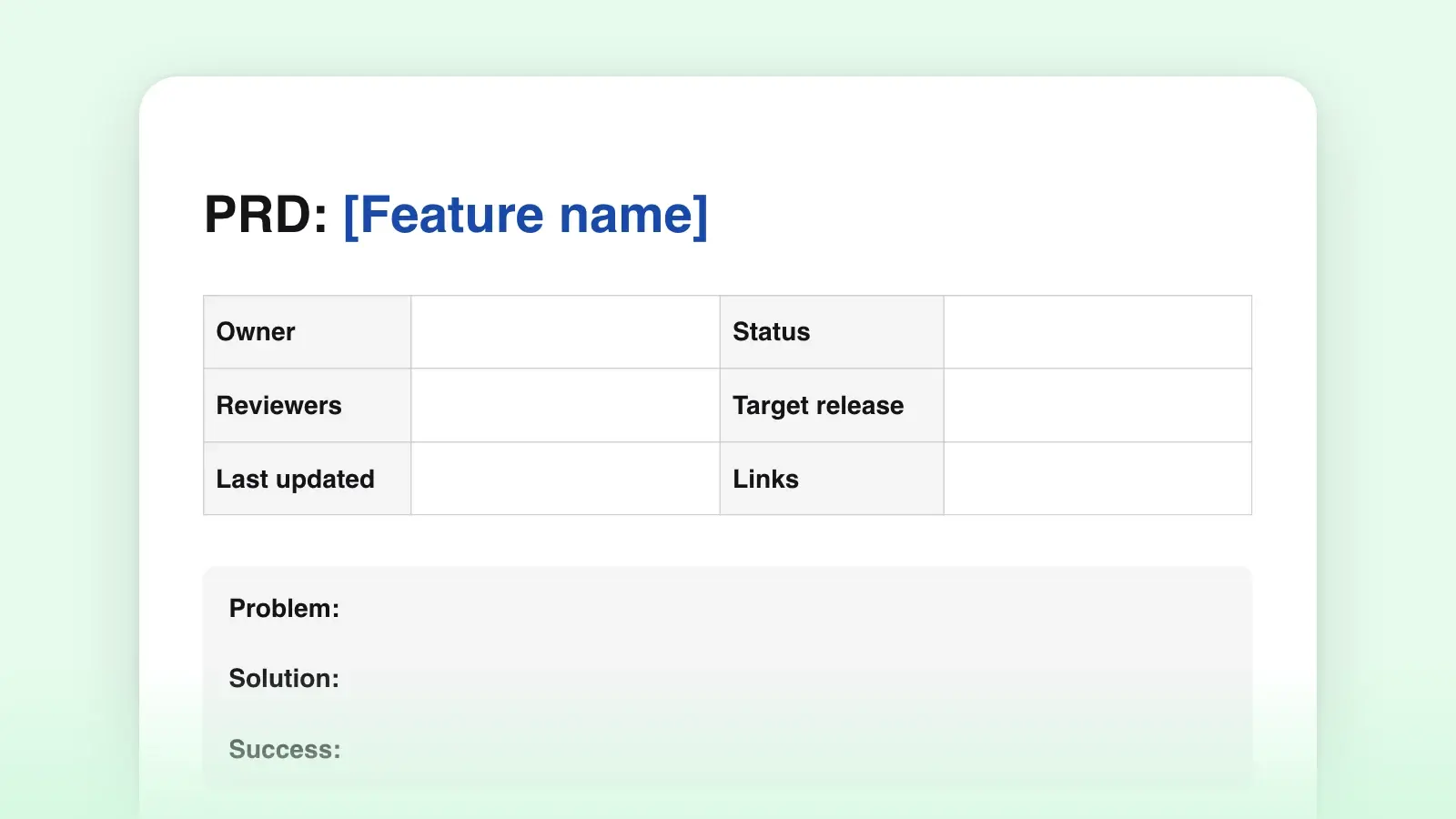
Share the draft, collect open questions in the checklist with an owner and a date, and resolve them before work starts. Once the team agrees, the Must rows stop changing; new ideas go to Could or to the next release. Update the Status line so everyone can see where the document stands.
Download the .docx when the document goes to stakeholders who review in Word. Download the .md if the PRD lives next to the code in a repository or a wiki, where Markdown is the native format. Both come from the same template above.
What good looks like
- Requirements are testable. "Fast" is not a requirement. "Search shows results while the user is still typing" is one somebody can check.
- Non-goals are written down. Naming what you will not build is the cheapest way to prevent scope creep, and it saves the same argument from happening in every review.
- Every metric has a baseline. A target without today's number is a guess. If you do not know the baseline, write "unknown" and make finding it the first task.
- Open questions have owners. A question nobody owns stays open until it becomes a bug.
- Plain language. A PRD is read by people with different vocabularies, so readability matters more here than in most documents. Short sentences and no acronyms the support team would have to look up.
PRD, project brief or decision record?
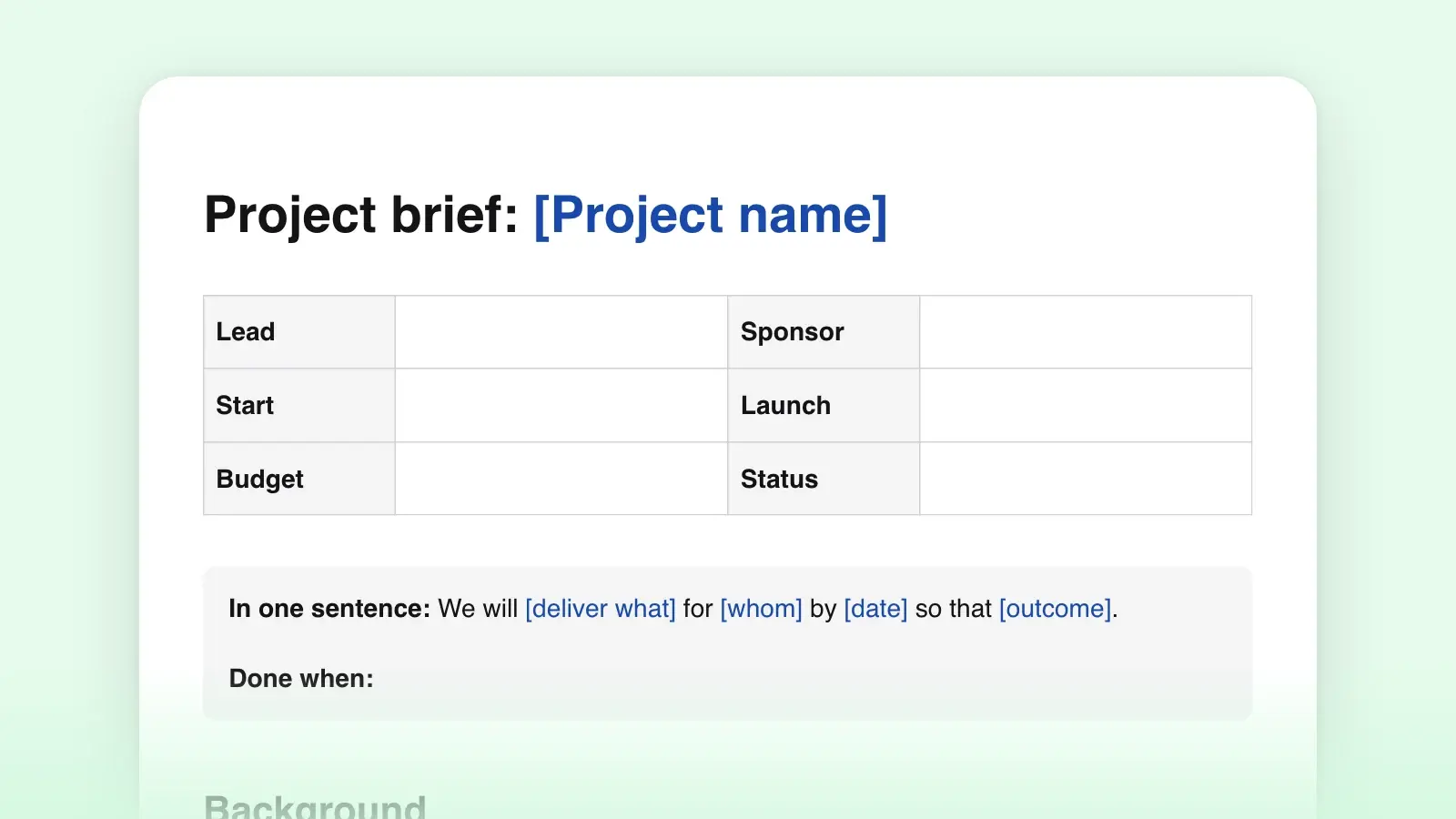
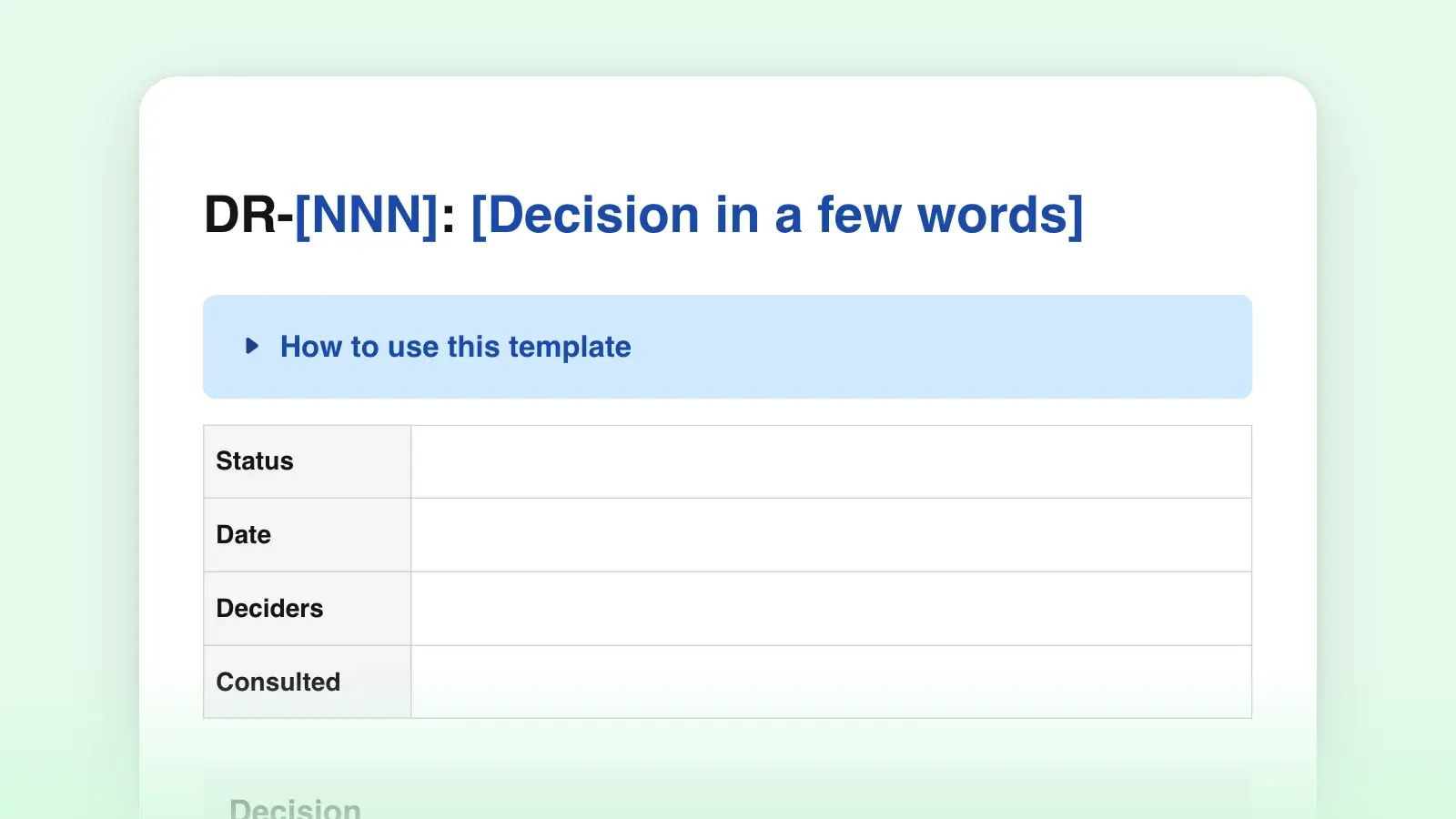
Use this template when the question is what to build. A project brief answers whether and why: it sets goals, scope and budget before anyone writes requirements, and usually comes first. A decision record captures one choice made along the way, with the options considered and the reasons, so the PRD can stay short and point to it. Many teams keep all three: a brief, then a PRD, then a record for each decision that changed the PRD.
Frequently asked questions
How long should a PRD be?
One or two pages for most features. If it runs longer, the requirements table is probably carrying design detail that belongs in a design doc. A useful test: a new engineer should find every Must in under a minute.
What is the difference between a PRD and a product spec?
Mostly the name. A product spec, a feature spec and a PRD all describe what to build and why. Some teams use spec for the more technical document that follows the PRD. This template works for either; add a Technical notes section if your team expects one.
Should user stories go in a PRD?
Yes, a few. They show the requirements from the user's side and make it harder to ship something that meets every row of the table and still fails the person using it. Keep them short and tie each one to a requirement ID.
Who owns the PRD?
One person, usually the product manager, named at the top. Anyone can comment and propose rows; one person decides what goes in, resolves open questions and updates the status.