When to use it
- A content or marketing team that wants every page and email to sound like one company
- A documentation team agreeing on terms, UI wording and formatting
- A newsletter, magazine or blog with several contributors and freelancers
- A freelance writer keeping one style sheet per client
- Handing house rules to a new editor, an agency or a ghostwriter
A style guide template is a ready-made outline for a team's writing rules: which reference to follow, how the team sounds, how it handles grammar and mechanics, how it formats pages and which words it uses. This one keeps to the decisions teams actually argue about and names a published guide for everything else, so the finished guide can fit on a few pages.
It is for standing decisions, the ones that hold for everything the team publishes. Decisions for a single project, such as a novel's character names or one client's spellings, belong in a style sheet kept with that project. The filled-in example comes first; to see what nine published guides decide, read the style guide examples.
Style guide example: a seed company
Here is an extract from the template filled in for an invented mail-order seed company that writes packets, a catalog, a website, customer emails and a weekly newsletter.
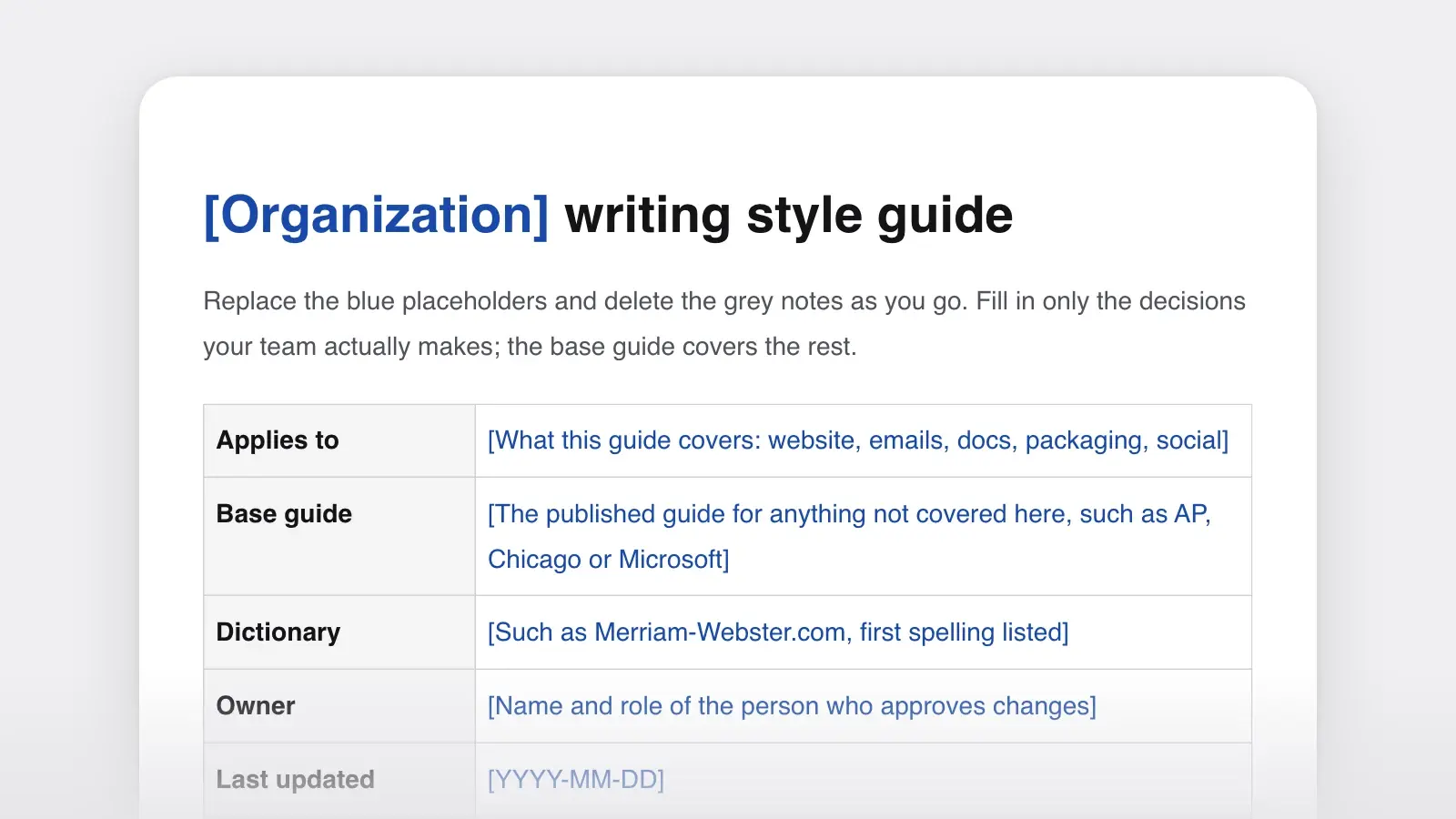
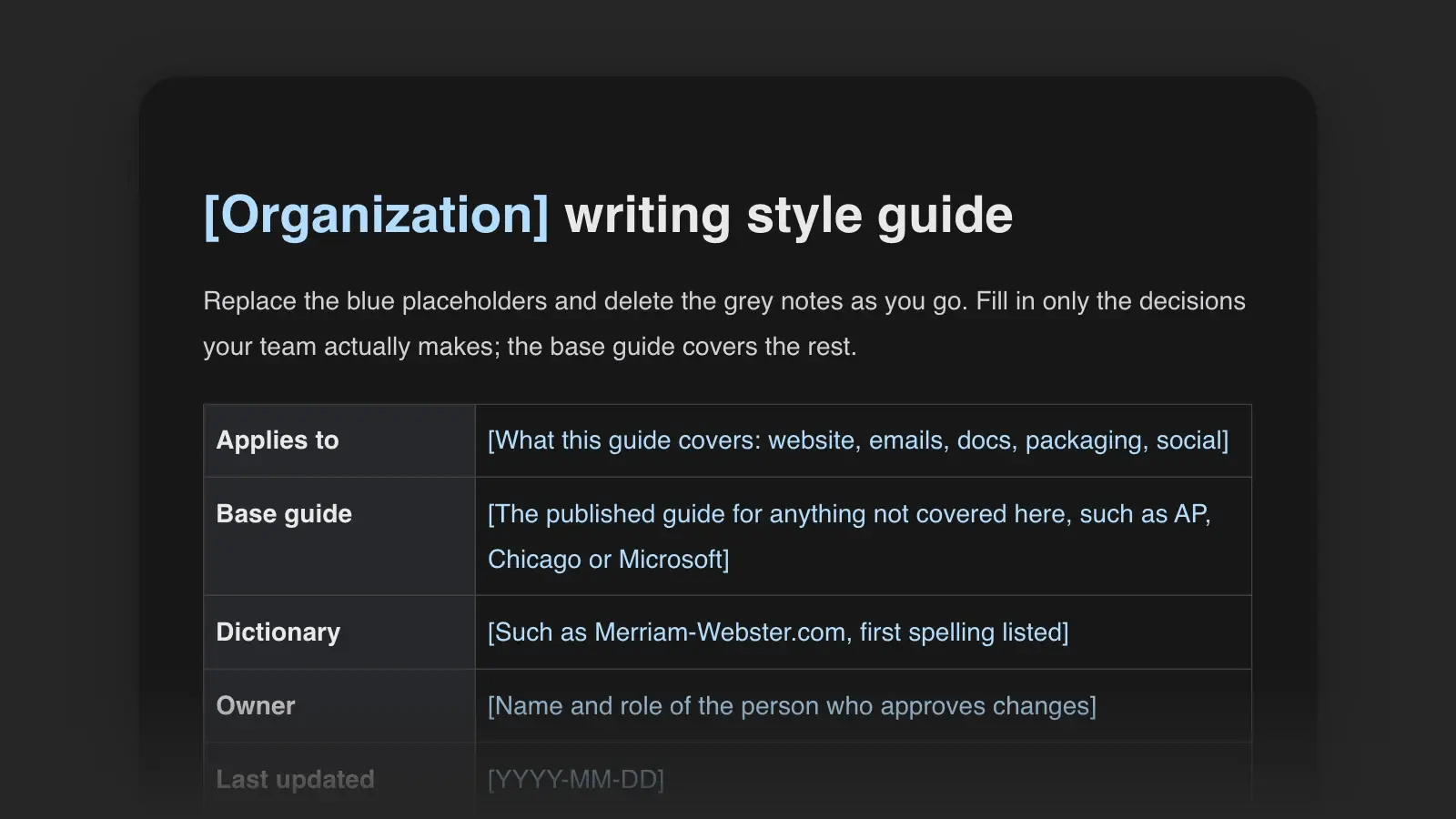
Details. Applies to packets, the catalog, the website, customer emails and the Sunday newsletter. Base guide: AP Stylebook. Dictionary: Merriam-Webster.com. Owner: Rosa Lindqvist, content lead. Updated November 2, 2026. To propose a change, email Rosa with the rule, the reason and an example.
Who we write for. Home gardeners in the US, from first-year growers to people who save their own seed. Most read on a phone. Explain every technical term the first time it appears.
Voice. Plain, not folksy: “Sow 1/4 inch deep,” not “Tuck those little guys in!” Sure, not salesy: say what a variety does, never that it's the best. Honest about trouble: “Splits after heavy rain; pick when two-thirds red.”
Tone. Order delayed: apologize once, give the new date, offer a refund. Growing guide: calm and exact. Sale email: one line of excitement, then the facts.
Sample. “‘Hollis Gold’ tomato sold out in March, and we're sorry if you missed it. We grew a new crop this summer, tested it in September, and it's back today. Sow it indoors 6 to 8 weeks before your last frost.”
Mechanics. US spelling. Serial comma: always (our exception to AP). Numerals from 10 up, and for every measurement, time included: 3 inches, 6 weeks. Dates as March 3, with the year only when it isn't this year. Temperatures as 65°F. Sentence case for headings. Contractions welcome; exclamation marks, one per email at most.
The numbers rule at work. Right: “Sow three seeds per cell, 1/4 inch deep, 6 to 8 weeks before your last frost.” Wrong: “Sow 3 seeds per cell, a quarter inch deep, six to eight weeks before your last frost.” The count of seeds is under 10 and isn't a measurement, so it stays a word; the depth and the weeks are measurements, so they take numerals. Exception: a number that opens a sentence is spelled out, measurement or not (“Six weeks before your last frost, start the seeds indoors”). If that reads awkwardly, recast the sentence so the number comes later.
Plant names. Common names lowercase (sweet basil) except for proper nouns (Thai basil). Variety names capitalized in single quotation marks (‘Hollis Gold’). Botanical names in italics (Ocimum basilicum).
Word list. days to maturity, counted from transplanting for tomatoes and peppers and from sowing for everything else. heirloom, only for open-pollinated varieties at least 50 years old. open-pollinated, hyphenated. seed packet, not seed pack. sow, not plant, for seeds.
Writing about people. “Gardeners” in growing guides, “customers” only in order emails. Use the name a customer signs with, and use they when you don't know someone's pronouns.
Content types. Packet backs: 60 words at most, in the order sow, grow, harvest. Email subject lines: under 50 characters, no exclamation marks.
Before and after. “Get ready to fall in love with our amazing new lettuce!!” becomes “New this year: ‘Ruby Step’ lettuce, slow to bolt in June heat.”
Why it works. Every rule is one a writer could get wrong, and most come with an example. AP handles everything else, so the whole guide fits on two pages. The serial comma is marked as an exception to AP, so a freelancer who knows AP doesn't “fix” it back. The numbers rule comes with a right sentence, a wrong one and its one exception, which settles the three cases a freelancer would otherwise guess at. And the heirloom entry shows a word list doing its real job: it settles, in one line, a word customers care about and the company could otherwise use loosely.
How to use this template
- Name a base guide and a dictionary
Press “Use this template” to open it in Strokes as a document you can edit and export. Everything the template doesn't settle goes to the base guide and the dictionary: AP for news-style writing, Chicago for books and long reports, Microsoft or Google for software documentation. Fill in the details table before anything else.
- Collect the arguments from real edits
Go through a month of edits and review notes and list every correction that came up twice: capitals in headings, “log in” or “login,” words or numerals. Those become your mechanics rules and your word list.
- Write the voice from samples
Pick three pieces that sound right and one that doesn't. Name what differs, turn each difference into a trait with a “this, not that” line, and paste the best paragraph in as the sample.
- Give every rule an example
A rule with an example can be followed by someone who joined yesterday. The numbers rule in the example above shows the pattern: a right sentence, a wrong one and the exception. Collect before-and-after pairs in the examples section at the end.
- Name an owner and a way to change it
One person approves changes, and anyone can propose one with a reason and an example. Date the guide and log every change, and link it from every content brief.
What goes in each section
| Section | What it decides | Example line |
|---|---|---|
| SectionDetails | What it decidesBase guide, dictionary, what the guide applies to, owner, date, how to propose a change | Example lineBase guide: AP Stylebook. Dictionary: Merriam-Webster.com. |
| SectionWho we write for | What it decidesThe readers, what they already know, where they read | Example lineHome gardeners, mostly reading on a phone |
| SectionVoice and tone | What it decidesThree or four traits with “this, not that,” tone by situation, one sample paragraph | Example linePlain, not folksy |
| SectionGrammar and mechanics | What it decidesSpelling, serial comma, capitals, numbers, dates, abbreviations, contractions, punctuation | Example lineNumerals from 10 up, and for every measurement |
| SectionFormatting | What it decidesHeadings, lists, bold, links, tables, images and alt text | Example lineLink text says where the link goes |
| SectionWord list | What it decidesTerms to use, terms to avoid, product names, with a note on each | Example lineseed packet, not seed pack |
| SectionWriting about people | What it decidesNames, pronouns, disability, age, and the reference you follow beyond that | Example lineUse they when you don't know someone's pronouns |
| SectionContent types | What it decidesExtra rules for each channel: email, help pages, social, packaging or UI | Example lineSubject lines under 50 characters |
| SectionExamples | What it decidesBefore-and-after pairs that show the rules at work | Example line“Our amazing new lettuce!!” becomes “New this year: ‘Ruby Step’ lettuce” |
| SectionChange log | What it decidesDate, rule changed, who approved it | Example line2026-11-02: serial comma added |
The word list does most of the daily work, so start it early and keep it alphabetical. Where readers need a term explained rather than just spelled, give it an entry in a glossary and point to it.
Style guide template for documentation
A docs team keeps every section above and adds rules for the interface, code and procedures. Google's developer documentation style guide makes a good base, and its highlights are a fair starting list: UI elements in bold, code in code font, numbered lists for sequences, conditions before instructions, and alt text for every image.
- UI text. Match the label exactly, in bold: select Save and close. Don't describe colors or positions (“the green button on the right”).
- Procedures. One action per numbered step; the result goes in the same step: “The calendar opens.”
- Placeholders. Uppercase with underscores in code, such as PROJECT_ID, explained in the line below.
- Versions. Name the version a page covers once, in the first paragraph, not in every step.
If your docs live in Git, keep the style guide in the same repository, so a rule change goes through the same review as a page change. The guide to docs as code covers that workflow.
Content style guide for a newsletter
A publication with several contributors needs rules a brand guide may not cover: headlines, sources, corrections and image credits.
- Headlines. Sentence case, numerals, no question headlines. The subject line and the headline can differ.
- Sources. Link the primary source, such as the report, the ruling or the dataset, not an article about it. Name the source in the sentence too.
- Corrections. Fix the text and add a dated line at the end saying what changed. Never edit silently.
- Images. A credit under every photo (Photo: name / source) and alt text that says what the image shows.
The headline rules are worth testing against real ones; the headline examples show the main patterns.
Style sheet for a freelancer's clients
A freelance writer or editor keeps one short sheet per client, on top of the base guide the client names. It works like a copyeditor's style sheet, but for a client instead of a manuscript.
Base guide: AP. US spelling. Their words: “dentist,” never “provider”; “cleaning,” never “prophylaxis” in patient copy. Never: promises of results, such as “pain-free.” Their preference over mine: title case in headings. Delivery: Word documents, one for each web page, to Maya Okafor by Thursday noon.
The “their preference over mine” line matters most: it stops your own habits from creeping back into the client's copy.
Tips for a guide people follow
- Put the most-broken rules first. Order the mechanics section by how often each rule is broken, not alphabetically.
- Mark every exception to the base guide. Otherwise an editor who knows AP or Chicago may undo it.
- Keep the voice to one screen. Traits, a tone table and a sample paragraph. More adjectives don't make it clearer.
- Name the rule in feedback. “Numbers rule” next to a correction teaches writers where to look next time.
- Prune once a year. Delete rules nobody breaks anymore, and move long word lists into their own document.
Once the guide is done, you can check a draft against it: attach the guide to a chat with the Strokes Assistant and ask it to review the draft. It flags inconsistencies such as a heading in title case or a measurement written out in words.
Frequently asked questions
What is the difference between a style guide and a style sheet?
A style guide records standing decisions that apply to everything a team or publisher writes: its voice, its mechanics, its word list. A style sheet records the decisions for one project, such as a novel's character names, invented places and timeline, or one client's preferred spellings. The sheet sits on top of the guide and changes only that project.
What is the difference between a style guide and brand guidelines?
Brand guidelines usually cover the visual identity: the logo, colors, typefaces and how to use them. A writing style guide covers the words: voice, grammar, formatting and terms. Many brand guidelines include a short voice section, and the writing style guide is where that voice gets rules and examples. Link the two documents to each other.
How long should a style guide be?
Long enough to settle the questions your team keeps asking, and no longer. With a published base guide named for everything else, a team's own guide can often fit on two to five pages. If the word list grows past a page or two, move it into its own document and link it.
Should we write our own style guide or just use AP or Chicago?
Both. Adopt a published guide for the thousands of small questions, and write a short guide of your own for what is specific to you: your voice, your audience, your product names and the places you depart from the published guide. Say in the first line which guide you follow.