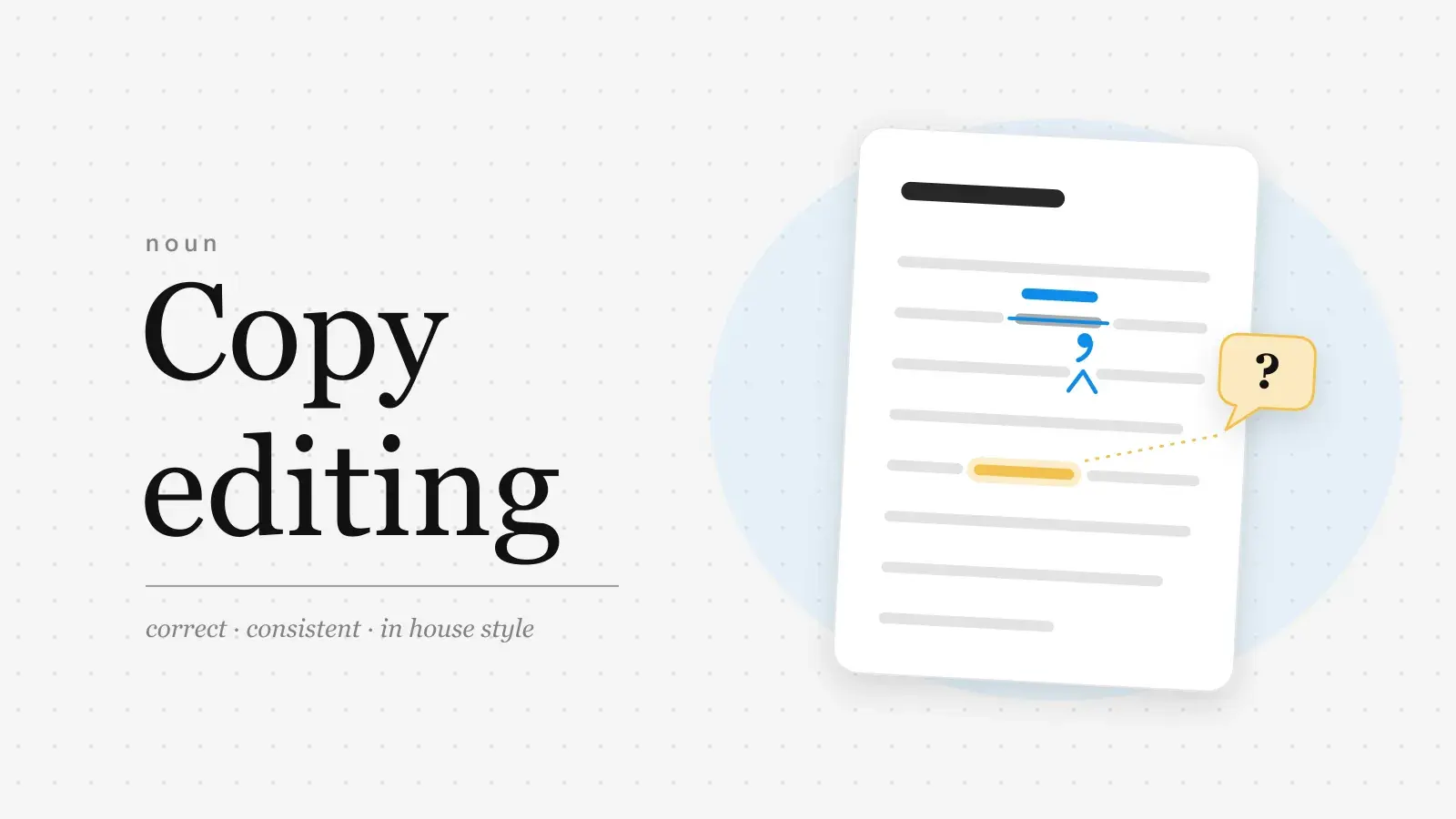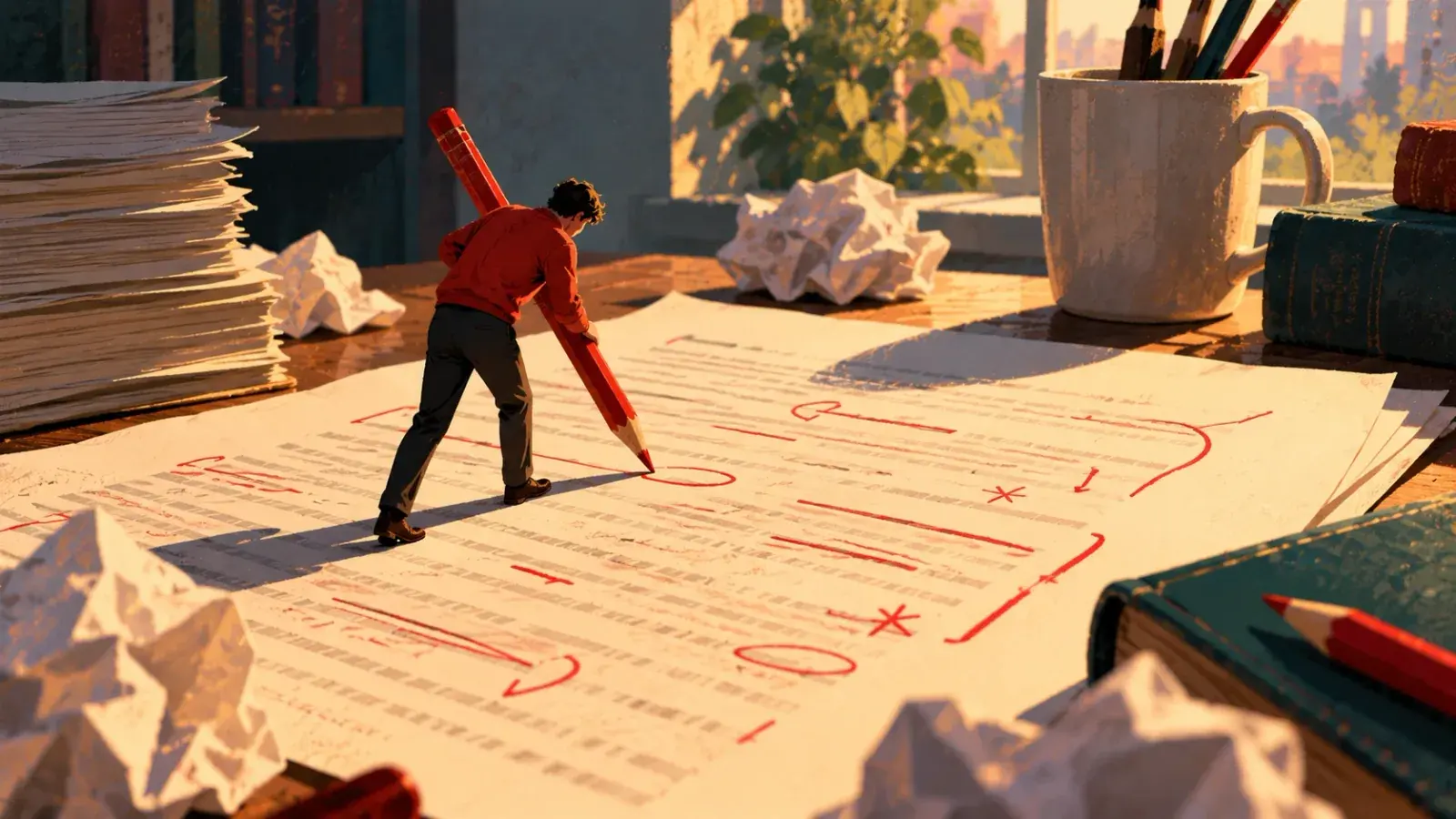
Proofreading marks work in pairs. A small mark in the line shows where a change goes, and an instruction in the margin beside that line says what the change is: a caret under the line and the missing word in the margin, a stroke through a word and the delete sign beside it. Most American publishers follow the chart in The Chicago Manual of Style (figure 2.6 in the 18th edition, 2024), which has 42 marks in three groups: operational signs, typographical signs and punctuation. All of them are below, described in words, with what to do instead when the proof is a Word file, a Google Doc or a PDF.
How proofreading marks work
A proof is typeset and single-spaced, so there is no room between the lines for handwriting. The proofreader puts a small mark at the exact spot in the text and writes the instruction in the nearest margin, on the same line. Whoever makes the corrections, a typesetter or a designer or the author, scans down the margin, finds each instruction and looks along that line for its mark. A few habits keep this readable:
- One instruction per mark, in the nearest margin. When a line has several corrections, write them left to right in the order the marks appear and separate them with slashes.
- Circle instructions, not insertions. A circled ital means set in italic. The same letters without a circle would be typeset as a word.
- Mark the smallest unit that is wrong. A typo gets a mark through one letter; a style change gets a line under the whole word or phrase.
- Use a color that stands out from black type. Red is the traditional choice. Write clearly enough that a stranger could follow it.
- Ask questions as questions. A query to the author goes in the margin, circled and phrased so no one could set it by mistake: "Smith or Smyth? See p. 12."
Copyediting marks vs. proofreading marks
The symbols are largely the same; the placement is not. Copy editing happens on the manuscript before it is typeset. On paper that manuscript is double-spaced, so the editor writes changes directly in the text: a caret with the new word above it, a line through a phrase, no margin note. Proofreading happens on the typeset pages, and its job is narrower. It checks the proof against the edited manuscript and the editor's style sheet, catching typos, bad breaks and inconsistencies. Late changes are expensive because a single added word can reflow a paragraph and push lines onto the next page, so a proof is not the place for rewriting. That belongs to line editing, long before.
Operational marks: delete, insert, move
Operational marks change what is on the page or where it sits. The margin entries follow the Chicago chart; the in-text marks are the common way to point at the spot.
Delete, insert and space
| Instruction | In the text | In the margin |
|---|---|---|
| InstructionDelete | In the textA stroke through the word (the) or a slash through one letter | In the marginThe delete sign: a stroke ending in a small loop (dele) |
| InstructionInsert | In the textA caret (^) under the line, pointing up into the gap | In the marginThe text to insert, not circled |
| InstructionClose up; delete space | In the textTwo curves, one above and one below the gap | In the marginThe same pair of curves |
| InstructionDelete and close up | In the textA stroke through the letter, with the curves around it. Only for letters inside a word | In the marginThe delete sign joined to the curves |
| InstructionLet it stand (stet) | In the textDots under text that was crossed out by mistake (folded) | In the marginstet |
| InstructionInsert space | In the textA caret or a vertical stroke where the space goes | In the margin# |
| InstructionMake spacing equal | In the textCarets between unevenly spaced words or lines | In the margineq # |
| InstructionInsert a hair space | In the textA caret at the spot | In the marginhr # |
| InstructionLetterspace | In the textA line under the letters to spread | In the marginls |
Paragraphs, position and order
| Instruction | In the text | In the margin |
|---|---|---|
| InstructionBegin a new paragraph | In the textA bracket or caret before the first word of the new paragraph | In the margin¶ (the pilcrow) |
| InstructionNo new paragraph (run in) | In the textA line from the end of one paragraph to the start of the next | In the marginrun in or no ¶ |
| InstructionIndent one em | In the textA small square before the line | In the marginA small square |
| InstructionMove right | In the textA bracket ( ] ) at the edge of the text to move | In the margin] |
| InstructionMove left | In the textA bracket ( [ ) at the edge of the text to move | In the margin[ |
| InstructionCenter | In the textBrackets on both sides of the text | In the margin] [ |
| InstructionMove up or down | In the textA bracket over (up) or under (down) the text | In the marginThe same bracket |
| InstructionFlush left or flush right | In the textA bracket at the edge that should align | In the marginfl or fr |
| InstructionStraighten type; align horizontally | In the textParallel lines above and below the crooked line | In the marginTwo parallel lines |
| InstructionAlign vertically | In the textParallel vertical lines at the edge that should line up | In the margin|| |
| InstructionTranspose | In the textA curved line that loops over one item and under the other | In the margintr |
| InstructionSpell out | In the textA circle around the abbreviation or numeral (Dr., 3) | In the marginsp |
Type style marks
Typographical marks keep the words and change how they are set. The underlines come from handwritten and typewritten manuscripts, where a line under a word was how you asked for italic, and they work the same way on a proof.
| Instruction | In the text | In the margin |
|---|---|---|
| InstructionSet in italic | In the textOne line under (Invicta) | In the marginital |
| InstructionSet in roman (not italic or bold) | In the textA circle around the word | In the marginrom |
| InstructionSet in bold | In the textA wavy line under (Warning) | In the marginbf |
| InstructionSet in capitals | In the textThree lines under the letter or word | In the margincaps |
| InstructionSet in small capitals | In the textTwo lines under (BCE) | In the marginsc |
| InstructionSet in lowercase | In the textA slash through the capital letter | In the marginlc |
| InstructionWrong font; set in the correct type | In the textA circle around the character | In the marginwf |
| InstructionCheck the type image; remove a blemish | In the textA circle around the damaged character | In the marginX |
| InstructionMake superscript | In the textA caret at the spot, or a circle around the character | In the marginThe character sitting in a V |
| InstructionMake subscript | In the textA caret at the spot, or a circle around the character | In the marginThe character under a caret (^) |
Marks for punctuation and dashes
To add punctuation, put a caret in the text where it goes. To replace a wrong mark, put a slash through it. Either way the margin says which mark you want, drawn so it cannot be mistaken for a stray speck or for another mark.
| To insert | In the margin | Tip |
|---|---|---|
| To insertComma | In the marginA comma under a caret | TipPut the caret exactly where the comma goes |
| To insertApostrophe or single quote | In the marginThe mark sitting in a V | TipThe V shows the mark sits above the line |
| To insertDouble quotation marks | In the marginEach mark sitting in a V | TipDraw the opening and closing marks separately |
| To insertPeriod | In the marginA dot inside a small circle | TipThe circle keeps a small dot from being missed |
| To insertQuestion mark | In the marginset ? | TipWithout set, a lone ? reads as a query |
| To insertSemicolon | In the marginA semicolon followed by a short vertical stroke | TipWrite it large enough to tell from a comma |
| To insertColon | In the marginA colon followed by a short vertical stroke | TipWrite it large enough to tell from a semicolon |
| To insertHyphen | In the margin= | TipTwo lines, so it is not read as a dash |
| To insertEn dash | In the marginN with a short line under it | TipSome charts write it as 1/N |
| To insertEm dash | In the marginM with a short line under it | TipSome charts write it as 1/M |
| To insertParentheses | In the margin( | ) with a stroke between them | TipFor a pair, put a caret at each spot |
Dashes deserve a slow look on every proof. Word processors turn typed hyphens into dashes automatically, not always the right kind, and a hyphen, an en dash and an em dash look alike at a glance. If you are unsure which belongs where, the em dash and en dash entry has the short version.
A marked-up proof, line by line
Here is a short passage as it came back from typesetting, with seven errors in five lines. The table shows how a proofreader would mark each one and what the margin of each line ends up holding.
1 The Invicta left Calais at nine, and by ten the the
2 coast of england was a gray smudge behind them Ada
3 stood at the rail, the letter folded in her coat pocket.
4 She had read it twice on train the and once more in
5 the station café. Nobody, it said, would meet her at Dover.
| Line | Problem | Mark in the text | Margin |
|---|---|---|---|
| Line1 | ProblemA ship's name, Invicta, set in roman | Mark in the textOne line under it | Marginital / |
| Line1 | ProblemA doubled word: the the | Mark in the textA stroke through the second one | MarginDelete sign |
| Line2 | Problemengland needs a capital | Mark in the textThree lines under the e | Margincaps / |
| Line2 | ProblemA period is missing after them | Mark in the textA caret after them | MarginA dot in a circle |
| Line3 | ProblemAn earlier reader struck folded, but it should stay | Mark in the textDots under it | Marginstet |
| Line4 | Problemtrain the is in the wrong order | Mark in the textA loop over one word and under the other | Margintr |
| Line5 | ProblemNobody should begin a new paragraph | Mark in the textA bracket before it | Margin¶ |
The Invicta left Calais at nine, and by ten the coast of England was a gray smudge behind them. Ada stood at the rail, the letter folded in her coat pocket. She had read it twice on the train and once more in the station café.
Nobody, it said, would meet her at Dover.
Digital equivalents of the marks
Most proofing now happens on a screen, and the method depends on whether you can edit the file. In Word and Google Docs you make the change itself and the software records it: Track Changes in Word (Review, then Track Changes) shows insertions underlined in color and deletions struck through, and Suggesting mode in Google Docs (the Editing menu at the top right, then Suggesting) does the same. A PDF proof cannot be edited, so you annotate it, and the logic of the paper marks returns: the position says where, the comment says what.
| Paper mark | Word or Google Docs | PDF proof |
|---|---|---|
| Paper markDelete | Word or Google DocsDelete with tracking on; it shows struck through | PDF proofStrikethrough comment |
| Paper markInsert (caret) | Word or Google DocsType the text; it shows in color | PDF proofInsert comment: a caret with the text in a note |
| Paper markReplace a word | Word or Google DocsSelect it and type over | PDF proofStrikethrough plus a note with the new word |
| Paper markClose up or add space | Word or Google DocsEdit with tracking on, then add a comment, since spaces are hard to see | PDF proofCaret with a note: close up, or space |
| Paper markTranspose (tr) | Word or Google DocsCut and paste; it shows as a deletion and an insertion | PDF proofHighlight both items, note: tr |
| Paper markLet it stand (stet) | Word or Google DocsReject the change | PDF proofDelete the comment, or reply: stet |
| Paper markItalic, bold, caps | Word or Google DocsApply the format; it is recorded as a formatting change | PDF proofUnderline the text, note: ital, bf or caps |
| Paper markNew paragraph (¶) | Word or Google DocsPress Return with tracking on | PDF proofCaret before the word, note: ¶ |
| Paper markQuery to the author | Word or Google DocsA comment | PDF proofA sticky note |
If you write in plain text or Markdown, CriticMarkup is a small convention for the same job: additions, deletions, substitutions and comments written with braces, readable in any text editor. The first two lines of the proof above, with a query added, would look like this:
CriticMarkup
The {++*++}Invicta{++*++} left Calais at nine,{>>Query: a.m. or p.m.?<<} and by ten
the {--the --}coast of {~~england~>England~~} was a gray smudge behind them{++.++} Ada
American and British marks
The Chicago chart is the usual American reference. British publishers work from the British Standard BS 5261, and the two differ more in drawing than in substance. The British marks use more symbols and fewer English abbreviations (stet, for example, can be a tick in a circle), each margin instruction is closed with a slash, and a long insertion is keyed with a letter in a diamond, in the text and in the margin, with the new text written at the foot of the page or on a separate sheet. An international standard, ISO 5776, sets out symbols for text correction too, and publishers in other languages use their own variants.
Proofing your own pages in Strokes
Writers who lay out their own books still need a proof pass, and it works best on real pages. Strokes has a page view with margins and page numbers, so you can export a PDF, mark it up on paper or in a PDF reader, and then make the fixes in the document. Its version history saves versions automatically and on demand; save one before you start, and you can preview any earlier version with the changes marked and restore it in one click.
For a first sweep before the human read, select a passage, press ⌘K and ask for typos to be fixed in place, or ask the AI Assistant to list errors in a chapter. Agent mode shows every change it makes for you to review and accept. The page setup a submission needs is in how to format a manuscript.
Frequently asked questions
What does stet mean in proofreading?
Stet is Latin for 'let it stand.' It cancels an earlier correction: put dots under the text that was crossed out and write stet, circled, in the margin. On screen, the equivalent is rejecting a tracked change or suggestion.
What is the proofreading mark for a new paragraph?
The pilcrow (¶) in the margin, with a bracket or caret in the text before the first word of the new paragraph. To join two paragraphs, draw a line from the end of the first to the start of the second and write 'run in' or 'no ¶' in the margin.
How do you mark a word that should be swapped with the next one?
Draw a curved line that loops over the first word and under the second, and write tr, circled, in the margin. The same mark works for two letters (teh) or two lines.
Are proofreading marks still used?
Yes, wherever the text cannot be edited directly: printed proofs and PDF proofs of books and magazines. In editable files most editors use Track Changes or Suggesting mode instead, but the abbreviations (stet, tr, lc, ital) survive as shorthand in comments.
What color pen should a proofreader use?
Any color that stands out from black type; red is traditional. If a publisher or printer asks for particular colors for different kinds of correction, follow their instructions.