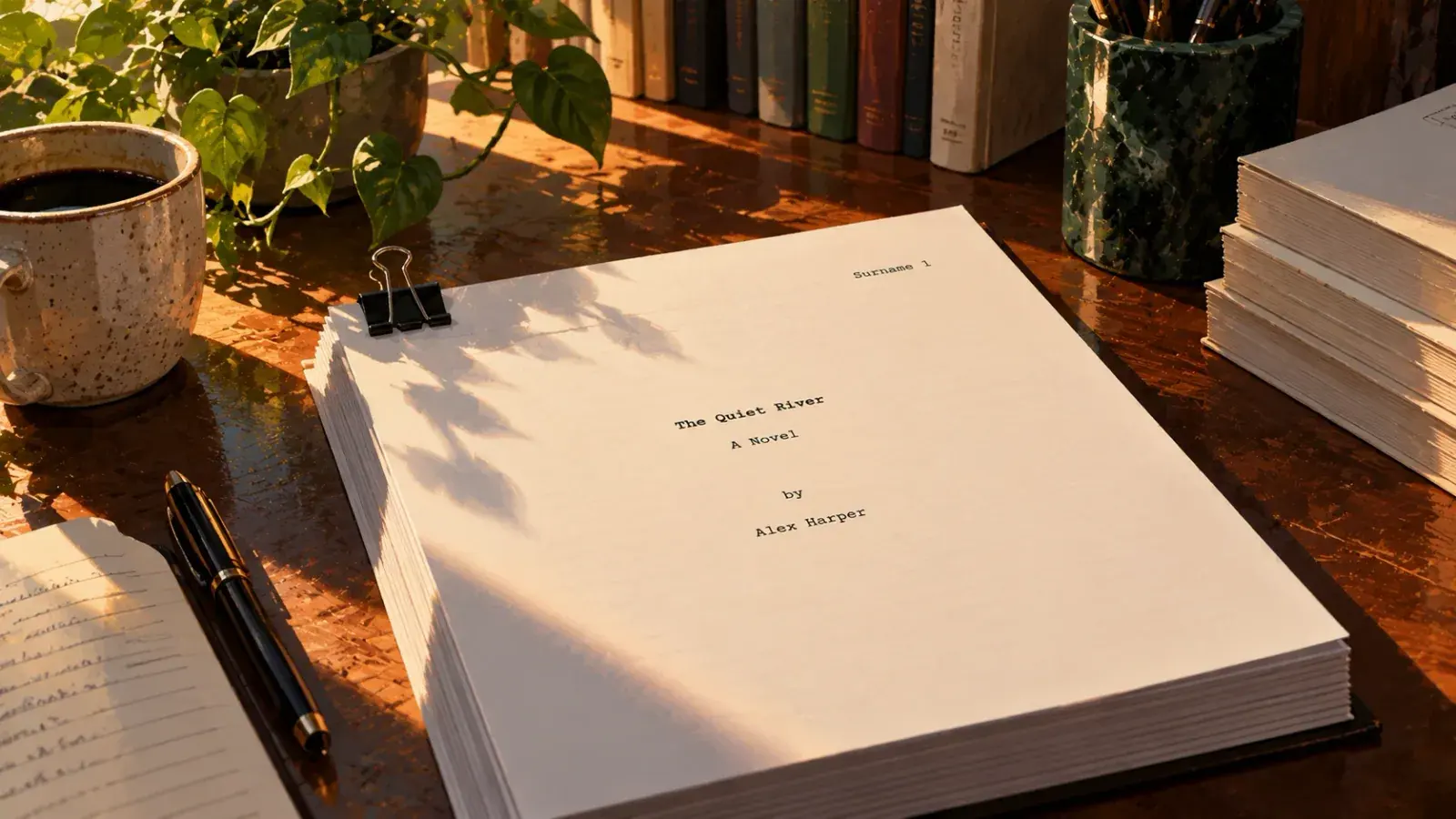
A submission manuscript in standard format looks the same almost everywhere: 12-point Times New Roman, double-spaced, one-inch margins, a half-inch indent at the start of each paragraph, text aligned left, and a header on every page after the first with your surname, a word from the title and the page number. A title page carries your contact details and a rounded word count, and each chapter starts on a new page.
That is what you send an agent. A book you publish yourself is formatted for readers instead: a trim size, a gutter, a book typeface and front matter, ending as a print PDF and an EPUB. Whenever an agent's guidelines say something different, follow the agent.
Submission manuscript vs. book interior
Search for manuscript formatting and you get two different things mixed together. A submission manuscript is a working document. Agents, editors and copy editors read it on screen or on paper, and the wide margins, double spacing and plain font exist to make it easy to read and to mark up. A book interior is the finished product, laid out for a reader holding a paperback or an e-reader. The worst mix-ups run in both directions: an agent sent a typeset PDF with justified text and running heads, or a printer sent double-spaced letter pages.
| Submission manuscript | Book interior | |
|---|---|---|
| Who reads it | Submission manuscriptAgents, editors, copy editors | Book interiorReaders |
| Page size | Submission manuscript8.5 × 11 in (or A4) | Book interiorThe trim size, such as 5.5 × 8.5 in |
| Type | Submission manuscriptTimes New Roman, 12 pt | Book interiorA book serif, 10–12 pt |
| Line spacing | Submission manuscriptDouble | Book interiorAbout 1.2 to 1.45 times the type size |
| Margins | Submission manuscript1 in on every side | Book interiorWider on the inside, by the binding |
| Header | Submission manuscriptSurname / TITLE / page | Book interiorAuthor on the left, title on the right |
| Alignment | Submission manuscriptLeft, ragged right | Book interiorUsually justified and hyphenated |
| File | Submission manuscript.docx, or text pasted into a form | Book interiorPrint PDF and EPUB |
Standard manuscript format, rule by rule
The most widely cited write-up of these rules is William Shunn's Proper Manuscript Format, online since the 1990s and still maintained. The same advice turns up in Writer's Digest and on agency websites. The conventions themselves are older, carried over from the typewriter era. Sources differ on details, not on the core.
| Element | Standard | Why |
|---|---|---|
| ElementPaper | Standard8.5 × 11 in, or A4 where that is the norm | WhyWhat the reader's printer and screen expect |
| ElementFont | StandardTimes New Roman, 12 pt, black | WhyFamiliar and readable. A few markets ask for Courier |
| ElementLine spacing | StandardDouble, no extra space between paragraphs | WhyRoom for edits and comments |
| ElementMargins | Standard1 in on all four sides | WhyRoom for notes in the margin |
| ElementParagraphs | StandardFirst line indented 0.5 in | WhyMarks each paragraph without spending a line |
| ElementAlignment | StandardLeft, ragged right | WhyJustified text adds uneven gaps between words |
| ElementBetween sentences | StandardOne space | WhyTwo spaces is a typewriter habit |
| ElementEmphasis | StandardItalics | WhyUnderlining was the typewriter stand-in |
| ElementScene breaks | StandardA centered # | WhyA blank line can vanish at a page break |
| ElementThe end | StandardOptional centered END | WhyShows nothing is missing |
The title page
For a novel, page one is a title page. Your legal name, mailing address, phone number and email go in the top left corner, single-spaced. The word count goes in the top right corner, rounded: to the nearest hundred for a short story, to the nearest thousand for a novel. Take the number from your word processor and write it as "about 87,000 words", not 87,342. The title is centered about a third to halfway down the page, with your byline a double-spaced line below. The byline is the name you publish under, which can be a pen name. Your legal name stays in the contact block so a contract can reach you.
Ana Torres
123 Main Street
Anytown, ST 12345
(555) 010-0142
ana@example.com
about 87,000 words
THE SALT ORCHARD
by A. M. Torres
The page header
From the second page on, a header sits flush right in the top margin: the surname from your byline, one or two keywords from the title, and the page number, as in Torres / SALT ORCHARD / 2. Printed manuscripts come apart, and the header lets anyone put the pages back in order. Leave it off the title page. Guides differ on whether the title page counts as page 1. Either works, as long as the numbers then run in order.
Chapters and scene breaks
Start every chapter on a new page with a real page break, not by pressing Return until the page fills. The moment you edit, those blank lines push the next chapter to the wrong place. Put the chapter heading partway down the page. Guides put it anywhere from a third to halfway down. Pick one position and use it in every chapter, with the text starting a few lines below the heading. Write the headings the same way throughout, whether that is "Chapter 1" or "CHAPTER ONE", with or without a title.
Inside a chapter, mark a change of scene with a # centered on a line of its own. A blank line alone tends to disappear when it lands at the top or bottom of a page, and the reader cannot tell the scene changed.
Set it up in Word or Google Docs
Build the format into styles once, rather than fixing paragraphs by hand. It takes about ten minutes, and every chapter you paste in afterwards comes out right.
- Set the page
Use letter paper (or A4) with one-inch margins all around. In Word that is Layout > Margins > Normal. In Google Docs, it is File > Page setup.
- Make the body style do the work
In Word, modify the Normal style: Times New Roman, 12 pt, aligned left, line spacing Double, 0 pt before and after, and a first-line indent of 0.5 in (Paragraph > Indentation > Special). In Google Docs, set the same under Format > Line & paragraph spacing and Format > Align & indent > Indentation options.
- Style the chapter headings
Modify Heading 1 to the body font and size, centered, with "Page break before" switched on and about 2.5 in (180 pt) of space above it, which puts the heading near a third of the way down. Google Docs has the same switch under Format > Line & paragraph spacing > Add page break before. Real headings also list your chapters in the navigation pane and become the table of contents if you later make an EPUB.
- Build the title page
Type the contact block single-spaced at the top. Put the word count on the first line, pushed right with a right-aligned tab stop at the right margin (6.5 in on letter paper, about 6.3 in on A4). Center the title and byline further down, then insert a page break before chapter one.
- Add the header
Open the header, tick "Different first page" so the title page stays clean, and type your surname and title keywords, right aligned, followed by a page number field (Insert > Page Number in Word, Insert > Page numbers in Docs).
- Clean up and save
Show formatting marks (the ¶ button in Word, View > Show non-printing characters in Docs) to find stray tabs and runs of blank lines, and replace double spaces after periods with one. Save as .docx with your surname and title in the file name, then page through the whole file once in print preview.
When agent guidelines differ
Standard format is the default, not the law. Agents publish their own submission guidelines, and those come first. Many now take submissions through online forms, asking for the query letter and sample pages pasted into boxes. Pasted text loses its formatting, so drop the title page and header there and check that scene breaks survived. If you are still writing that letter, start with how to write a query letter. A synopsis has its own conventions, covered in how to write a synopsis.
The guidelines commonly differ on these points:
- How much to send. The first five or ten pages, the first three chapters or the first fifty pages, pasted or attached.
- File type. Most ask for a .docx file, and some prefer a PDF.
- Font. Some also accept Arial, and a few magazines still prefer a monospaced font such as Courier.
- Your name. Contests with anonymous judging want it removed from the manuscript altogether.
Formatting a book for self-publishing
When you publish yourself, the double-spaced manuscript becomes the source, not the product. The interior is designed around four decisions, made in this order, because each depends on the one before.
Choose a trim size first
The trim size is the finished page, and it sets the line length, the page count, the margins and the print cost. Amazon KDP alone offers more than a dozen paperback sizes. Novels and memoirs commonly use 5 × 8, 5.25 × 8 or 5.5 × 8.5, and 6 × 9 is common for nonfiction. The quickest way to decide is to measure three books from your genre's shelf.
Margins and the gutter
The inside margin, by the binding, is called the gutter. The thicker the book, the more of the page the binding swallows, so printers set minimums that grow with page count. Here are KDP's minimums for paperbacks:
| Page count | Minimum inside margin |
|---|---|
| Page count24–150 | Minimum inside margin0.375 in |
| Page count151–300 | Minimum inside margin0.5 in |
| Page count301–500 | Minimum inside margin0.625 in |
| Page count501–700 | Minimum inside margin0.75 in |
| Page count701–828 | Minimum inside margin0.875 in |
Treat those numbers as the floor, not the design. A comfortable page leaves noticeably more room on every side. Bleed, an extra 0.125 in past the trim, matters only if images run to the edge of the page. Other printers, such as IngramSpark, publish their own specifications.
Type, spacing and page furniture
Set the body in a book serif such as Garamond, Caslon, Minion or Palatino, usually between 10 and 12 points, with line spacing around 120 to 145 percent of the type size: 11 point text on 14.5 point lines is a typical starting point. Printed fiction is usually justified with hyphenation on. The first paragraph of a chapter, and the first after a scene break, starts flush left without an indent.
Running heads in fiction usually put the author's name on left-hand pages and the title on right-hand pages. Chapter openers drop the running head and either omit the page number or move it to the foot of the page. Blank pages carry neither. Before you commit, print one spread at the real trim size and read a full page. Type that looks right on screen often turns out too small on paper.
Front and back matter
Front matter follows a traditional order, set out in The Chicago Manual of Style. Most novels need only a few of these, and nonfiction uses more.
- Half title (the title alone)
- Title page, with the copyright page on its back
- Dedication
- Epigraph
- Table of contents
- Foreword, by someone other than the author
- Preface, by the author
- Acknowledgments (or in the back)
- Introduction
Back matter comes after the text: acknowledgments, appendices, notes, bibliography, index, about the author and other books by you. The title page and chapter one start on a right-hand page. Front matter is either unnumbered or numbered in lowercase roman numerals, and page 1 is the first page of the text.
Print PDF versus EPUB
The print book is a PDF at the exact trim size, with every font embedded so the printer cannot substitute another. The ebook is an EPUB, which has no pages of its own: the reader chooses the type and size, the screen sets the line length, and trim size, gutters, running heads and page numbers all disappear. What carries over is structure, so chapters must be real headings. Make both files from the same edited source, never the EPUB from the print PDF. KDP takes EPUB, Word or its own KPF format for Kindle ebooks, and other stores take EPUB.
Where Strokes fits
Strokes is a writing editor, not a page-layout tool, so it covers the draft and the submission copy rather than the printed interior. Keep the book as a project, a folder with one document per chapter, on your own machine. Page view shows real pages with margins, page numbers in several styles and a page color, so you can read the draft as pages. Pageless mode is there when you just want to write. When it is time to submit, export to Word and make the final pass above in Word: header, title page, spacing. Export a PDF for beta readers and an EPUB to proof the ebook. Save a version in version history the day you submit, so you always know what each agent read. Trim sizes, gutters and running heads belong to the layout tools above.
Common formatting mistakes
- Indenting with Tab or spaces. Set the indent in the paragraph style. Tabs and spaces turn into stray gaps when the text is pasted into a form or converted to an ebook.
- Blank lines as page and scene breaks. Use page breaks and a centered
#. - Justified text in a submission. Keep it left aligned. Save justification for the printed book.
- An exact word count. Round it. "About 87,000 words" is the convention.
- Chapter titles typed bold instead of styled. They look the same, but navigation and the EPUB table of contents only see headings.
- A typeset PDF sent to an agent. Agents want the manuscript. Design comes after the deal or before self-publishing.
Frequently asked questions
Should a manuscript be single- or double-spaced?
Double-spaced, with no extra space between paragraphs. The query letter is single-spaced like any letter, and synopsis spacing varies between agents, so check the guidelines for that one.
Times New Roman or Courier?
Times New Roman at 12 points is the safe default and what most agents expect. Courier was the typewriter-era standard, and a few magazines still prefer it. Use it only when the guidelines ask for it.
How do I round the word count?
Take the count from your word processor and round it: to the nearest hundred for a short story, to the nearest thousand for a novel. Write it as about 87,000 words in the top right corner of the title page.
Is standard manuscript format the same for nonfiction?
Sample chapters use the same basics: 12-point type, double spacing, one-inch margins and page numbers. A nonfiction book proposal around them has its own structure, and agents' preferences vary, so follow their guidelines.
What trim size should my self-published novel be?
Most novels use 5 × 8, 5.25 × 8 or 5.5 × 8.5 inches, and 6 × 9 is common for nonfiction. Measure a few recent books in your genre and check that your printer offers the size.