When to use it
- Work presentations with a fixed slot on the agenda: a proposal, a results update, a budget request
- Class and group presentations, where every speaker has a strict time limit
- Conference and meetup talks, including fixed-timing formats such as PechaKucha and Ignite
- Pitches and demos, where the ask has to land before the time runs out
How to use this template
- Write the goal and the key message first
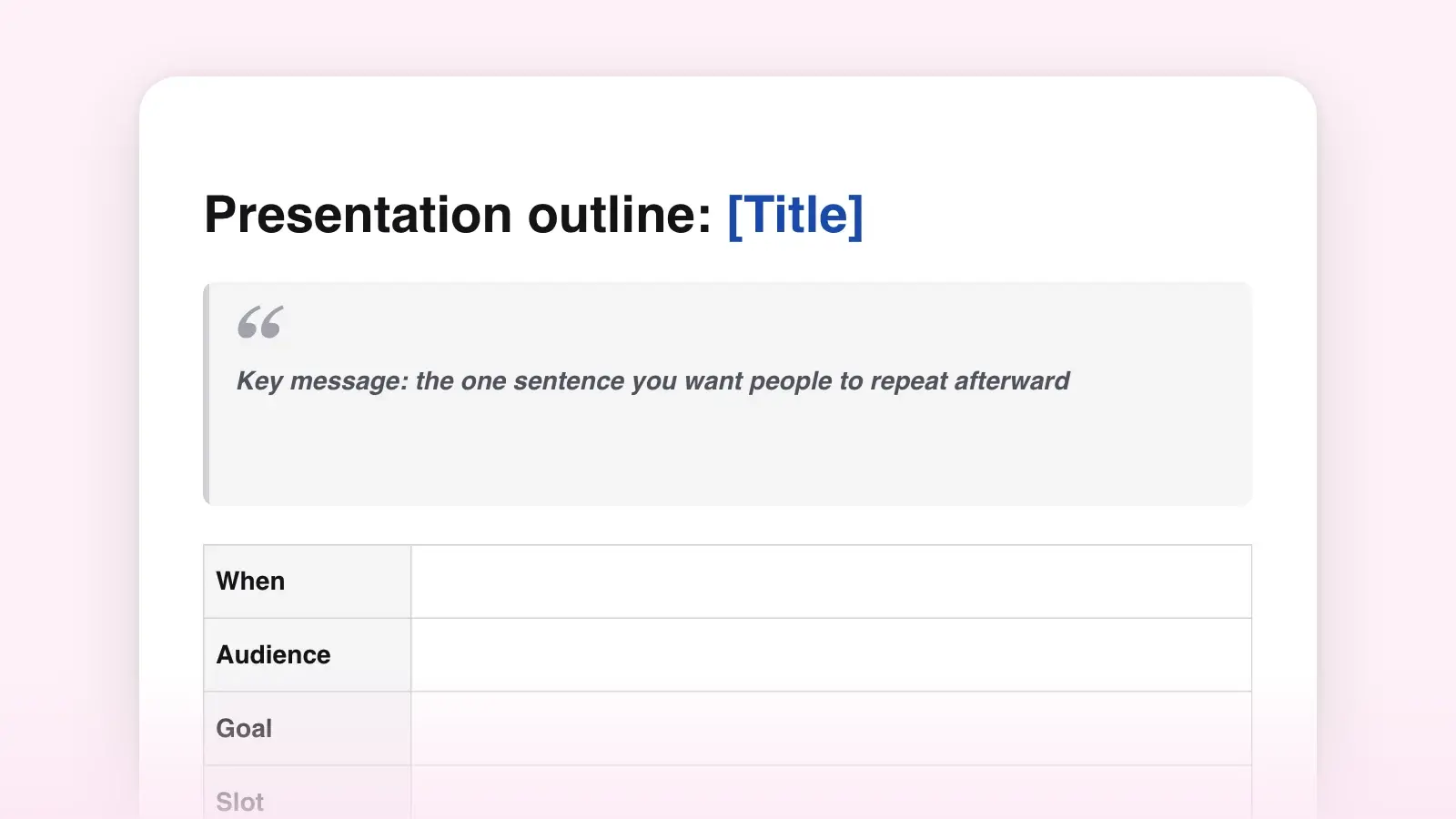
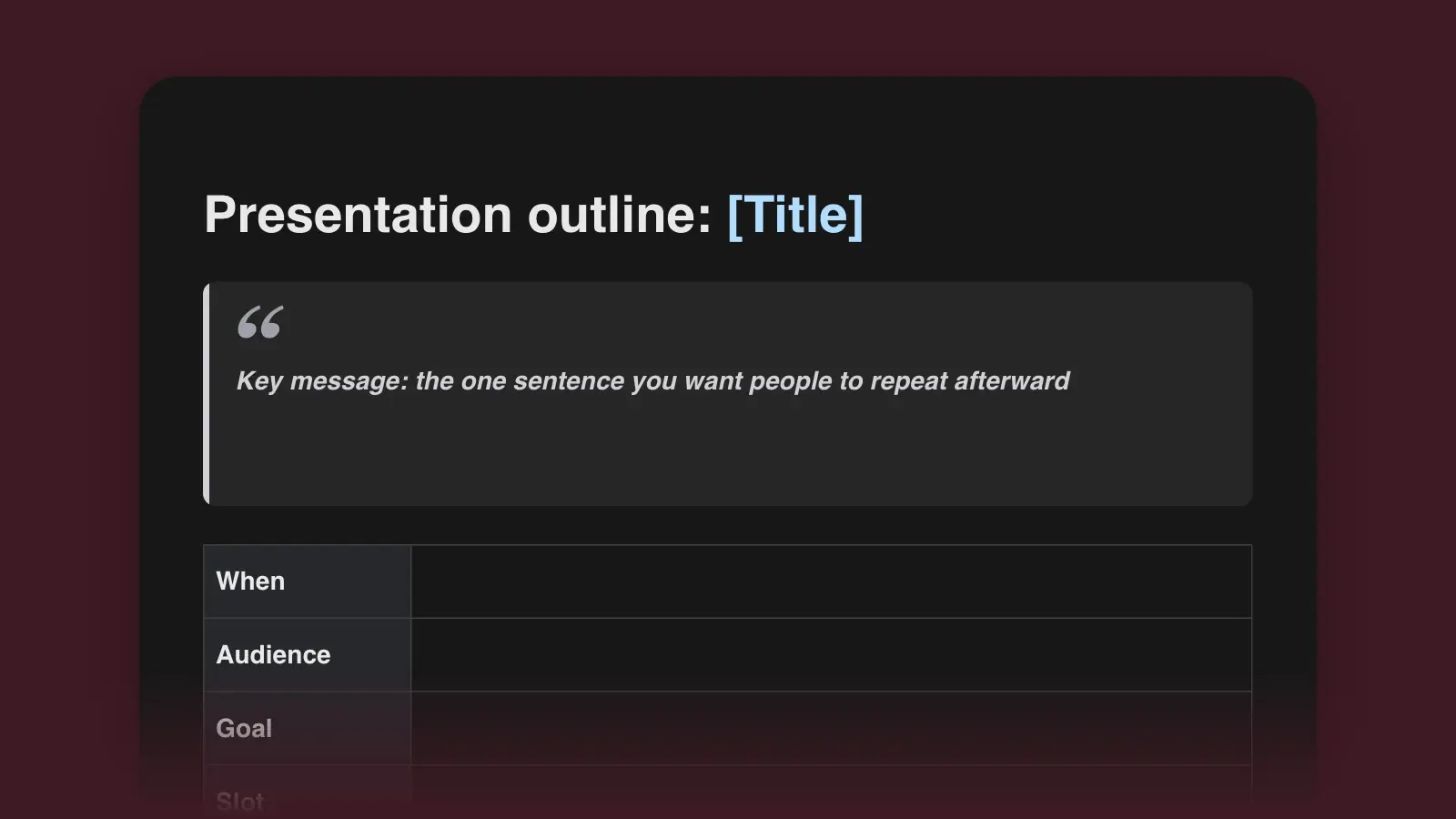
Finish the sentence under Goal: when you sit down, the audience will approve, understand, try or remember something. Then write the key message, the one sentence you would like to hear someone repeat in the hallway. Every slide you outline later has to serve those two lines. If you can't write them yet, you aren't ready to open the slide software.
- Budget the clock, then count the slides
Take questions off the slot, then hold back about a tenth of what is left as spare time for a late start, a laugh or a slow projector. Give the opening and the close about a tenth of the talk each and split the rest evenly across three sections. Fill in the start times before you write a single headline. Without a budget, the background takes twelve minutes and the proposal gets ninety seconds.
- Give every slide a headline and a start time
Add one row per slide to the outline table. The headline is a full sentence that says what the slide proves; "On screen" is the chart, photo or number that proves it. Then read only the headlines aloud, in order. If they make the case on their own, the structure works. If they sound like a table of contents, rewrite them before you design anything.
- Rehearse against the start times
Run the talk standing up, with the real slides and a timer, and note in the rehearsal log where you fell behind. Fix overruns by cutting whole slides from the cut plan, not by talking faster. On the day, the start time on each row tells you at a glance whether you are early or late. When the outline holds, the guide on writing a presentation script turns each row into spoken text.
How many slides for your time slot
Slide count is a poor place to start, because the right pace depends on the slide. Guy Kawasaki's 10/20/30 rule for pitches (ten slides, twenty minutes, no type smaller than 30 points) works out to two minutes a slide. PechaKucha, devised in Tokyo in 2003 by the architecture firm Klein Dytham, runs 20 slides at 20 seconds each, 6 minutes 40 seconds in all. Ignite talks run 20 slides that advance on their own every 15 seconds, five minutes flat. Most work and class presentations sit between those extremes: a chart or a claim with its evidence takes a minute or two to explain.
| Talking time | Opening · each section · close | Spare | Slides at 1–2 min each | Script, if you write one |
|---|---|---|---|---|
| Talking time5 minutes | Opening · each section · close0:30 · 1:10 · 0:30 | Spare0:30 | Slides at 1–2 min each3–5 | Script, if you write oneAbout 550 words |
| Talking time10 minutes | Opening · each section · close1:00 · 2:20 · 1:00 | Spare1:00 | Slides at 1–2 min each5–10 | Script, if you write oneAbout 1,100 words |
| Talking time15 minutes | Opening · each section · close1:30 · 3:30 · 1:30 | Spare1:30 | Slides at 1–2 min each8–15 | Script, if you write oneAbout 1,600 words |
| Talking time20 minutes | Opening · each section · close2:00 · 4:40 · 2:00 | Spare2:00 | Slides at 1–2 min each10–20 | Script, if you write oneAbout 2,150 words |
| Talking time30 minutes | Opening · each section · close3:00 · 7:00 · 3:00 | Spare3:00 | Slides at 1–2 min each15–30 | Script, if you write oneAbout 3,250 words |
Picture-led talks move faster, since a photo or a single number may need only 15 to 30 seconds. So decide what each section has to prove, give it the time from the table, and let the slide count follow. For talks longer than half an hour, add sections rather than stretching three, and change the pace between them with a demonstration, a question to the room or a short clip.
Presentation outline example
A ten-minute slot at a library board meeting, outlined with the template. The head of youth services wants money to extend a program that worked at one branch.
- Audience: Seven board members and the library director. They set next year's budget in November. Most know the summer reading program exists; few have seen its numbers.
- Goal: The board puts $18,500 in the 2027 budget for weekly reading events at all five branches.
- Key message: Children who came to weekly events finished the program at twice the rate, and four of our five branches don't run them.
- Slot: 10 minutes on the agenda: 7:30 of talk, 0:30 spare, 2:00 for questions.
| # | Starts | Headline | On screen |
|---|---|---|---|
| #1 | Starts0:00 | HeadlineTheo, 9, read 41 books in nine weeks | On screenHis reading log on the branch wall, shared with his family's permission |
| #2 | Starts0:40 | HeadlineWeekly events turn sign-ups into finished reading logs | On screenThree words: came, finished, costs |
| #3 | Starts1:20 | Headline1,140 children signed up, a third more than last year | On screenOne number, last year's beside it in gray |
| #4 | Starts2:10 | HeadlineSign-ups grew fastest at Northside, the only branch with weekly events | On screenSign-ups by branch, Northside highlighted |
| #5 | Starts3:00 | HeadlineFewer than half the children who signed up finished | On screenOne bar: 47 percent |
| #6 | Starts3:50 | HeadlineChildren who came to weekly events finished at twice the rate | On screenTwo bars: 68 and 34 percent |
| #7 | Starts4:50 | HeadlineWeekly events at all five branches would cost $18,500 | On screenThree lines: staff, books and prizes, supplies |
| #8 | Starts5:50 | HeadlineWe will report finish rates by branch next September | On screenThe three measures |
| #9 | Starts6:30 | HeadlinePut $18,500 for weekly events in the 2027 budget | On screenTheo's log again, with the ask under it |
| #B1–B3 | Starts8:00 | HeadlineQuestions | On screenBackups: rates by branch, the budget line by line, a week at Northside |
Read the headlines down the third column and you have the whole case without a single slide. The opening is a child with a name, not an agenda, and the close returns to him. The cost arrives only after the evidence has made it look reasonable. The cut plan is decided in advance, too: if the meeting runs behind and the chair asks for five minutes, slides 4 and 8 go first (1:30 saved), then slide 3 shrinks to one sentence said over slide 5 (another 0:50). That brings the talk to 5:10 without touching the argument.
Write headlines, not topics
A topic title names what a slide is about. A headline says what it proves. This is the core of the assertion-evidence approach that Michael Alley teaches at Penn State: a sentence headline at the top, visual evidence underneath instead of bullet points, and the detail moved to the speaker notes, where it belongs. Here is the library outline's first draft next to the version that went to the board.
Headlines: what each slide proves
- 1,140 children signed up, a third more than last year
- Fewer than half the children who signed up finished
- Children who came to weekly events finished at twice the rate
- Weekly events at all five branches would cost $18,500
Topics: what each slide is about
- Sign-ups
- Completion rates
- Events
- Budget
Headlines also make an outline testable before it becomes a deck. If one headline doesn't follow from the one before, a slide is missing. If two say the same thing, merge them. And if you can't write a slide as a sentence at all, it is probably there because the material was easy to put on a slide, not because the argument needs it.
Pick a structure for the middle
Openings and closes change little from one presentation to the next. The three sections are where the kind of talk matters.
| Presentation | Three sections | Close with |
|---|---|---|
| PresentationProposal or request | Three sectionsProblem · solution · cost and benefit | Close withOne decision, ideally today |
| PresentationResults or status update | Three sectionsThe answer · what drove it · what's next | Close withWhat you need from the room |
| PresentationClass or informative talk | Three sectionsThree topics, stages or causes, in a logical order | Close withOne thing to remember |
| PresentationResearch or conference talk | Three sectionsQuestion and method · findings · what they mean | Close withThe finding in a sentence, and the open question |
| PresentationPitch | Three sectionsProblem · solution and how it makes money · team and traction | Close withThe amount, and what it buys |
| PresentationTraining or demo | Three sectionsWhy it matters · the steps, shown · a try-it-yourself | Close withWhere to get help afterward |
For a results update, lead with the answer. Barbara Minto, a former McKinsey consultant, built her pyramid principle on that rule: the main idea first, the support grouped beneath it. A room of busy people would rather hear the conclusion and then decide how much of the support it needs. The written version of that update is a weekly status report. A proposal can follow Monroe's motivated sequence instead, which the speech outline template maps onto three points. A pitch can borrow Kawasaki's list of what investors want covered: the problem, your solution, the business model, the technology, go-to-market, competition, team, projections, status, and a summary with a call to action.
Where presentation outlines go wrong
- Slides first, outline never. A deck built in the slide software is organized by what was easy to put on a slide. The outline is where you decide what the audience needs to hear.
- A third of the time on background. Company history, methodology and an agenda read aloud. Cap background at one slide, and see how to start a presentation for openings that earn the next minute.
- No spare time. An outline that fills the slot to the second runs over on the day, every time.
- Catching up by talking faster. If you are a minute behind at a section's start time, drop the cut-first slide and keep your pace. Rushed slides lose more than a skipped one.
- No backup for the obvious question. A hard question answered with a prepared chart sounds like command of the material. The same question answered from memory sounds like a guess.
Frequently asked questions
How many slides should a 10-minute presentation have?
Five to ten, if each slide carries a chart, a claim or an example worth a minute or two of talk. Picture-led talks can use more, because a photo may need only 15 to 30 seconds. Budget the minutes per section first and let the slide count follow.
What should a presentation outline include?
The goal and the key message, a time budget, and one row per slide with a headline sentence, what is on screen and a start time. Add the close, the likely questions with backup slides, and a plan for what to cut if time runs short.
What is the difference between a presentation outline and a speech outline?
A speech outline plans what you say. A presentation outline also plans what the audience sees and when: every slide gets a headline, a visual and a start time. Many speakers outline first and then write a script from the outline.
Should I outline before I make the slides?
Yes. Outline first so the slides serve the argument instead of shaping it. Once the headlines read as a complete case and the times add up, build one slide per row.