· Version 1.1.9
Page setup, code node, and more
Pageless width, page view numbers, margins and page colors: build your document the way it should look. And that’s just part of the update.
Hey there!
Page setup settings
Some documents are for reading on screen. Others — contracts, reports, manuscripts — need to look like real pages. Page setup lets you choose, document by document.
Open the document menu and choose Page setup. Pageless keeps one continuous flow of text, and you pick its line width — from a narrow 560 to a wide 960. Page view splits the document into pages, the way it will look when printed or exported.
In Page view, turn on page numbers and choose where they sit and how they read: 1, 1 of 10, Page 1 or Page 1 of 10. Hide the number on the first page if it’s a title page.
Set the top, bottom, left and right margins, and give the pages a color if you like.
When you share a document to the web, it keeps its pages, numbers and margins — in both light and dark themes.
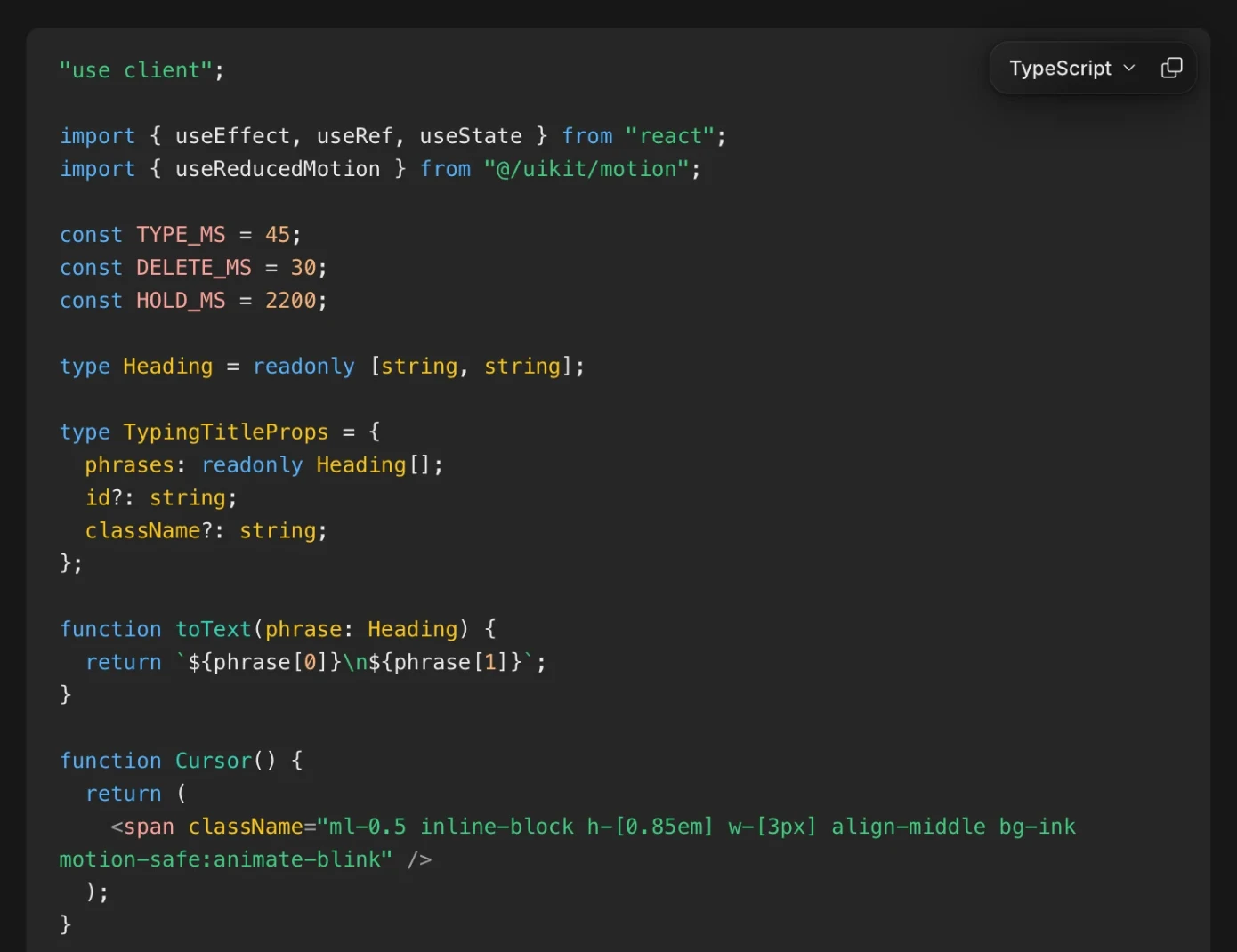
Introducing code blocks
Strokes now supports code blocks. It detects pieces of code in your text automatically and highlights syntax for over 20 programming languages.
Inline link edits
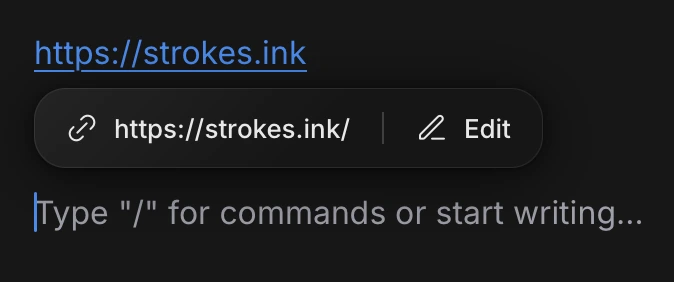
Hover over a link in the editor to see where it goes, and edit it right there — no format bar needed.
More updates coming soon! Cheers, Vagan