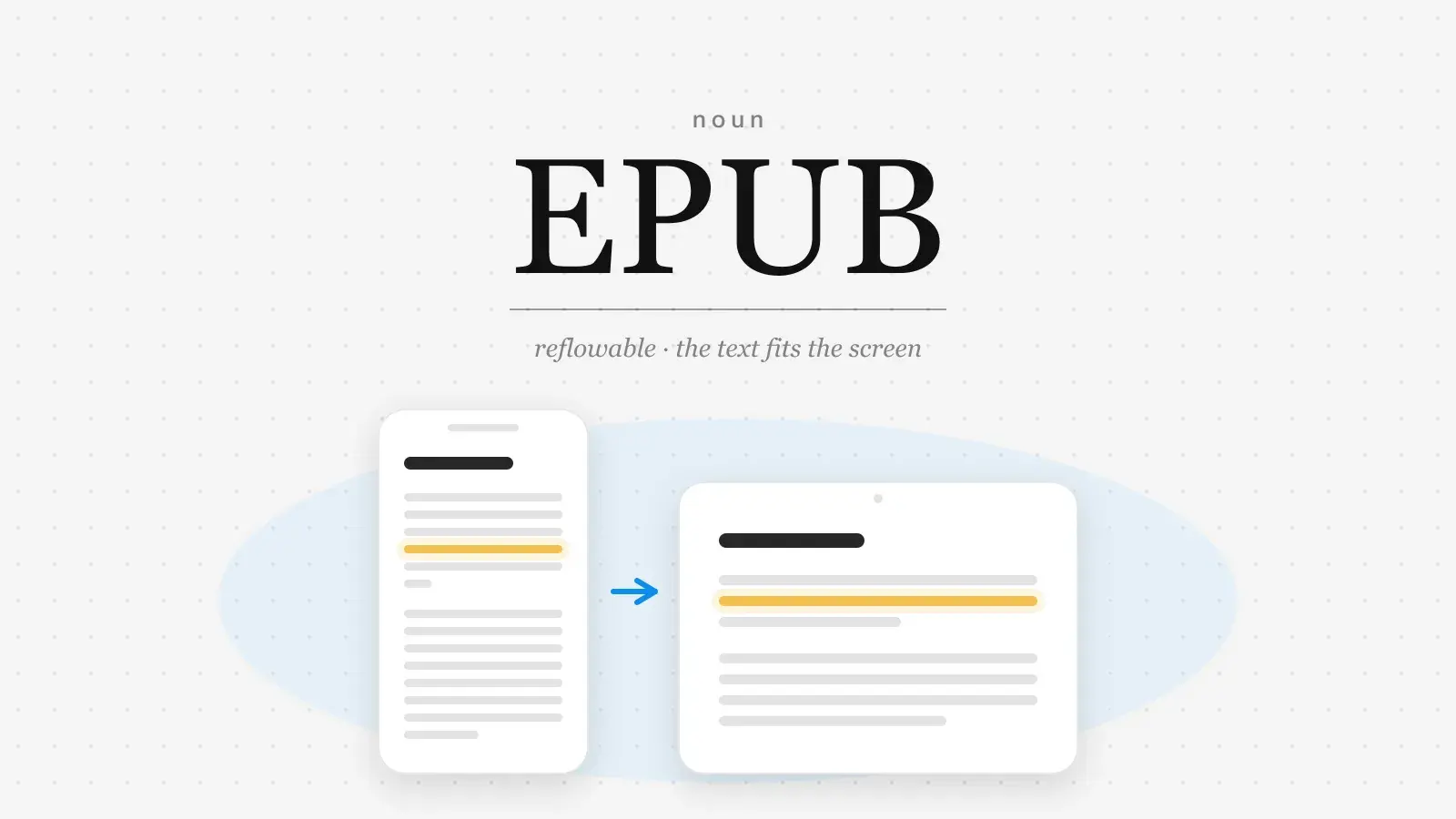
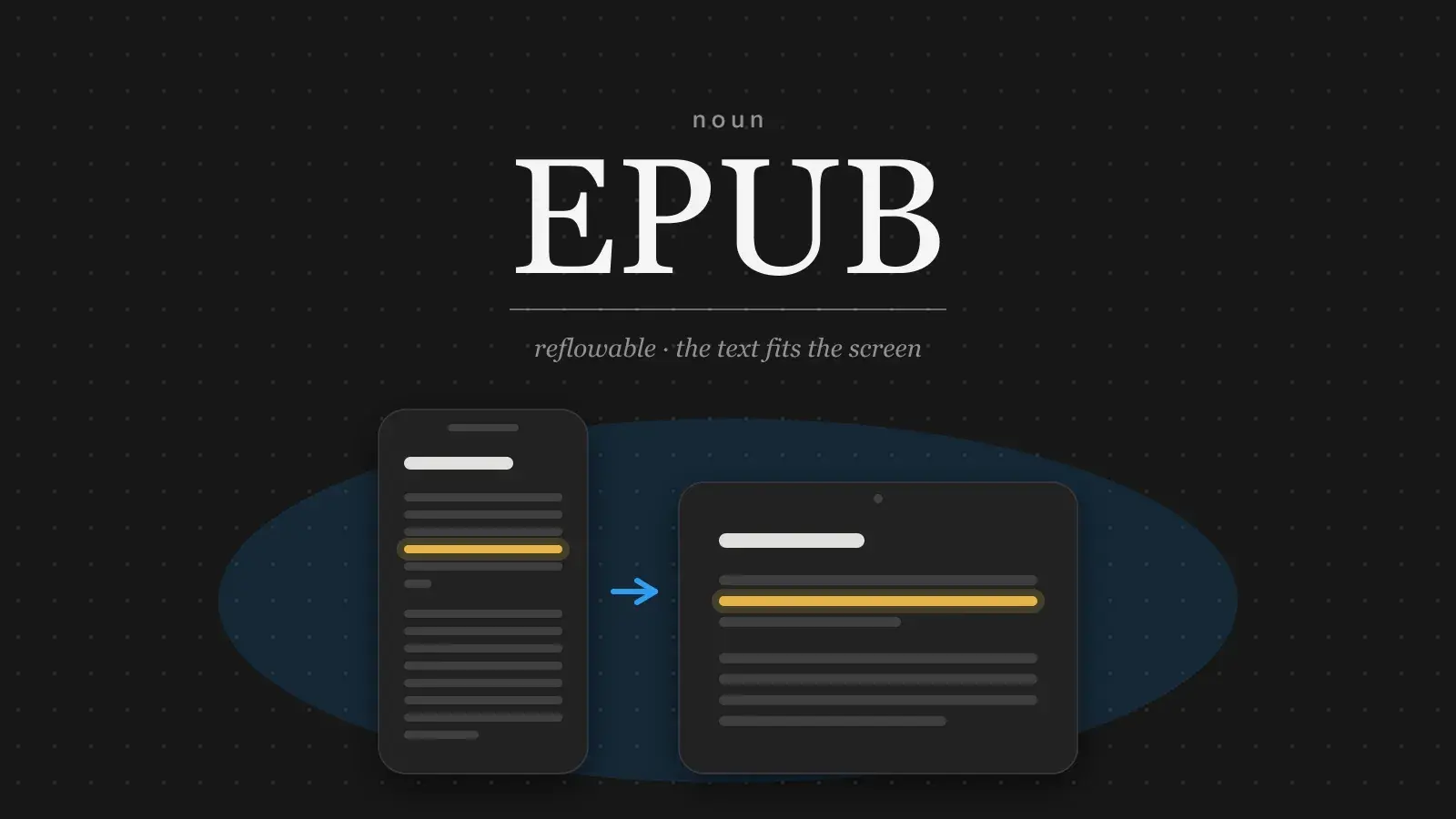
EPUB, short for electronic publication, is the open standard for ebooks. An .epub file is a zip archive that holds the book's text as HTML, its styling as CSS, its images and fonts, a short package file that lists those files and their reading order, and a navigation file that holds the table of contents. Unlike a PDF, an EPUB normally has no fixed pages. The text reflows to fit whatever screen it is read on, and the reader, not the author, chooses the type size, the font and the margins.
The format is maintained by the W3C and the current major version is EPUB 3. Apple Books, Kobo, Google Play Books and most reading apps open it directly. Amazon's Kindle uses its own formats but accepts EPUB files and converts them on the way in, so one EPUB covers nearly every reader.
What is inside an EPUB
An .epub, unzipped
mimetype
META-INF/container.xml
OEBPS/content.opf        metadata, file list, reading order
OEBPS/nav.xhtml          table of contents
OEBPS/chapter-01.xhtml
OEBPS/chapter-02.xhtml
OEBPS/styles.css
OEBPS/images/cover.jpg
Each chapter is an HTML file, the same kind of file a web page is made of, and the stylesheet sets the type. That is why an EPUB behaves like a small website rather than like a printed page: a heading is a real heading, a paragraph is a real paragraph, and the reading app lays them out fresh for every screen. It is also why Markdown makes such a good source for an ebook. Markdown already describes a document as headings, paragraphs and lists, which is exactly what each chapter file needs to contain.
EPUB vs PDF
| EPUB | ||
|---|---|---|
| Layout | EPUBReflows to the screen | PDFFixed to the page |
| Type size | EPUBThe reader chooses | PDFThe author chooses |
| On a phone | EPUBReads like a book | PDFZoom and pan |
| Page numbers | EPUBNone; position or percentage | PDFFixed |
| Chapters | EPUBBuilt from headings | PDFBookmarks, if added |
| Best for | EPUBBooks, long reads | PDFPrint, forms, signatures |
Because the pages are not fixed, an EPUB cannot say "see page 42" and cannot promise that a chart and its caption share a screen. For a novel, a memoir or a report people read start to finish, that trade is worth making. For a brochure, a form or anything that must match a printed copy, it is not, and a PDF is the right choice. (A fixed-layout variant of EPUB exists for comics and picture books, but almost every ebook is reflowable.)
What a manuscript needs for EPUB
Most problems with an exported ebook come from the source document, not from the export. The exporter builds the table of contents from the headings, and that list is what the reading app shows, so every chapter needs one real heading, applied as a heading style rather than as a line of bold text. Paragraphs should be paragraphs, with no blank lines or runs of spaces used to shape the page, because the page will be a different size on every device. Images need alt text and, usually, a caption. And the book needs its metadata: the title, author and cover that the reading app shows on the shelf, and the language of the text.
If you write in a rich-text editor, this mostly means using the editor's heading levels consistently: one level for parts, the next for chapters, and nothing else at those levels. Everything after that is a matter of taste.
EPUB in Strokes
Strokes exports a document as EPUB alongside PDF, Word, Markdown and HTML. Give each chapter its own heading before you export.
Related terms: manuscript, ARC, trim size.