AI contract review tools read an agreement, compare each clause with a set of positions you have defined, flag the differences and propose redlines. AI contract generators do the other job: they produce a first draft from a description. As of November 2026 the dedicated review tools, such as Spellbook and LegalOn, work inside Microsoft Word and are sold to legal teams by quote, with no dollar prices on their sites, while a free generator such as Jotform's returns an editable draft from a prompt. The output of both is a first pass. A lawyer still decides what the deal needs, checks the law that applies and answers for the result.
This page covers what the tools document about themselves, what one independent benchmark measured, and the work that stays with a person. Facts come from the vendors' own pages, checked on November 18, 2026; no tool was run for this page. Research and brief-writing tools are on the sibling page, AI for lawyers. Nothing here is legal advice.
Review and drafting are different jobs
“Contract AI” covers three kinds of product, and they answer different questions.
- Review tools take a contract that already exists, usually the other side's draft, and tell you where it departs from your standards. They need those standards to work from.
- Drafting tools and generators start from a template, a clause library or a plain description and produce wording. They need to be told the deal.
- Contract lifecycle management, or CLM, is the system around both: where contracts are created, approved, signed and stored, and searched afterward.
A review tool that has not been given your positions falls back on someone else's, and a generator that has not been told the deal fills the gaps with common wording. The document looks finished either way.
Contract AI tools at a glance
| Tool | What it does | Where it works | Price (US) |
|---|---|---|---|
| ToolSpellbook | What it doesReviews and redlines, drafts from scratch or saved libraries, compares against industry standards, applies playbooks; Associate handles multi-document work | Where it worksMicrosoft Word add-in | Price (US)By quote, based on team size; 7-day free trial for lawyers and legal teams |
| ToolLegalOn | What it doesFlags risks and generates redlines against 135+ prebuilt attorney-built playbooks; custom playbooks, a vault for signed agreements and request intake on the higher plans | Where it worksIts own platform and a Word add-in | Price (US)By quote, based on team size and features; three plans, no dollar amounts published |
| ToolIronclad | What it doesCLM: create, review, sign, store and analyze contracts; Ironclad Agent works from your contracts and deal history | Where it worksIts own platform, with Word, Salesforce and DocuSign integrations | Price (US)None on its home page; demo on request |
| ToolLegal plugin for Claude (Anthropic) | What it doesReviews a contract clause by clause against your playbook, marks each green, yellow or red and suggests redlines; sorts incoming NDAs | Where it worksClaude Cowork | Price (US)No price on the plugin page |
| ToolJotform AI Contract Generator | What it doesDrafts a contract from a short text description; the draft is editable | Where it worksJotform's editor | Price (US)First contract advertised as free; limits not stated |
Spellbook is built for transactional lawyers and names the models it uses, GPT-5 and Claude among them. It says zero data retention means its model providers never train on or store your data. LegalOn is aimed at in-house legal and contracting teams; its prebuilt playbooks cover standard agreements such as NDAs, MSAs and DPAs, its entry plan, Core Review, is described as for solo attorneys and fractional general counsel, and it says nothing you share trains a third-party model. Ironclad is the widest of the three, a system for legal operations, procurement and sales as well as counsel; its site states that Ironclad is not a law firm.
How playbook review works
The review tools share one design. You write down your positions, and the tool reads each incoming contract against them.
One public description that lists the parts on a single page is Anthropic's Legal plugin for Claude. The playbook is a settings file holding three things: your standard positions, the ranges you will accept, and the triggers for escalation. The review command then goes through a contract clause by clause, marks each one green, yellow or red against that file, and suggests redlines. A second command sorts incoming NDAs into three piles: standard approval, counsel review and full review. Spellbook's Playbooks turn a team's standards into checklists, and LegalOn starts you on its prebuilt playbooks and converts your own guidelines into custom ones from its Contracting Suite plan up.
The consequence for a buyer is that somebody has to write the playbook. A team with settled positions on liability caps, indemnities and governing law can write them down directly. A team that negotiates each deal from memory has to decide its positions first, and the tools do not do that part.
What an independent benchmark found
The Vals Legal AI Report, updated February 27, 2025, compared four legal AI products with a lawyer baseline on seven tasks. On the tasks closest to contract work the results pointed in different directions.
| Task | Lawyer baseline | Best AI tool tested |
|---|---|---|
| TaskRedlining | Lawyer baseline79.7 | Best AI tool tested65.0 (Harvey Assistant) |
| TaskData extraction | Lawyer baseline71.1 | Best AI tool tested75.1 (Harvey Assistant) |
| TaskDocument Q&A | Lawyer baseline70.1 | Best AI tool tested94.8 (Harvey Assistant) |
The best tools were ahead at finding and pulling out what a document says. The lawyers were ahead at deciding what to change. The report's own caveats matter here: answers were graded by a model, with a second review of failing scores; the redlining task had 20 questions and used the vendors' general assistants instead of their redlining workflows; and Vals says it has a customer relationship with at least one participant. Spellbook, LegalOn and Ironclad were not in the study, which is now more than a year and a half old.
What a lawyer still does
Anthropic's plugin page says in one line that all outputs should be reviewed by licensed attorneys, and the ABA's guidance points the same way. These are the tasks that stay with a person.
- Set the positions. The playbook is the client's risk tolerance written down. A tool applies it; it does not know that this supplier is the only one available, or that the client would trade a longer term for a lower price.
- Check every proposed change. A redline can contradict a definition forty pages earlier or cite a section that has been renumbered. An ABA summary of Formal Opinion 512 says lawyers must understand the capacity and limitations of generative AI and keep that understanding current.
- Look for what is missing. A playbook check finds what the playbook lists. If a contract has no limitation of liability and your playbook never says one is required, there may be nothing to flag.
- Confirm the law that applies. Models can state law that is wrong or out of date, the failure described in the entry on AI hallucinations. Whether a clause is enforceable where the contract will be performed is a question for someone licensed there.
- Protect the documents. A contract under negotiation is confidential on both sides. The same ABA summary says a lawyer should know how a tool uses data and get the client's informed consent before entering client confidences, and that a boilerplate clause in the engagement letter is not enough.
- Negotiate and sign off. The tool produces wording. Choosing which points to concede, and answering for the final text, are the lawyer's.
If you are not a lawyer
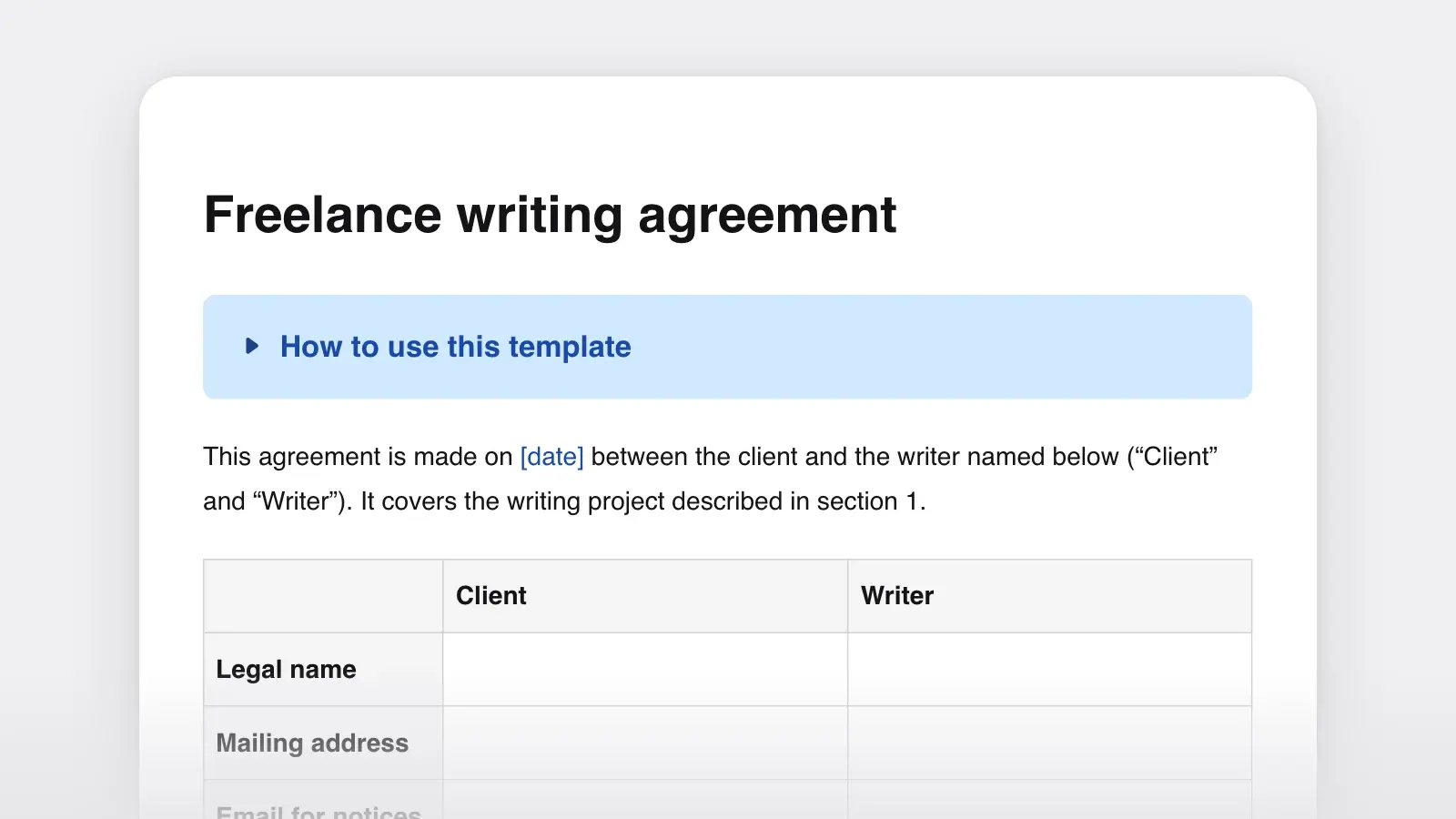
An AI contract generator gives you a draft that reads like a contract. Jotform's generator page lists service, payment, non-disclosure, maintenance and independent contractor agreements, and says that adding the parties, the scope of work and the payment terms gives a more tailored result. A chat model will do the same from a prompt. A draft like that has not been checked against the law that applies to you, and OpenAI's usage policies, as published in November 2026, bar offering tools that give other people tailored advice that requires a license without appropriate involvement by a licensed professional. For an ordinary freelance job, starting from a plain template such as our freelance writing contract or work-for-hire agreement shows you which terms a contract of that kind usually settles. When real money or ownership of your work is at stake, have a lawyer read the draft.
Test it yourself
You can see how a tool reviews in ten minutes with a contract that holds no secrets, such as a public template. Give it a short playbook and make it quote what it relies on. The prompt below is an original example written for this page.
Prompt
Review the agreement below against my positions. I will check everything you say.

My positions:
1. Confidentiality lasts no longer than 3 years after the agreement ends.
2. Each side's liability is capped at the fees paid in the previous 12 months.
3. Either side can end the agreement with 30 days' written notice.
4. Governing law is the State of New York.

For each position:
- Quote the clause that deals with it, word for word, with its section number.
- Say whether it matches, differs or is missing.
- If it differs, propose replacement wording and label it PROPOSED.

Then list every clause that puts an obligation on me and is not covered by my four positions.
Do not describe a clause you cannot quote.

Agreement:
[paste a template, or a contract with names and figures removed]
What to look at in the answer:
- The quotes. Search the agreement for each quoted clause. A quote you cannot find was reconstructed, and nothing built on it can be trusted.
- The “missing” calls. Read the agreement yourself for each position marked missing. Clauses sometimes sit under an unexpected heading.
- The proposed wording. Check that it uses the agreement's own defined terms and does not collide with another section.
- The last list. Compare it with your own list of obligations. What the tool left off tells you how far to rely on it for a contract you have not read.
Which tool for which job
Each line follows from what the vendors document.
- Pick Spellbook if you are a transactional lawyer who works in Word and wants review, drafting and playbooks in the same add-in, with a trial before a quote.
- Pick LegalOn if you have no written playbook and want to start from prebuilt ones; writing your own needs its Contracting Suite plan.
- Look at Ironclad if the problem is the whole contract process across departments, not the review of one document.
- Use the Claude Legal plugin if your team already works in Claude Cowork and is willing to write its playbook as a settings file.
- Use a generator or a chat model for a first draft of a standard agreement that a lawyer, or at least a careful reader, will go through before anyone signs.
We make Strokes, a desktop writing app, so read this part as the maker's view. Strokes is not a contract review tool and has no playbooks. It suits the plain writing around a deal, such as a proposal or a statement of work: it imports and exports Word files, documents stay as files on your own computer, and version history is kept on your device. Built-in AI readers, a skeptic among them, read the whole document and comment without changing the text.
Frequently asked questions
What is contract AI?
It is a loose label for software that uses language models on agreements. In practice it means three things: review tools that compare a contract with your standards and propose redlines, drafting tools and generators that produce wording, and contract lifecycle management systems that store and track agreements. The products on this page each combine at least two of them, so ask which one a product's AI features belong to.
Is there a free AI contract generator?
Jotform advertises the first AI-generated contract as free and does not state the limits after that. The free plans of general chat models will also draft an agreement from a description. Spellbook is a paid product with a 7-day free trial for lawyers and legal teams. Budget for a qualified person to read whatever a free tool produces.
Can AI replace a lawyer for contract review?
The published evidence says no. In the Vals report of February 2025, the lawyer baseline outscored both AI tools tested on redlining, 79.7 against 65.0 and 53.6, although the best tools did better at extracting information from documents. Anthropic's plugin page states that all outputs should be reviewed by licensed attorneys, and Ironclad's site says the company is not a law firm.
Is it safe to upload a contract to ChatGPT or Claude?
That depends on the plan and on whose contract it is. Both companies say business plans are not used for training by default; consumer plans have a setting that controls it. For a lawyer, ABA Formal Opinion 512 adds a duty to understand how the tool handles data and to get informed client consent before entering confidences. Removing names and figures first reduces the exposure.