When to use it
- The obituary for a parent, spouse or grandparent, written in the days before the service
- A paid newspaper notice that has to fit a word or line limit
- The longer obituary for a funeral home website or a memorial page
- The life story printed inside a funeral or memorial program
- Your own obituary, written in advance and kept with your funeral wishes
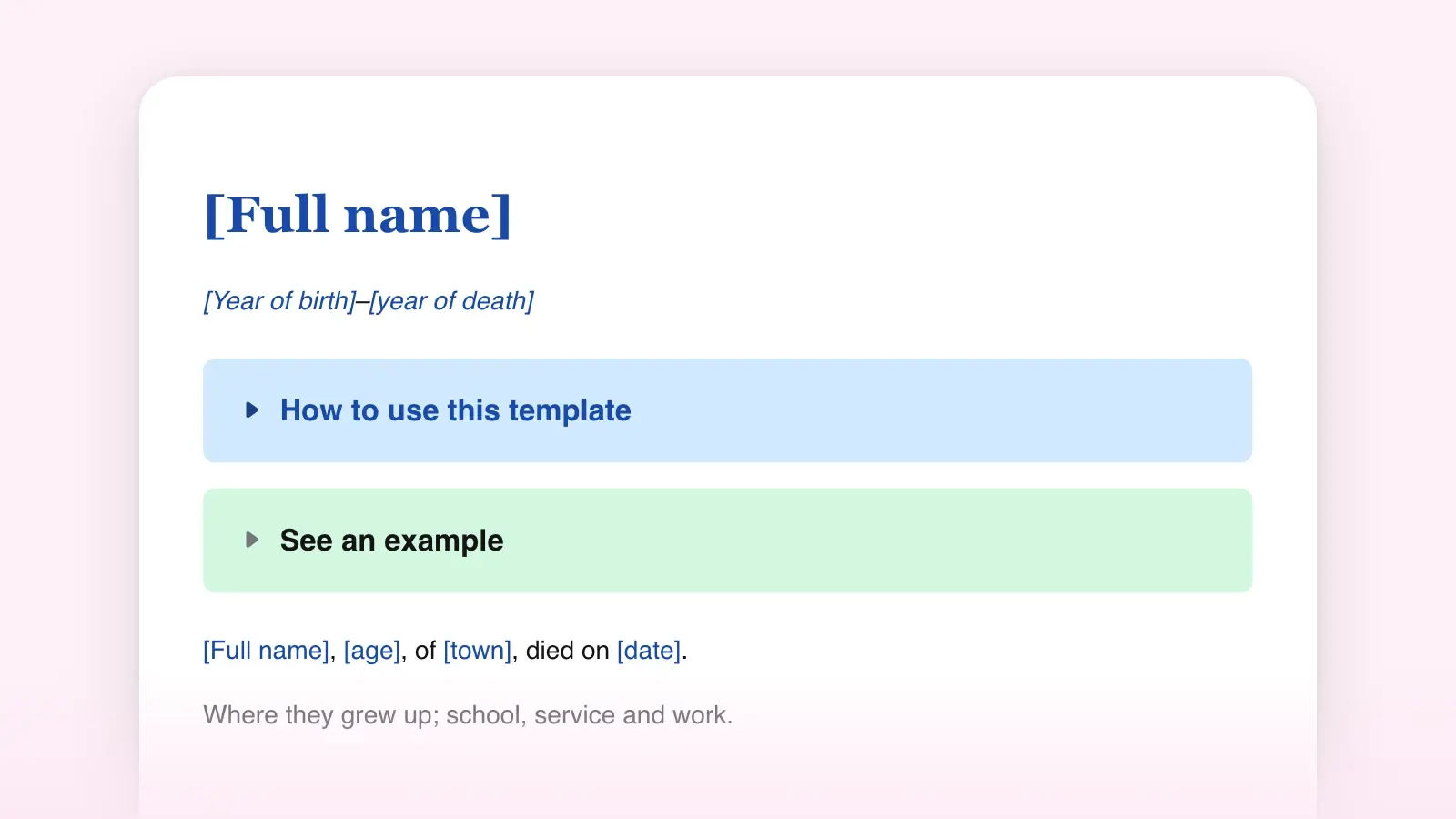
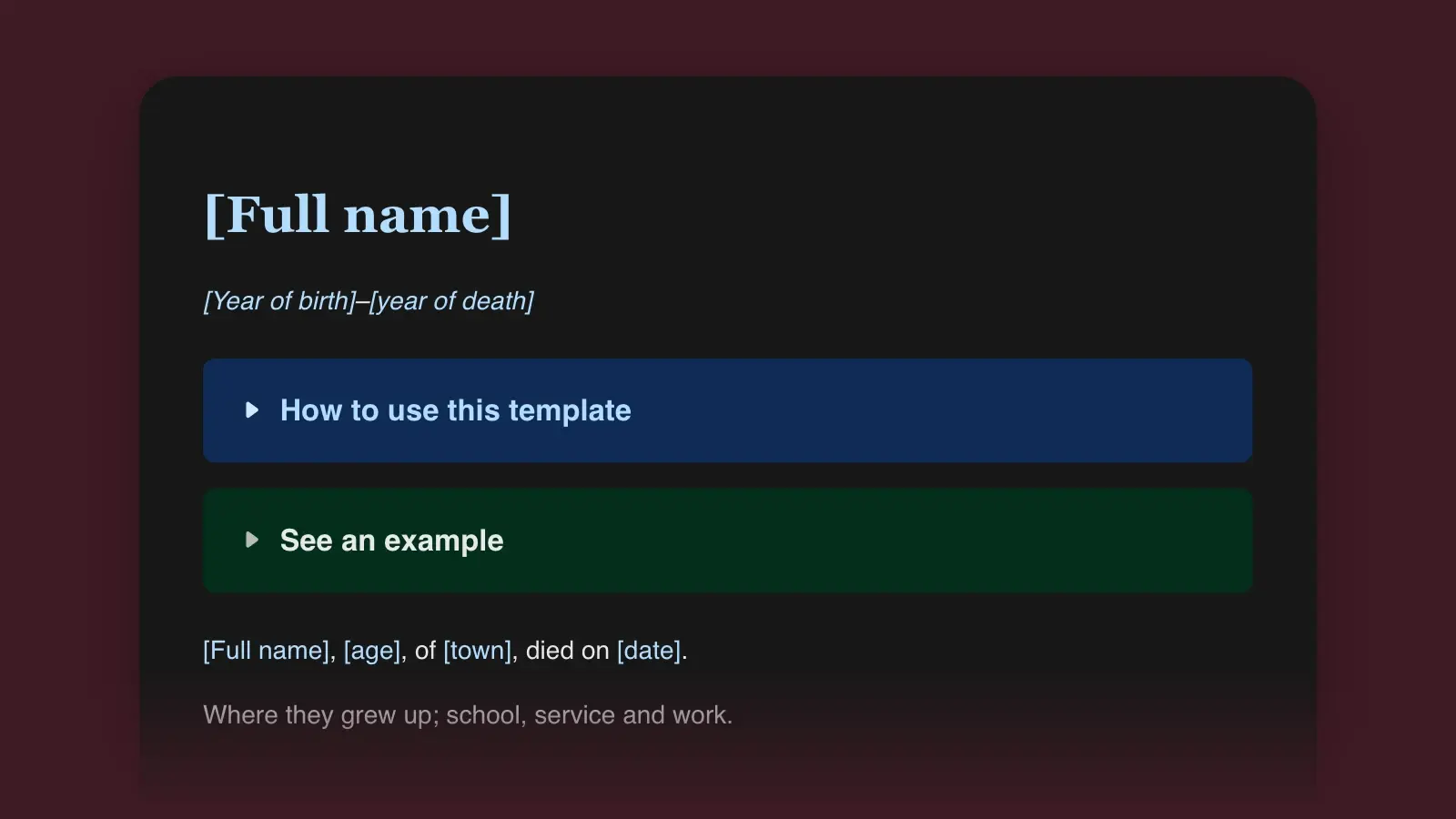
How to use this template
- Fill in the facts first
Start with the parts nobody can argue about: the announcement, the survivors and the service. Get the legal name and the date of death from the funeral director, and collect every family name in one list before you write a sentence. Editors keep a style sheet of spellings for a whole book. The table at the bottom of the template does the same job for one page and records who confirmed what.
- Replace each bracket with one real detail
The brackets in the life paragraphs ask for specifics, not praise. Call two or three people who knew the person in different decades and ask what they did, built, said and repeated. Write down their exact words, put the best detail in the bracket, and delete the guidance around it.
- Cut it to fit where it will run
Newspapers sell obituary space like classified ads, usually priced by the line, so ask for the limit and the rate before you write. Many families print the short version from the template and post the full obituary on the funeral home's website, with the print notice saying where to read it.
- Delete the working parts and read it aloud
Delete any brackets still left, the print section if you don't need it, and the facts table. Then read the whole thing aloud and give it to a family member who did not help write it, with one question: is anyone missing or misspelled?
How long each part should be
Print forces choices that a website does not. This budget fits a typical printed obituary of a few hundred words. Online, the life paragraphs can run as long as they stay specific.
| Part | In print | Online |
|---|---|---|
| PartName and years | In printHeadline | OnlineHeadline, often with a photo |
| PartAnnouncement | In printOne sentence, 25–35 words | OnlineThe same sentence |
| PartEarly life | In print30–40 words | OnlineA paragraph or two |
| PartWork and family | In print40–60 words | OnlineAs much as the story needs |
| PartWho they were | In print30–50 words | OnlineRoom for several stories |
| PartSurvivors and predeceased | In print50–70 words | OnlineEvery grandchild by name, if wanted |
| PartService | In print30–40 words | OnlineAdd the livestream, reception and directions |
| PartDonations and thanks | In print20–30 words | OnlineAdd a link to give |
Under the name, the years take an en dash with no spaces: 1946–2026. The en dash is the mark for ranges. On a Mac, Option-hyphen types it. In Word on Windows, press Ctrl and the minus key on the number pad.
A filled-in example
Here is the template filled in for an invented man, Hal Brandt. It runs about 300 words. Every bracket became a fact or one specific detail, and it leaves out his birth date, his street address and his mother's maiden name.
Harold Eugene Brandt
1946–2026
Harold Eugene "Hal" Brandt, 79, of Harlow Mills, Pennsylvania, died Thursday, September 24, 2026, at home, after a long illness.
Hal was born in 1946 and grew up in western Pennsylvania, the oldest of five, and could rewire a lamp before he could ride a bike. After high school he served four years in the Navy as an electrician's mate, then came home to train as a teacher.
In 1971, Hal married Joyce Keller, and together they raised two children in a house he rebuilt one room at a time. For 34 years he taught shop at Harlow Mills High School, where the birdhouses his students built still hang in half the yards in town.
He coached Little League for twenty summers, fixed the neighbors' lawn mowers for the price of a cup of coffee, and kept a carpenter's pencil behind his ear until the end. He belonged to Grace Methodist Church and served 40 years with the Harlow Mills Volunteer Fire Company.
Hal is survived by his wife of 55 years, Joyce; his children, Mark (Dana) Brandt of Pittsburgh and Ellen (Luis) Ortega of Columbus, Ohio; five grandchildren; and his brothers, Ray and Tom. He was preceded in death by his parents, Walter and Irene Brandt, and his sisters, Ann and Marie.
A memorial service will be held at 2 p.m. Saturday, October 3, at Grace Methodist Church, 41 Mill Street, Harlow Mills, with visitation from 1 p.m. Burial will be private.
In lieu of flowers, the family suggests donations to the Harlow Mills Volunteer Fire Company, 12 Station Road, Harlow Mills. The family thanks the nurses of Harlow County Hospice for their care. Memories may be shared on the Harlow Mills Funeral Home website.
His advice to every class: "Measure twice. Cut once. Sweep up."
The pencil and the birdhouses do the work that "beloved teacher" never could. For more shapes, from a short notice to a long tribute, see the obituary examples. For the reasoning behind each part, read how to write an obituary.
Wording for common situations
The template assumes a public service and a close family. Real families are rarely that tidy. These lines fit the gaps, in a tone that stays plain.
| Situation | What to write |
|---|---|
| SituationThe service is private | What to write"Services will be private." |
| SituationThe service will be later | What to write"A celebration of life will be held in the spring. Details will be posted at [website]." |
| SituationThere will be no service | What to write"At her request, there will be no service." |
| SituationYou'd rather not give a cause | What to write"After a long illness", "unexpectedly", or nothing at all. |
| SituationStepchildren raised at home | What to writeList them with the other children, without the step. |
| SituationA former spouse | What to writeOptional. Many families include one who helped raise the children. |
| SituationA much-loved pet | What to writeLast in the survivors, if the family wants: "and his dog, Biscuit." |
Download the Word file (.docx) to email to the funeral home or the paper, or to print for the family to mark up. If the service will also include a eulogy, the eulogy template takes the stories that did not fit here.
Frequently asked questions
What is the difference between an obituary and a death notice?
A death notice is a short paid announcement: the name, age, date of death and service details. An obituary adds the life story and the family. The short version at the bottom of this template works as a death notice.
Should I write 'died' or 'passed away'?
Either is fine in an obituary the family writes. News obituaries written by reporters generally say 'died'. Use the words your family uses when it talks about the person.
Can I use this template for a funeral program?
Yes. Programs often print the life story and the survivors on an inside page. The service details usually appear elsewhere in the program, so you can drop that paragraph and keep the rest.
Can I fill this in for my own obituary?
Yes. Fill in everything except the age, the date of death, the survivors and the service, and leave those brackets for your family. Keep the file with your will or funeral wishes, and tell someone where it is.